
Somewhere In Thuringia IV Crossplay v1.1
Somewhere In Thuringia IV Crossplay v1.1
Welcome to “Somewhere in Thuringia 4”!
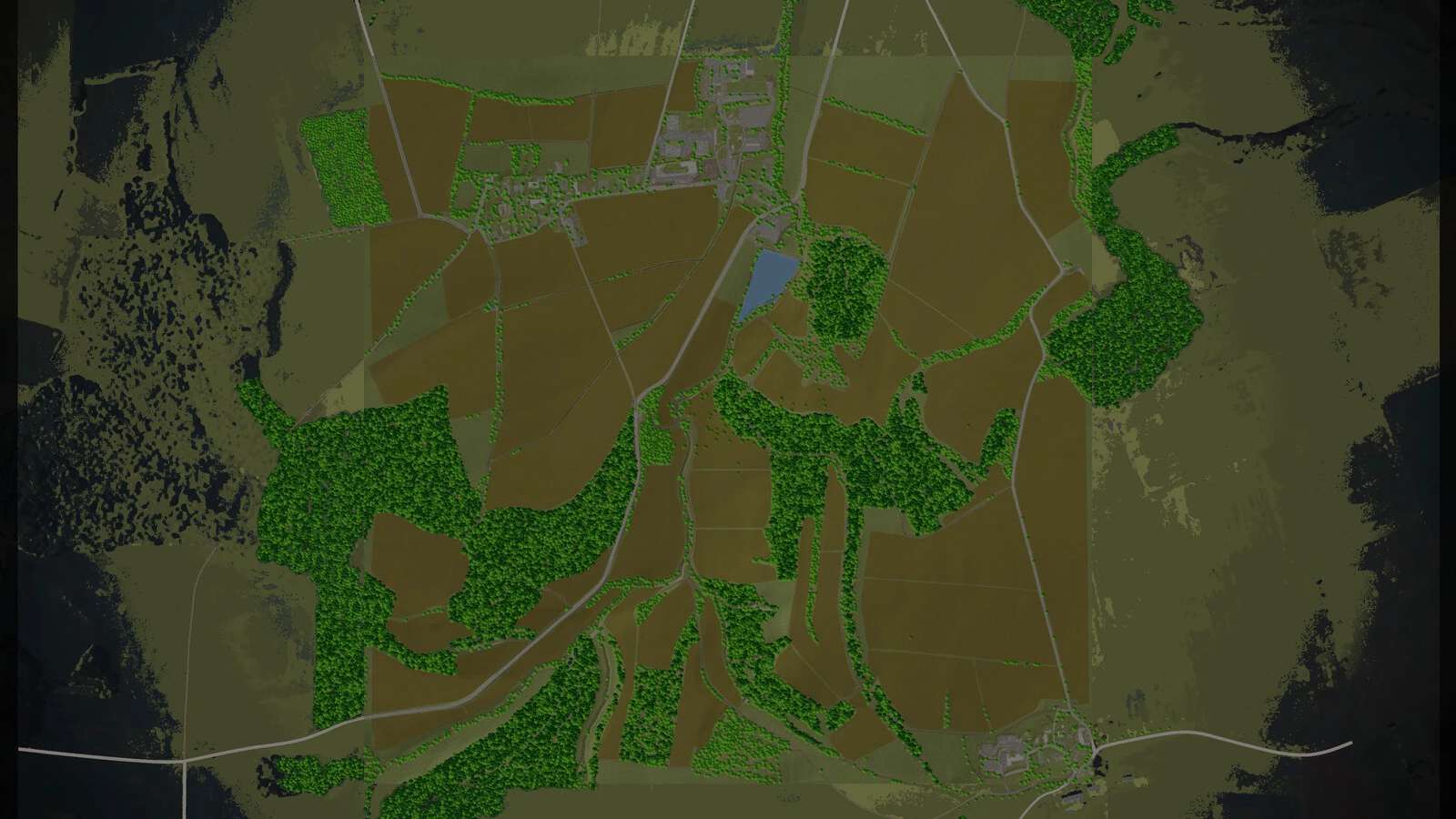
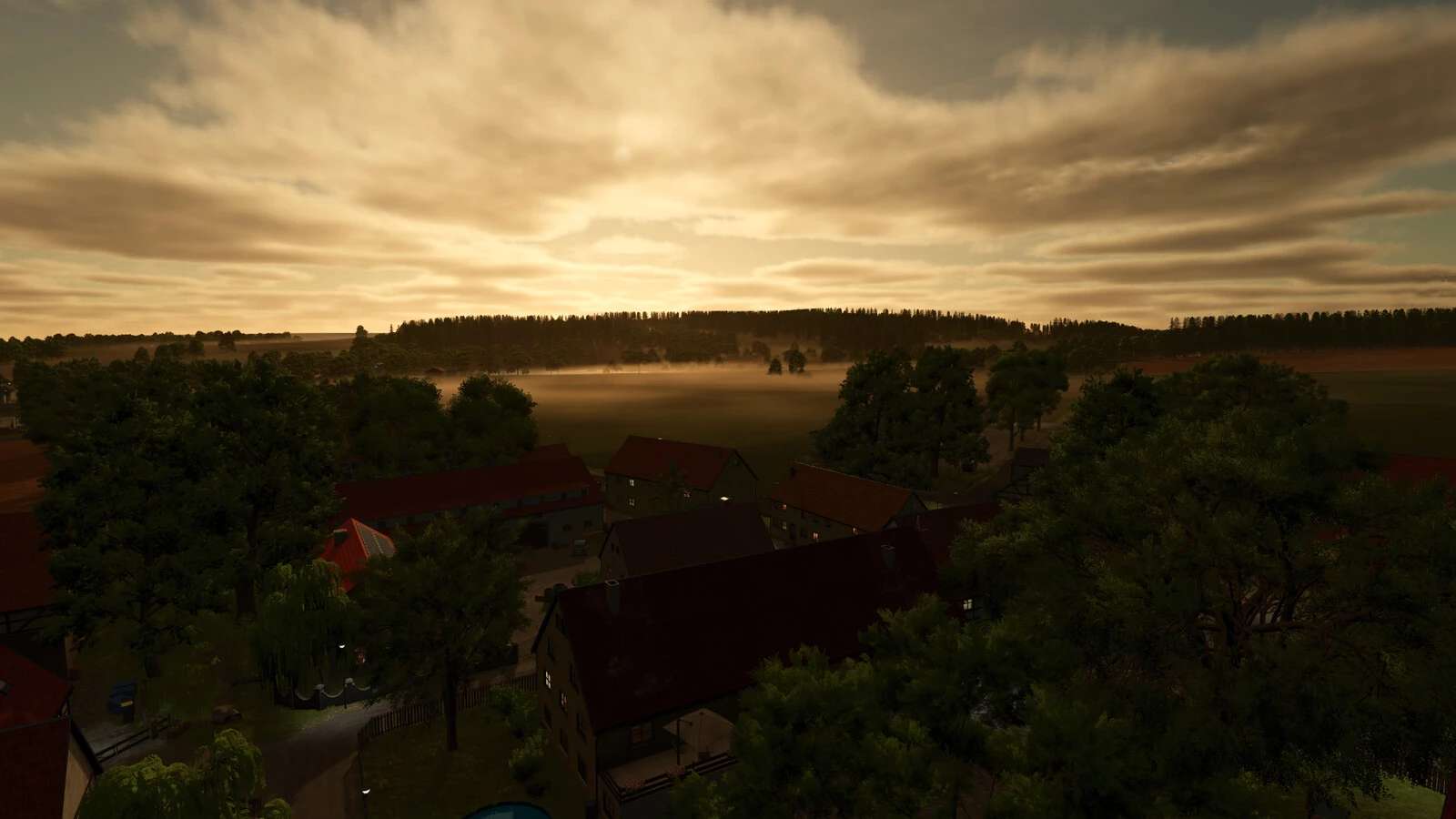
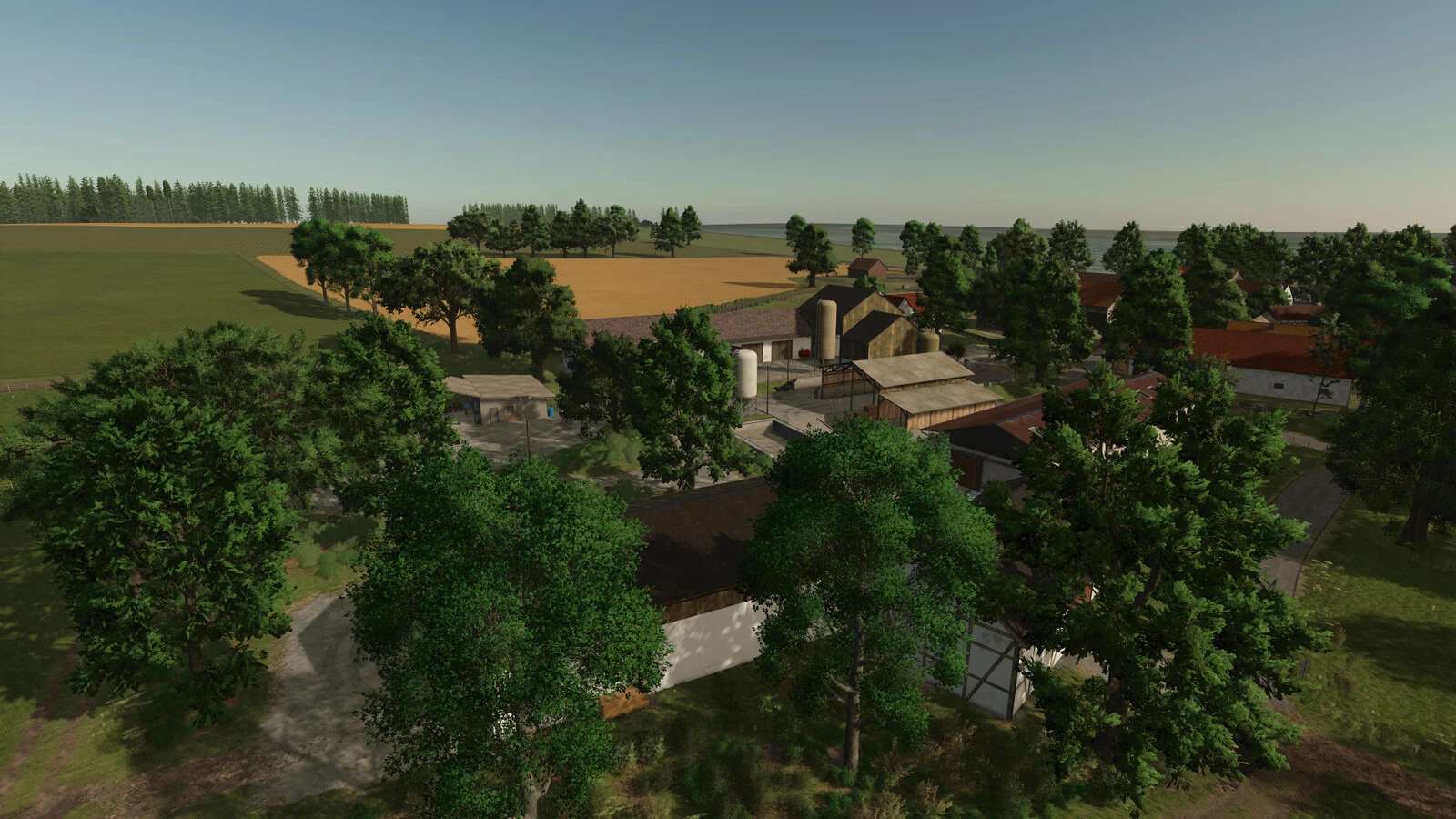
Your journey takes you to the gently rolling landscape between Magdala (A4) and the town of Blankenhain – right into the idyllic village of Lossnitz.
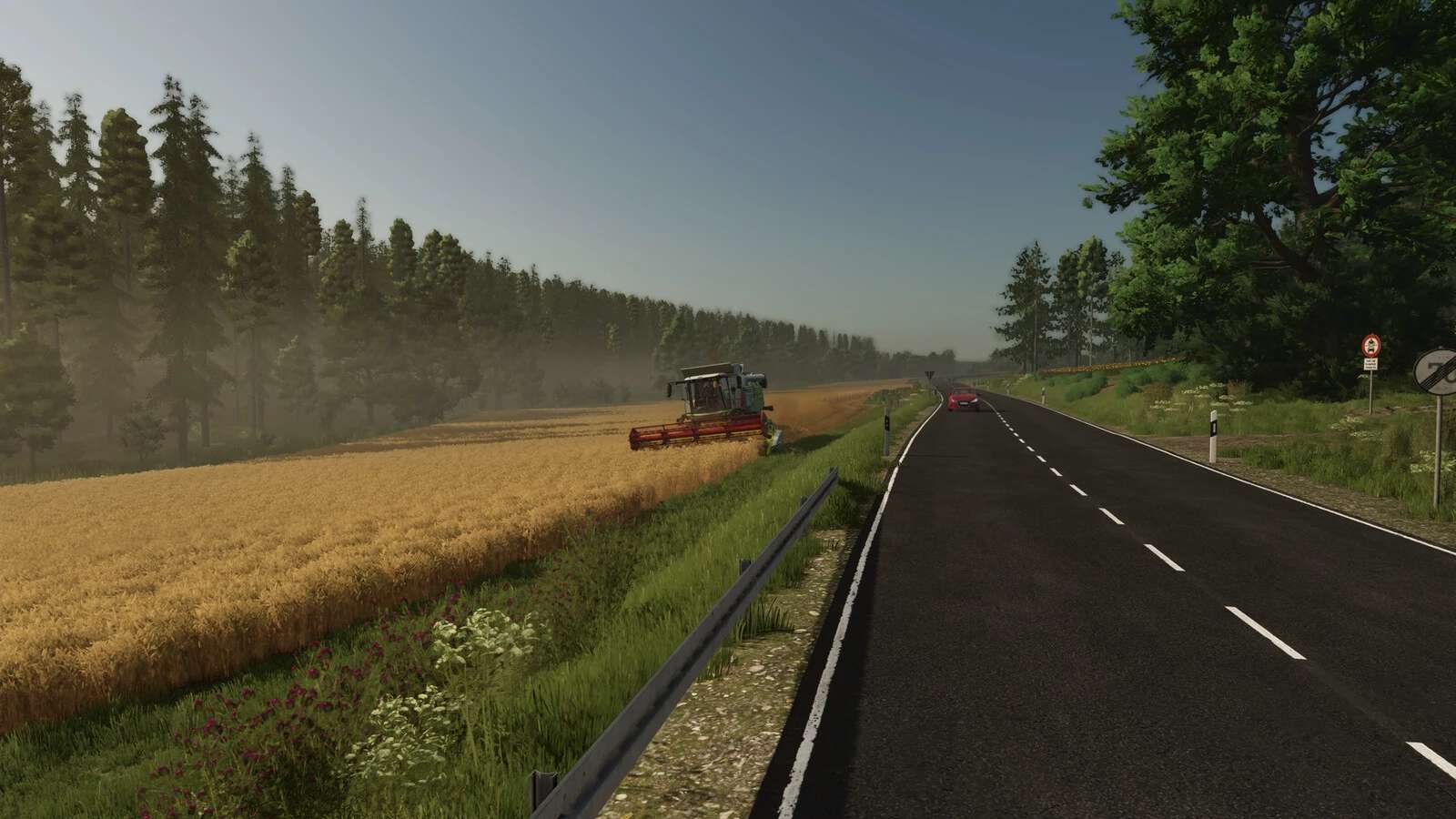
Here, the fields lie open before you, while the dense forests on the horizon promise that plenty of work awaits.
Focus & Machinery:
The focus is on authentic arable farming and forestry.
The map has been primarily optimized for small to medium-sized machinery.
The paths and field layouts harmonize best with compact equipment, although the use of large machinery is technically possible with sufficient driving skill.
Your Start, Your Choice:
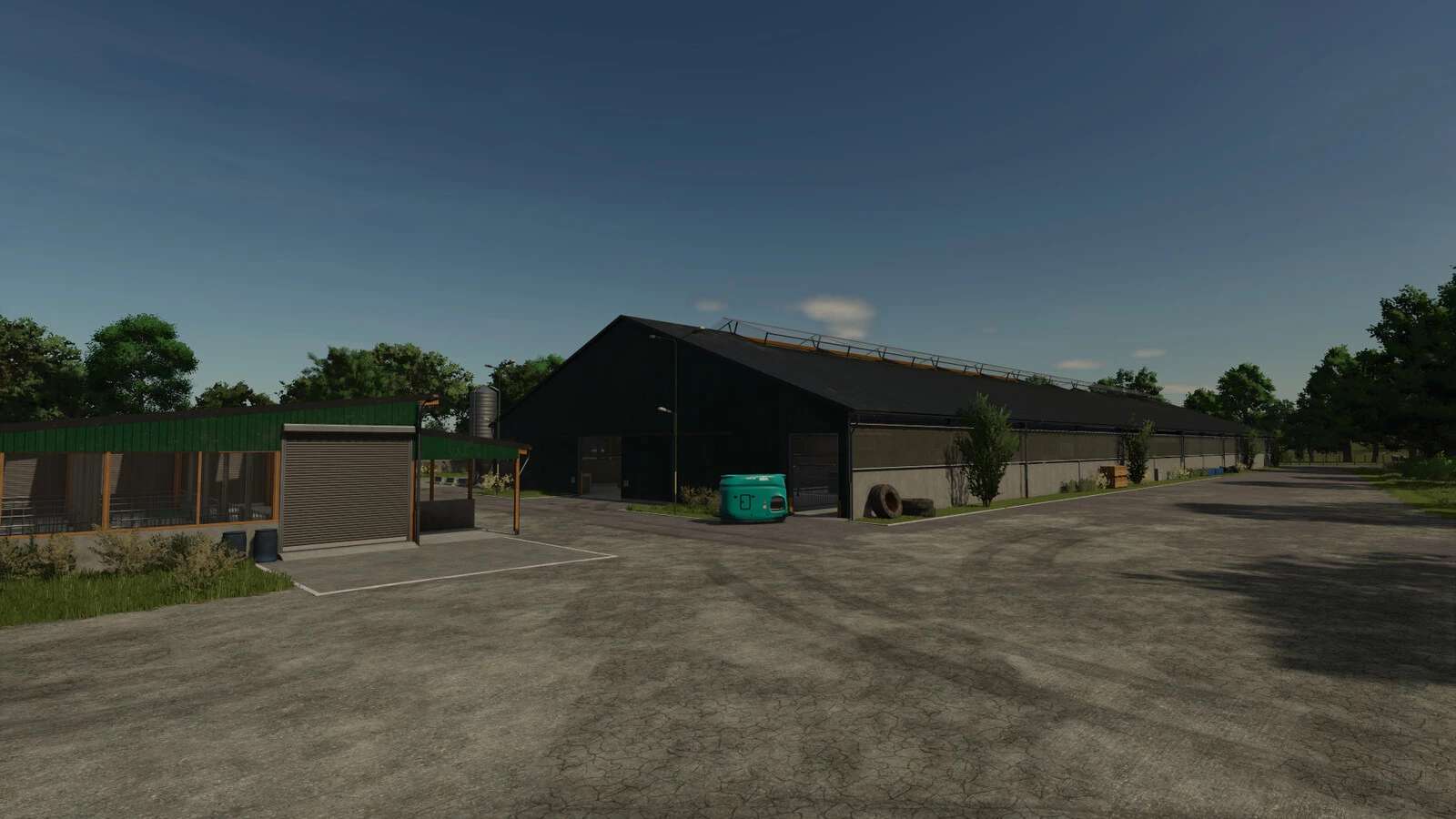
Two prepared farms are available to you: a charming small family farm for those who love nostalgia, and a large agricultural enterprise for those who want to operate on a grand scale.
Additionally, there is a BGA and a sawmill at your disposal.
True Orchards (Not a simple “Reskin”):
A special highlight of this map is the specialized fruit farming (apple/cherry).
This is not just a simple visual update of the grapes!
While we use the established system, we have deeply customized it with our own trees and a dedicated Picktrain.
This ensures a completely new and authentic harvesting experience.
*Outlook: Stay tuned for future updates, as more fruit varieties will be added to the system!
!No visual mulching effect in orchards due to engine limitations.
This prevents critical errors (LUA Call-Stacks) when the AI helper performs mulching jobs.!
Multifruit & Regional Authenticity:
The map offers full Multifruit support.
To match the regional climate of Thuringia, exotic crops such as olives, cotton, sugar cane, and rice are not growable.
Additional Crops: Green Rye, Humus Active, Mustard, Rye, Silage Maize, Triticale, Vetch Rye, Flowering Catch Crop,
Alfalfa, Clover, Field Grass, Winter Wheat, Winter Barley, Spelt, Apple, Cherry, and Onion.
Technical Specifications:
– 32 ground angles for ultra-precise soil cultivation.
– Increased heightTypes limit for more variety when tipping materials on the ground.
– Prepared for up to 127 fruit types for future expansions.
Freedom & Support:
– Sellable World: Almost all decorative objects, halls, and props on the farms and the BGA can be sold individually.
This allows you to completely redesign existing facilities according to your wishes.
– Building Space: In addition to the starting farms, there is plenty of open space explicitly intended as building areas for your own projects.
– In-game Help: Extensive help has been integrated directly into the game, explaining all the map’s special features in detail, not just the orchards.
Important Information:
– Map Edge: There is a building restriction in an approx. 50 m wide strip at the edge of the map (game standard).
Think carefully before removing objects from this area.
– Technical Note: The mods “Seasonal Prices” (w33zl) and “Harvest Profit” (Raster R3 Modding) are technically incompatible with this map.
Use them at your own risk, as errors may occur.
Changelog v1.0.1.0
Bugfixes:
– Fixed placement collision (placementCollision) – new savegame not required.
– Various farmland spawnpoints fixed.
– Warning for store icon store_palletStorage.dds fixed.
– Visual fix for the Picktrain model.
– Missing wheel hubs added to the Picktrain.
– Missing sellpoints for wool and goat milk added.
– Various fixes for the apple and cherry orchards.
– Fixed weed state for fruit trees.
New Features:
– The Picktrain is now able to harvest grapes (as a cheap alternative).
– In-game help significantly extended for fruit farming.
V1.0.0.2 Hotfix
– Fixed L10n error in the in-game help (missing lines).
– Fixed Lua error regarding unavailable fruits.
Author: [DSA]Kastor



ich wohne in Blankenhain und bin damal sehr gespannt