T-4A Altaets V1.0
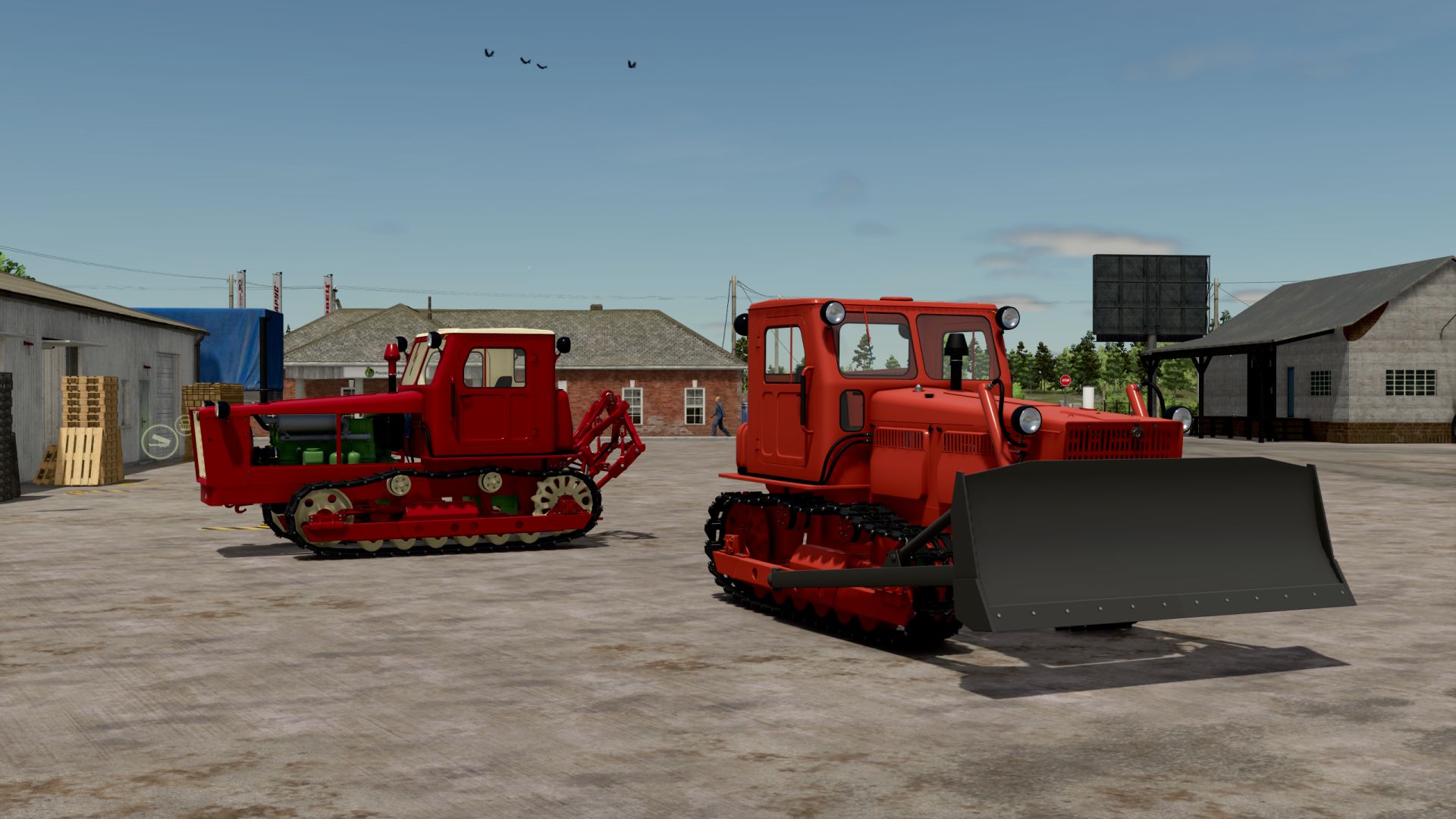
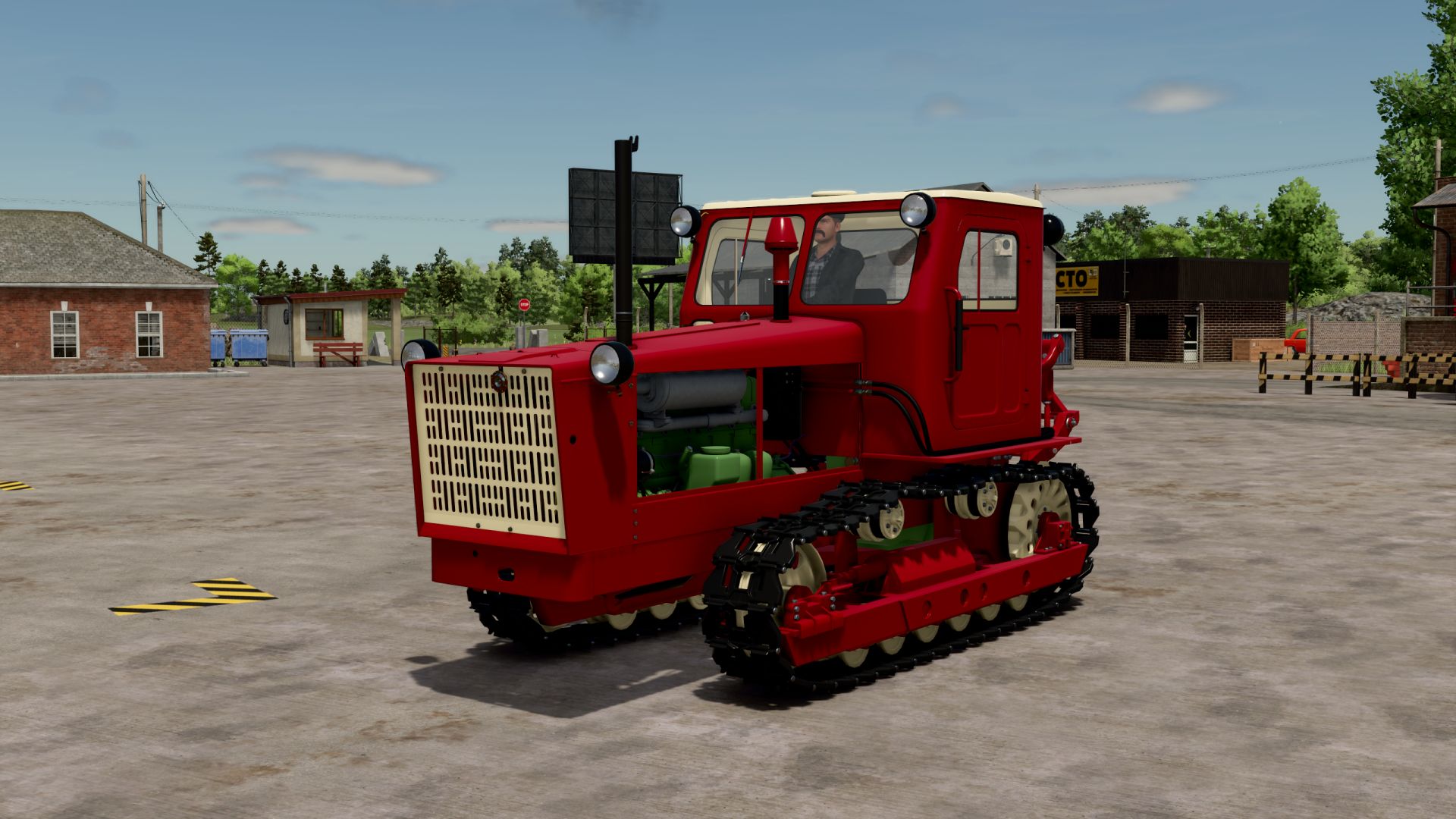
T-4A Altaets V1.0
The T-4A was recently released, and there were some bugs. The author himself wrote to correct it, if anyone wishes, and post it online. I did what I could, I didn’t do what I couldn’t.
So, what did I sculpt here:
– Added missing box and cardan;
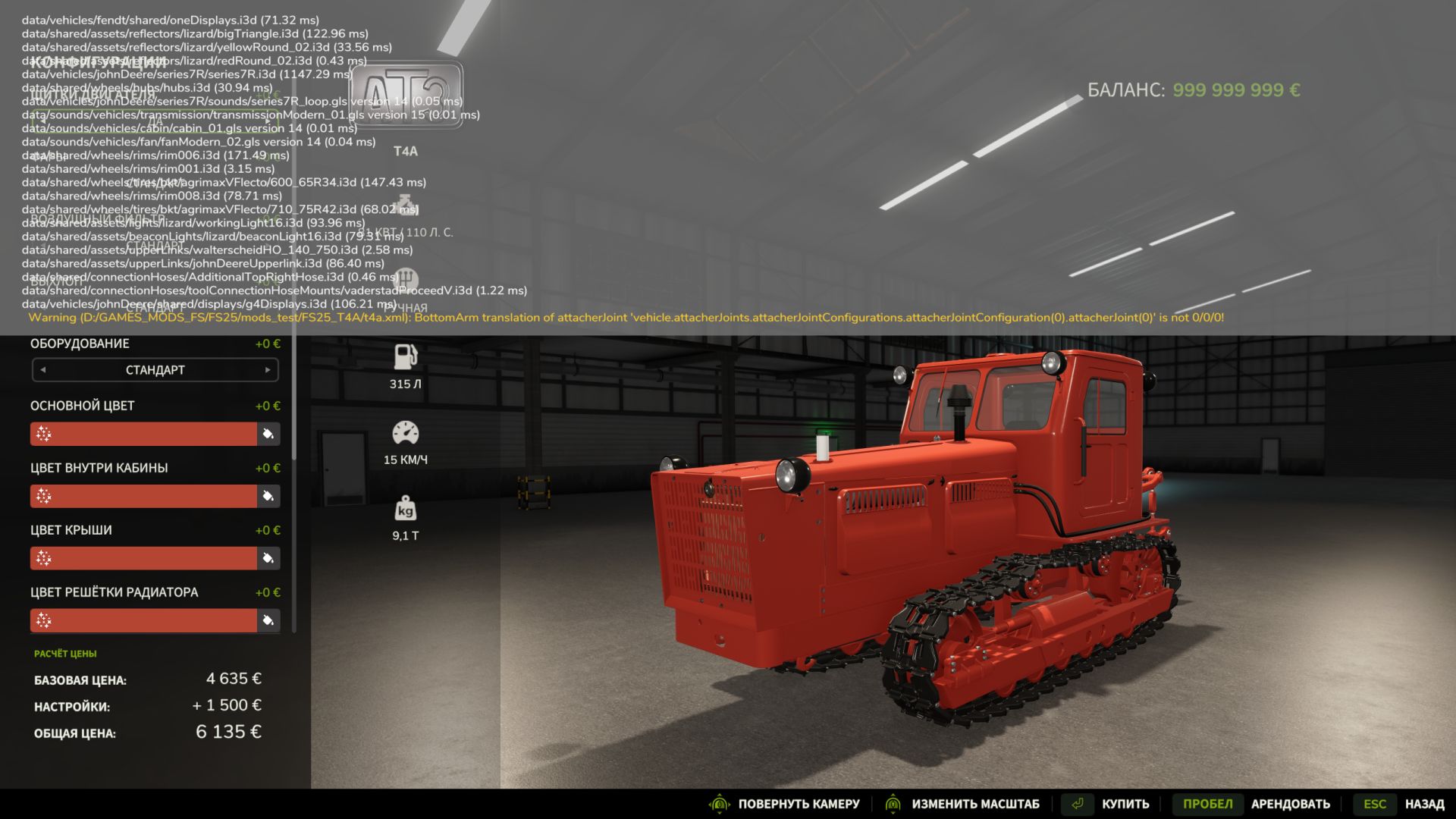
– Fixed all the errors, except for one warning (a screenshot is attached, it does not affect the game. Anyone who knows how, correct it and also publish it online);
– Transferred all remaining elements from shader 22 to shader 25;
– Added default colors (why not?);
– Added smoke from the launcher when starting the engine;
– I played a little with the triangle (to prevent it from falling, unfasten it on the lowered hinge, so as not to correct it with super strength later);
– I commented out the block with the interactive (I don’t know how to do anything with it, it’s not that important to me, who knows how, you can correct the warnings);
– I commented on the configuration with unlocking the spring (there was an error in the physics of the component, I didn’t bother to figure out how to fix it. Those who don’t like it don’t like it. You can fix it yourself if you know how.)
I didn’t fix the sounds, I just don’t want to, these warnings also don’t affect the gameplay (they’re on the screenshot). Otherwise everything works.
T4 is a heavy tracked tractor belonging to class 4 in terms of traction force.
Manufacturer: ATZ.
Model: T4
Engine: A-01
Price: 4635 €
Engine power: 135 hp
Maximum speed: 15 km/h
Additional options:
– Motor shield configuration
– Headlight configuration
– Air filter configuration
– Exhaust configuration
– Equipment configuration (rear linkage or bulldozer)
– Painting (primary color, color inside the cab, roof color, radiator grille color, road wheel color, bulldozer equipment color, exhaust pipe color, engine color)
Author: VFStudio, RazorModdingTeam