Vehicle Assistance System v1.0
Vehicle Assistance System v1.0
Vehicle Assistance System (VAS)
Enhance your vehicles with intelligent assistance features that make driving and maneuvering more convenient and safer.
CORE FEATURES
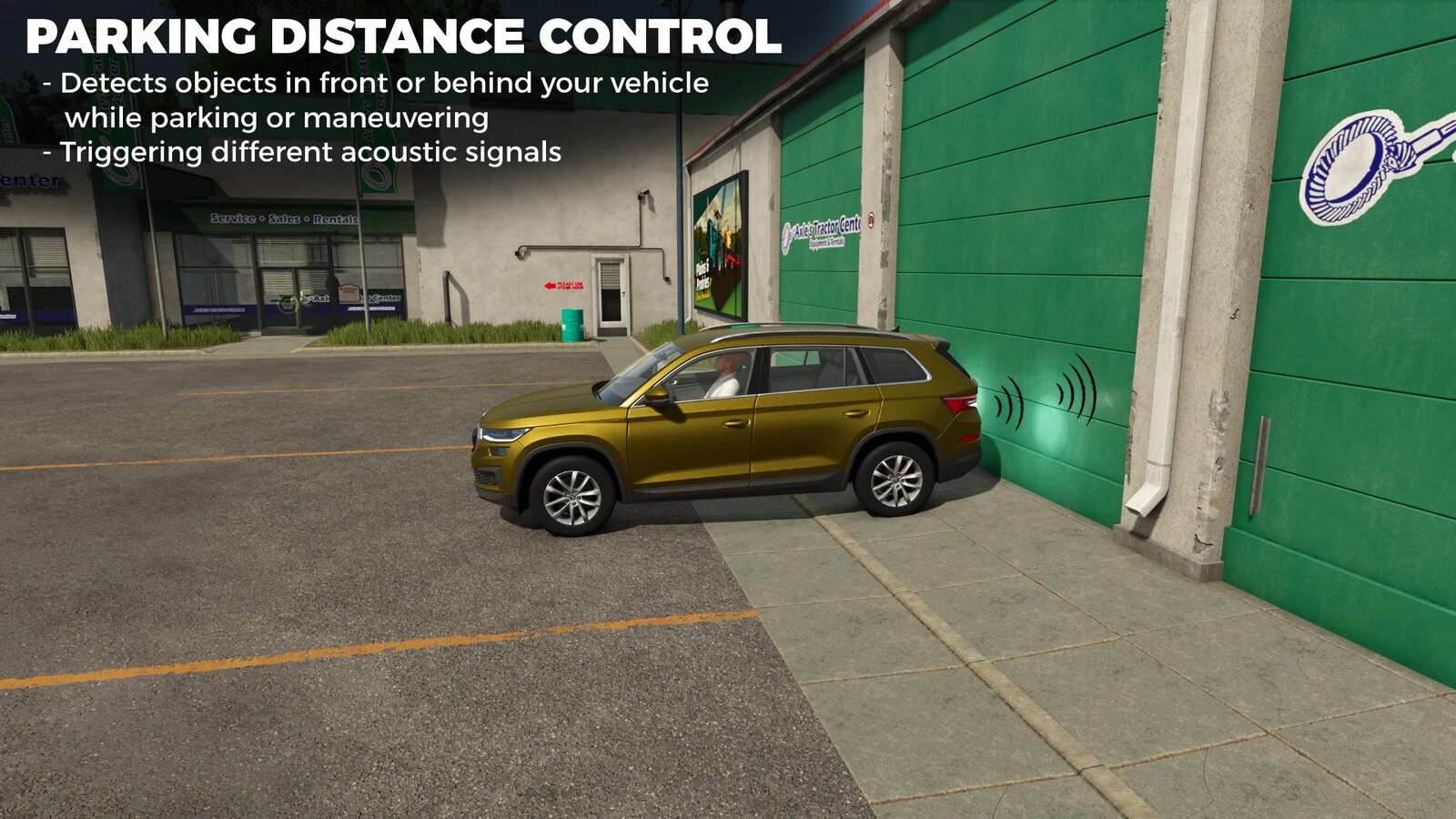
Parking Distance Control (PDC)
– Vehicle-specific feature that must be configured in individual vehicle XMLs. (is pre-registered for several basegame, dlc and mod vehicles)
– Smart sensors alert you as you approach objects when parking or maneuvering (under 10 kph), measuring distances in real-time.
– Can be toggled on/off in the general settings menu.
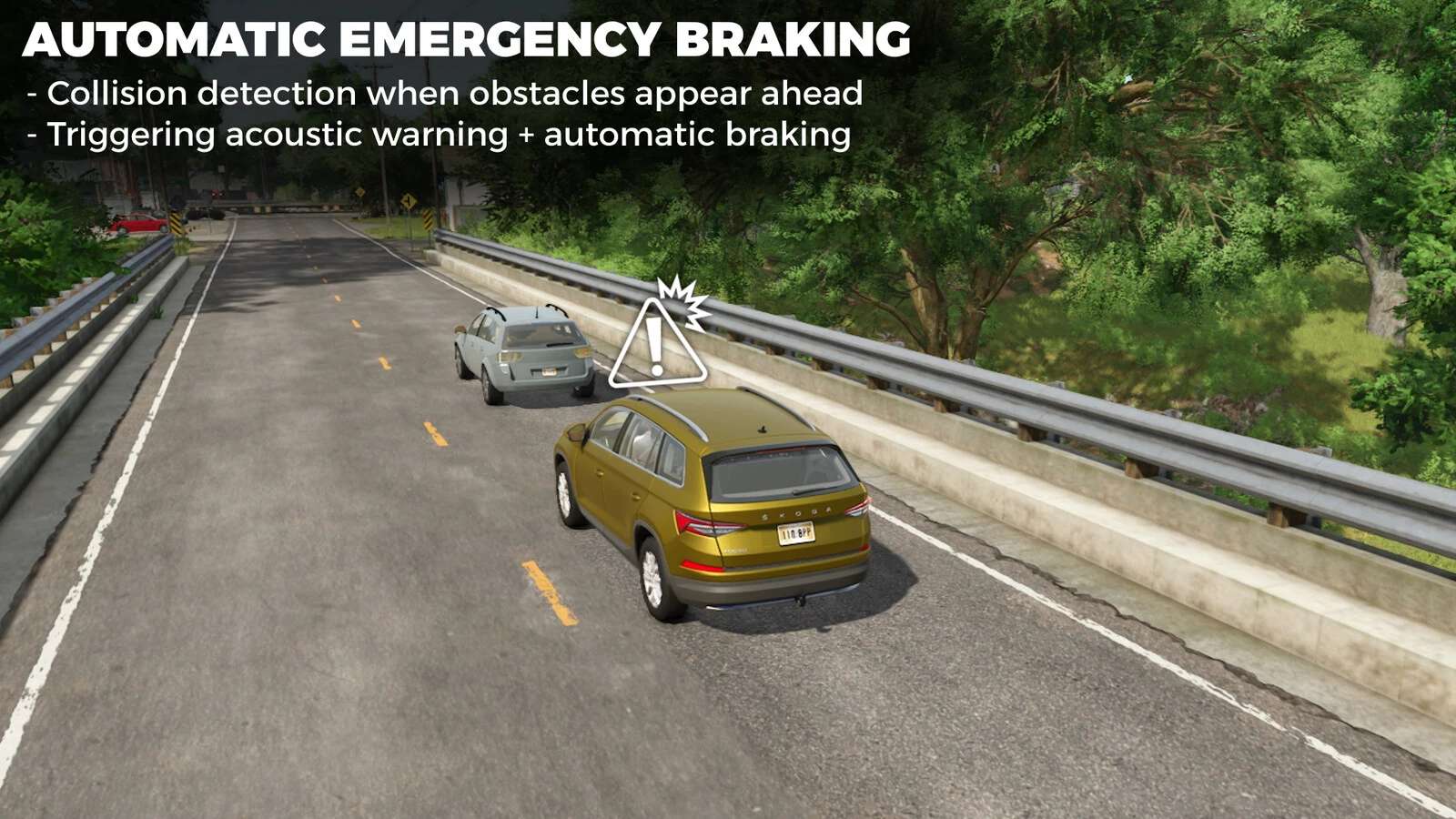
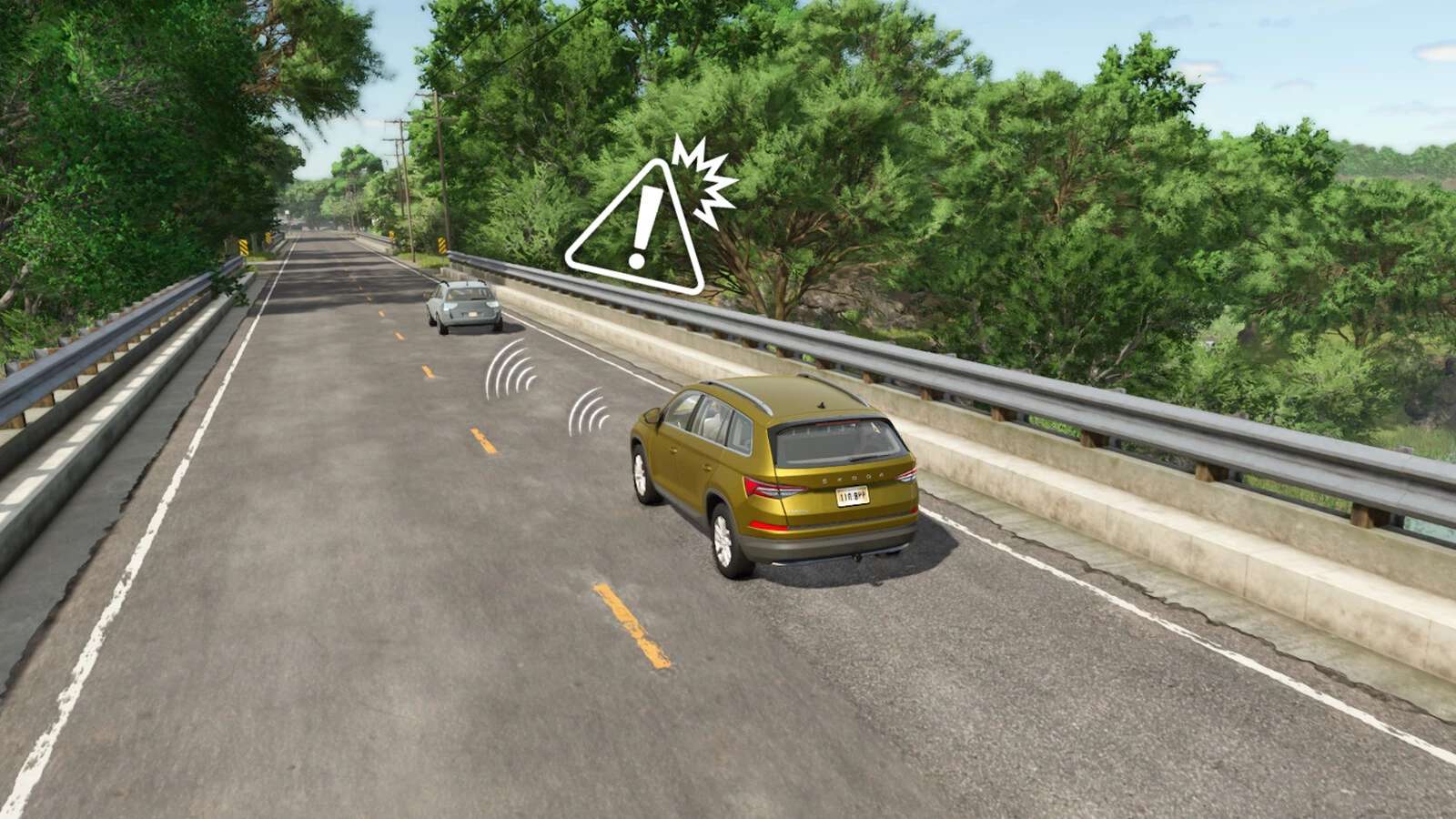
Automatic Emergency Braking (AEB)
– Vehicle-specific feature that must be activated in individual vehicle XMLs. (is pre-registered for several basegame, dlc and mod vehicles)
– Provides collision detection and automatic braking when obstacles appear suddenly ahead.
– Activates at speeds above 10 kph with detection range up to 20 meters.
– Can be toggled on/off in the general settings menu.
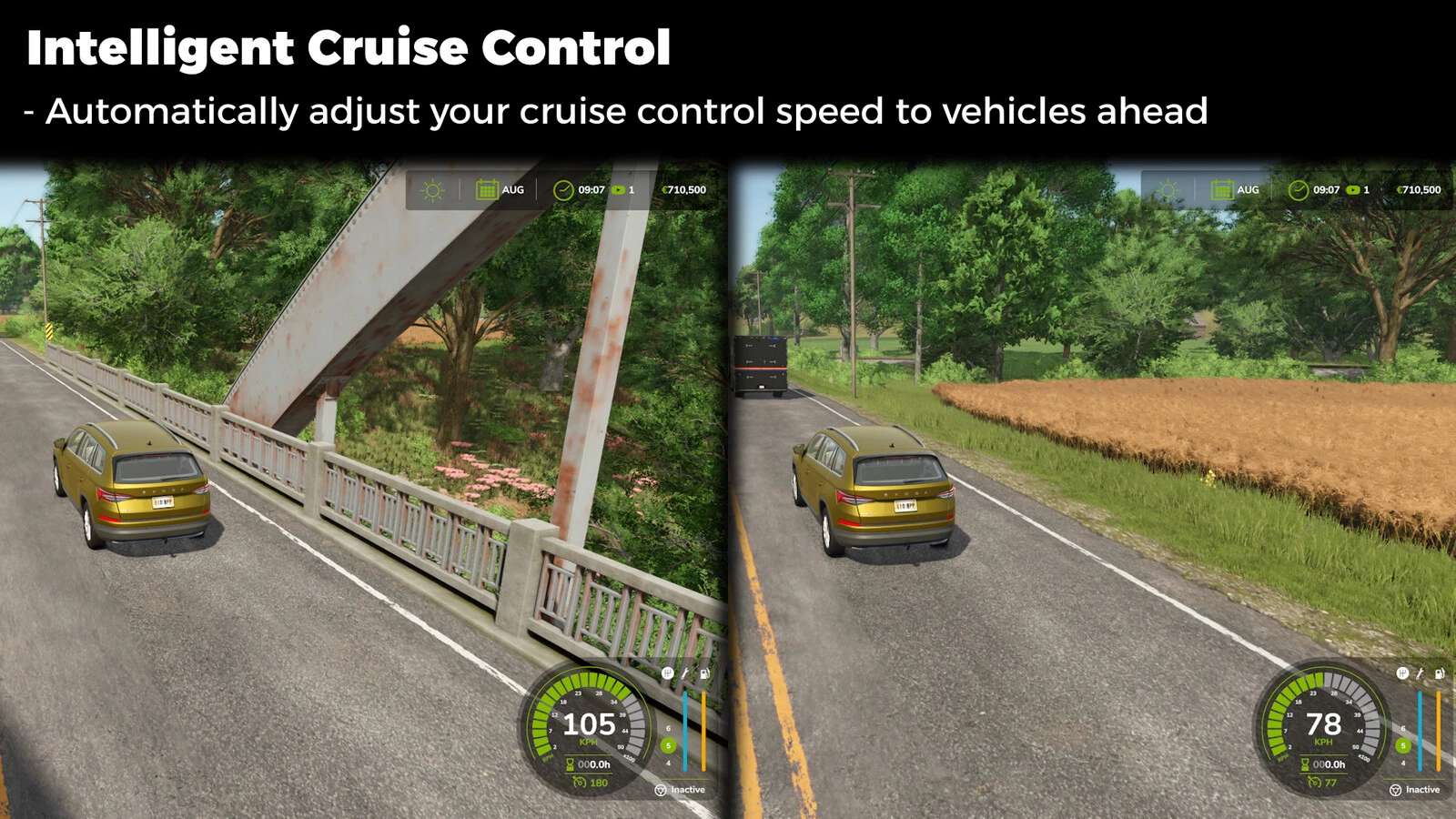
Intelligent Cruise Control (ICC)
– Globally available on all motor vehicles.
– Maintains your set speed while automatically adjusting your speed to the vehicles ahead of you using adaptive distance calculation.
– Respects your set cruising speed and automatically adjusts based on detected traffic.
– Toggle hotkey: Alt + 3 hotkey.
Automatic Light Control (ALC)
– Available on vehicles with light systems.
– Intelligently manages low beam and high beam based on driving conditions, weather, time of day and oncoming traffic.
– Automatically switches to high beam in darkness and low beam when vehicles approach.
– Toggle hotkeys: Alt + F (low beam) and Alt + Ctrl + F (high beam).
Reverse Camera Control (RCC)
– Vehicle-specific feature that must be configured in individual vehicle XMLs.
– When enabled for a vehicle, it automatically activates a rear view camera when reversing, helping you navigate tight spots with confidence.
– Note: Requires the Mercedes-Benz Trucks Pack DLC.
ADDITIONAL FEATURES
Animation Action Control (AAC)
– Advanced animation management system for vehicle interactions with dedicated hotkeys.
Beacon Light Control (BLC)
– Control beacon systems or emergency warning lights with dedicated hotkeys.
Fold Cover Disabler (FCD)
– Manage vehicle cover folding behaviors on specific vehicles through XML configuration, allowing better customization without mod conflicts.
For detailed technical documentation on integrating features into custom vehicles, please refer to the vas-documentation.pdf in the mod’s sdk folder.
Author: SoSi-Modding