24 Hour Crop Growth V1.0


24 Hour Crop Growth V1.0
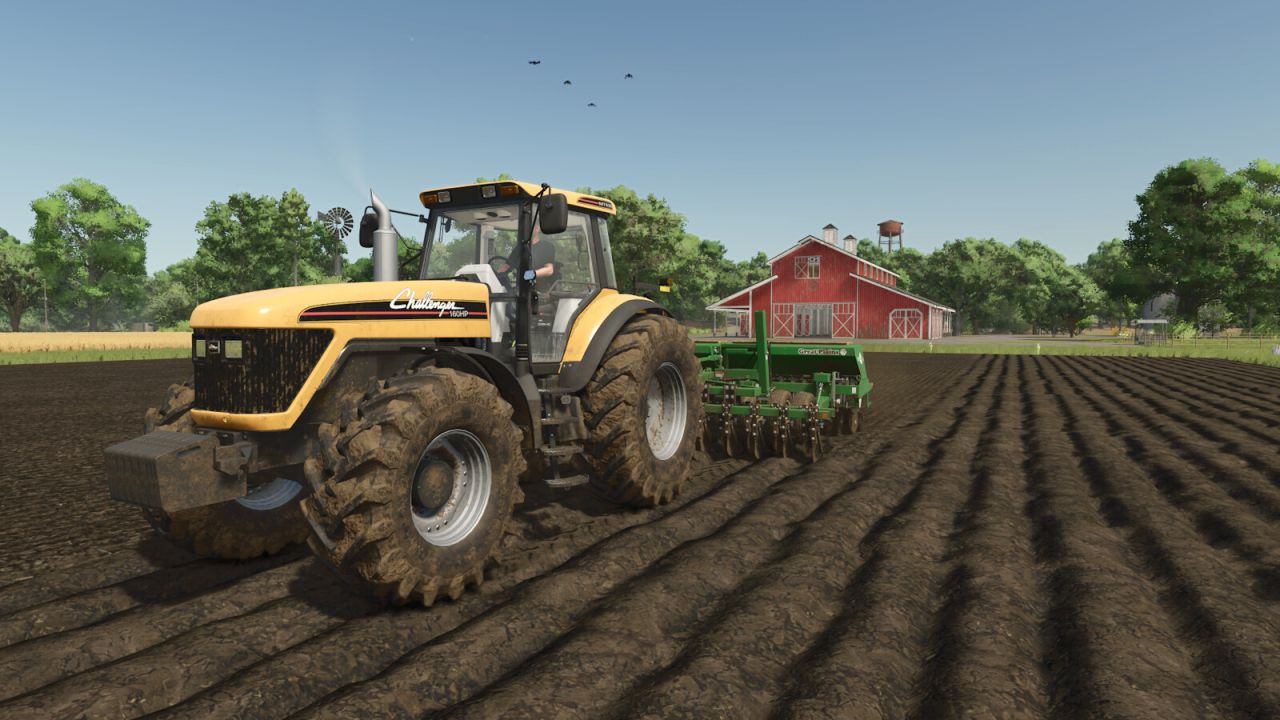
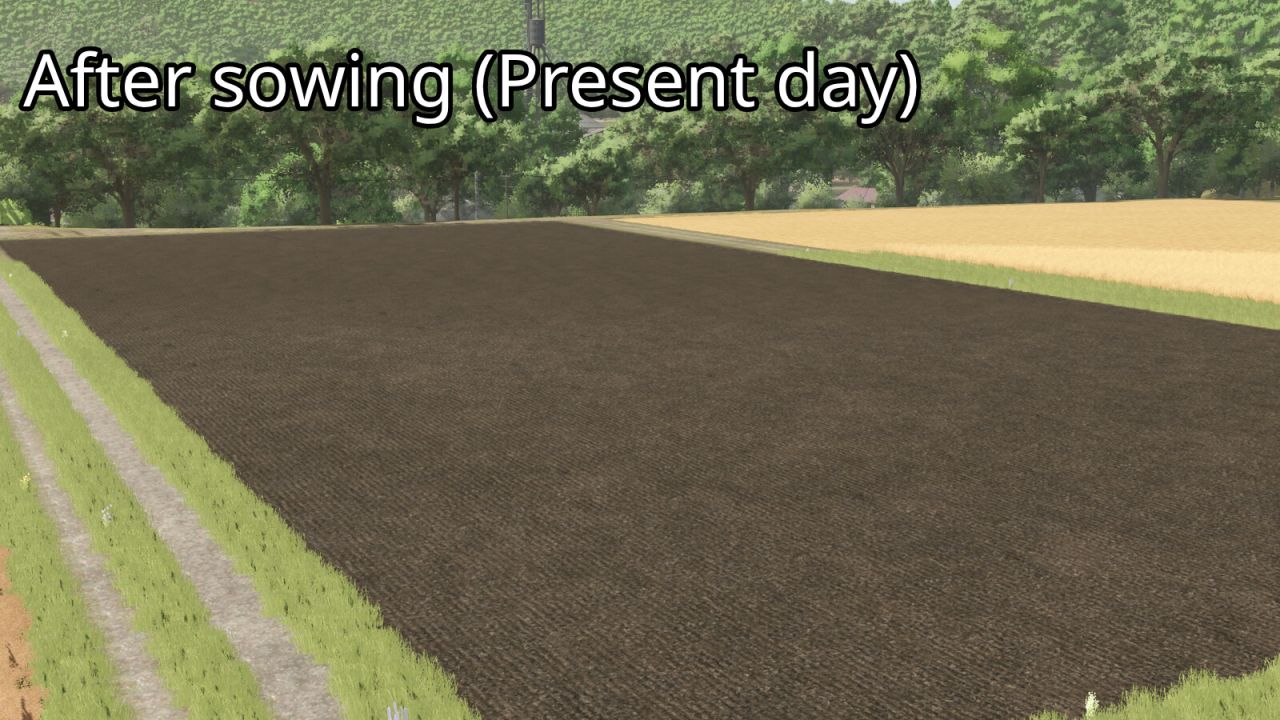
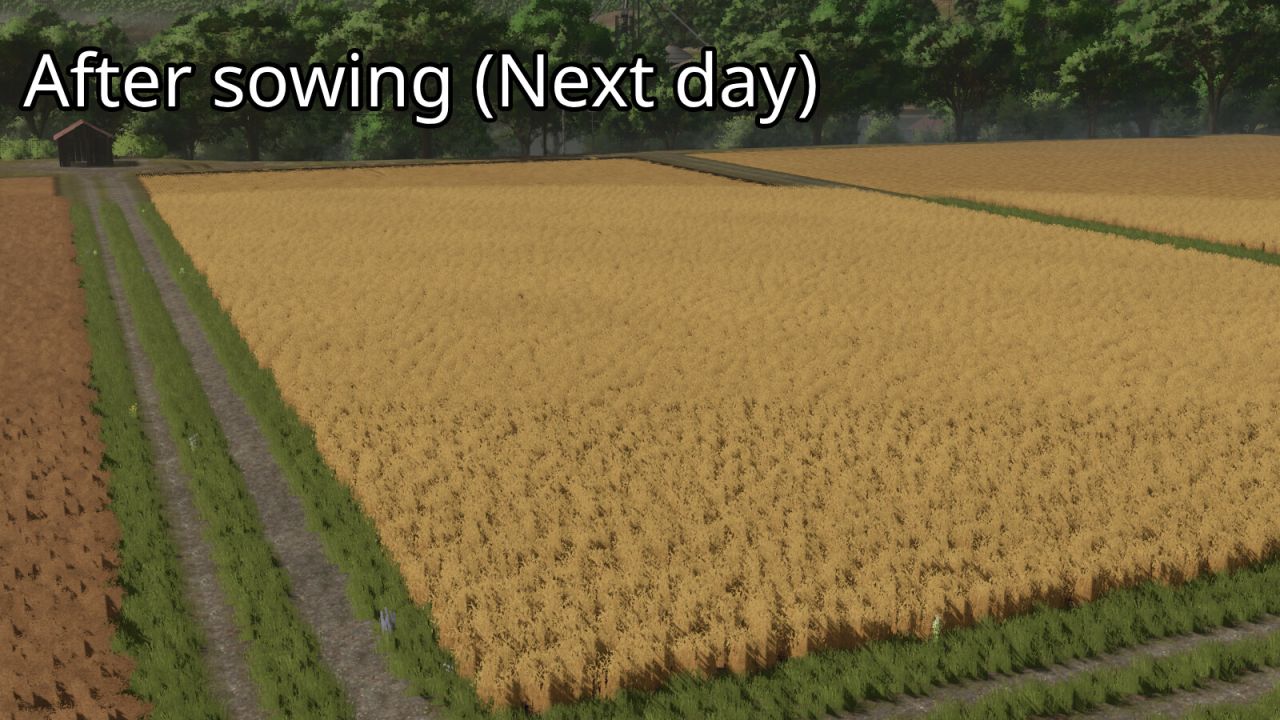
24 Hour Crop Growth makes supported crops ready for harvest exactly 24 in-game hours after they are sown. This means the next in-game day at the same time, not the next in-game month. The mod does not wait for the next monthly growth period. If the savegame uses multiple days per month, crops still mature after one full in-game day. For the intended behavior, Seasonal Growth should be turned off in the game settings.

The mod records only the areas that are actually planted and remembers the exact in-game time of sowing. Each recorded area is moved to its first harvest-ready growth stage after 24 in-game hours. Sleeping, changing the time scale and saving or reloading the game are fully supported.

The mod works with all standard sowable base-game crops that use the normal GIANTS fruit growth system. Standard crops planted on mod maps are also supported. Pending crop-growth data and the enabled state are stored separately in the savegame.

Press Left Alt + G during gameplay to enable or disable 24 Hour Crop Growth. The key binding can be changed in the Controls menu. The mod must be enabled while sowing so that the exact planting time and planted area can be recorded.


Author: Slidex

Report bugs in the comments and help modders improve this mod. Always check the comments, you can find a solution.


Helpful Information: How to install FS25 mods | FS25 System Requiremnts | FS25 Modding Tutorial | Giants Editor for FS25 | How to Convert mods | FS25 Cheats

More Misc mods


About Farming Simulator 25 mods
Farming Simulator 25 supports game modding for PC, Xbox, or PS5. FS25 Mod may change your game from small to complete changes. You can create a Farming Simulator 25 mod file and share it with our community. When is a good time to try Farming Simulator 25 mods? We recommend playing a game with these FS25 mods after you finish the Farming Simulator 25 starting pack and are bored with the game basics. So it's time to try new machines, such as harvesters or tractors, which are not included in the basic game version.
As you already know, Farming Simulator 25 developers support mods installation, which will add more vehicles or lands to your game. Check our Best FS25 mods lists for PC, Mac, PS5 or Xbox Series. Just follow these simple steps: choose the LS25 mods category, download the mod for the Farming Simulator 2025 version, and install it into the mod folder. Remember, all Farming Simulator 25 Mods are free, and download as many as you want with no limits. We want to create one of the biggest Farming Simulator 25 Community and invite you to share FS25 mods with everyone.

Leave a Reply

Do you need help or to say thanks to the mod author? Just leave a comment below!