Claas Xerion 2500/3000 (1997/1999) V1.0


Claas Xerion 2500/3000 (1997/1999) V1.0
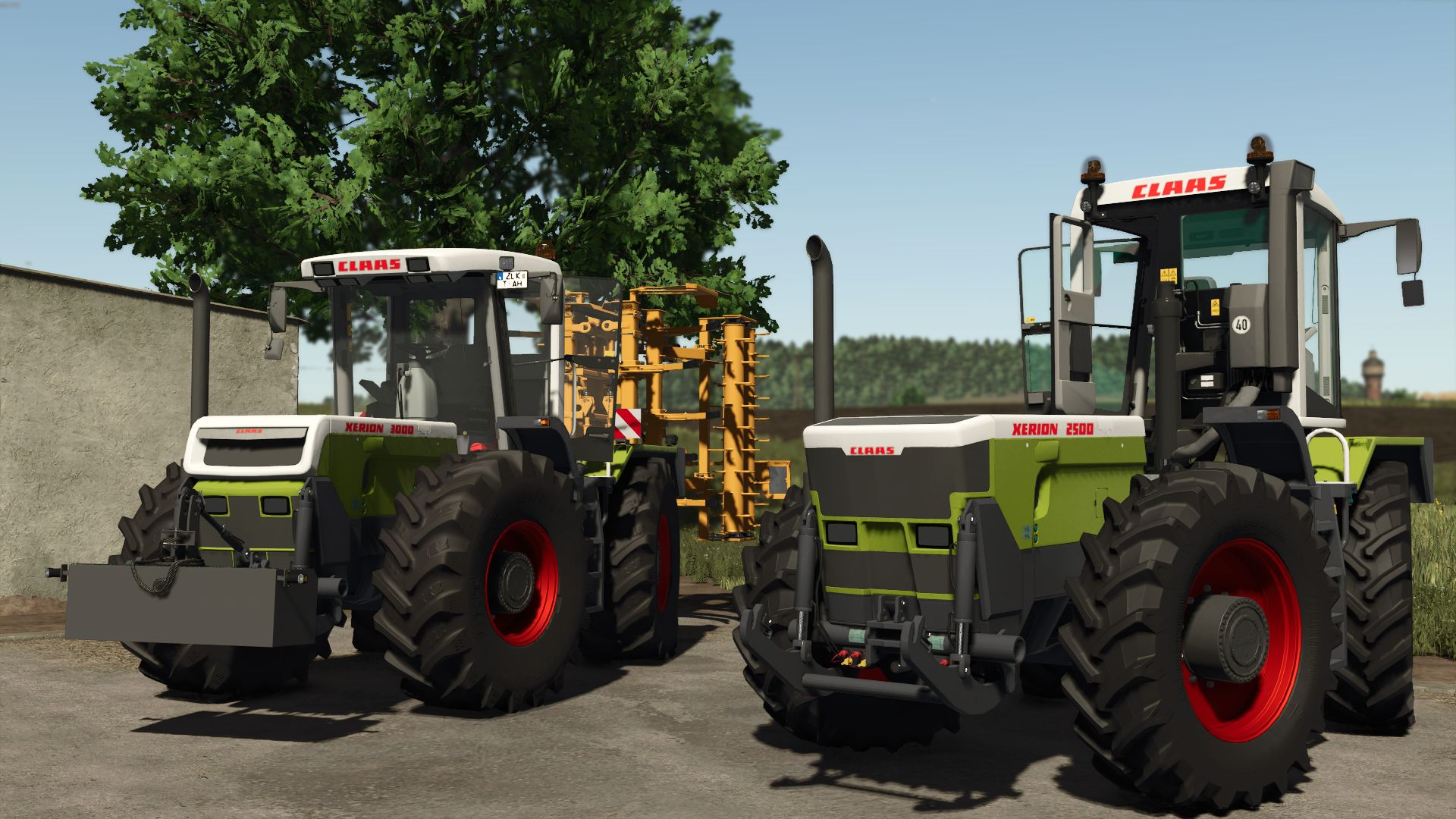
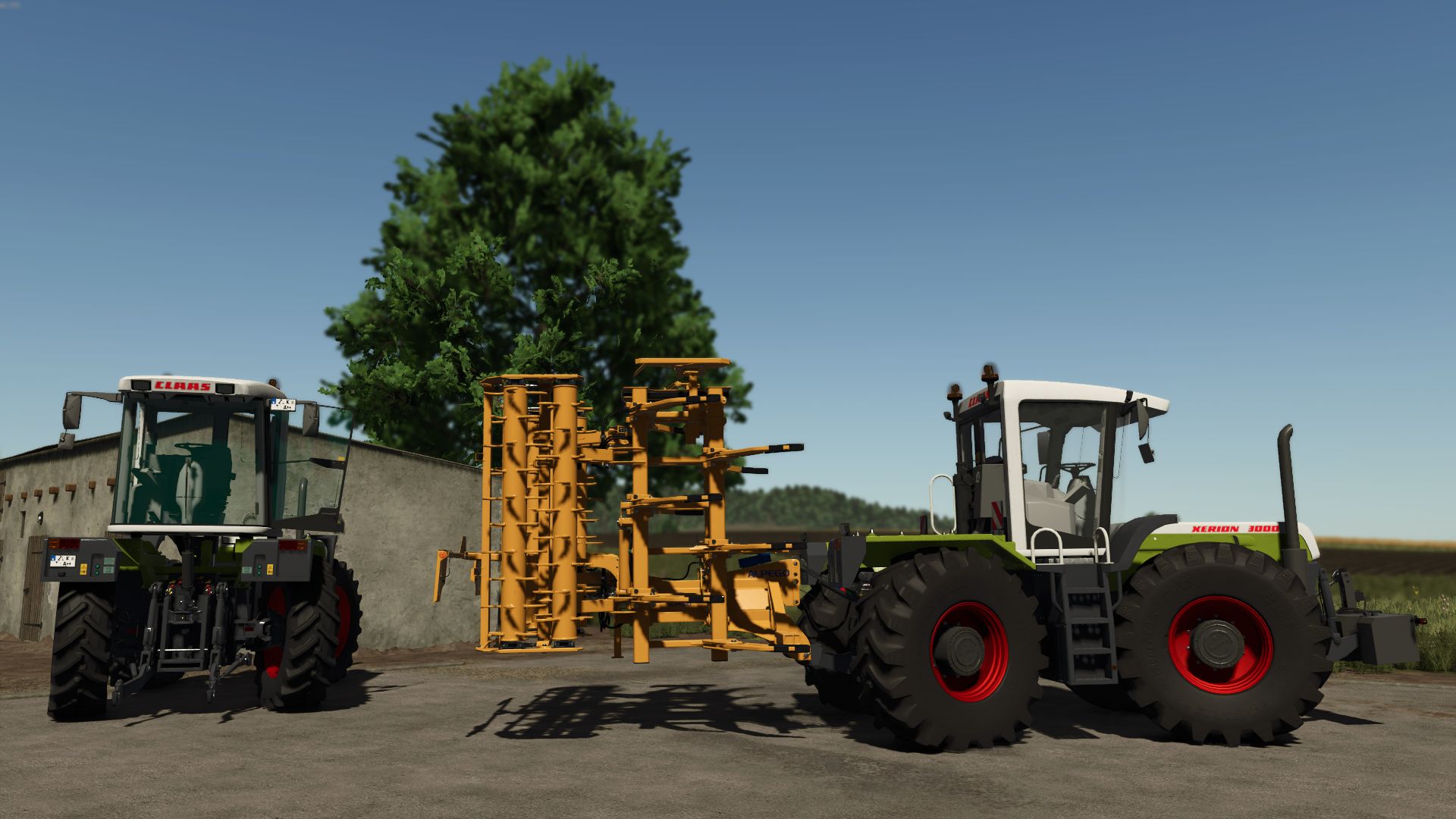
Claas Xerion 2500/3000 (1997/1999)

Price: €85,200
Power: 250 – 315 HP
Maximum speed: 40 km/h

Configurations:
Year of production (1997/1999)
Tires
Signage
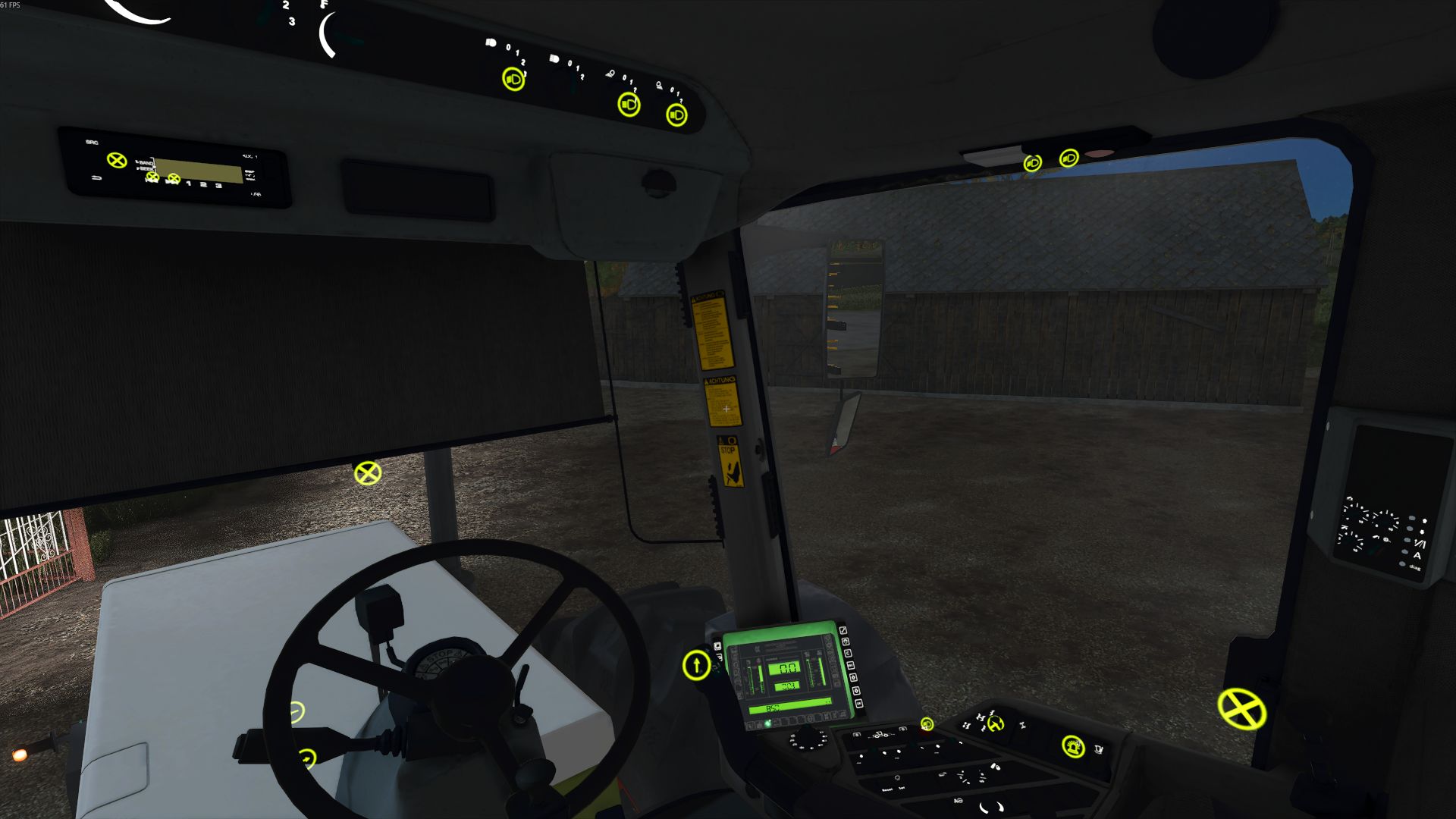
Fire extinguisher in the cabin
IC or Mouse control

Engine Configurations:
2500 (1997) – 250 HP
3000 (1997) – 300 HP
2500 (1999) – 265 HP
3000 (1999) – 315 HP

Animations:
Cabin doors and windows
Sun blind
Switches and controls
Cab interior lighting

Using Dashboard Live and Vehicle Control Addon, the XIMO panel in the cabin shows the status of differentials, handbrake, and driving control mode.

My converted and fixed mod

v1.0
Fixed engine configurations
Removed IC non-working points
Fixed front and rear center links and their errors
Material errors
Changed hub colors
Fixed hydraulic connector textures
Hubs errors
Fixed sounds bugs
Added missing sounds in places
Computer screen texture fixed
Added buttons, radio, and lighting
The high beams and the indicator inside have been fixed.
Dashboard Live indicators have been fixed.

Required mods:
Dashboard Live
Interactive Control


Author: TeoR, Bartek_kosmos

Report bugs in the comments and help modders improve this mod. Always check the comments, you can find a solution.


Helpful Information: How to install FS25 mods | FS25 System Requiremnts | FS25 Modding Tutorial | Giants Editor for FS25 | How to Convert mods | FS25 Cheats

More Tractors mods


About Farming Simulator 25 mods
Farming Simulator 25 supports game modding for PC, Xbox, or PS5. FS25 Mod may change your game from small to complete changes. You can create a Farming Simulator 25 mod file and share it with our community. When is a good time to try Farming Simulator 25 mods? We recommend playing a game with these FS25 mods after you finish the Farming Simulator 25 starting pack and are bored with the game basics. So it's time to try new machines, such as harvesters or tractors, which are not included in the basic game version.
As you already know, Farming Simulator 25 developers support mods installation, which will add more vehicles or lands to your game. Check our Best FS25 mods lists for PC, Mac, PS5 or Xbox Series. Just follow these simple steps: choose the LS25 mods category, download the mod for the Farming Simulator 2025 version, and install it into the mod folder. Remember, all Farming Simulator 25 Mods are free, and download as many as you want with no limits. We want to create one of the biggest Farming Simulator 25 Community and invite you to share FS25 mods with everyone.

Leave a Reply

Do you need help or to say thanks to the mod author? Just leave a comment below!