Herriau AM6 V1.0
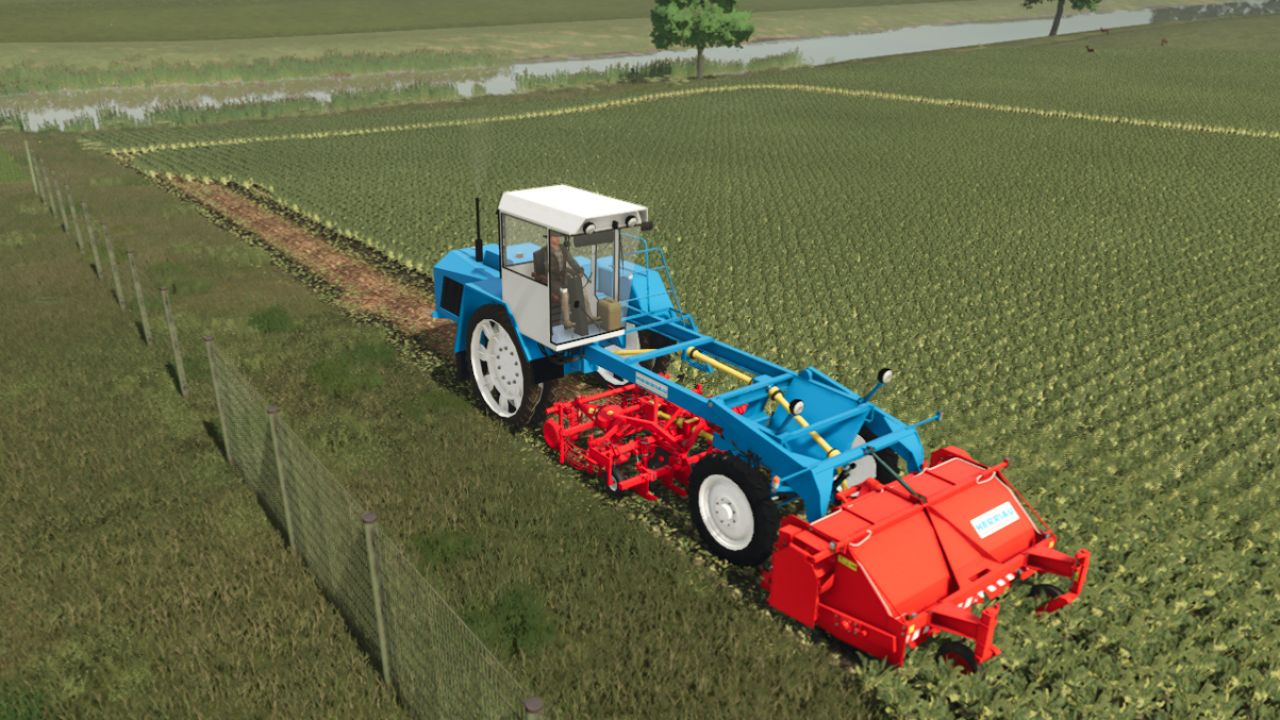
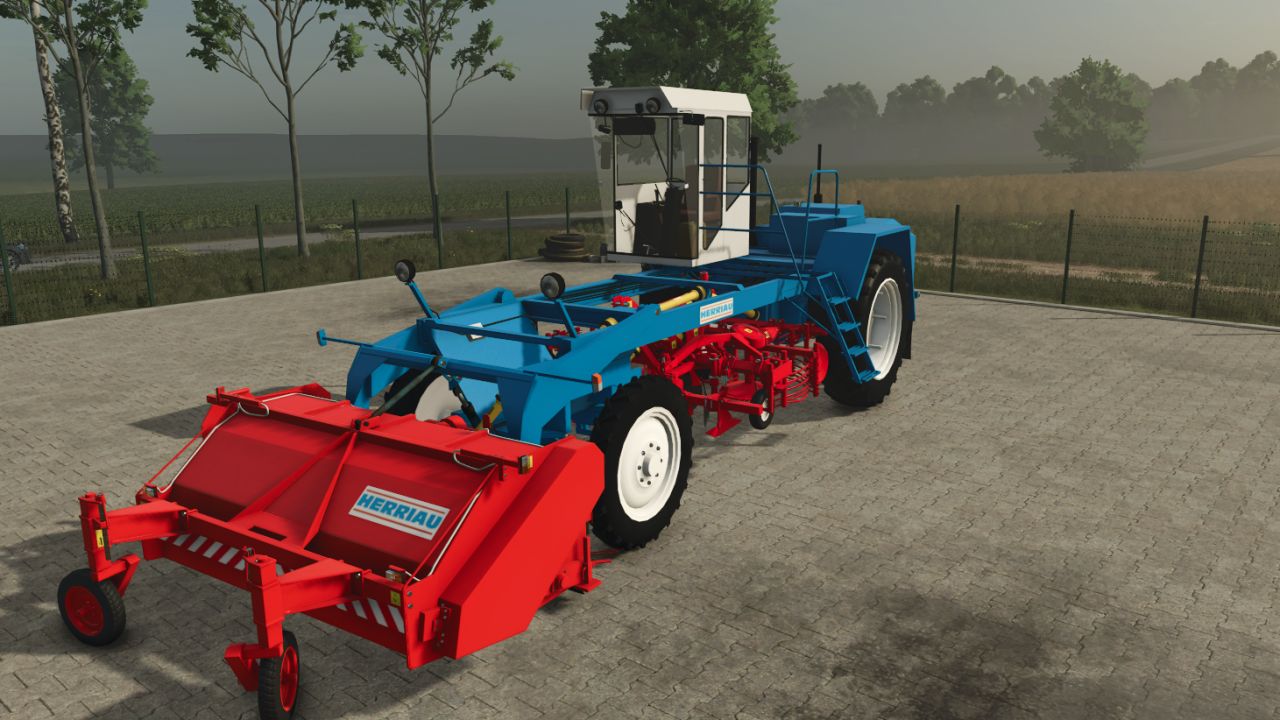
Herriau AM6 V1.0
Herriau AM6 Sugar Beet Harvester Guide
The Herriau AM6 is a classic sugar beet harvesting system that operates in a unique, multi-stage process. Unlike modern all-in-one harvesters, this mod requires a specific setup and a two-person (or two-vehicle) operation to complete the harvest.
1. Acquisition & Assembly
You can find these machines in the “Miscellaneous” (Misc) category of the shop. To get started, you must purchase three separate components:
Herriau AM6: The main power unit.
Score 1: The first attachment module.
Score 2: The second attachment module.
Assembly: Attach both the Score 1 and Score 2 modules to the Herriau AM6 in the correct positions before heading to the field.
2. Operation Instructions
Once you are at the field, you must activate the components in a specific sequence:
Select the attachments: Cycle through the tools using the G key.
Lower the units: Press V to lower both Score modules to the ground.
Start the machine: Press B to turn on both units.
Harvesting: Once lowered and powered on, press Ctrl + I. The machine will begin lifting the sugar beets from the ground and windrowing them into a single, neat row.
3. Collecting the Harvest
The AM6 only pulls the beets and rows them; it does not store them. To finish the job:
Use the Herriau Super (the loader unit) to pick up the windrowed beets.
Important: This is a two-person/two-vehicle operation. While the Herriau Super picks up the beets, a truck or a tractor with a trailer must drive alongside it to catch the discharge.
Author: honved4