Field Health – Crop Diseases & Pests V1.2

Field Health – Crop Diseases & Pests V1.2
Field Health: Crop Diseases & Pests
Field Health adds crop diseases and pests to Farming Simulator 25. The system is based on real threats found across Europe, with occurrence rates inspired by Polish agricultural data.
The mod is still in early development, so bugs and balance issues may occur.
Main Features
– Each growing field can receive one disease and one pest per season.
– NPC fields are not affected.
– 44 threats in total:
– 24 diseases
– 20 pests
– Includes powdery mildew, septoria, rust, fusarium, late blight, aphids, cereal leaf beetles, Colorado potato beetles, corn borers and more.
– Threats only affect compatible crops and growth stages.
– Risk depends on crop rotation, plowing, liming, mulching, fertilizing, weed control and weather.
– Diseases and pests begin in small patches, grow over time and can spread to neighbouring fields.
– Crop damage only occurs at severe stages, giving you time to react.
Treatment
– Fungicide cures diseases.
– Insecticide removes pests.
– One correct treatment protects the field until harvest.
– Products work in normal sprayers, including sprayers from mods, with a visible spray.
– AI helpers only spray fields that require treatment.
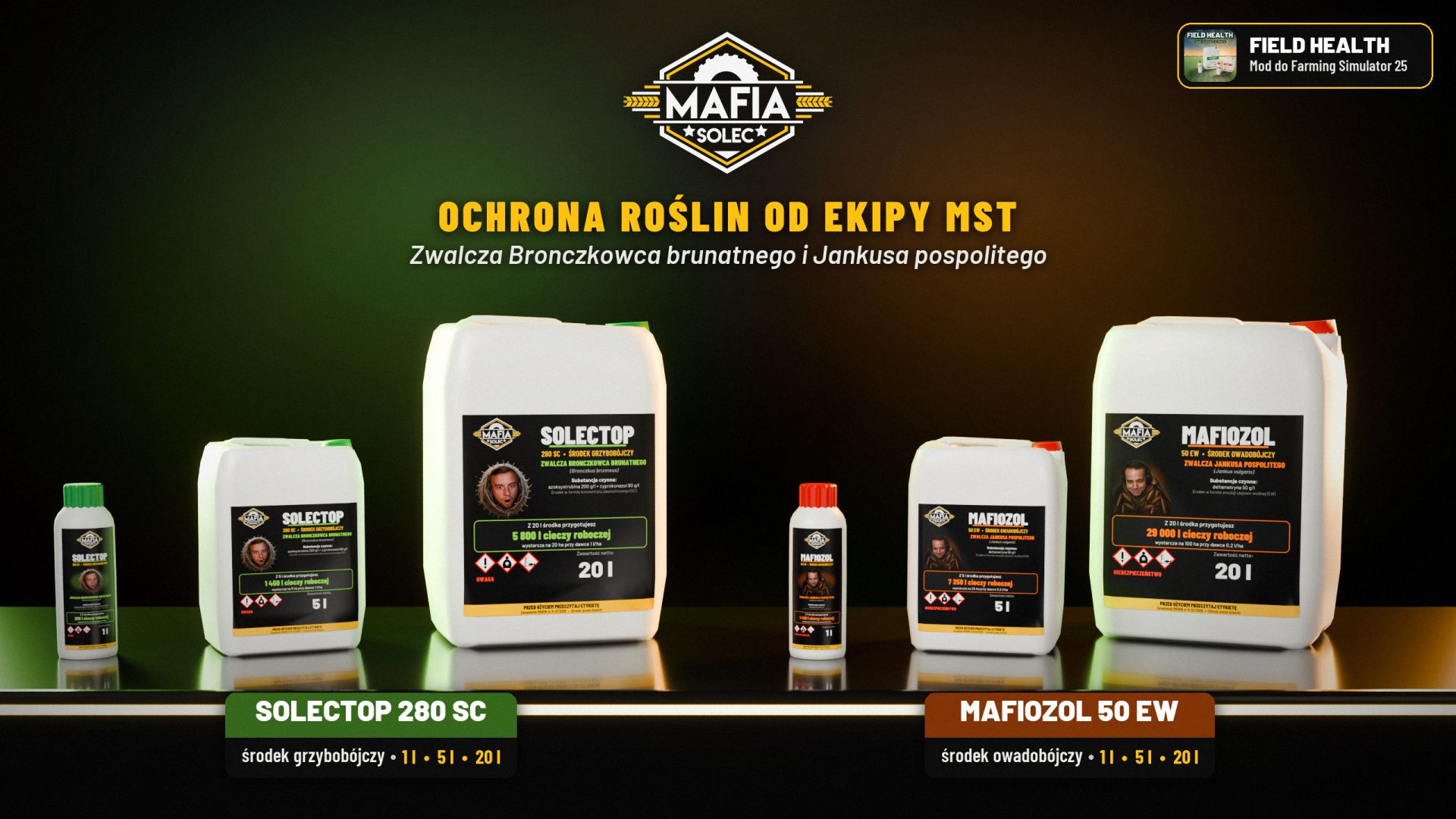
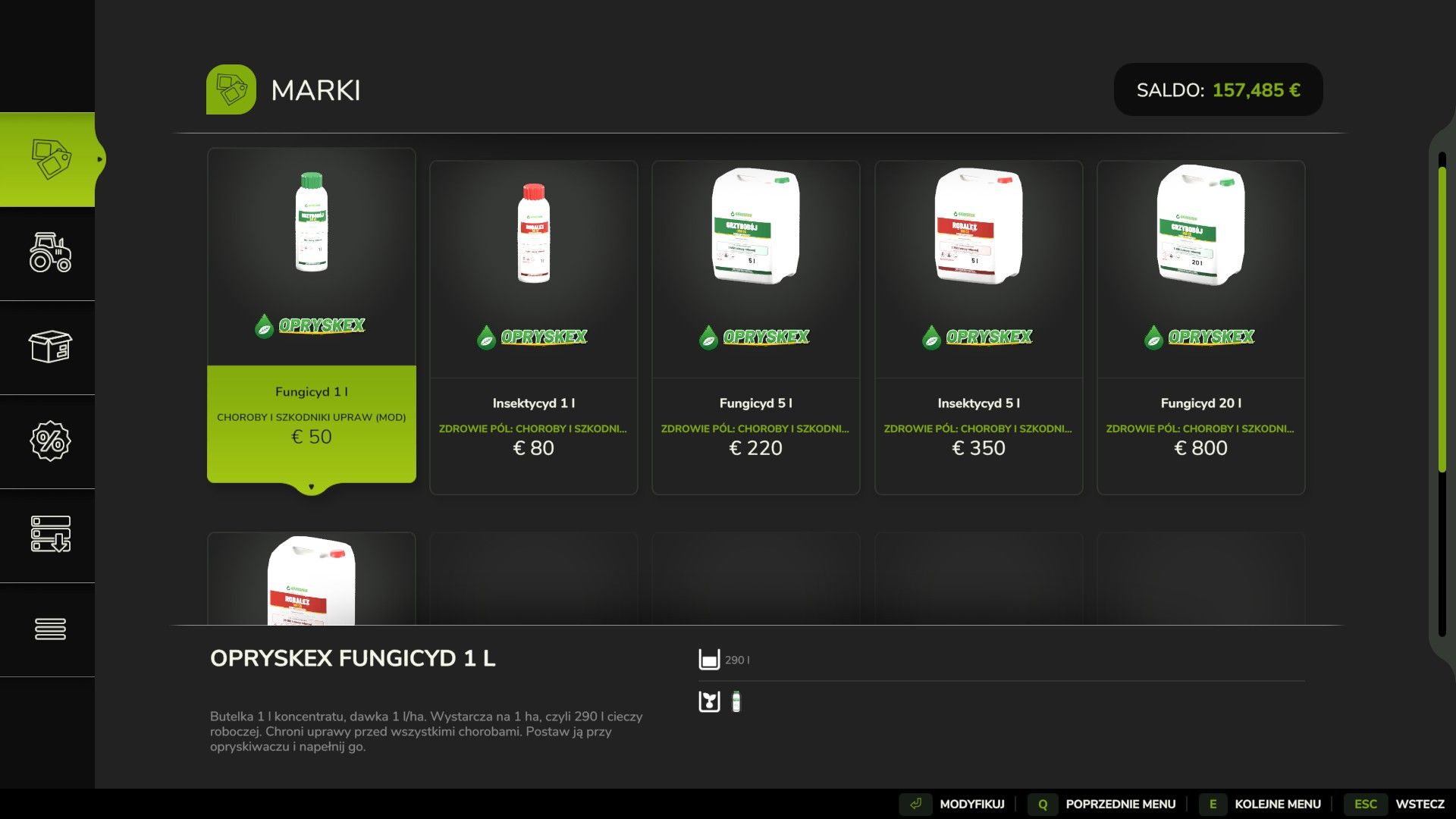
Crop Protection Products
– 1 L bottles, 5 L and 20 L canisters.
– Fungicide and insecticide available.
– Opryskex and MST brands.
– Concentrated products:
– 1 L fungicide concentrate creates 290 L of spray.
– 1 L insecticide concentrate creates 1,450 L of spray.
– Unloaded sprayer liquid is stored in 20 L canisters.
Field Monitoring
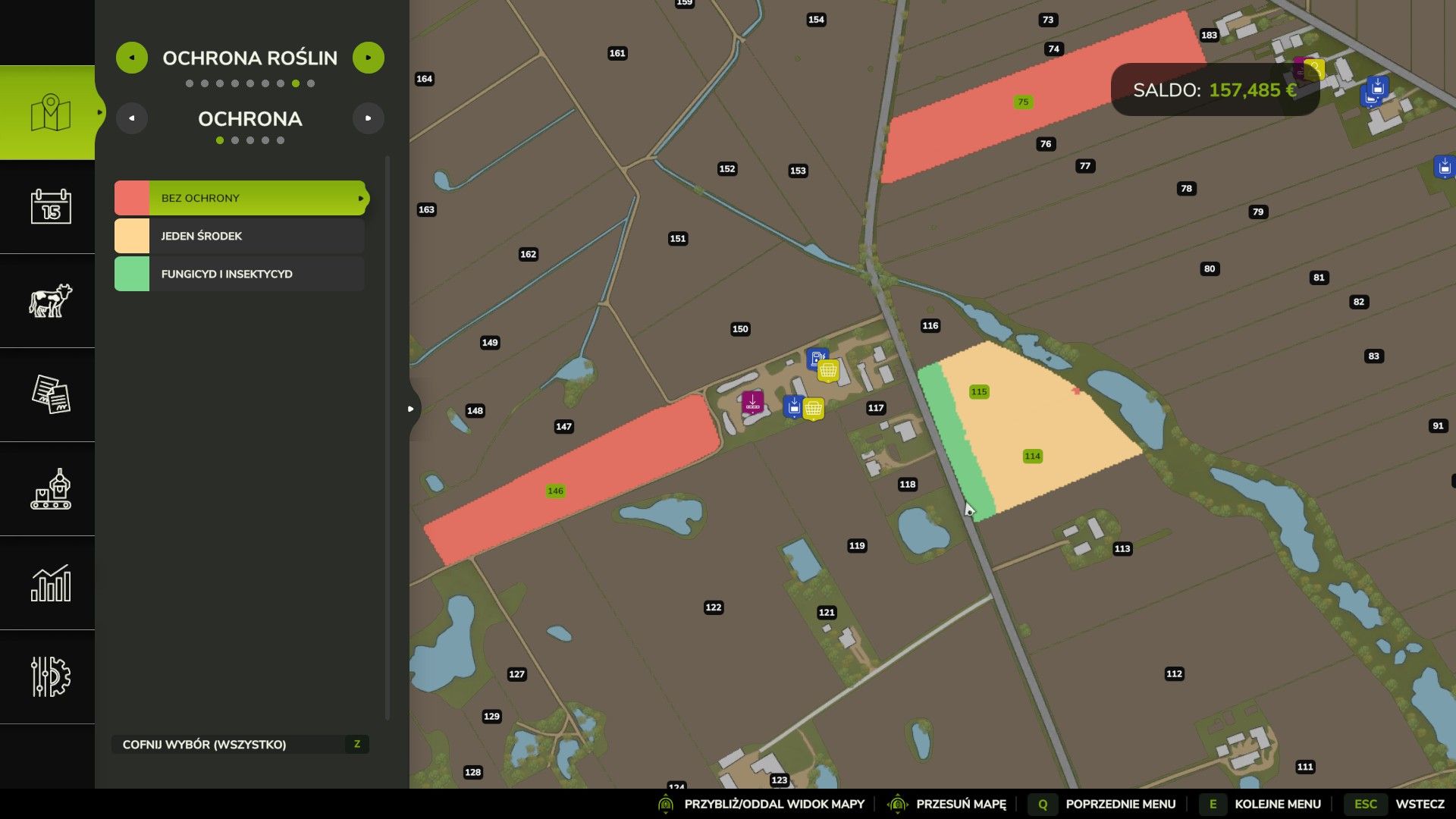
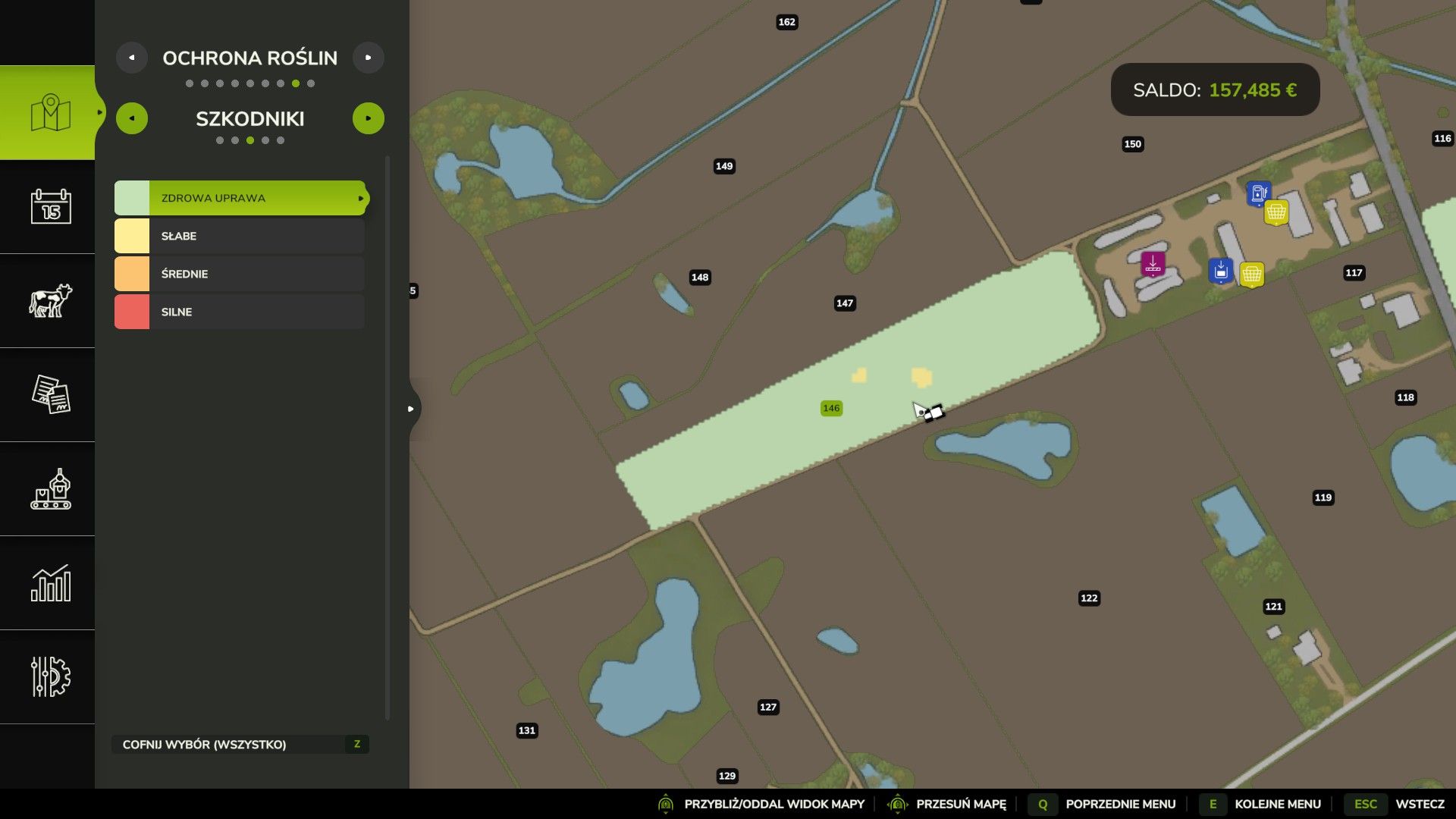
ESC > Map > Crop protection includes layers for:
– Protection
– Diseases
– Pests
– Disease types
– Pest types
A minimap layer can be switched with Left Alt + \.
Field and farmland information also show additional health data, with notifications for new or severe threats.
Settings
25 in-game settings allow you to adjust:
– Disease and pest probability
– Farming and weather influence
– Growth and spreading speed
– Patch size
– Crop damage
– Protection duration
– Product usage and prices
– Meadow threats
– Notifications
The system can be made easier, harder or disabled completely.
In multiplayer, only administrators can change these settings.
Languages
20 languages supported:
English, Polish, French, German, Spanish, Latin American Spanish, Portuguese, Brazilian Portuguese, Italian, Russian, Czech, Romanian, Hungarian, Ukrainian, Turkish, Dutch, Danish, Swedish, Norwegian and Finnish.
The mod automatically uses your game language. Unsupported languages use English. The tables in the in-game help are available in English, Polish, German, French and Russian.
Compatibility
– Precision Farming support
– Highlands Fishing DLC onions supported
– Modded crops receive common threats such as grey mould and aphids
– Multiplayer supported
– Mod data is stored separately from the savegame, so removing the mod does not break saves
– Updates preserve fields, settings and purchased products
Huge thanks to the whole MST crew (Mafia Solec Team), especially Bronczek and Jankus! A special shoutout to BMProd for the wonderful “Crop Diseases” mod, which inspired this project! And thanks to everyone who plays the mod, reports bugs and shares ideas.
Have fun and healthy fields!
V1.2.0.0
New languages
– Ukrainian
– Turkish
– Dutch
– Danish
– Swedish
– Norwegian
– Finnish
The mod now speaks 20 languages. Your game language is picked automatically, other game languages show English, as before. Players in Belgium can choose Dutch or French.
In-game help
– Every page of the help is translated into all new languages.
– The help tables (threats, risks, weather, settings and more) are now also in German, French and Russian, not only in English and Polish. Other languages show the English tables.
Fixes
– The spray of fungicide and insecticide is now visible on every sprayer. Before, some sprayers from mods and base game sprayers treated the field without showing any spray. Thanks to the MST crew for spotting this!
– Multiplayer: a player who joined while someone was spraying could see an incomplete map until those spots changed again.
– Right after loading, AI helpers with fungicide or insecticide no longer treat fields the mod has not checked yet as done.
– English help: the field info box part uses the same names as the box itself.
– Long words in the help tables no longer run into the next column.
Improvements
– The daily check of infected fields is much lighter. On maps with big fields this removes short stutters at midnight.
– Multiplayer data is sent in smaller pieces.
– If the mod data in a savegame can’t be read or comes from a newer version, the mod stays off for that session and keeps your data as it is instead of overwriting it.
– A repeating error is written to the log three times at most instead of every frame.
Compatibility
– Savegames of versions 1.0.0.0 and 1.1.0.0 load without any change, fields, threats, protection, settings and the bought bottles and canisters all stay. Nothing was removed from the game.
– Multiplayer: the server and all players need the same version (1.2.0.0).
Good to know
– 20 languages is the full set for now.
– Spotted a wrong word in your language? Let me know in the comments or on GitHub.
Author: MatrikSky