Farm Tablet V2.3
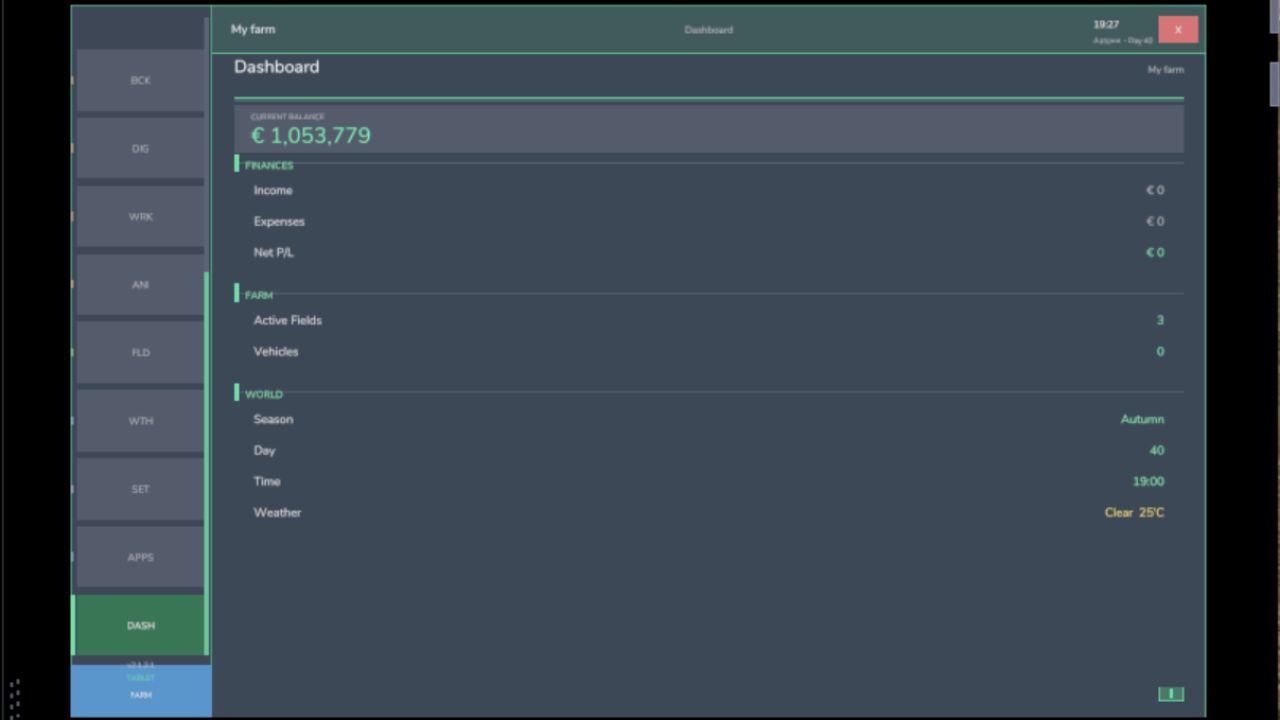
Farm Tablet V2.3
FarmTablet — A compact, all-in-one farm management tablet for Farming Simulator 25.
Originally inspired by a tablet mod for FS17, built from scratch for FS22 and now fully converted and rewritten for FS25. The goal is simple: useful farm info at a glance, without getting in the way of gameplay.
The mod has been rebuilt with a clean, modular structure — every app lives in its own file, making it easy to expand, fix and improve over time. It’s actively developed and shaped by community feedback.
What’s in it right now:
Dashboard — farm overview with balance, fields, vehicles and world state
Weather — current conditions, temperature, wind, cloud cover and forecast
Fields — all owned fields with crop type and growth stage
Animals — pen status with food, water and cleanliness levels
Workshop — nearby vehicle diagnostics with fuel, wear and operating hours
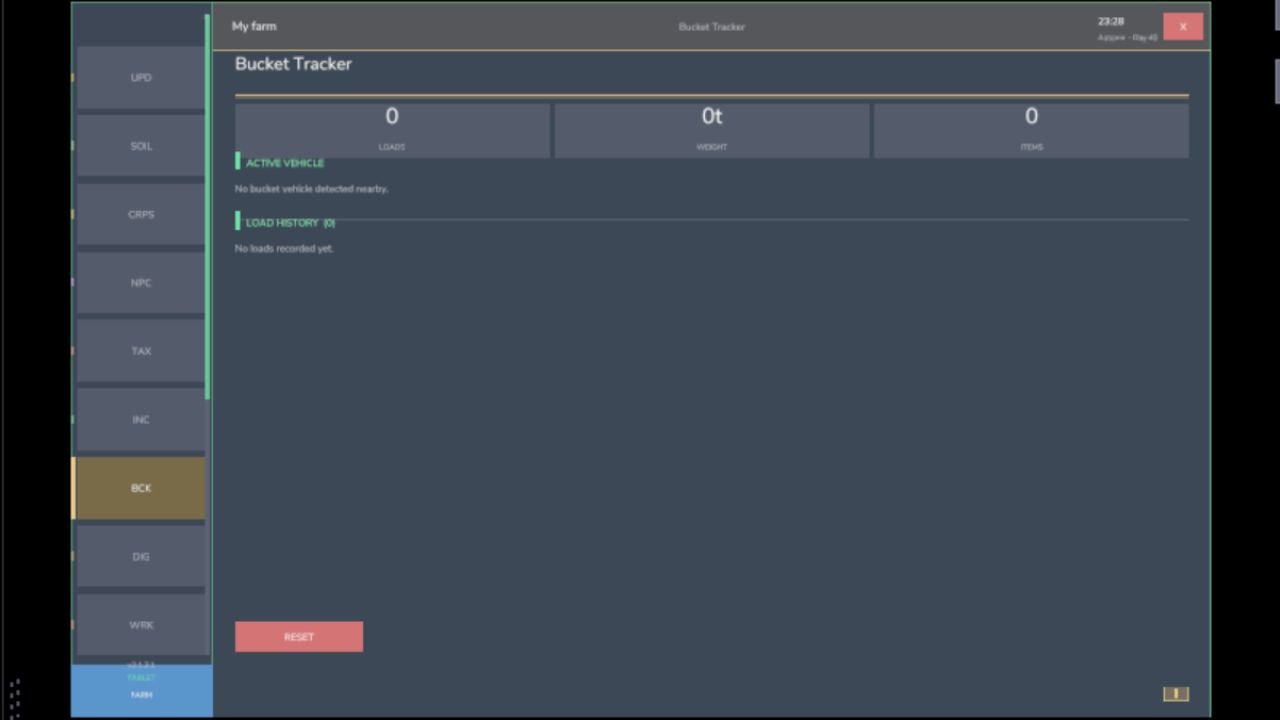
Bucket Tracker — load counter for wheel loaders and excavators
Digging — excavation tracking and soil scanner
App Store — browse and manage installed apps
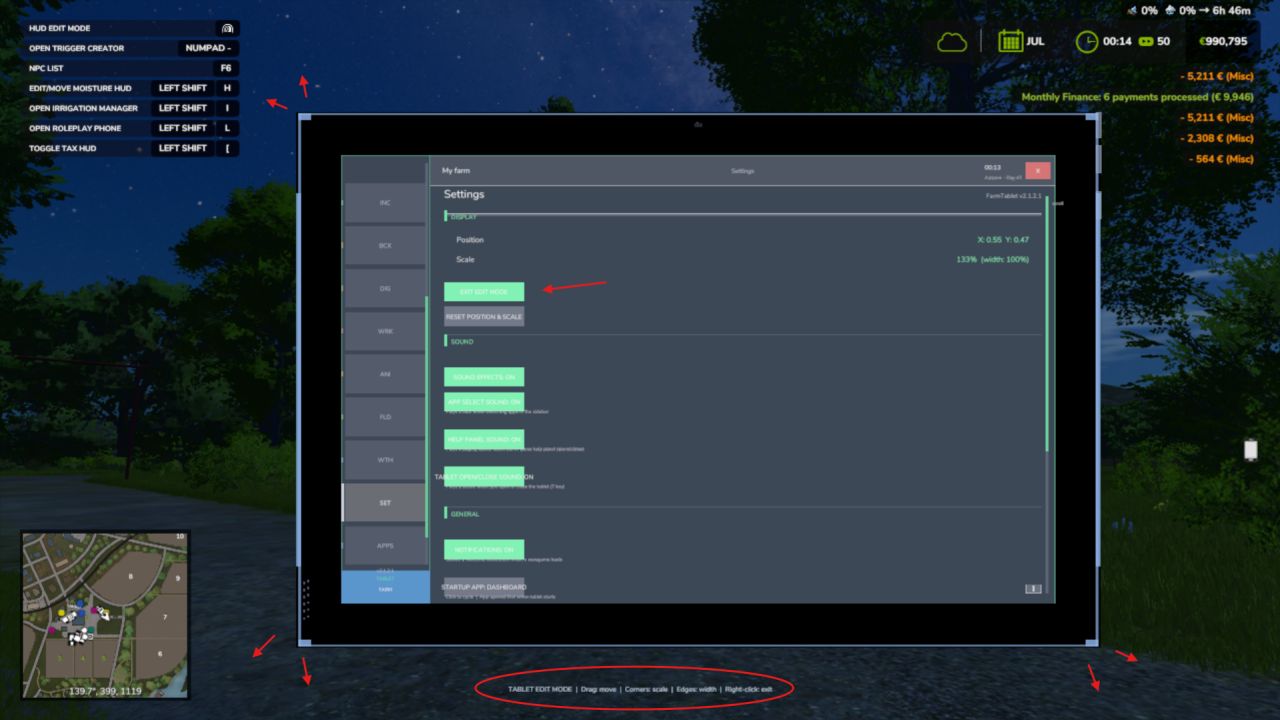
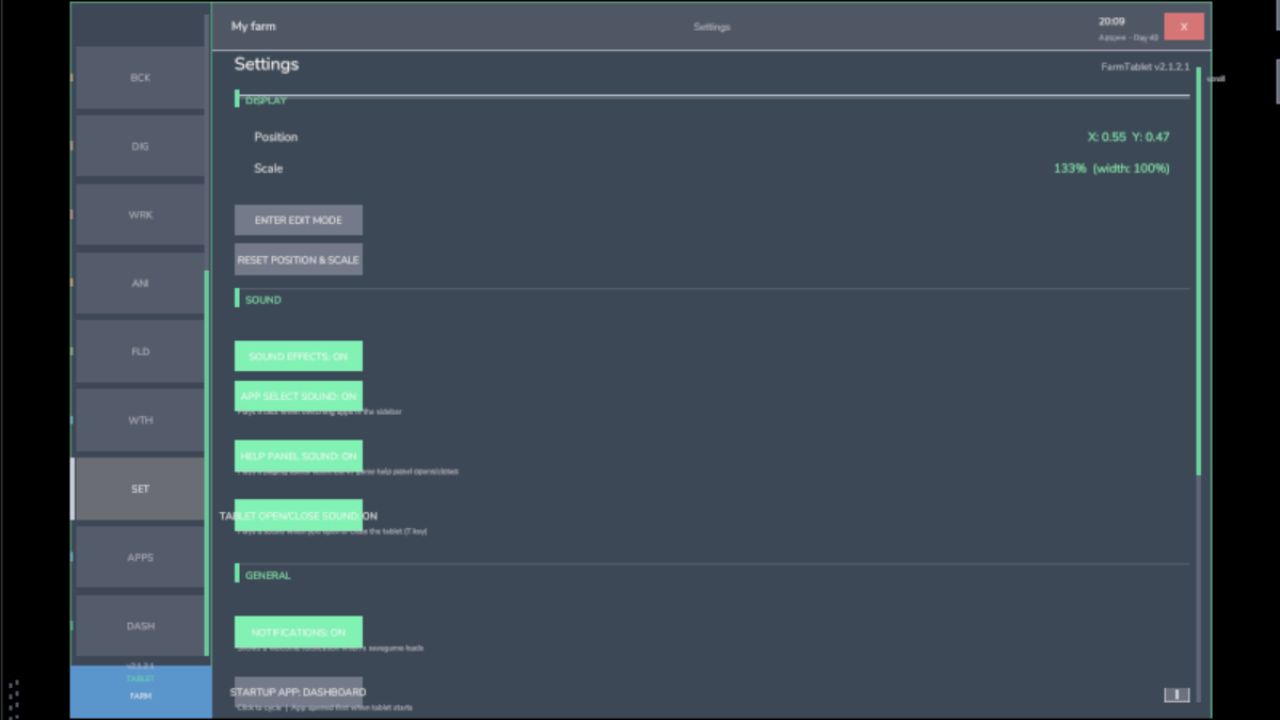
Settings — configure the tablet from the pause menu
Updates — changelog and version history
Mod integrations (auto-detected at runtime, safe to run without them):
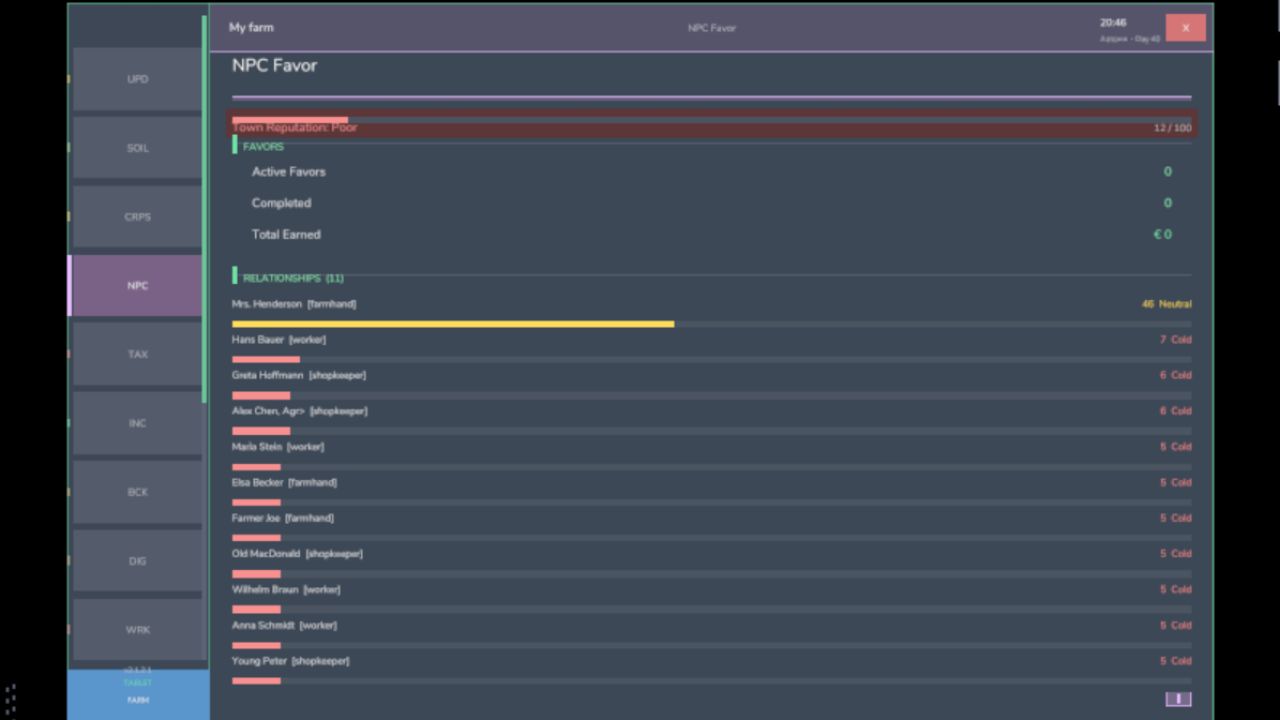
NPC Favor, Soil Fertilizer, Seasonal Crop Stress, Income Mod, Tax Mod
What’s coming next:
Better tablet visuals and frame design
Icons instead of text labels
Sounds, color tweaks and UI polish
More apps and deeper interactions based on feedback
Multiplayer improvements
The mod is in active development. Bug reports, ideas and suggestions are always welcome — this is a community project and your feedback directly shapes what gets built next.
V2.3.0.0
Three new apps have been added alongside a handful of fixes that have been building up since v2.2.0.0. Whether you’re managing a large fleet, running production chains, or just want a quick snapshot of how your farm is doing financially, this update adds a dedicated screen for each.
What’s new:
– Fleet Manager app lists every vehicle you own, sorted by fuel level so the emptiest machines are always at the top. Each entry shows a fuel bar, wear bar, and total operating hours. Vehicles driven by a hired worker are flagged with an AI badge.
– Production app shows every production building you own (cheese factory, bakery, sawmill, etc.) with its current active/stalled status and the ingredients it needs and what it makes.
– Farm Stats app one screen for your full farm picture: current balance, loan, and net worth; session income and expenses; field count and total hectares owned; vehicle, animal pen, and production building counts; plus current day, season, and time.
– App Store fix the Mod Integrations section now always shows all supported companion mods. Previously, if a mod wasn’t installed it simply didn’t appear, leaving the list looking empty. Uninstalled mods now show dimmed with a note on which mod to install.
What’s fixed:
– Farm Admin and Time Controls apps now work correctly in multiplayer (non-host players no longer see errors when opening them).
– Mouse input handling has been rewritten to use the proper FS25 event system this fixes rare conflicts with other mods that also handle mouse clicks.
– Crop Stress app moisture data was reading from the wrong field in some situations corrected.
– Soil health data is now shown correctly in the Crop Stress and Soil Fertilizer drawers.
– Dashboard widget customisation: you can now toggle individual dashboard sections on and off to show only what matters to you.
– Contracts app added in a previous patch lists your active contracts with completion status, reward, and time remaining.
Save compatibility: no migration needed. Load your existing save and everything carries over automatically.
Requires:
Income Mod
Tax Mod
NPC Favor
Realistic Soil & Fertilizer
Seasonal Crop Stresse
Market Dynamics
Realistic Worker Costs
Random World Events
Author: tisonK