Autodrive Amever Farm V1.0
Autodrive Amever Farm V1.0
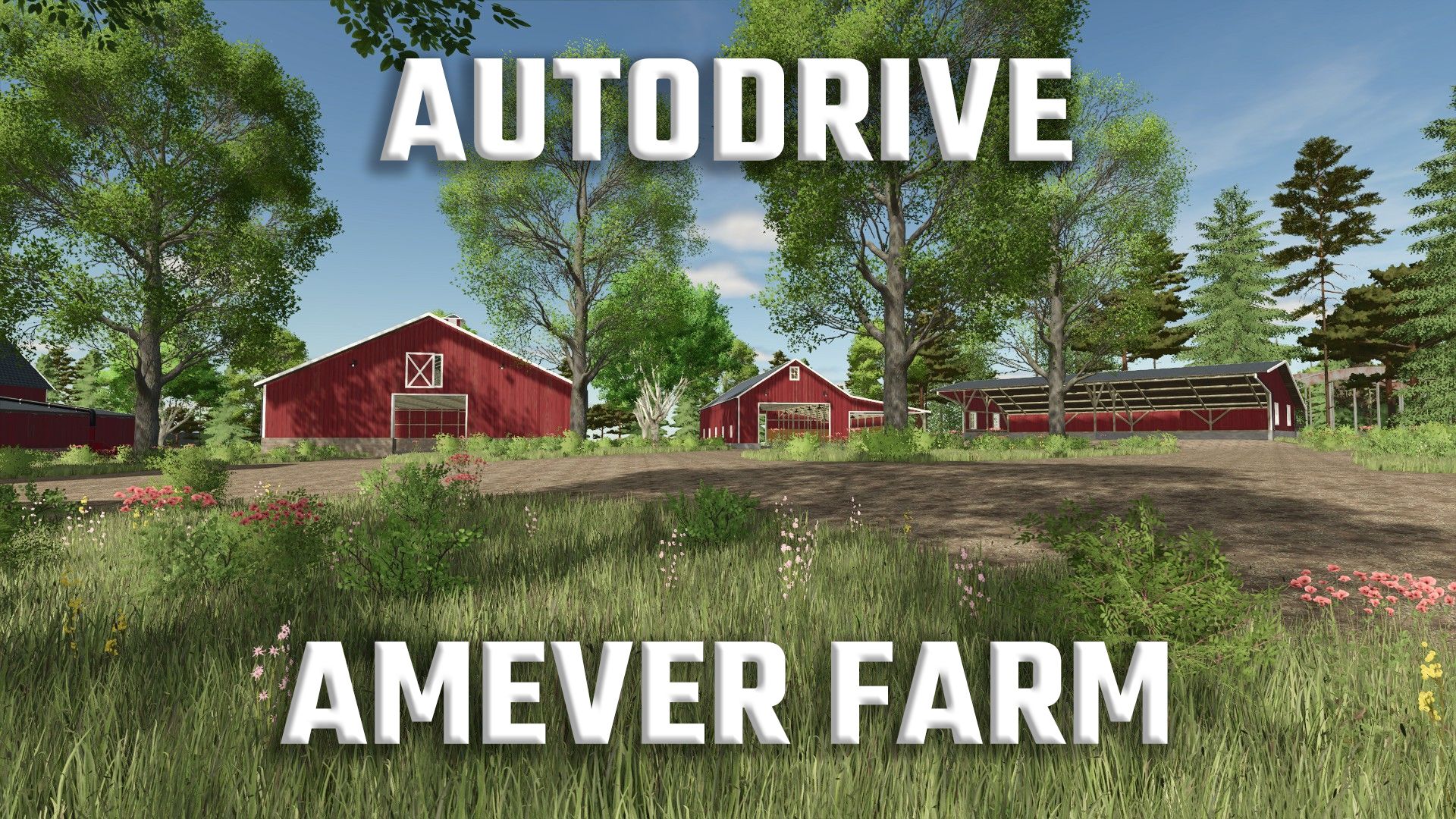
AutoDrive route network for the map “Amever” (from version 1.4.0.0) by Tamara_von_Graf
I mapped the entire map manually (no lines generated by AD are present). It’s not designed for AD, so not every vehicle may be able to access all areas.
The three farms were fully mapped, except for three small sheds (parking areas).
All production facilities, buying/selling stations, plantations, and barns were connected, although some require manual handling of pickups and/or deliveries (e.g., some barns).
All fields have catch lines and a designated point at the field edge with enough space for at least one combine harvester with a header trailer and a hauler. There are no target points within the fields themselves.
The course was tested with the starting vehicles as well as several others. I would recommend using small and medium-sized vehicles, equipment, and trailers with a maximum of two axles. Harvesters should also be observed during their journeys, as some sections are quite narrow.
Despite all the test runs, it’s possible that the layout won’t be 100% perfect in one or two places. Please let me know if you find anything like that so I can correct it, or correct it yourselves.
Duration:
– approx. 70 hours for break-in
– approx. 25 hours for testing, adjusting and optimizing
Note:
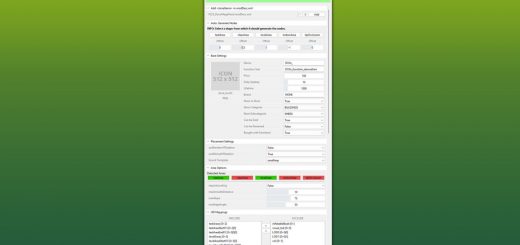
– The appropriate vehicle settings are already pre-configured in the config file. You can apply them to existing vehicles using the “Restore” button.
Otherwise: Activate the folder, set the collision height above ground to 0.75m, enable collision detection to “Yes”, set the maximum silo distance to 25m, select the nearest field exit, and the maximum detour to 200m
. – Simply copy the “AutoDrive_config.xml” file to the appropriate savegame located in “Documents/My Games/FarmingSimulator2025”.
Abbreviations for the destination points:
Anl. = Delivery, Unloading
Ent. = Removal, Collection
man. = Manual
Thanks also to Bender for his help at the beginning of the course creation!
Have fun with my course and the map!
Required mods:
Autodrive
Amever Farm
Author: Iwan1803, Bender, Tamara