Tractor Terrain Dynamics V1.0.3.1
Tractor Terrain Dynamics V1.0.3.1
TTD – Tractor Terrain Dynamics
Equipment physics, not dirt mods. No settings – everything works automatically.
What is it?
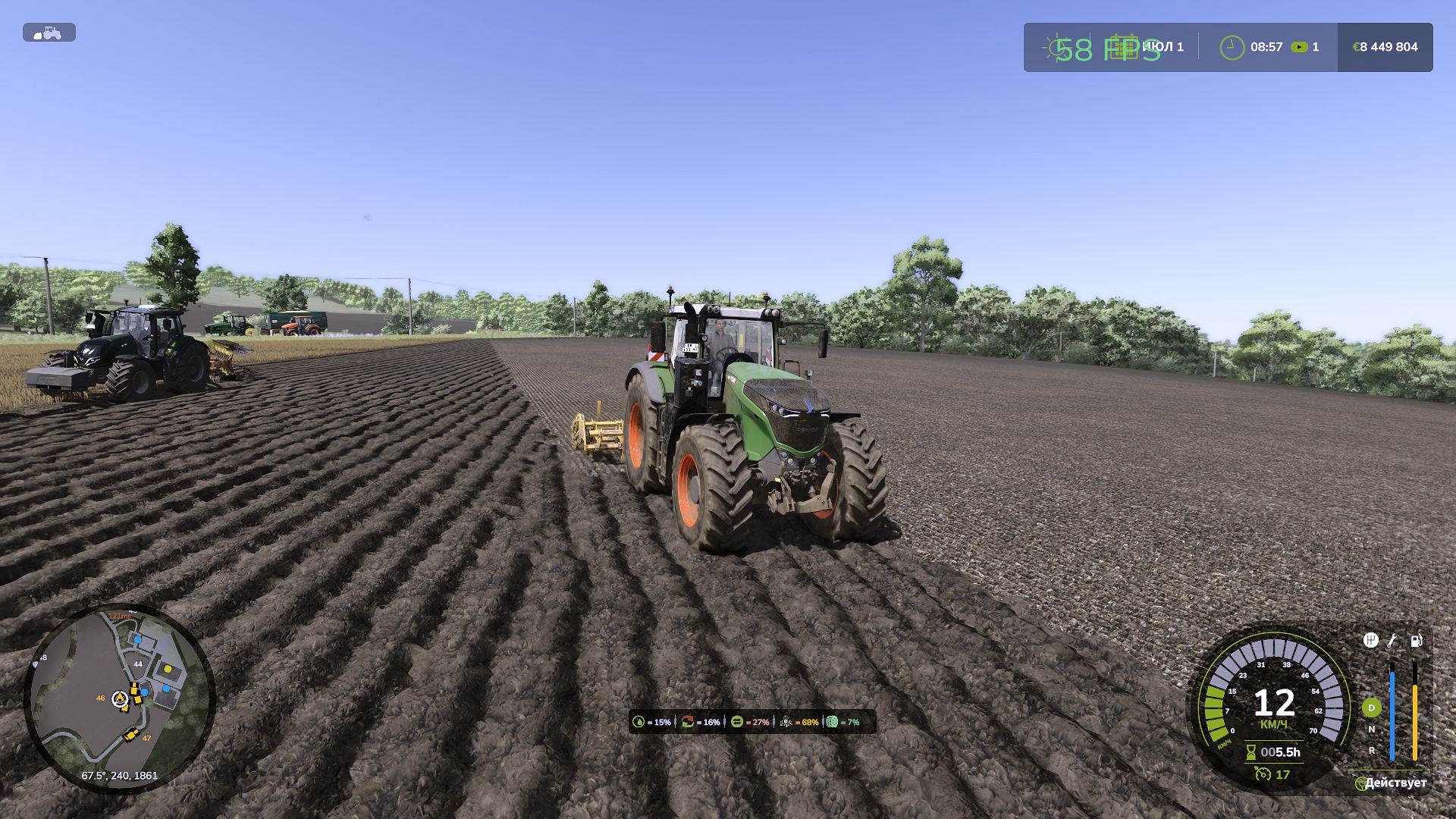
TTD modifies equipment behavior depending on weather, soil type, humidity, tire wear and tire pressure.
The earth is not a goal, it is a condition. The tractor is the main character. Wet field – less grip. Plowed soil means more resistance. Asphalt – everything is easy. Just like in real life.
What you get:
The weather affects your work: rain – the field becomes soft, dry – everything is stable
Physics of changing land type: 17 types from asphalt to plowed field.
The equipment feels different: tracks, double tires, wide tires – everything makes a difference.
Transmission works realistically: holds gears under load
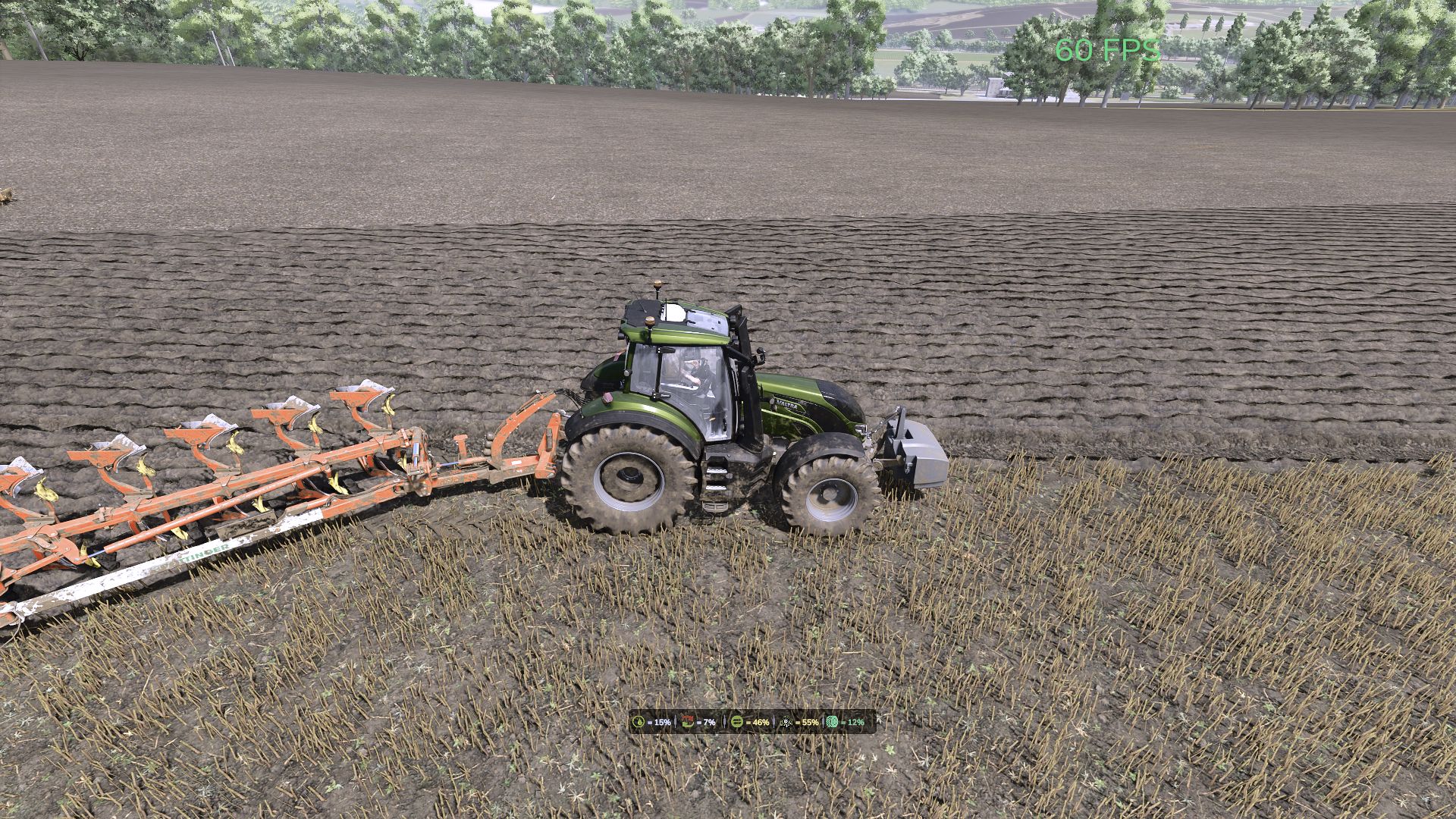
HUD shows moisture, grip and resistance
Multiplayer: synchronization in code
It is important to understand:
TTD does not add slip on demand. Wheel spin is the result of conditions such as wet fields, worn tires (if UYT is installed), sudden starts or too high a speed. If the tractor is new, the tires are new, the weather is dry, you won’t notice the difference. TTD simply makes physics fair and predictable.
What TTD DOESN’T do:
No visual dirt
Not only slows you down
No random punishments
Compatibility:
Tire Pressure – tire pressure control in automatic mode.
UseYourTyres – tire wear affects traction.
More realistic – for maximum hardcore fun
Everything that happens is the result of your decisions, weather and soil.
The mod archive includes a complete manual with a description of physics and contacts of the author.
V1.0.3.1
TTD v3.1 – What’s New
Realistic differential. Your tractor now pulls to one side when one wheel is on soft ground and the other on hard ground. Just like real life – the machine doesn’t just spin dumbly, it behaves differently depending on what’s under each wheel.
Smarter implement hydraulics. Some implements (Horsch, Maestro) used to lift the tractor when the wheels sank in. Now the hydraulics work in float mode – the implement stays on the ground and the tractor doesn’t get jacked up.
Smooth field/road switching. No more jittery physics at the edge of a field. The tractor knows clearly whether it’s on a field or on the road.
Trailers and implements don’t lose connection. No more crashes when deleting a tractor, and physics updates instantly when you attach or detach.
Performance boost. The mod is lighter now – less CPU load, fewer checks every frame. Your FPS won’t suffer.
AI tractors now feel the ground too. Bots sink into plowed soil and slip just like you do. Fair physics for everyone.
Author: WDMods