John Deere 35C ZTS Mini Excavator V1.0.0.2
John Deere 35C ZTS Mini Excavator V1.0.0.2
All mods from SecondChanceGaming are FREE. Donations are always appreciated, but they are never required. Thank you for your support!
John Deere 35C ZTS Mini Excavator — FS25
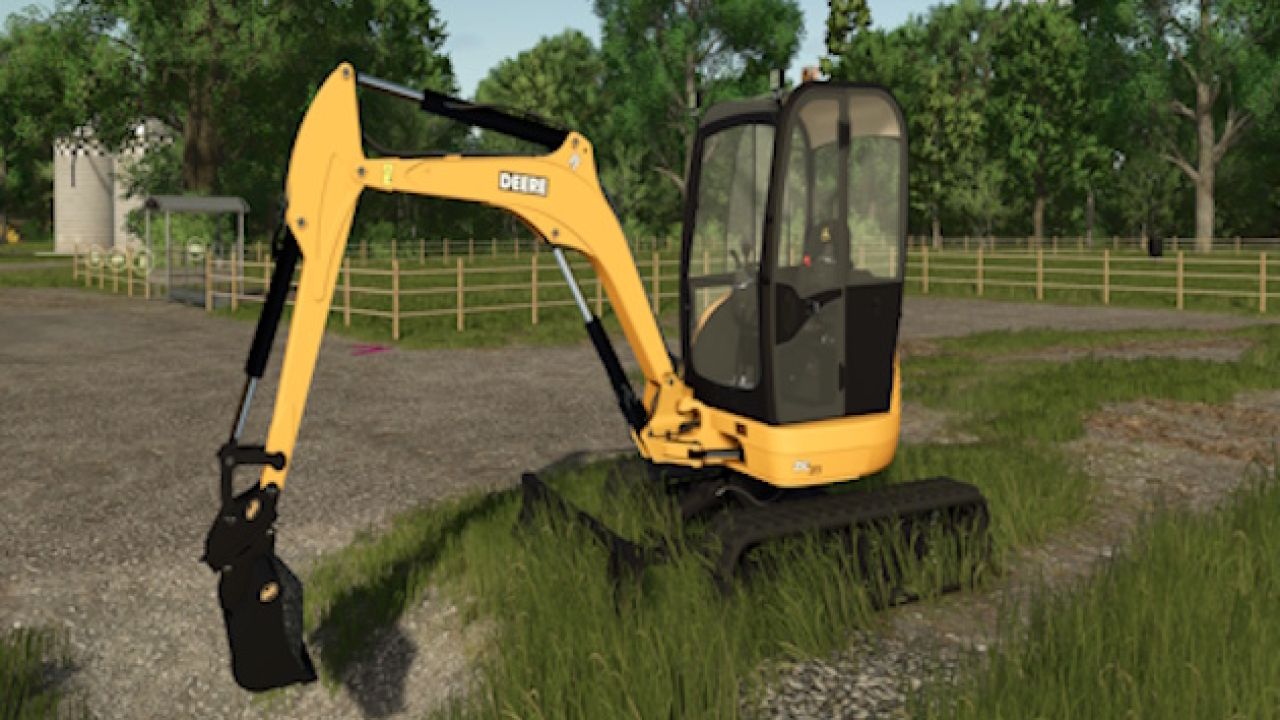
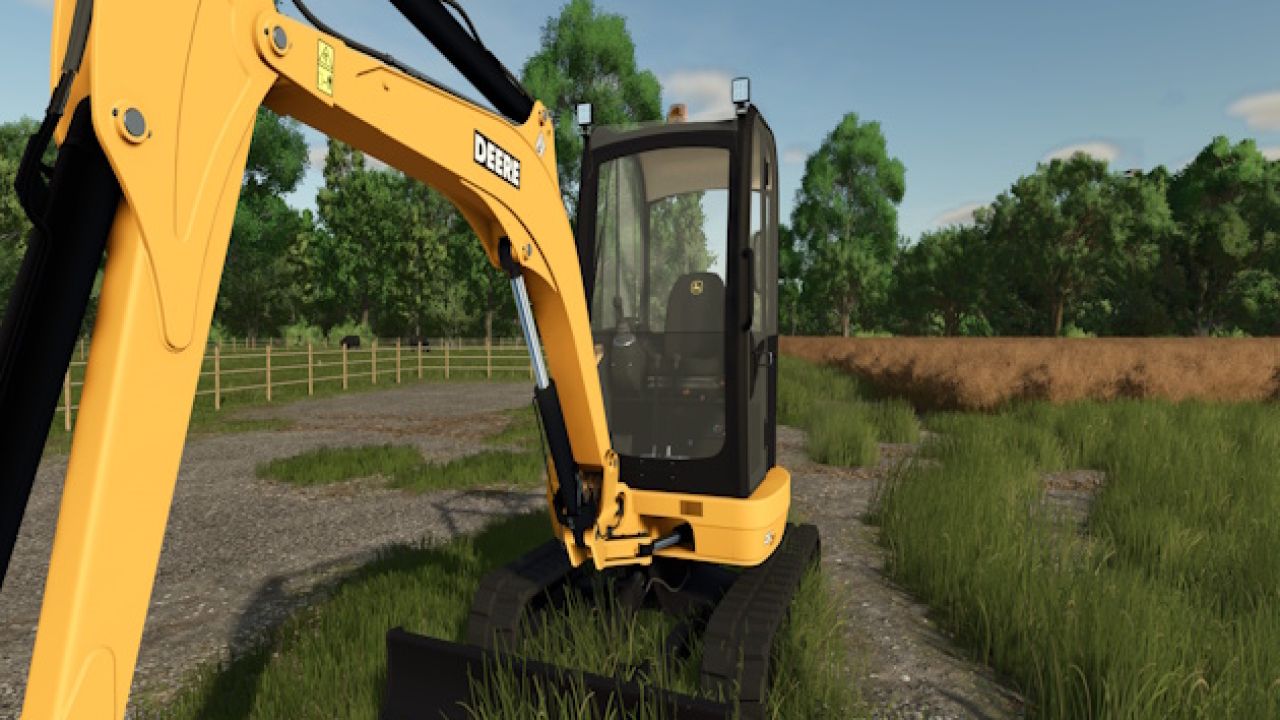
Bring a compact excavator to your farm with the John Deere 35C ZTS! This FS25 conversion features updated John Deere branding, refreshed interior textures, and three detachable buckets for digging and material handling.
Included features
Updated John Deere decals and branding.
Refreshed seat and cab textures.
Added IC controls for the door and window.
Updated shop images and mod icon.
Three TerraFarm-ready buckets:
Wide grading bucket — 2,500 L
Regular digging bucket — 1,500 L
Small trenching bucket — 1,000 L
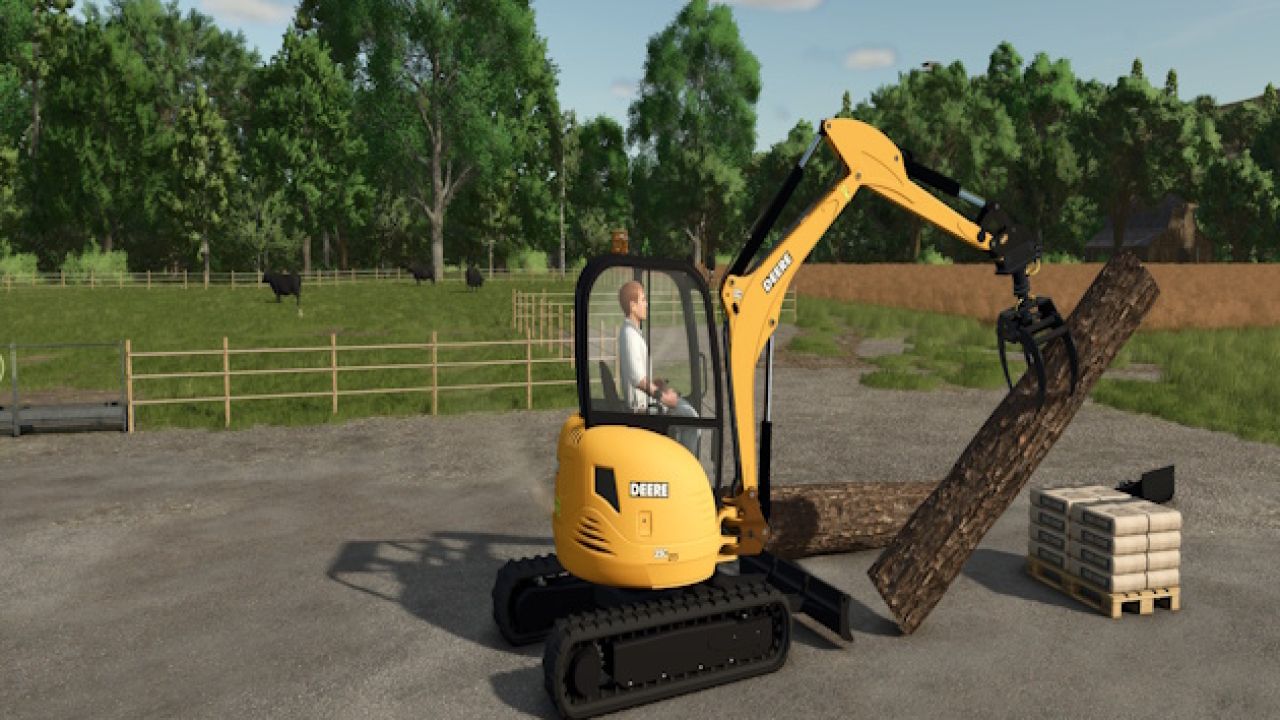
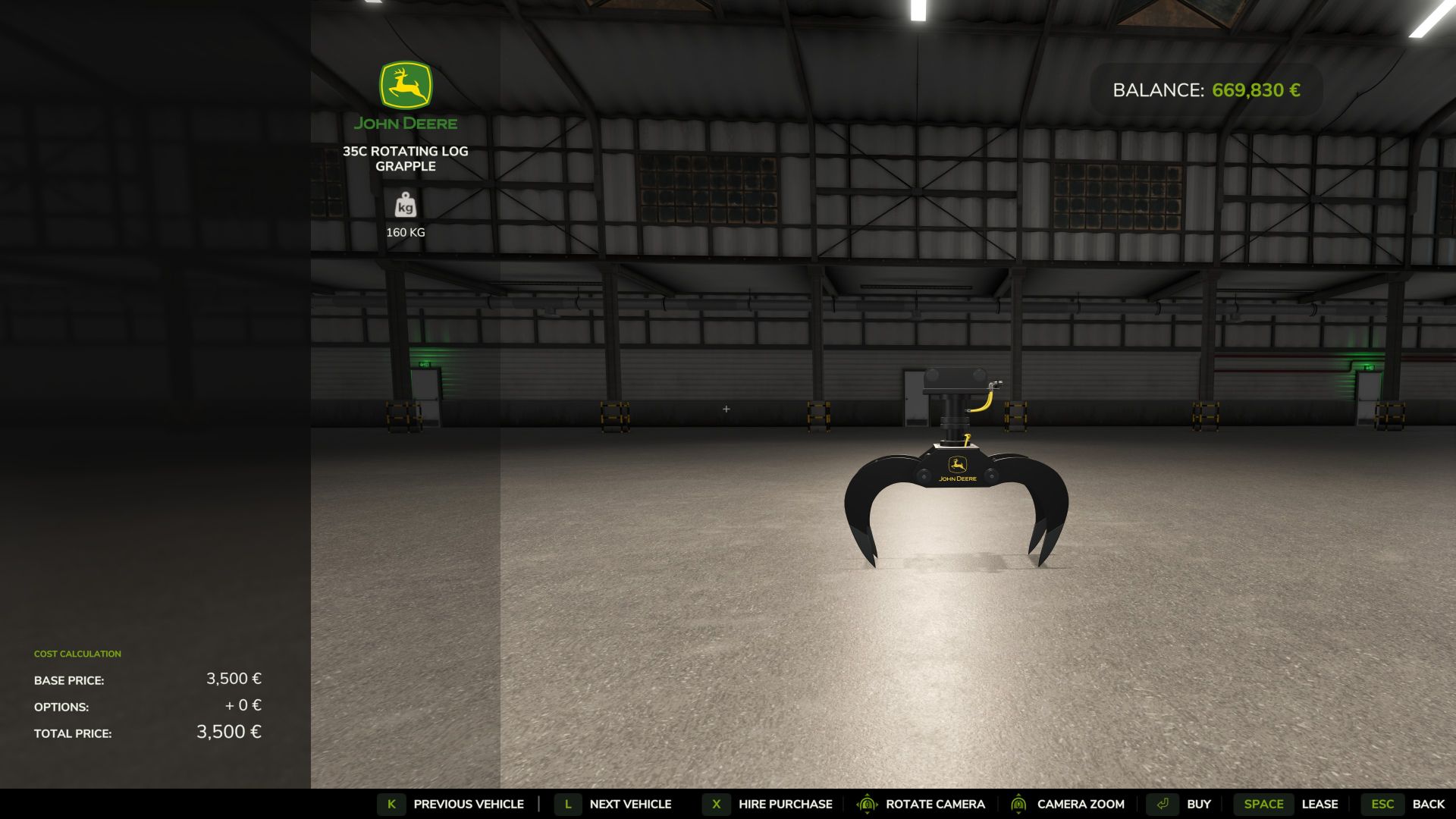
Grapple preview — coming in a future update
The custom rotating log grapple shown in the screenshots is a preview and is not included in this release. I’m still fine-tuning its physics, including mounting stability and how securely it grips logs. It will be released in a future update once those adjustments and testing are complete.
Requirements
Farming Simulator 25 and TerraFarm must be installed and enabled.
Converted from FS22 with permission from Canadian FS. Thank you for allowing this project to continue into FS25!
Version: 1.0.0.21
If you encounter an issue, please include a description, a screenshot or short video, and your game log when reporting it.
Thanks for supporting SecondChanceGaming!
Author: SecondChanceGaming3709