Dynamic Market v1.3.1
Dynamic Market v1.3.1
Expands the Farming Simulator sales price system by adding a dynamic monthly market layer.
Changelog 1.3.1.0:
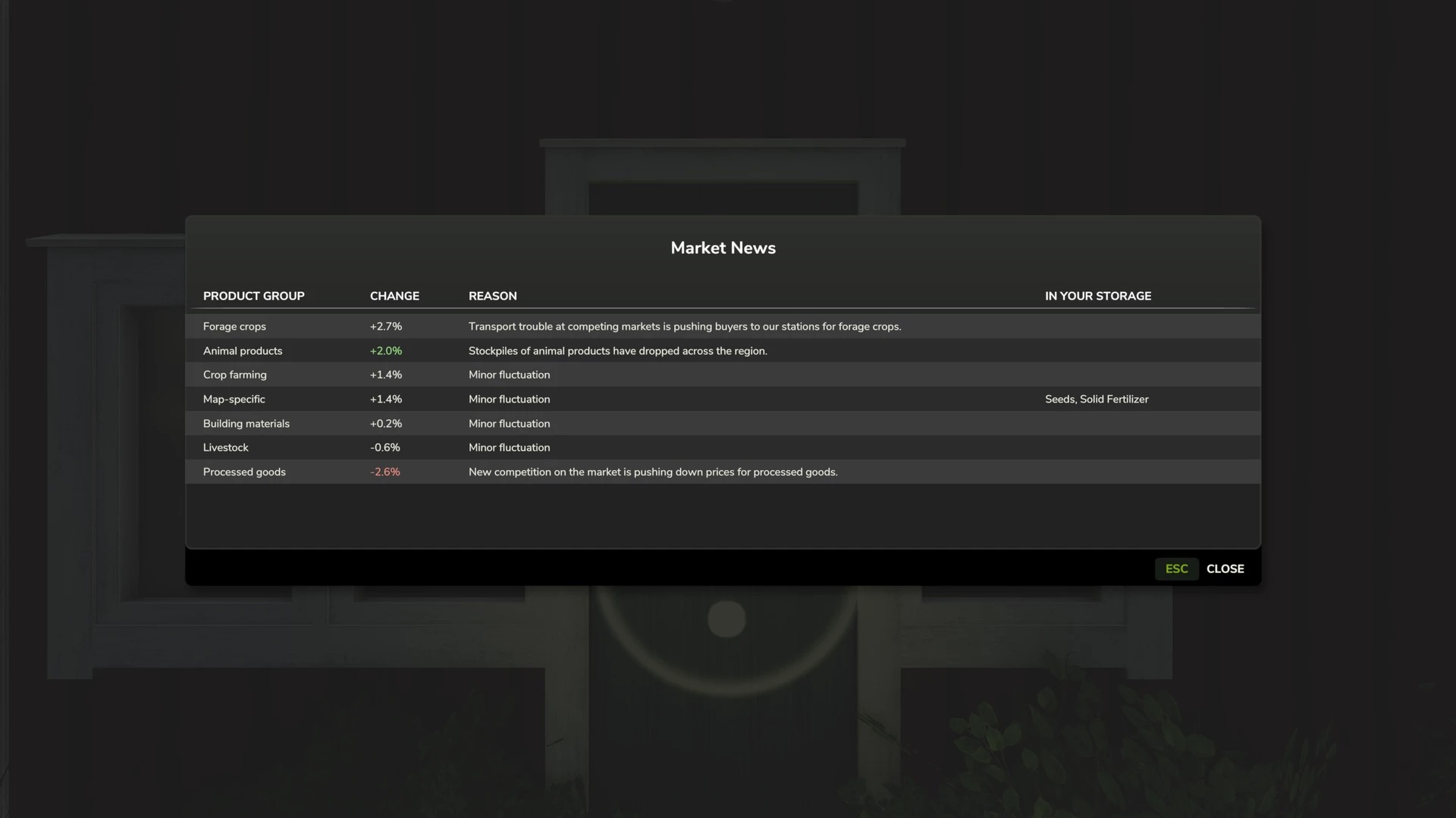
New: “Market News” window opens automatically at the start of each month, displaying all commodity groups sorted by change, reason, and the affected goods in your storage; can also be opened at any time via the market tab.
New: Processed products now track the prices of their raw materials and never fall below the value of the raw materials consumed—this applies to map-based and mod-based productions as well.
Fix: Commodities hidden from the price table by a map (e.g., animal sale workarounds) no longer appear with absurd prices.
Compatibility with the current game version.
The dynamic market causes sales prices to change over time, supplementing the base game’s standard seasonal fluctuations. Each commodity group evolves differently, meaning the optimal time to sell is constantly shifting. Prices
Adds monthly market fluctuations to the base game prices
Each product category (crops, forage crops, animal products, livestock, processed goods, construction materials, map-specific items) has its own price trend
Optional annual average mode: replaces the base game’s seasonal peaks with a stable yearly value, so you don’t have to wait for a specific month
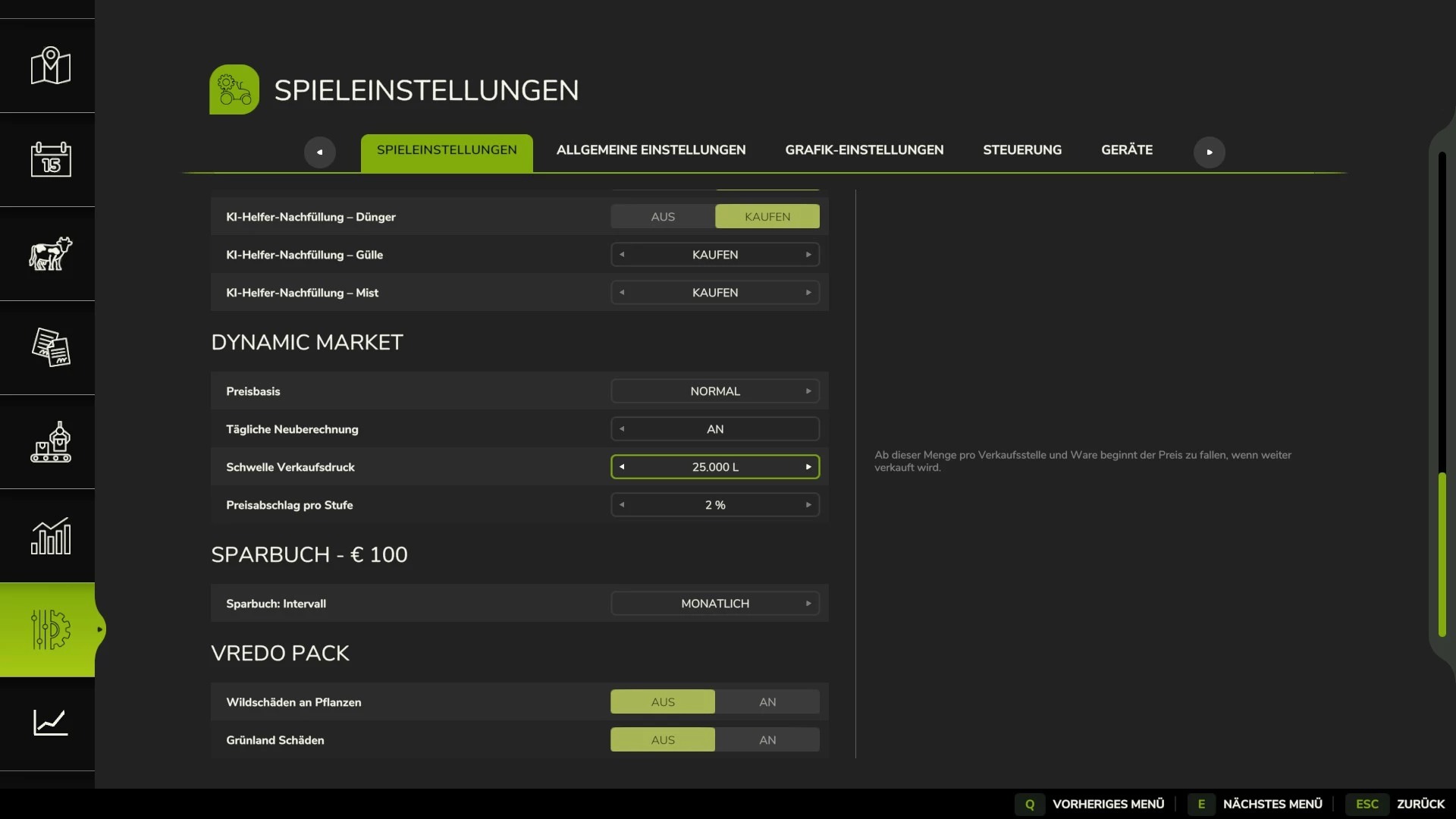
Sales pressure at selling points: selling large quantities at once temporarily drives down the price, which then recovers (threshold and intensity are adjustable)
Inventory & Notifications
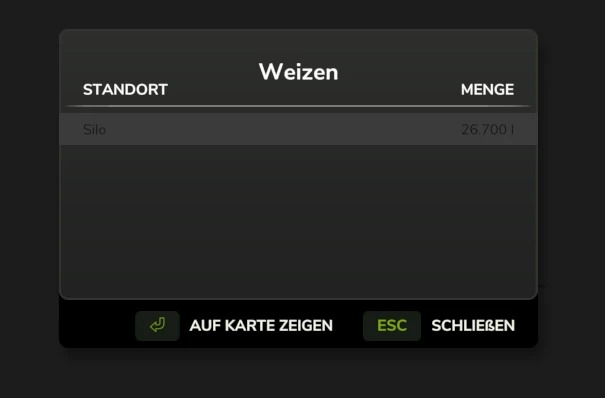
Displays your actual stock levels for each product: in warehouses, trailers/implements, and the output storage of production facilities and animal pens
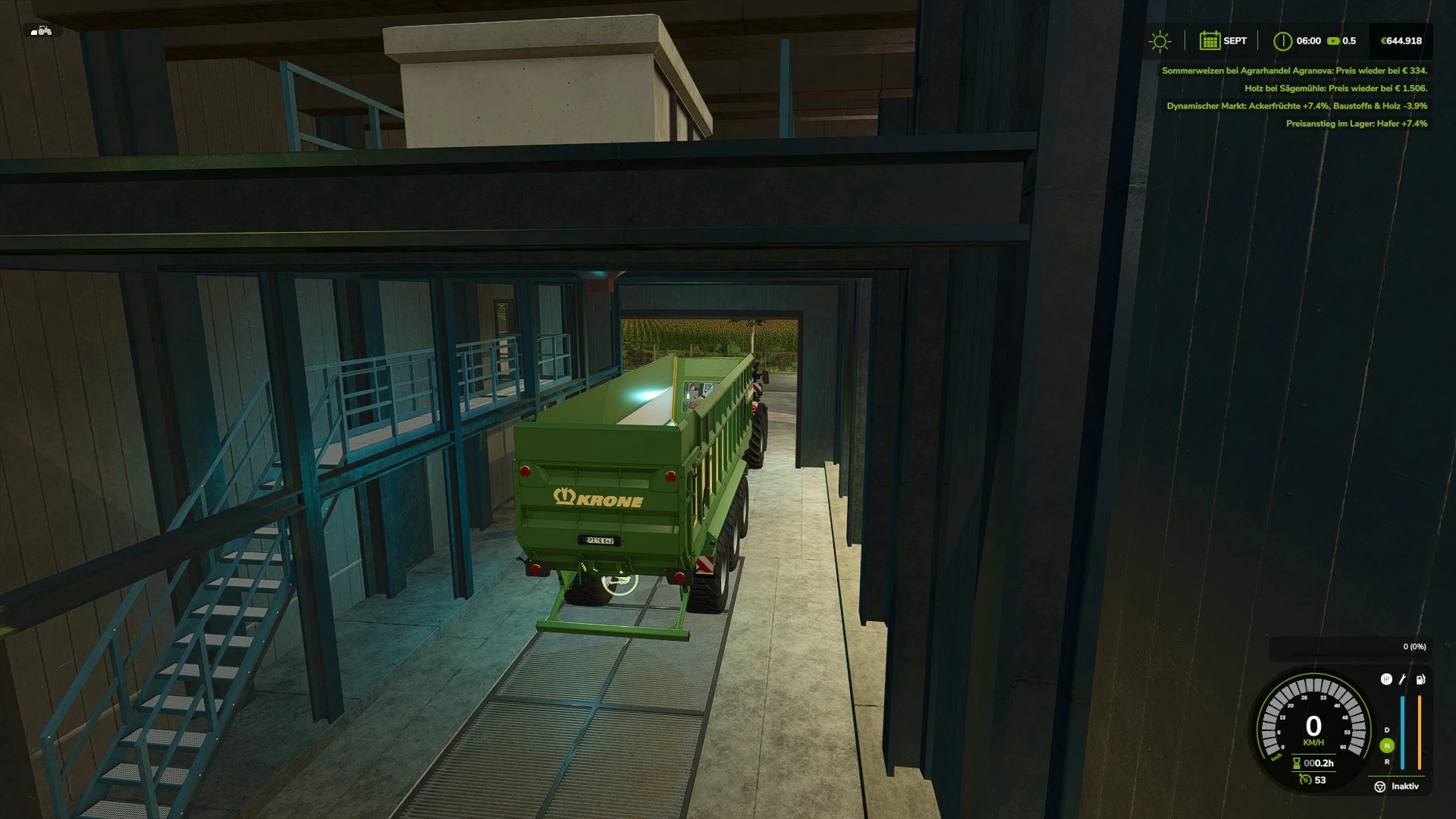
In-game notification when the price of a product you have in stock rises significantly
View storage locations for a product at the touch of a button, including map markers for the storage site and the best selling point
Overview
Dedicated market page showing base game price, adjusted price, percentage deviation, selling point, and best month to sell
Search, inventory filters, and sortable columns for quick navigation
Automatic Detection
Automatically detects sellable products from any map or mod, even without manual configuration
Products that cannot be assigned to a specific category but are actually sellable are placed in a “Map-specific” category instead of being ignored
Manual category assignment available for special cases
Multiplayer
All market calculations run server-side so that all players see the same prices
Feedback and bug reports on GitHub.
Author: Nalathan