Welchys Performance Addon V1.0
Welchys Performance Addon V1.0
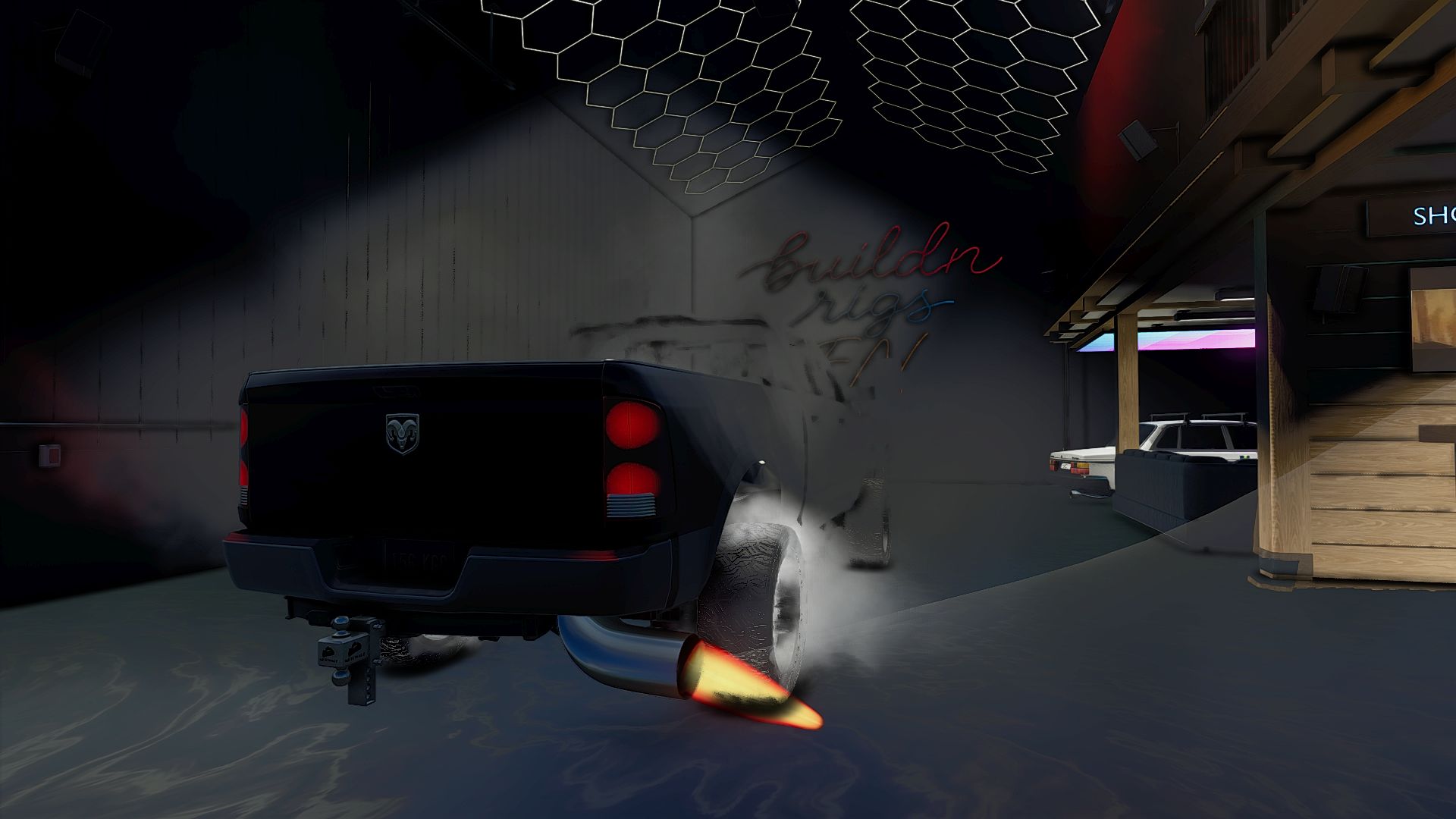
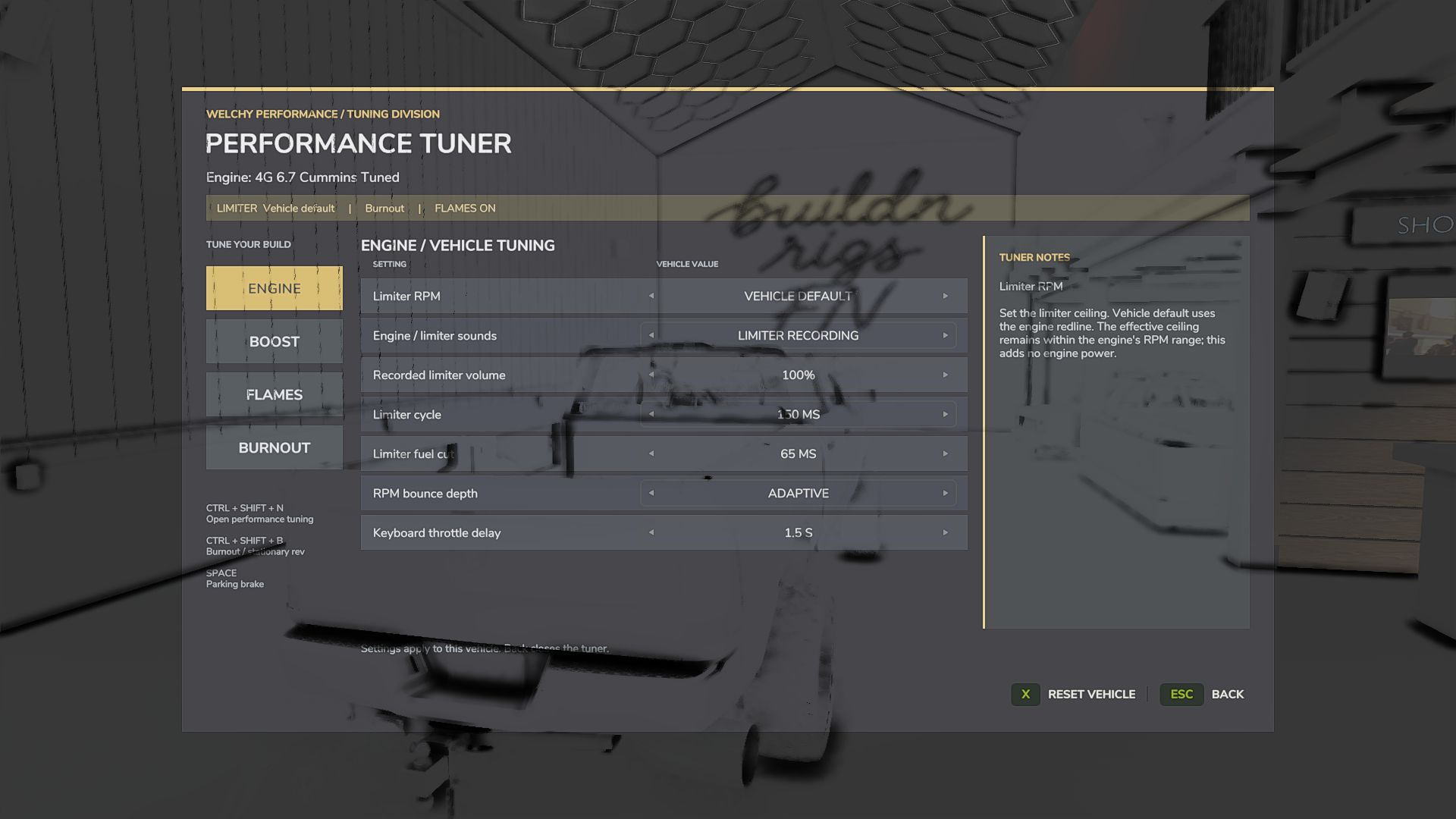
Tune your limiter, build boost, light up the rear tires and customize your exhaust effects—all from one tuning menu.
Adjustable rev limiter – Set limiter RPM, fuel-cut timing and RPM bounce.
Stationary rev mode – Hit the limiter while sitting still.
Driving limiter – Reach the limiter under heavy throttle, with earlier shifts during lighter acceleration.
Boosted launches – Build boost, then release the parking brake to launch.
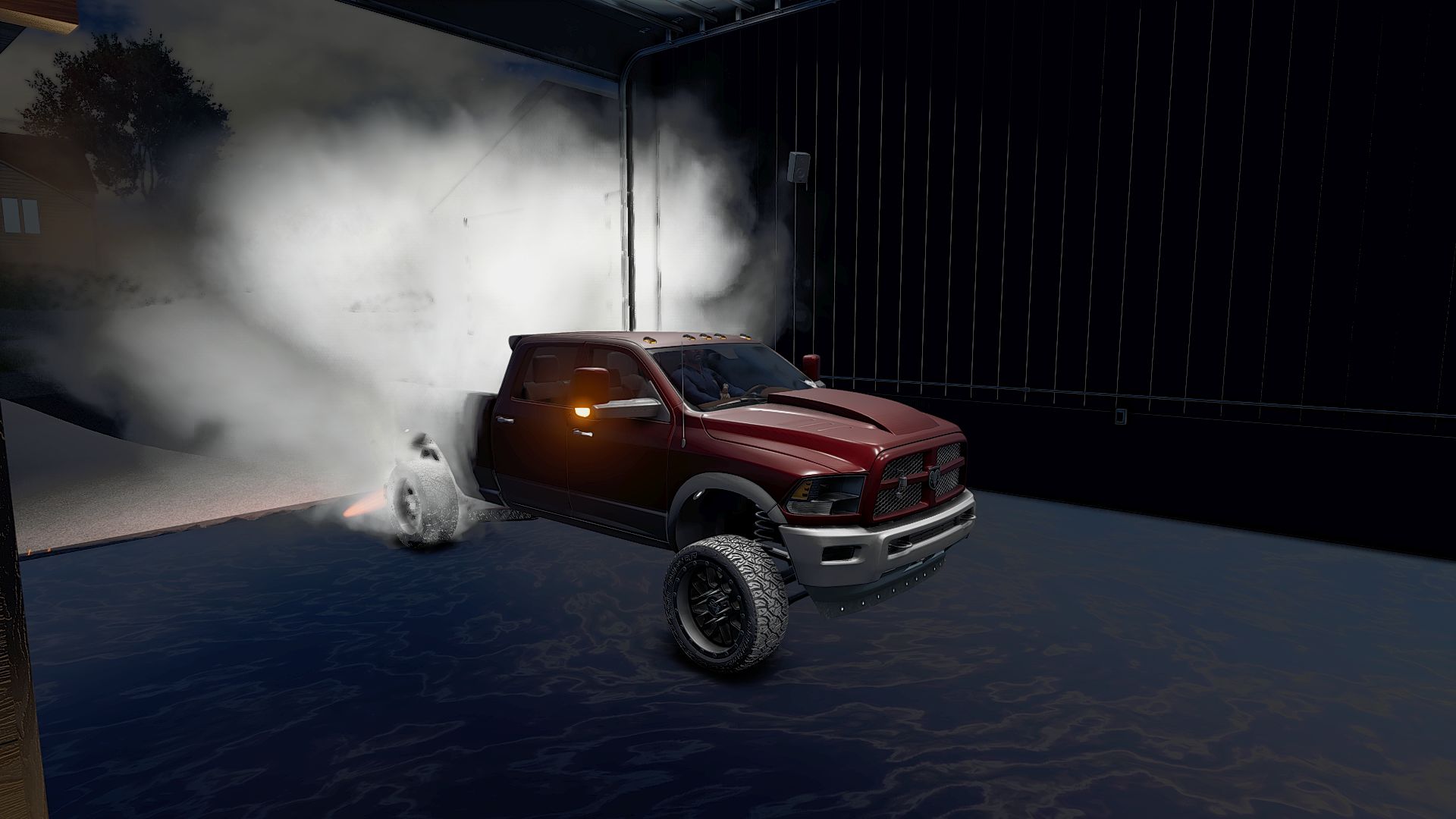
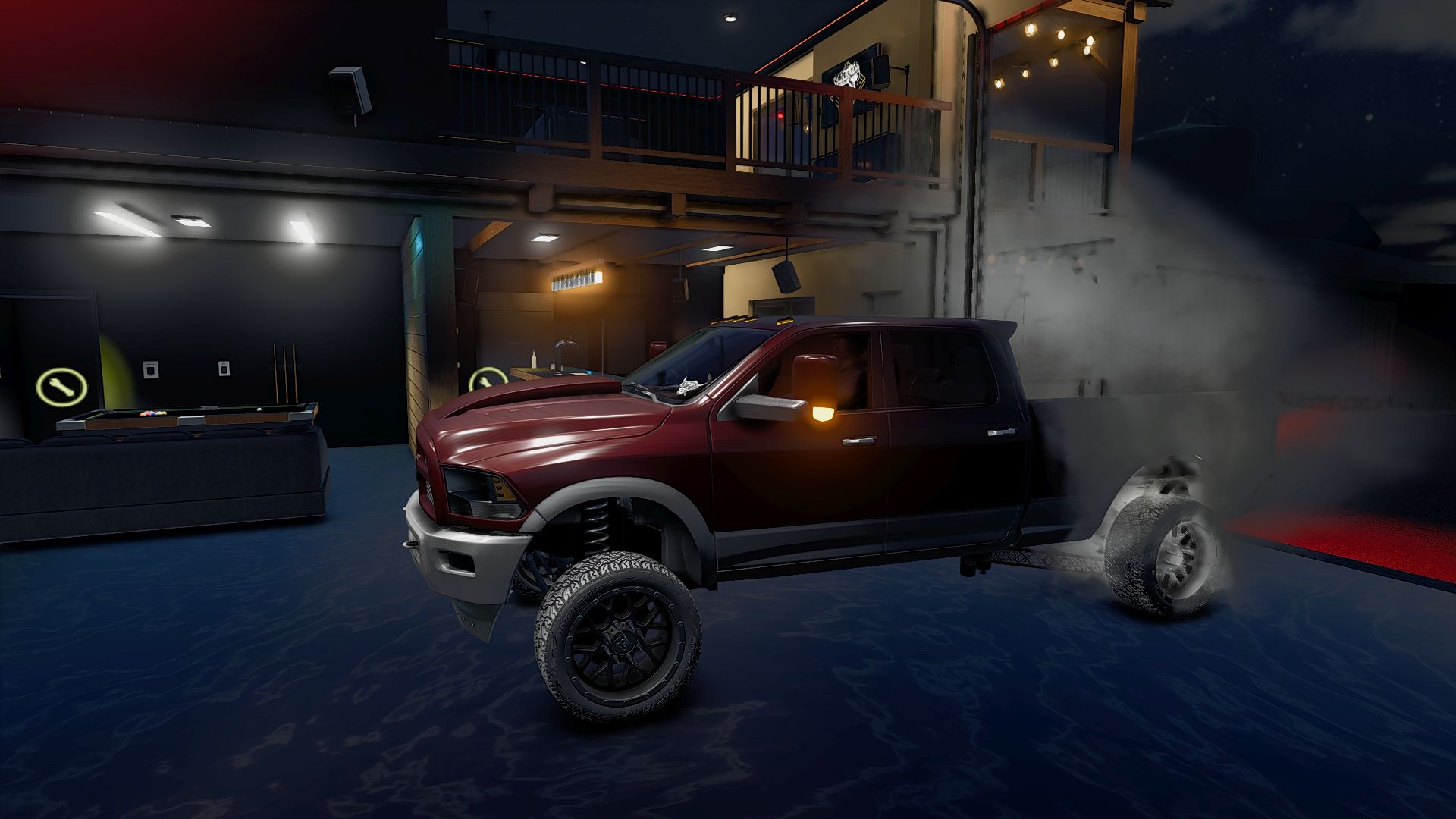
Burnout mode – Hold the front wheels while the rear tires spin.
Rolling burnouts – Carry wheelspin into takeoff while staying on the throttle.
Tire effects – White burnout smoke, dark rubber marks, burnout audio and grip-catching tire chirps.
Dually burnout marks – Separate tread marks on supported Welchy dually wheel setups.
Custom exhaust flames – Adjust color, brightness, reach and diameter, with automatic sizing on spported exhaust tips.
Flame heating delay – Build exhaust heat on the limiter before flames appear.
Independent effect controls – Disable flames or suppress exhaust smoke during flame bursts.
Five boost sound profiles – Diesel/Cummins, Sport/Car, Standard, Tractor and Roots/twin-screw-style Supercharger.
Turbo buildup and release – Whistle builds with boost and spools down when you lift.
Progressive keyboard throttle – Adjust how quickly holding W reaches full throttle.
Per-vehicle tuning – 24 settings saved per vehicle, configured engine names and multiplayer setting synchronization.
Default controls
Ctrl + Shift + N: Open tuning menu
Ctrl + Shift + B: Toggle burnout / stationary rev mode
Space: Parking brake
Author: Welchy Mods