Chcebuz V1.1.0.1
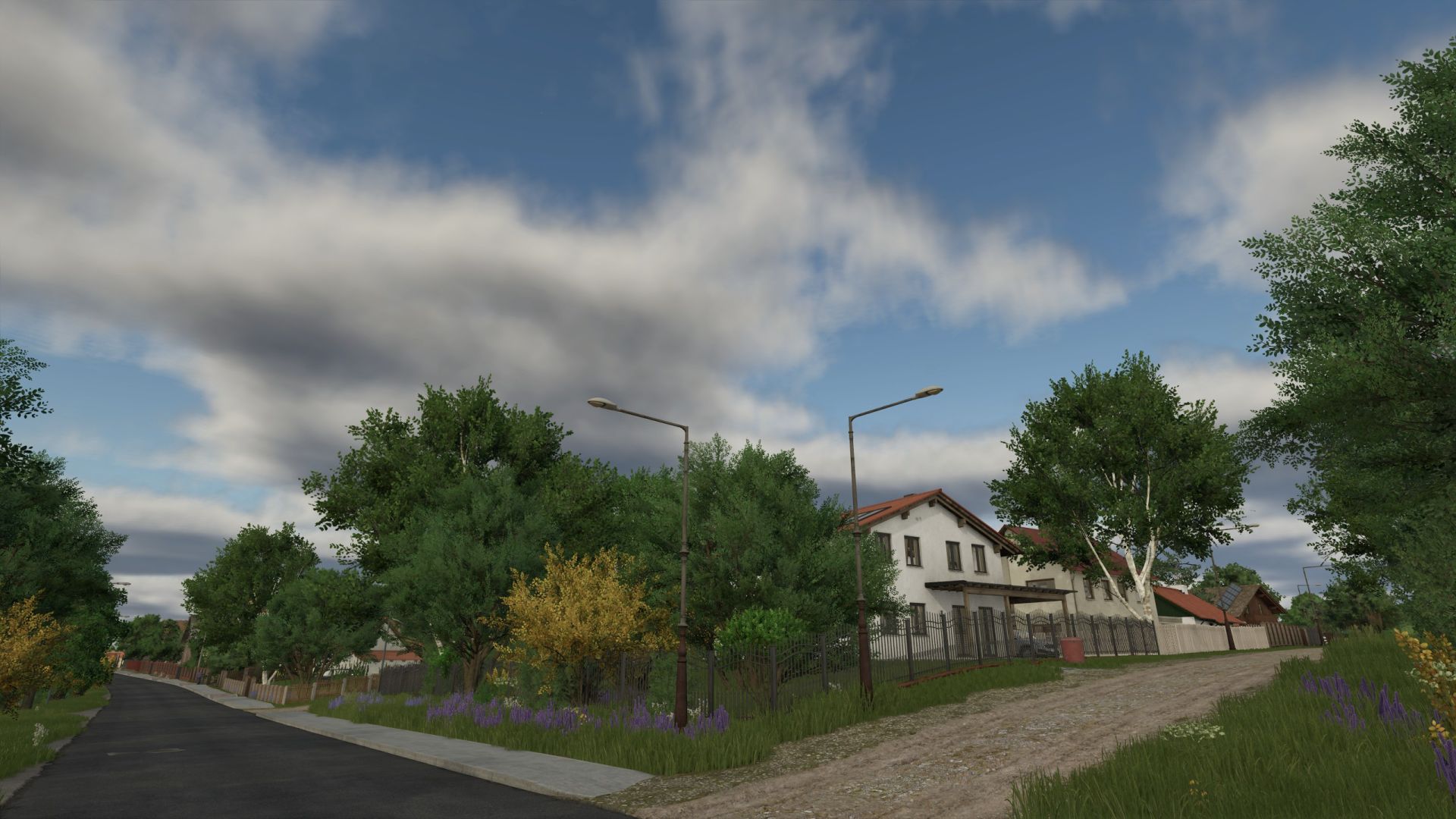
Chcebuz V1.1.0.1
V1.1.0.1
A new save game is not required.
– Fixed an issue that prevented the sowing of spring wheat in the spring.
V1.1.0.0
! Requires a new save game !
– A new field, 72, has been created.
– New field paths created near fields 8, 14, and 19.
– Added collectibles.
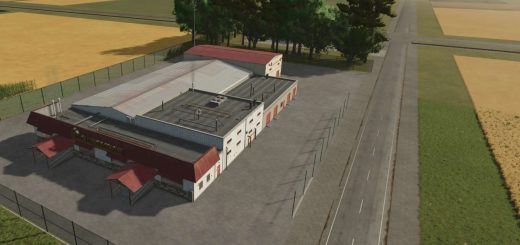
– Added a grain/oil crop cleaner.
– Added cleaner waste as a product for the BGA.
– Added decorative road textures.
– Added Hungarian translation.
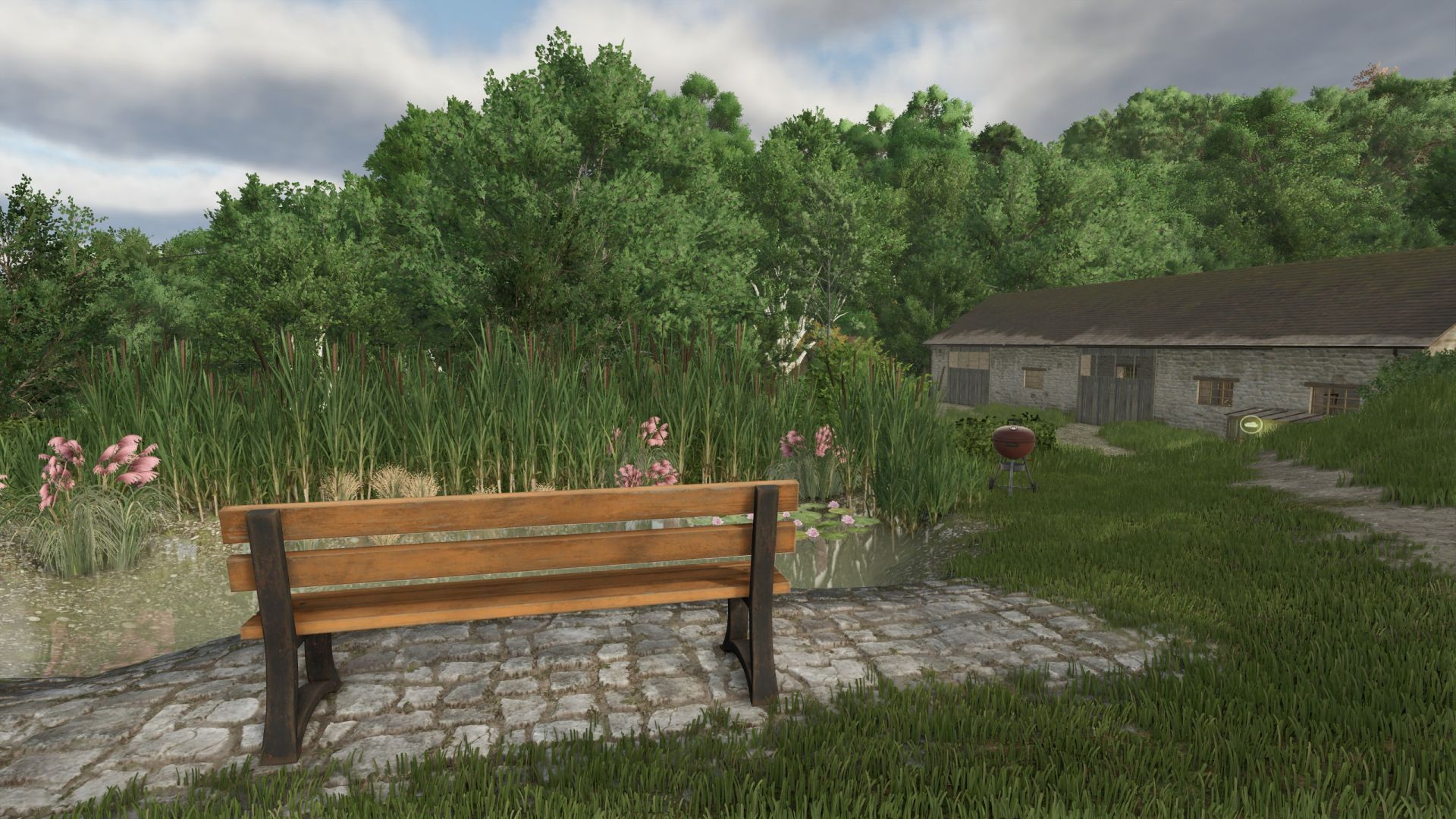
– Added decorative elements.
– Added starter vehicles for handling tasks in the goose and chicken barns.
– Changed map lighting.
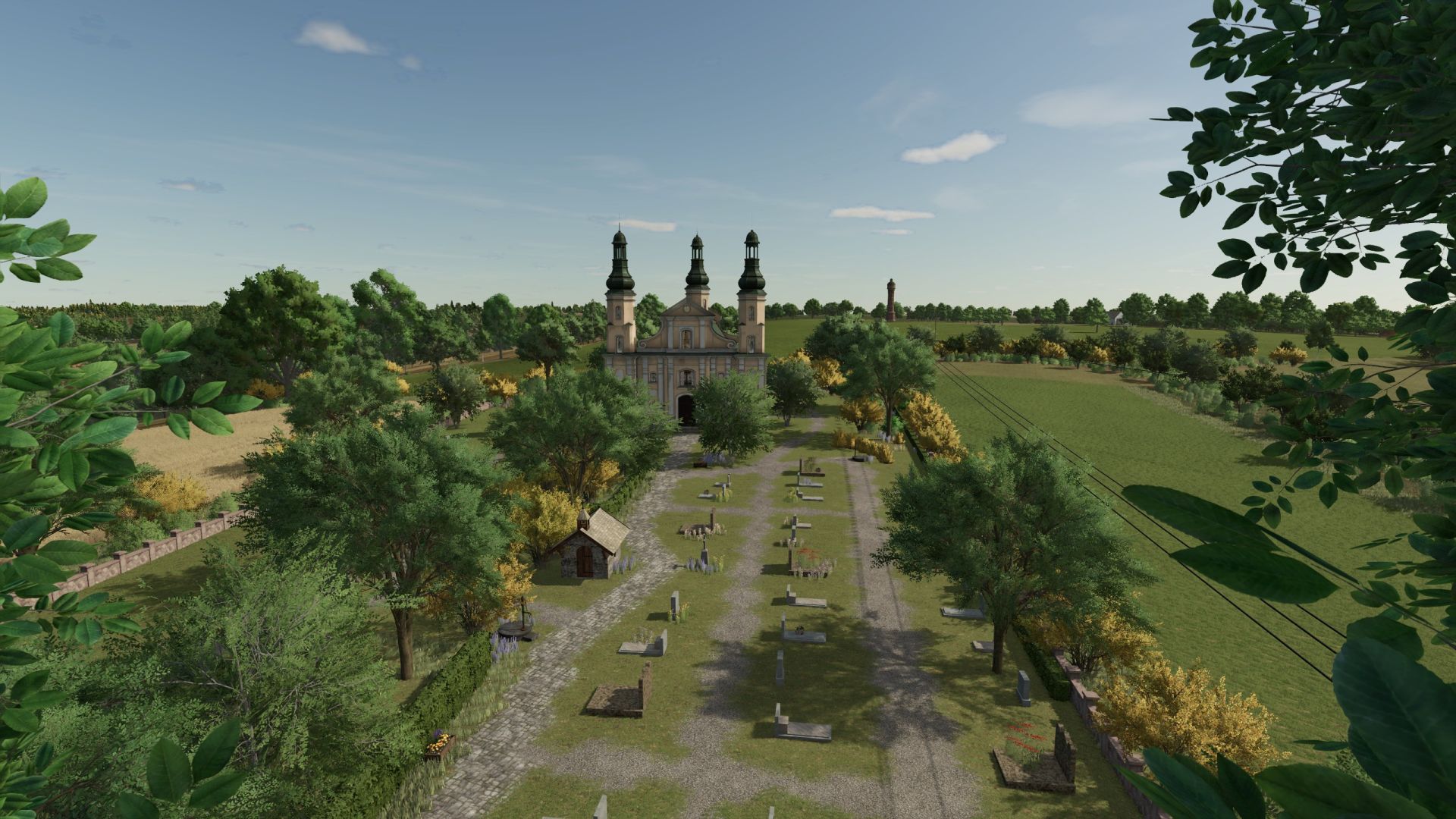
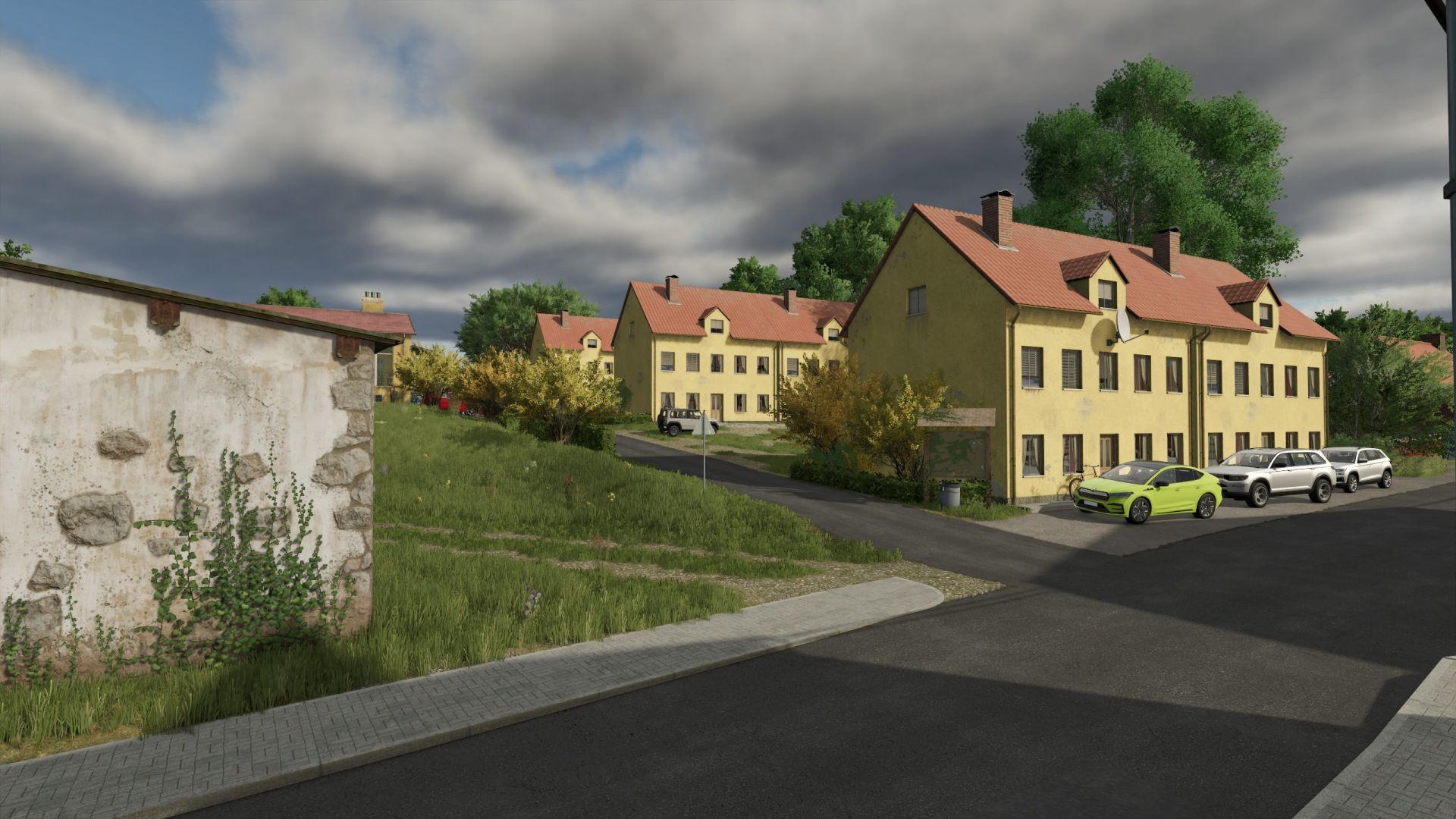
– Fixed an issue with workers on the road next to the church.
– Chickens can eat waste from the grain cleaner.
– Removed the fence from plot 38 to allow for a larger building area.
– Removed grass from sales/production points.
– Various improvements and minor fixes.
V1.0.1.0
Requires a new save game
Fixed an issue with the ownership of Field 5.
Fixed an issue where the grain mill could not be purchased via the purchase point.
Fixed an issue regarding the purchase of orchards and gardens.
Removed trees from fields.
Relocated static NPCs.
Various improvements and minor fixes.
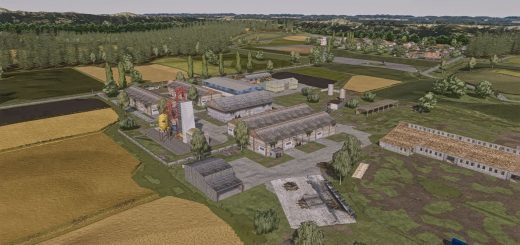
Welcome to Chcebuz!
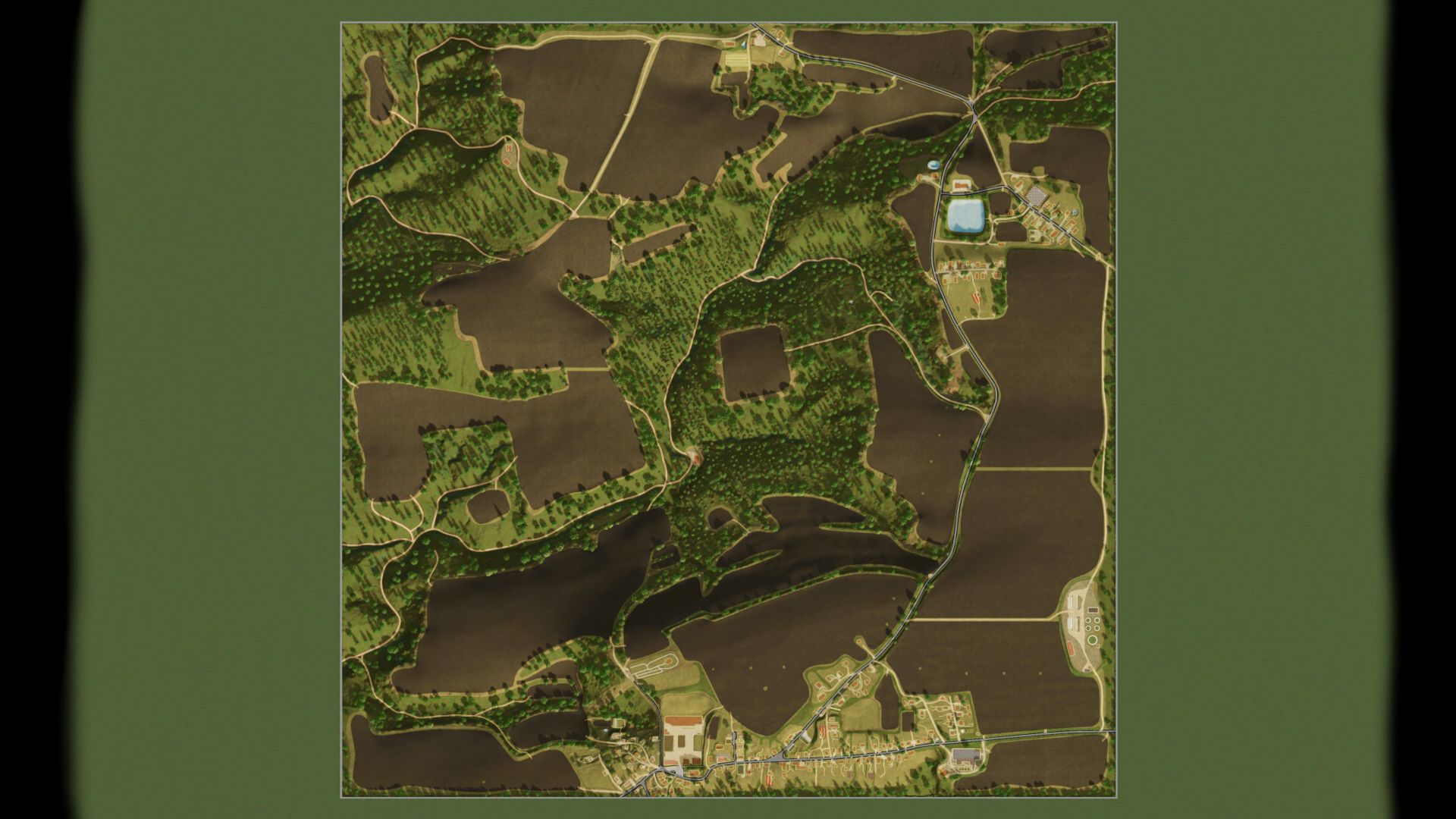
The map is based on real-world map data covering an area of 2 × 2 km. It has been adapted to the game’s mechanics (production facilities have been added, forests are less dense, and roads have been widened compared with the real-world layout).
Overview:
Landscape: A hilly, forested area of the Kokořínsko region.
Number of farmland plots: 71
Supports all DLCs, Precision Farming, and many script mods.
The map is optimized for small to medium-sized machines.
Farming:
31 fields
7 meadows
Numerous forest plots
1 vineyard
3 orchards
Realism:
Multi-terrain angle for more natural soil cultivation.
Precision Farming support.
Adjusted weather settings. Added Crops
Alfalfa
Clover
Rye
Spelt
Triticale
Silage maize
Mustard
Humusaktiv
Field grass
Vetch-rye mix
Spring/winter wheat
Spring/winter barley
Safflower
Millet
Poppy
Dry peas
Hemp
Lentils
Mint
Chickpeas
Production:
Compost production
Grain mill
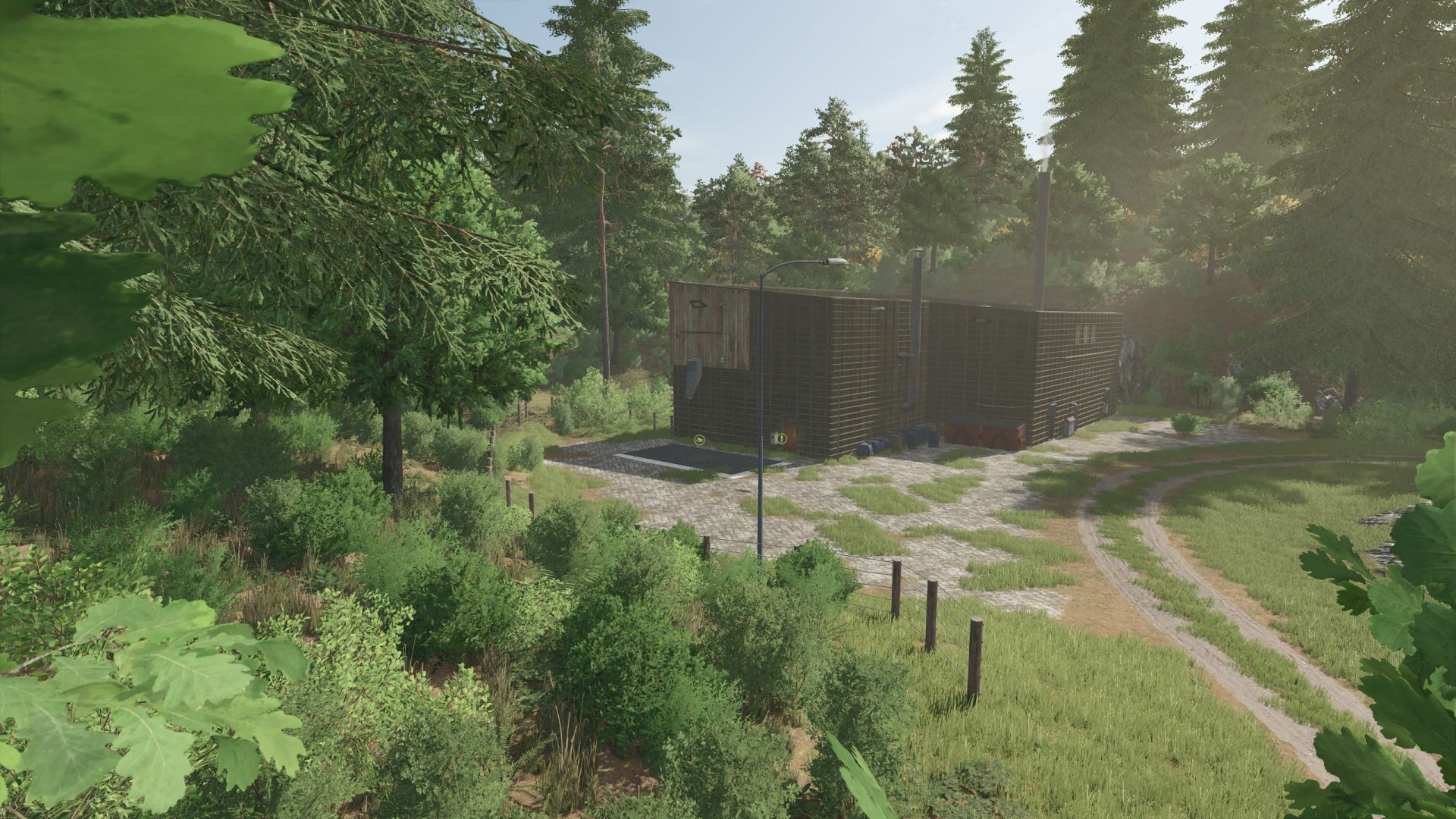
Biogas plant (BGA)
Dairy
Cannery and packaging plant
Sugar factory
Spinning mill
Bakery
Paper mill
Sawmill
Carpentry workshop
Orchards
Gardens
Greenhouses
Animals:
Sheep pasture
Horse paddock
Cow pasture
Rabbits
Geese
Ducks
Other:
Large silo for storing crops (must be purchased on the map).
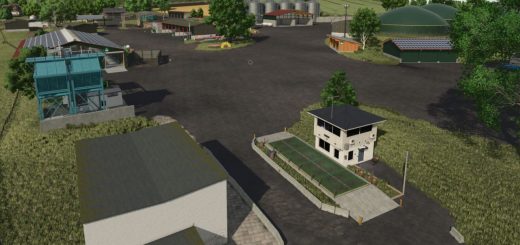
Extensive farm.
Approximately 8,000 trees available for logging.
Fields are prepared for beetle banks/flower strips.
Note: The map features snow coverage everywhere (except under shelters and at production/sales points); consequently, snow also falls on roads and traffic. Prepared for winter plowing and snow removal (snow does not hinder AI traffic, though vehicles may appear to sink into it).
Author: Radek21