TerraLineGPS v1.0.0.1
TerraLineGPS v1.0.0.1
TerraLine GPS is a custom-developed GPS guidance system for Farming Simulator 25.
Version 1.0.0.1
Hotfix: Enables automatic implement detection in multiplayer mode.
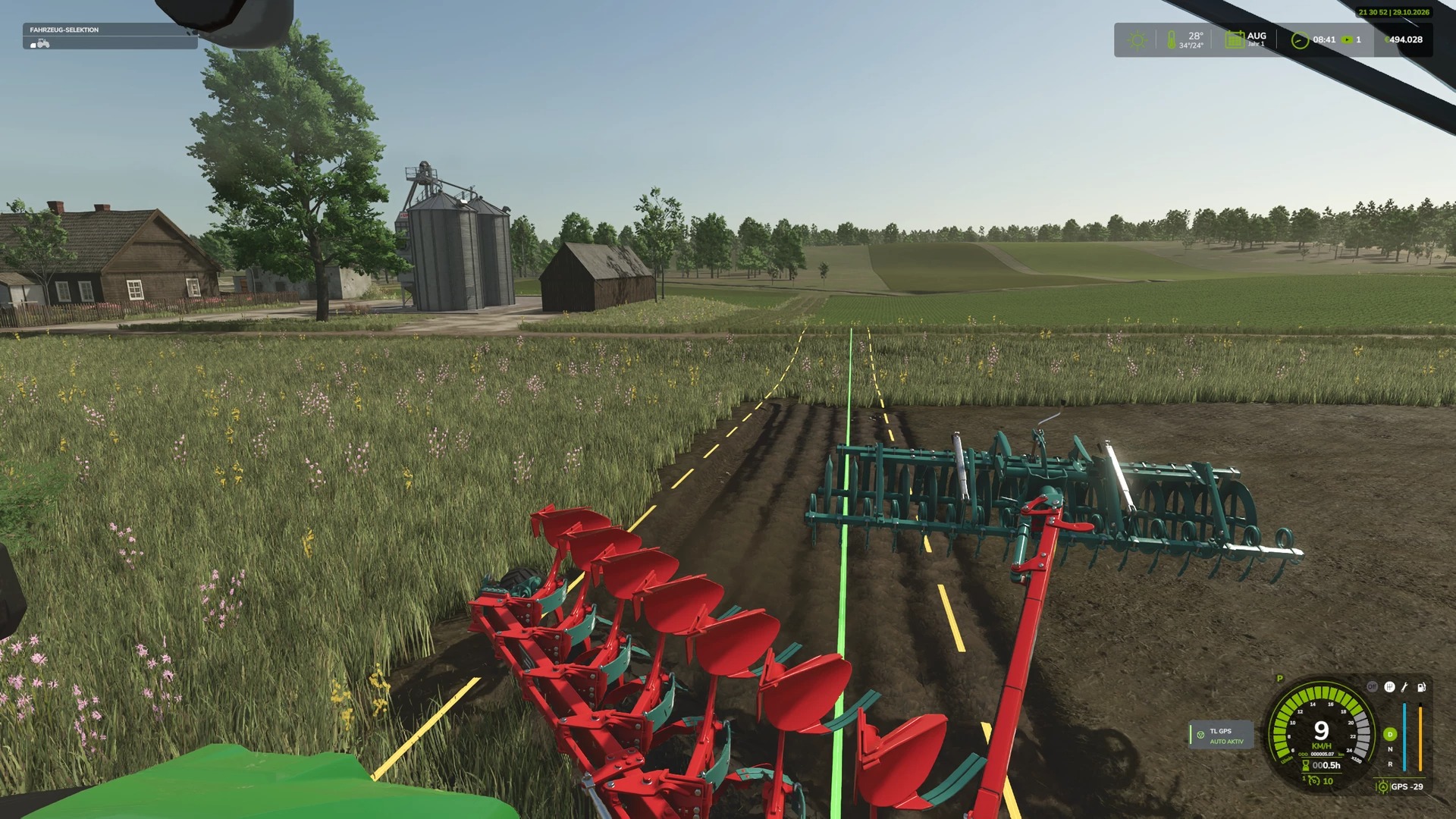
With TerraLine GPS, you can create and save precise A/B guidance lines, which can then be reused at any time.
The integrated automatic steering assistance takes over the guidance of your tractor, ensuring consistent and efficient work in the field.
We have placed a strong emphasis on ease of use, a clear, intuitive menu, and seamless integration into the native Farming Simulator 25 (FS25) interface.
Features
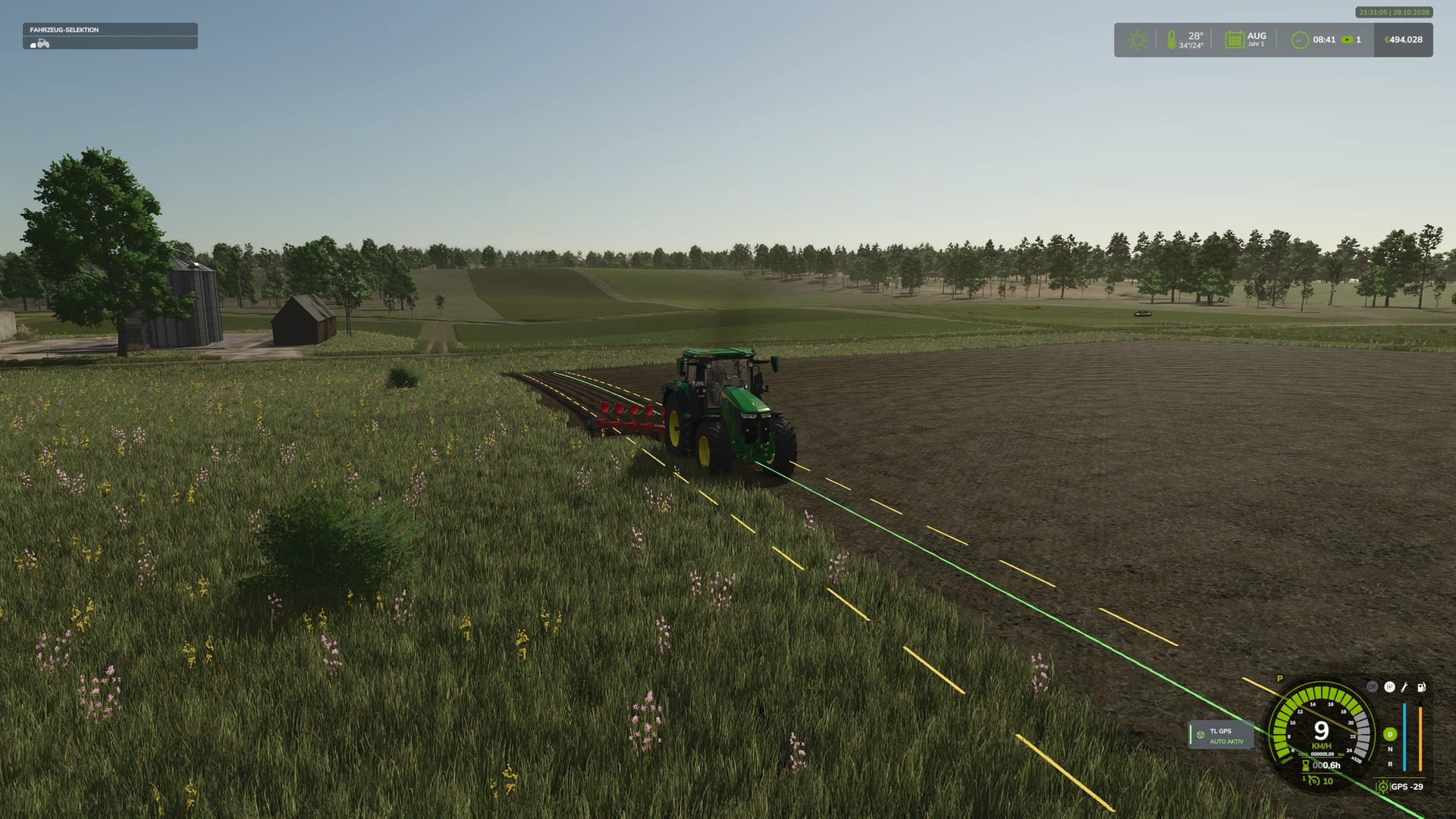
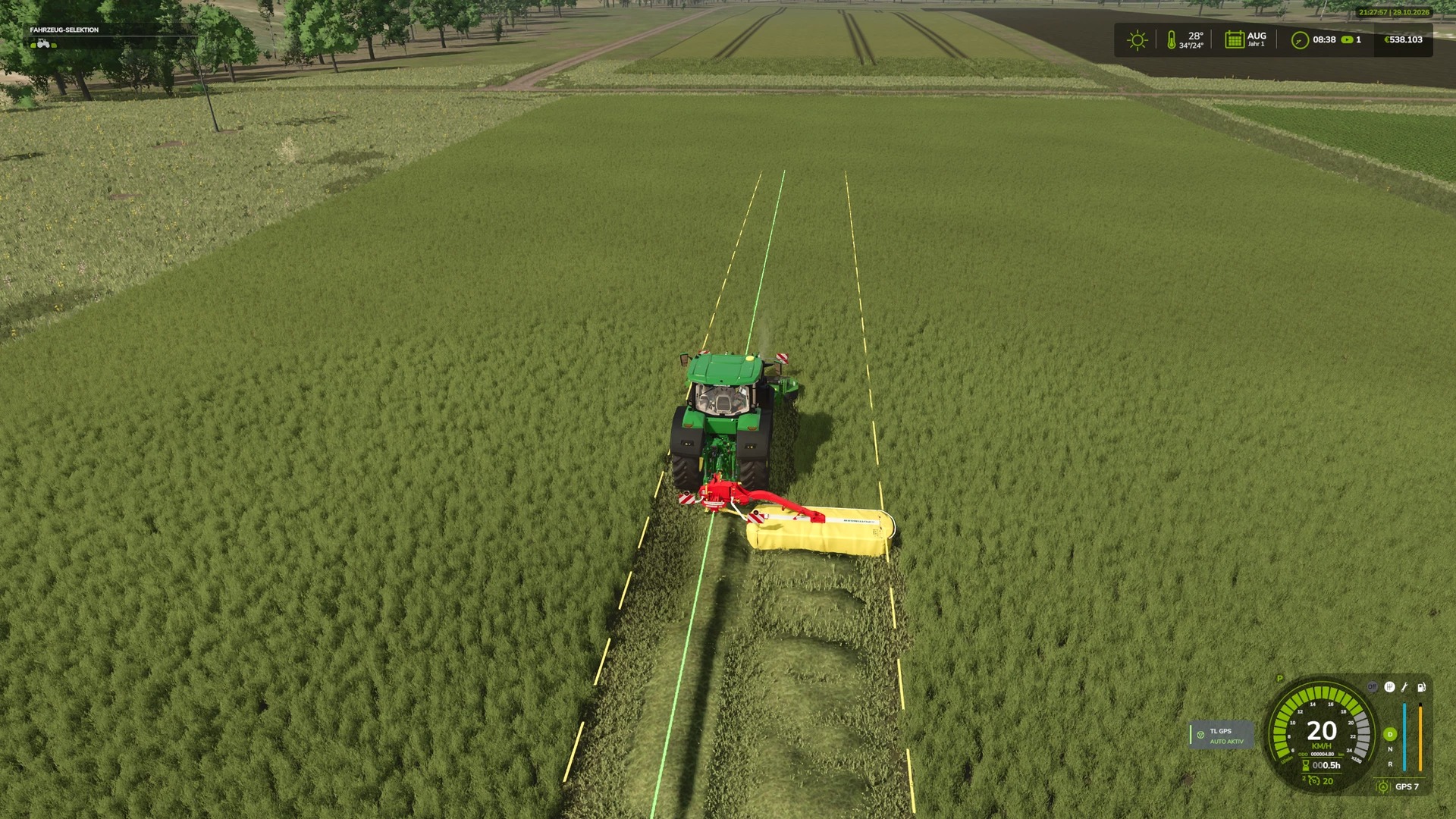
GPS Guidance: Set A/B reference points to generate parallel guidance lines.
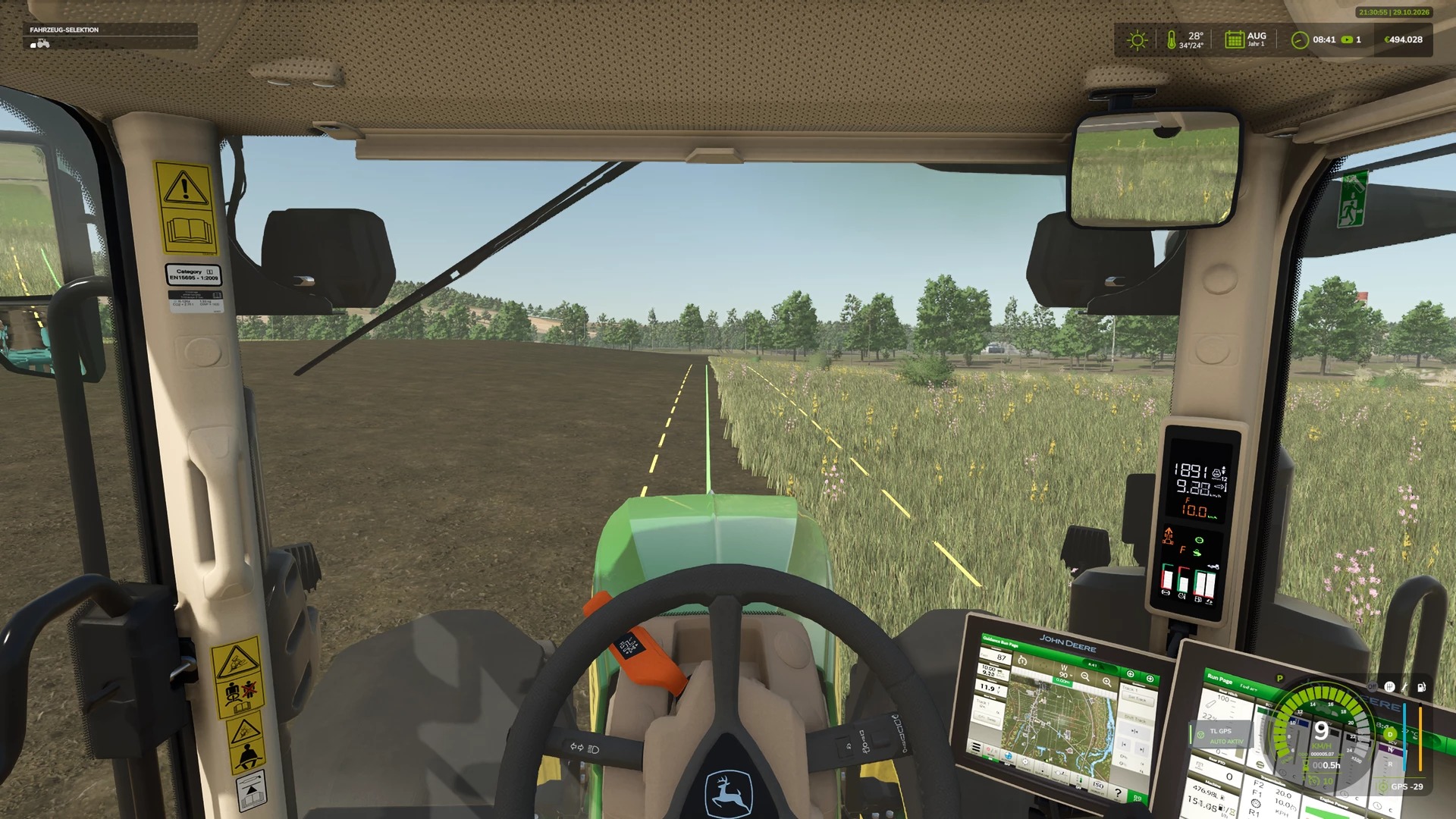
Automatic Steering: GPS-based steering assistance for straight paths at speeds of up to 30 km/h.
GPS Course Management: Create, name, save, load, and delete your own courses.
Shared Farm Courses: GPS courses are saved per farm, allowing all members of the same farm to use and manage them.
Working Width: Automatic detection of the attached implement’s working width, with options for manual adjustment.
Line Offset: Precisely shift GPS guidance lines and adjust the offset.
Line Orientation: Rotate guidance lines by 90° or enter a specific custom angle.
Implement Offset: Tools for accounting for and diagnosing implement offsets.
Customizable Display: Adjust the color and appearance of the GPS guidance lines.
Dedicated Settings Menu: A clear, user-friendly interface designed in the style of FS25.
GPS Status Indicator: A compact display positioned right next to the native FS25 speedometer.
GPS Equipment for Vehicles
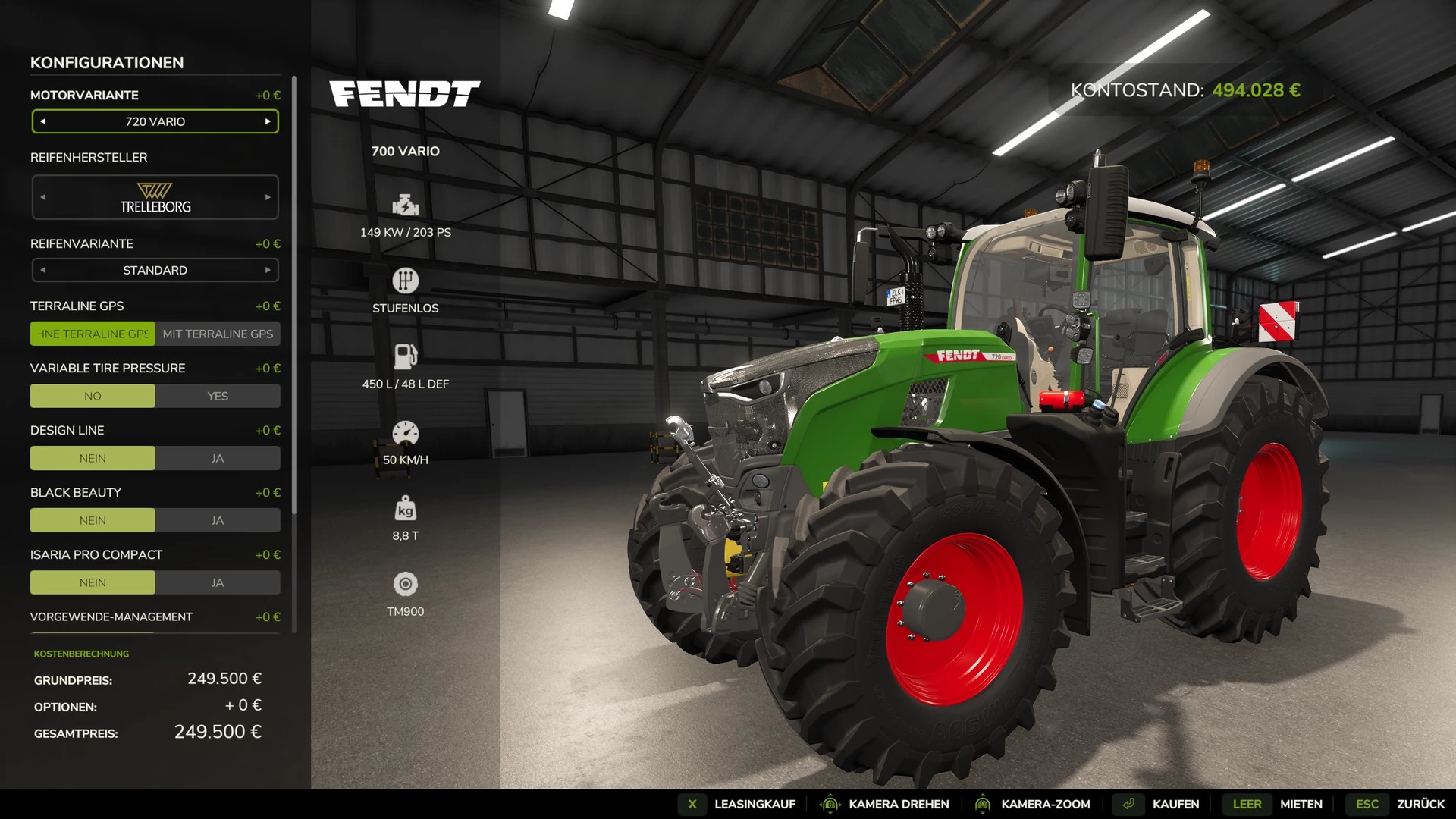
TerraLine GPS is integrated directly into the standard vehicle configuration menu. When purchasing a suitable tractor, two options are available:
Without TerraLine GPS: €0 surcharge
With TerraLine GPS: €10,000 surcharge
Vehicles that have already been purchased can be retrofitted via the in-game LS25 workshop.
The GPS configuration is saved on a per-vehicle basis and persists after a restart.
Multiplayer
TerraLine GPS supports server-side storage of shared GPS courses for each farm.
The current version has been successfully tested with a client on a dedicated server.
Vehicle configuration, GPS steering, and the saving and loading of courses have been verified in-game.
Important: Simultaneous operation with multiple players and vehicles, as well as self-hosted multiplayer games, have not yet been fully tested.
Author: PatchPunk