Ursus 1×34 Series V1.0.0.5
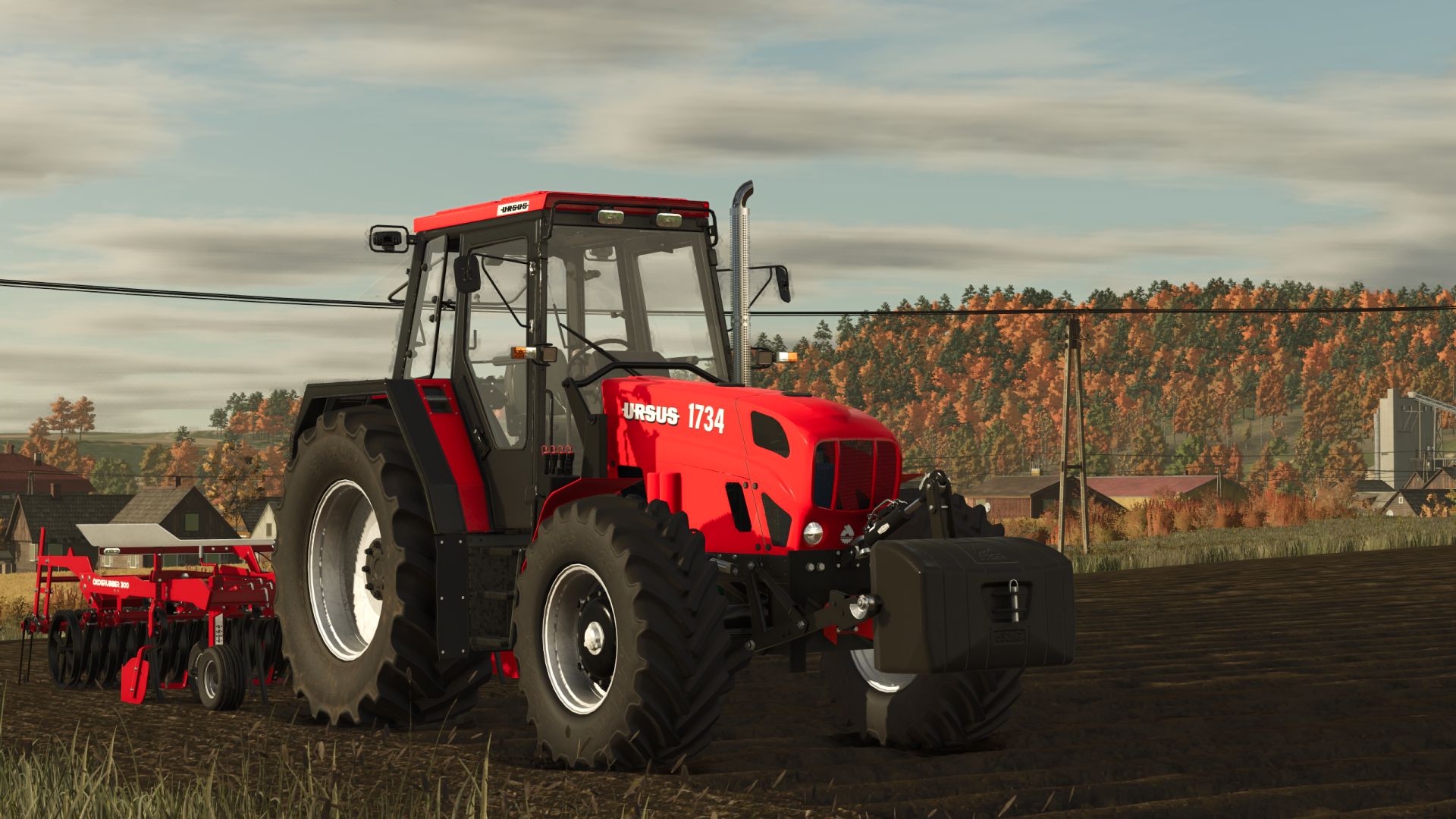
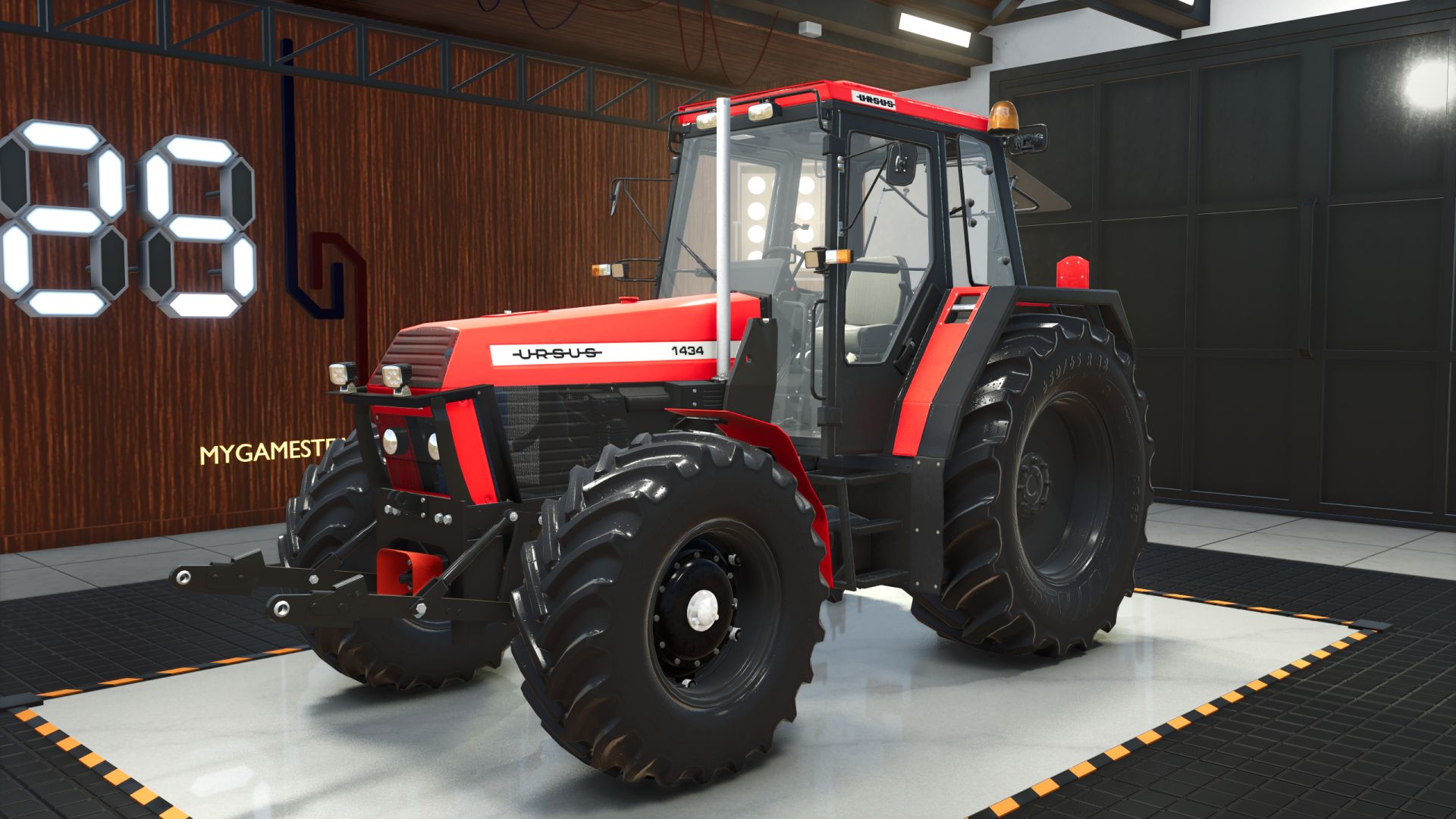
Ursus 1×34 Series V1.0.0.5
V1.0.0.5
– mud meshes on all Mitas, Nokian, Stomil and Cultor tyres (mud builds up in the field, washes off)
– tyre mud fitted to the tread of each tyre: sits between the lugs, lugs stay visible (no more bloated mud shell)
V1.0.0.2
– exhaust smoke now comes out of the top of the pipe (1434 – 1734), it used to come out in front of the muffler
– clutch, brake and throttle pedals added (they move while driving, driver’s feet on the pedals)
– gear shift animation: gear, range and creeper levers move, the driver reaches for them
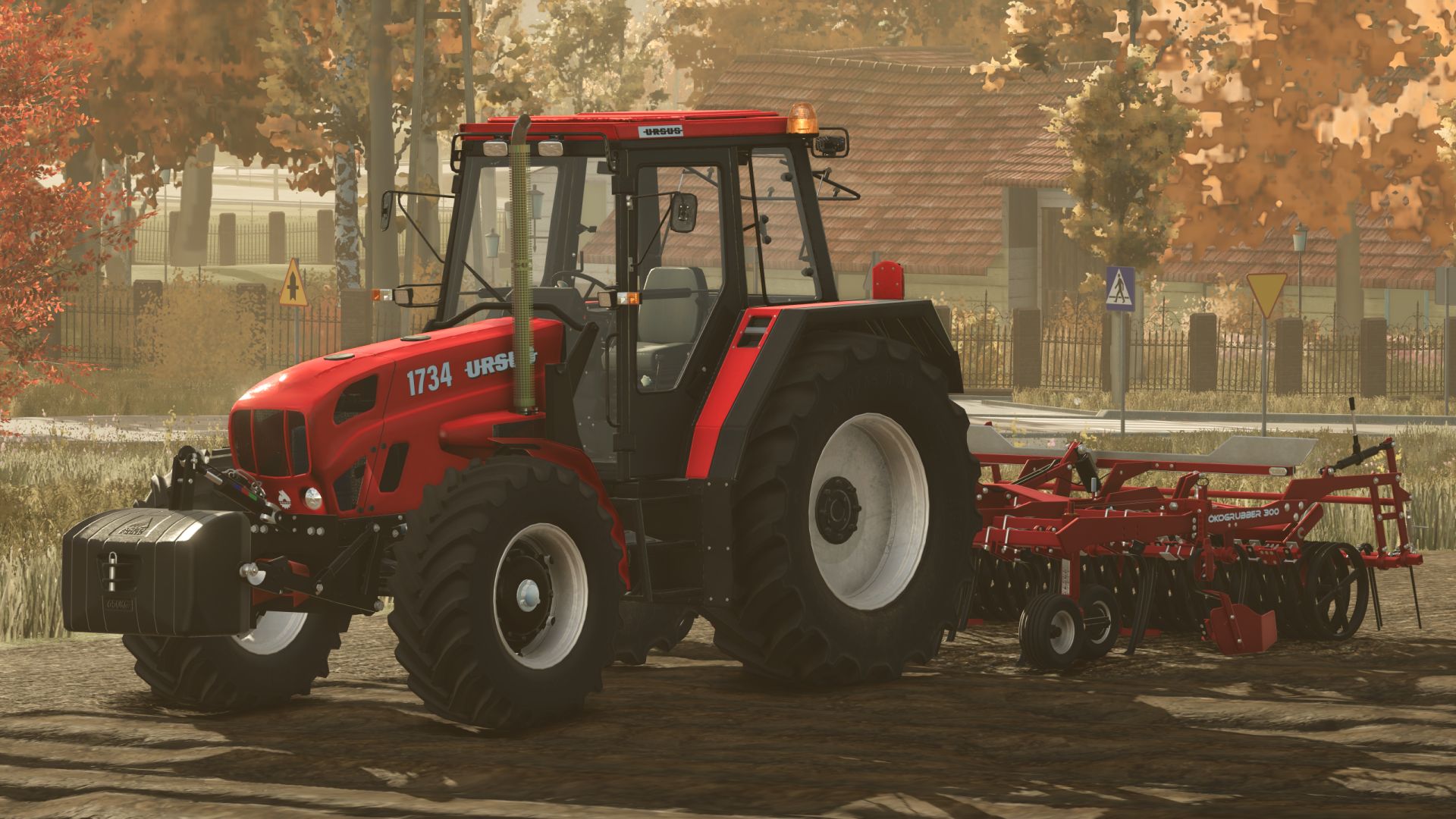
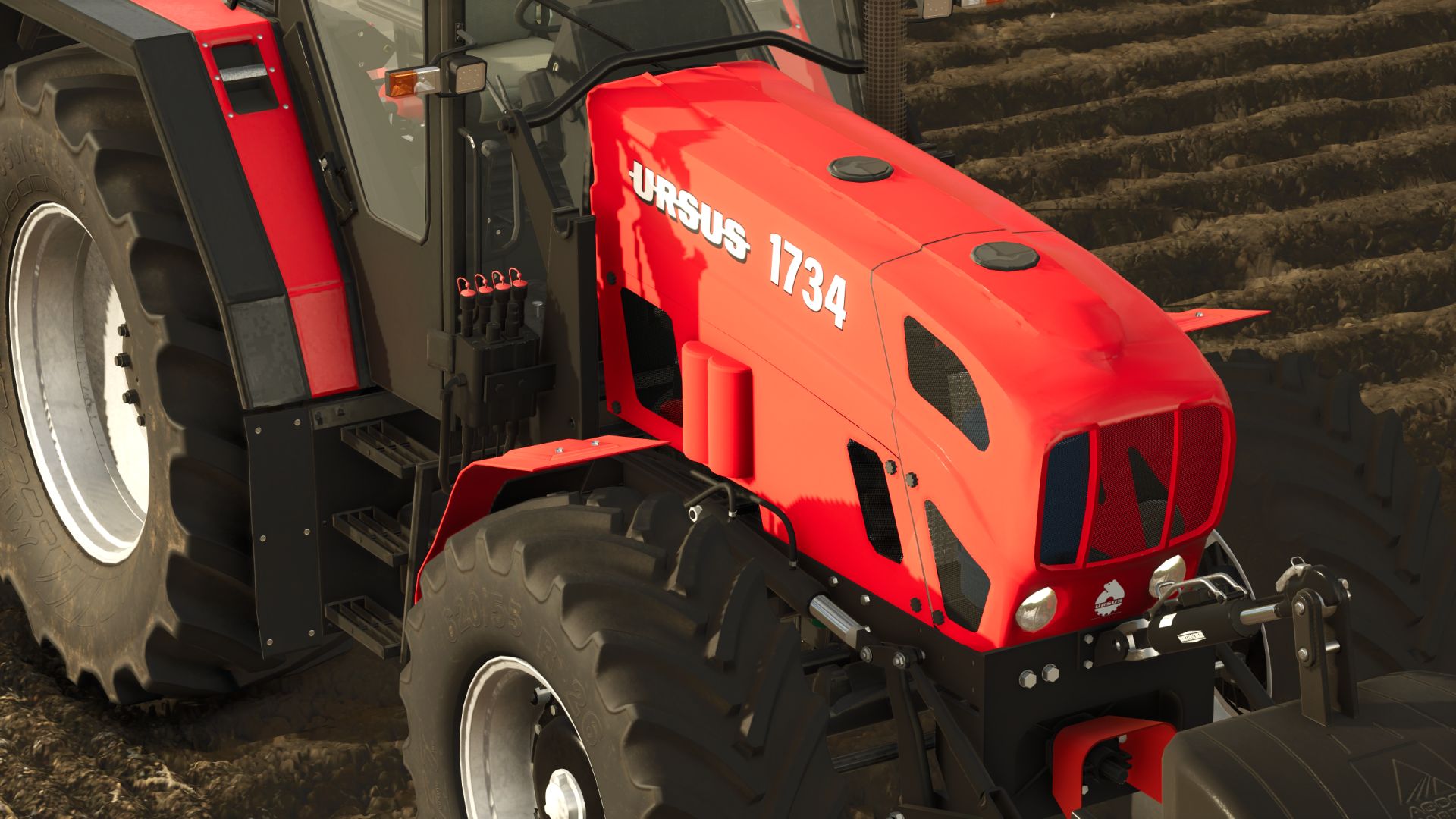
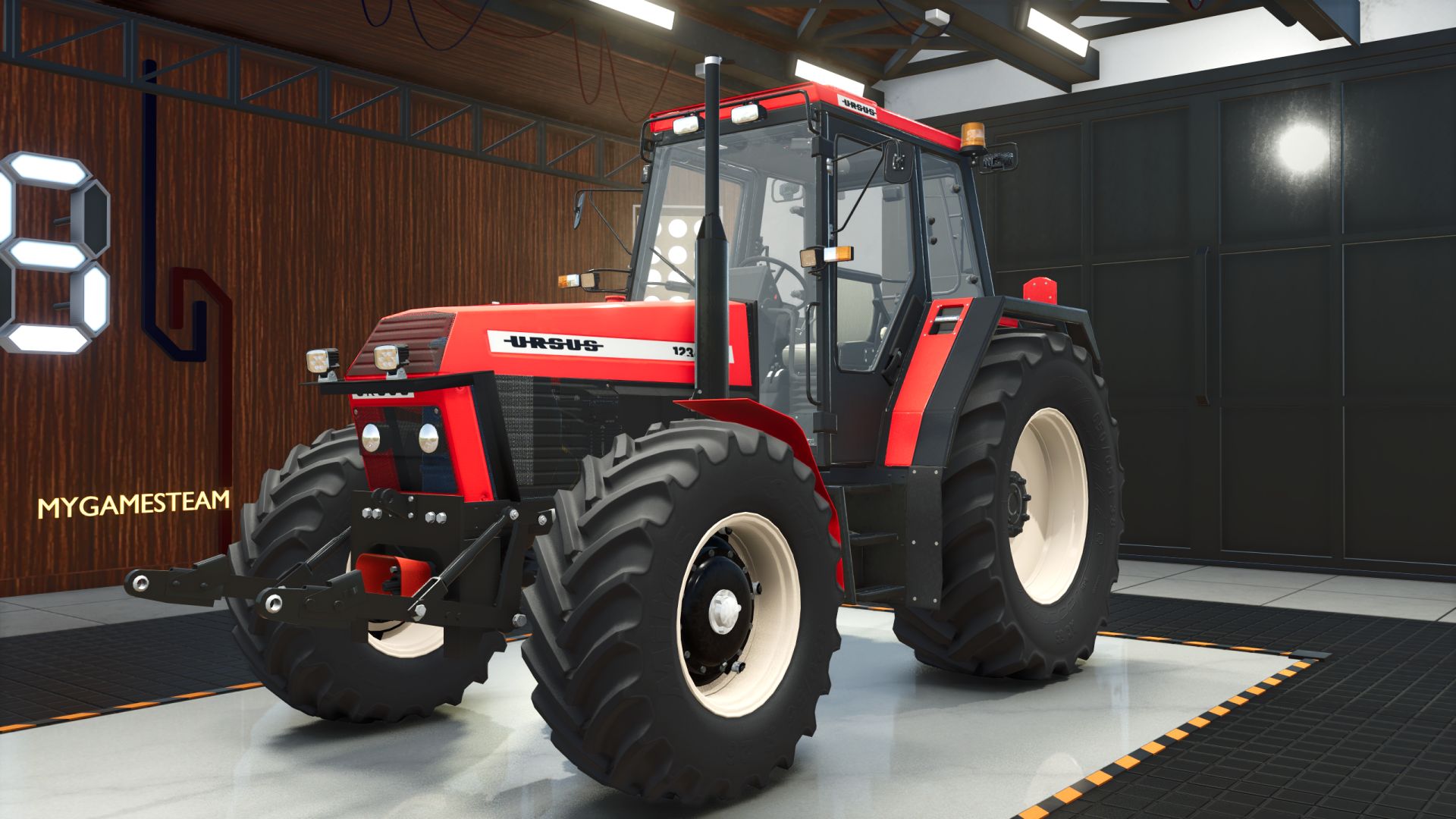
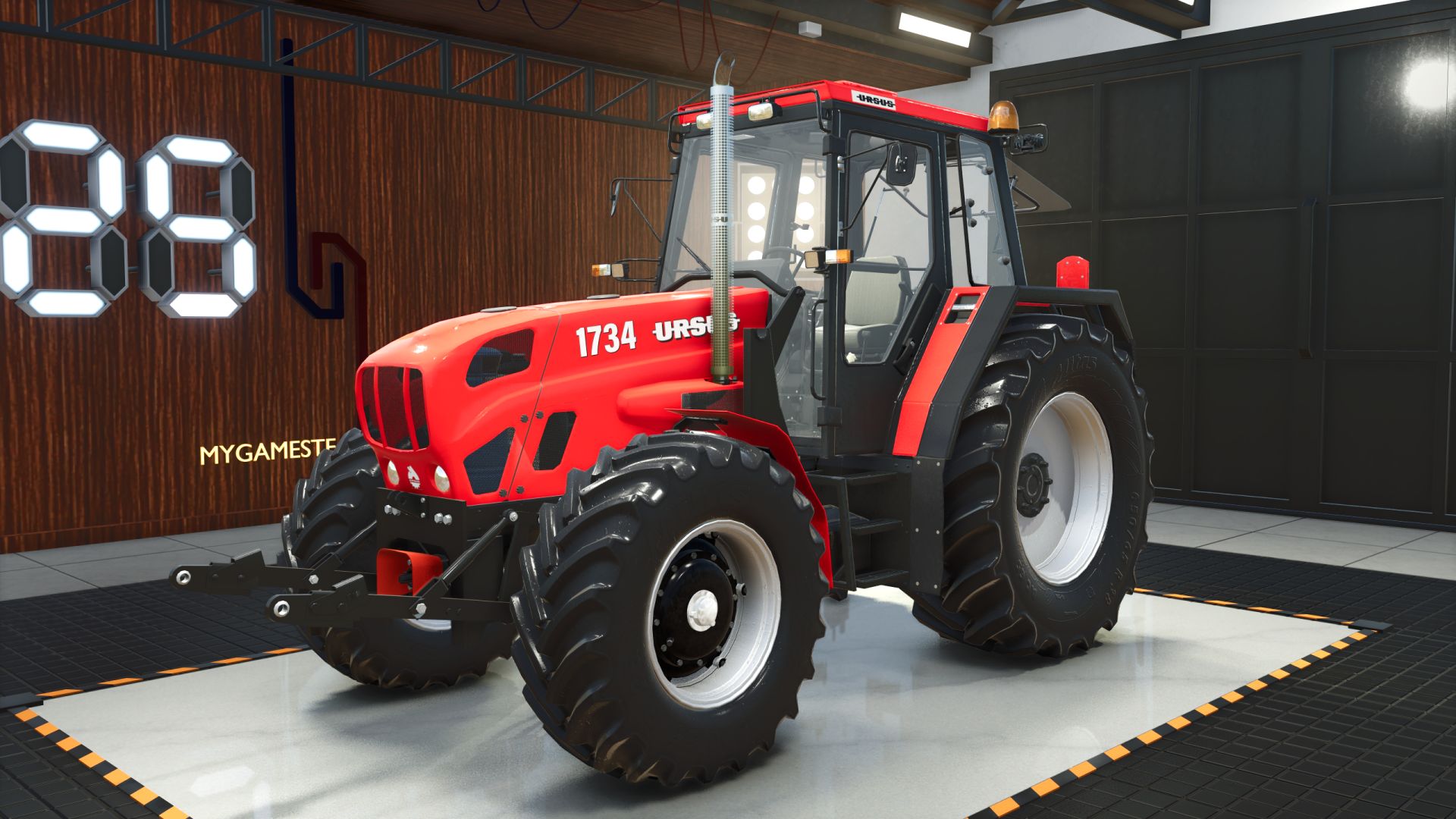
Ursus 1×34 series (1234 – 1734) – Polish tractors from 1990-2009, including the Bison versions.
Models:
– Ursus 1234 / 1234 De Luxe / Bison 412 – 119 hp (small tractors)
– Ursus 1434 / Bison 414 – 136 hp
– Ursus 1634 / 1634 De Luxe / Bison 416 – 155-160 hp (steel and plastic hood)
– Ursus 1734 / Bison 418 – 170 hp
– Stage 2 versions of the 160 and 170 hp models: 205 / 230 hp
Features:
– many wheel sets: original Mitas / Nokian tyres, star rims, wide track, dual wheels, base game tyres
– body, rim, hub, housing, front axle and front weight colours
– front weights 0 – 1110 kg, older / newer front hitch
– front loader consoles: Metal-Fach, Tur 16B, MP-Lift
– work lights, extra Hella light frame, side grilles, air filter, decals and more
– Interactive Control: doors, windows, roof, hood parts, lights, radio, PTO, lift lever with EHR buttons
– dirt, wear and rain drops on the wet body
– blow-off valve sound on the turbo versions
Price: from 45 500
Max. speed: 40 km/h
Required for Interactive Control: Interactive Control mod (FS25_interactiveControl).
Recommended: FS25_CabCinematic (enter / exit animation – works with this tractor as is).
V1.0.0.0
Fixed reported issues
added new cosmetics
fixed i3d models
fixed interactive control
small bug fixes
Required mods:
Interactive Control
Author: Siemanek, Szymeq, Karas/ZlotowkaScammer