FarmPilot V1.0.1.3
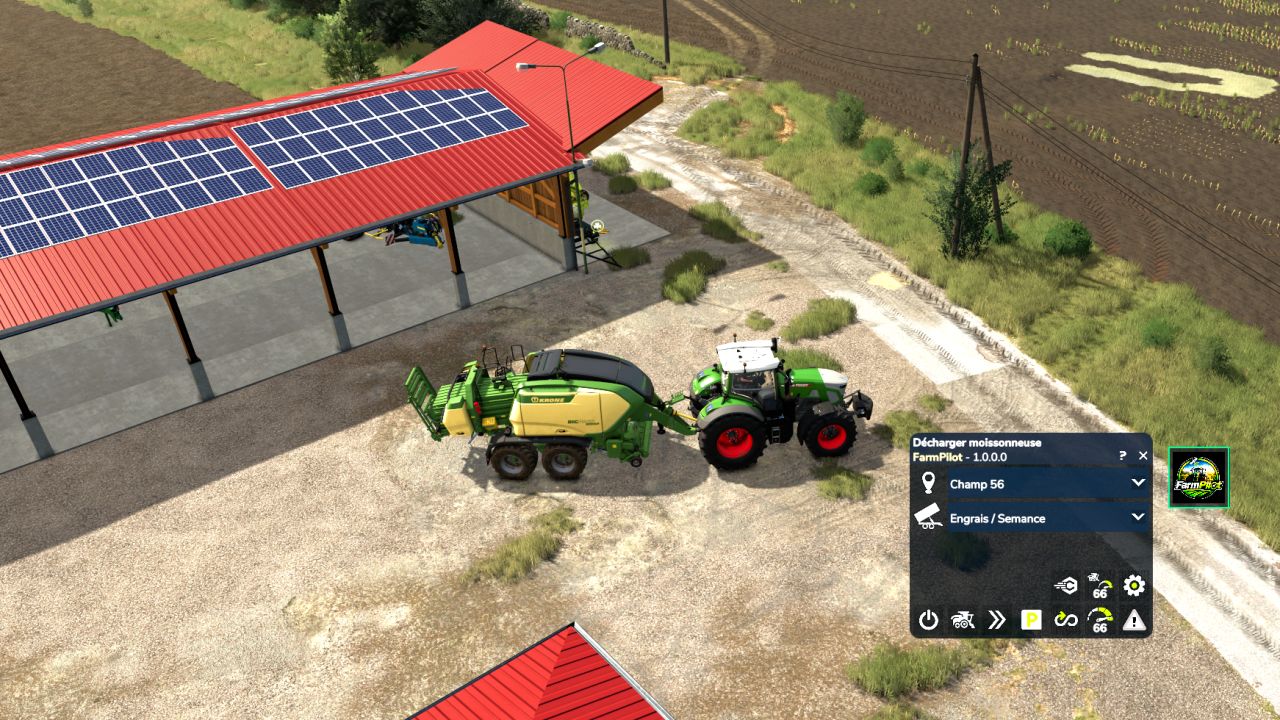
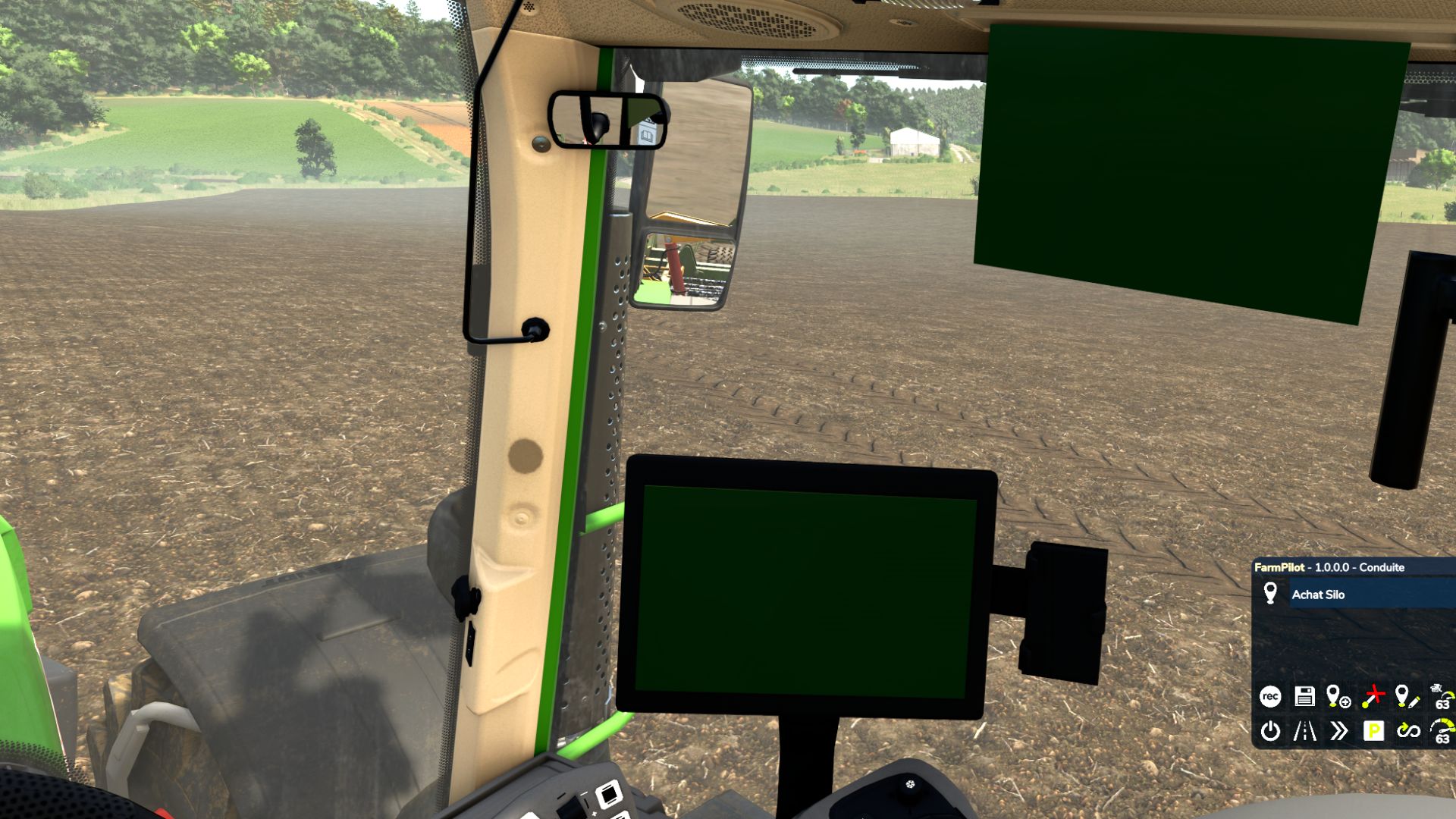
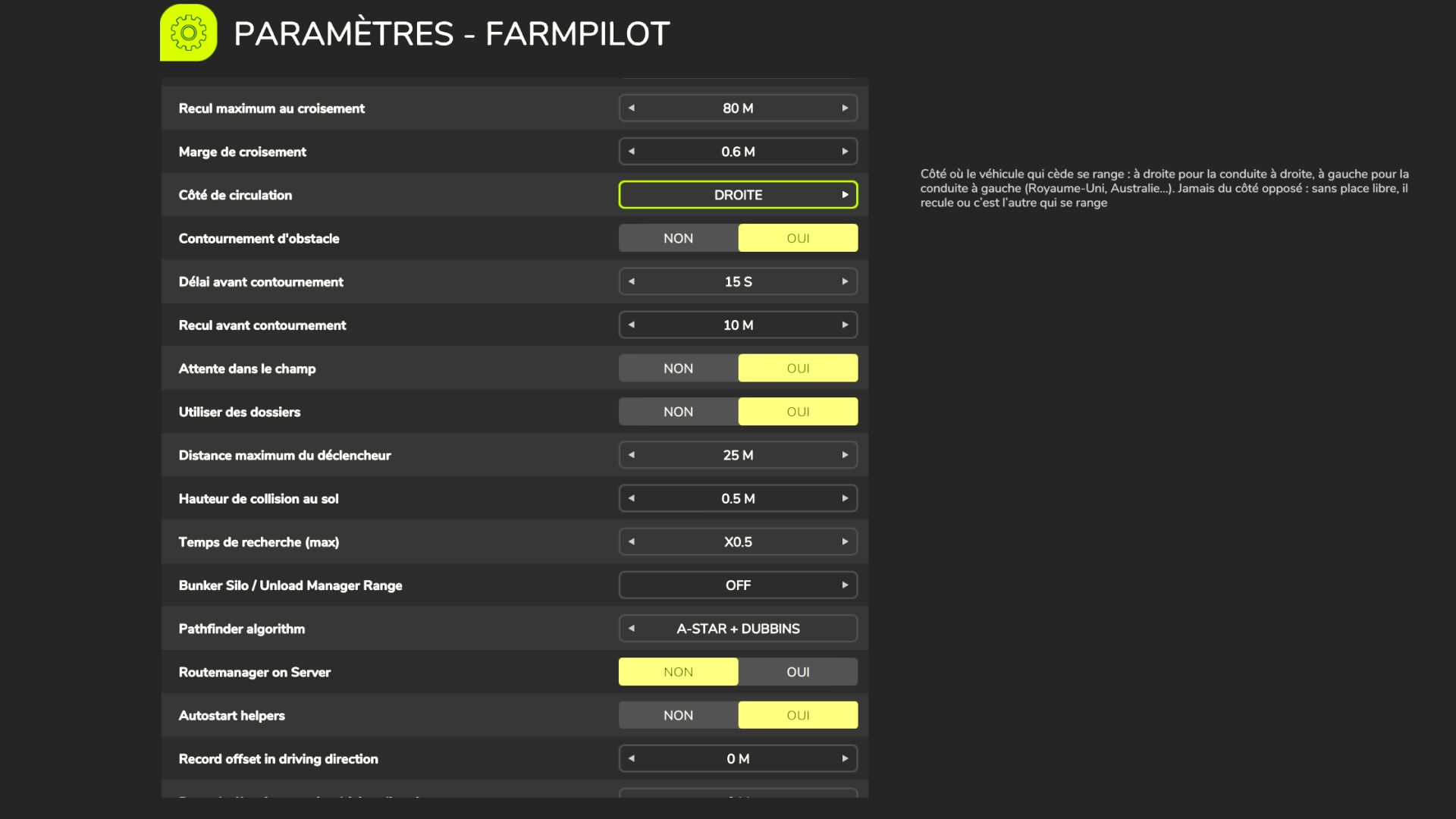
FarmPilot V1.0.1.3
FarmPilot is an autonomous mod: it runs the farm on its own. Tell it which field to work, with which tool and which field comes next, and FarmPilot chains it all: it fetches the tool, hitches it, drives to the field, works it, refills, comes back, parks the tool at its spot and moves on to the next field. You manage the farm, it does the work.
FarmPilot is based on AutoDrive 3.0.1.4 by Stephan Schlosser and the AutoDrive team (MIT licence, LICENSE and credits.txt included in the mod). Many thanks to the whole AutoDrive team.
Autonomous mode: a farm that works by itself
– From the shed to the field, without you: fetches the chosen tool (reversing, hitching, hoses and PTO), drives to the field and starts the field’s Courseplay course at the right width.
– Field after field: next field and next tool in the HUD. At the end of a field the tool is parked at its spot, the tractor takes the next tool and leaves for the next field.
– Seeders: in-season crop and refill zone set per field; fills up before leaving, and when empty it leaves the field, refills (pallets, big bags, silos), comes back and resumes at the last point.
– Spreaders and sprayers: product, “Full” or “Just enough” quantity and refill zone; leftovers are kept if the next field uses the same product, otherwise emptied into big bags / IBCs.
– Baler: follows the track of the combine or windrower that went before.
– Bale trailer: collects bales (all, wrapped or unwrapped), drops them at the chosen zone (sale or storage) and comes back while some are left.
– Trailers: a farm trailer is hitched at the start and parked back at its spot at the end; trailer swap at delivery.
– Combines and forage harvesters: unloaders queue at the field edge on harvested ground, stay under the pipe while unloading and never drive into standing crop; the forage harvester is followed from behind, headland turns included.
– Parking button: every attached tool is parked at its spot, the spreader emptied, then the tractor parks.
A driver that drives like you
– Head-on passing: one pulls over, the other reverses; traffic rules on tracks.
– Drives around obstacles, posts and poles; forward / reverse manoeuvre when it is too tight.
– Corners at the real radius of the combination, adapted speed, indicators at the right distance.
– Secondary and tertiary roads: only used when they save time.
– Waits for tools to fold before leaving; leaves the field without driving through the crop.
– Queues and weighbridge without overtaking.
The whole former AutoDrive Addon built in
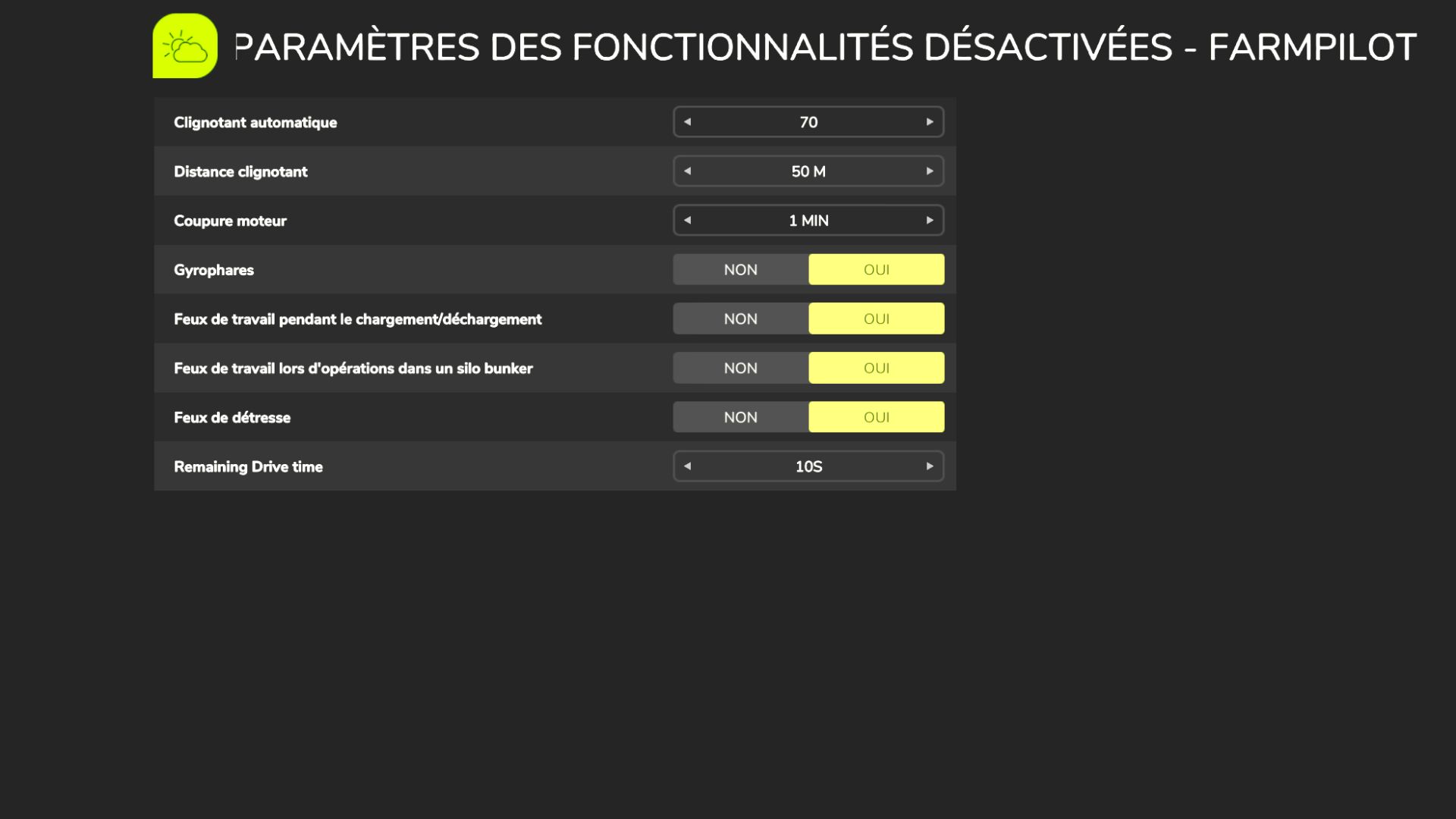
Weighbridge, indicator before turns, engine stop delay, lights with the engine off, rear implement, per-vehicle “empty silo” timer (a truck can wait at the field edge to be filled). Disable FS25_AutoDriveAddon if you had it.
Without Courseplay, FarmPilot is still a complete AutoDrive (deliveries, loading, unloading combines); Autonomous mode waits or hands over to the game worker, your choice.
V1.0.1.3
Full changelog in file.
Author: bibifr