Storage Warnings (Storage and Warehouse Control) V1.0
Storage Warnings (Storage and Warehouse Control) V1.0
Storage Warnings — Storage and Warehouse Monitoring
The mod adds a convenient information window that helps you keep track of important supplies and available space on the farm. You no longer need to constantly open the production, animal pen and storage menus to check where a resource is running low or which warehouses/storage facilities are almost full.
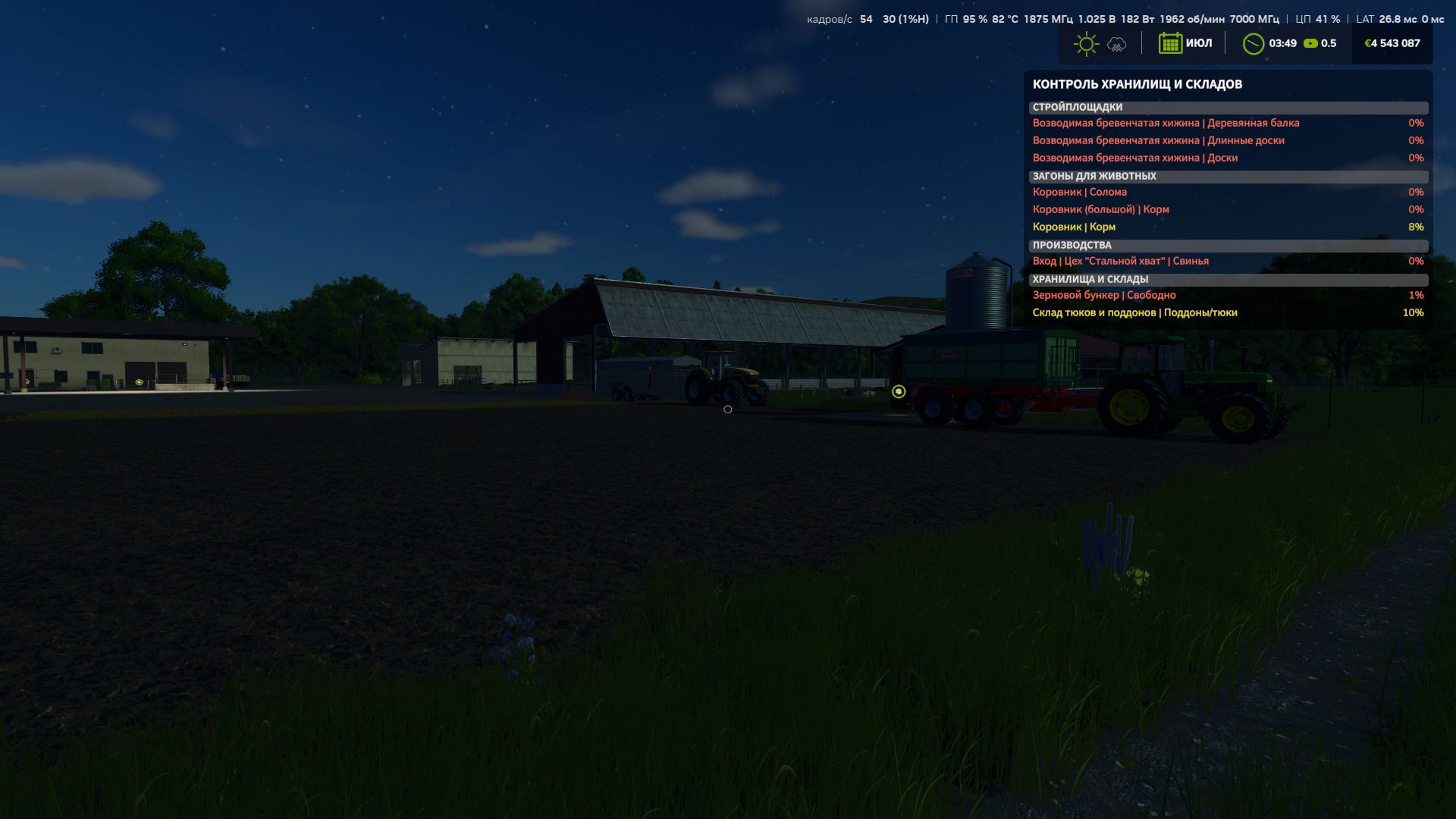
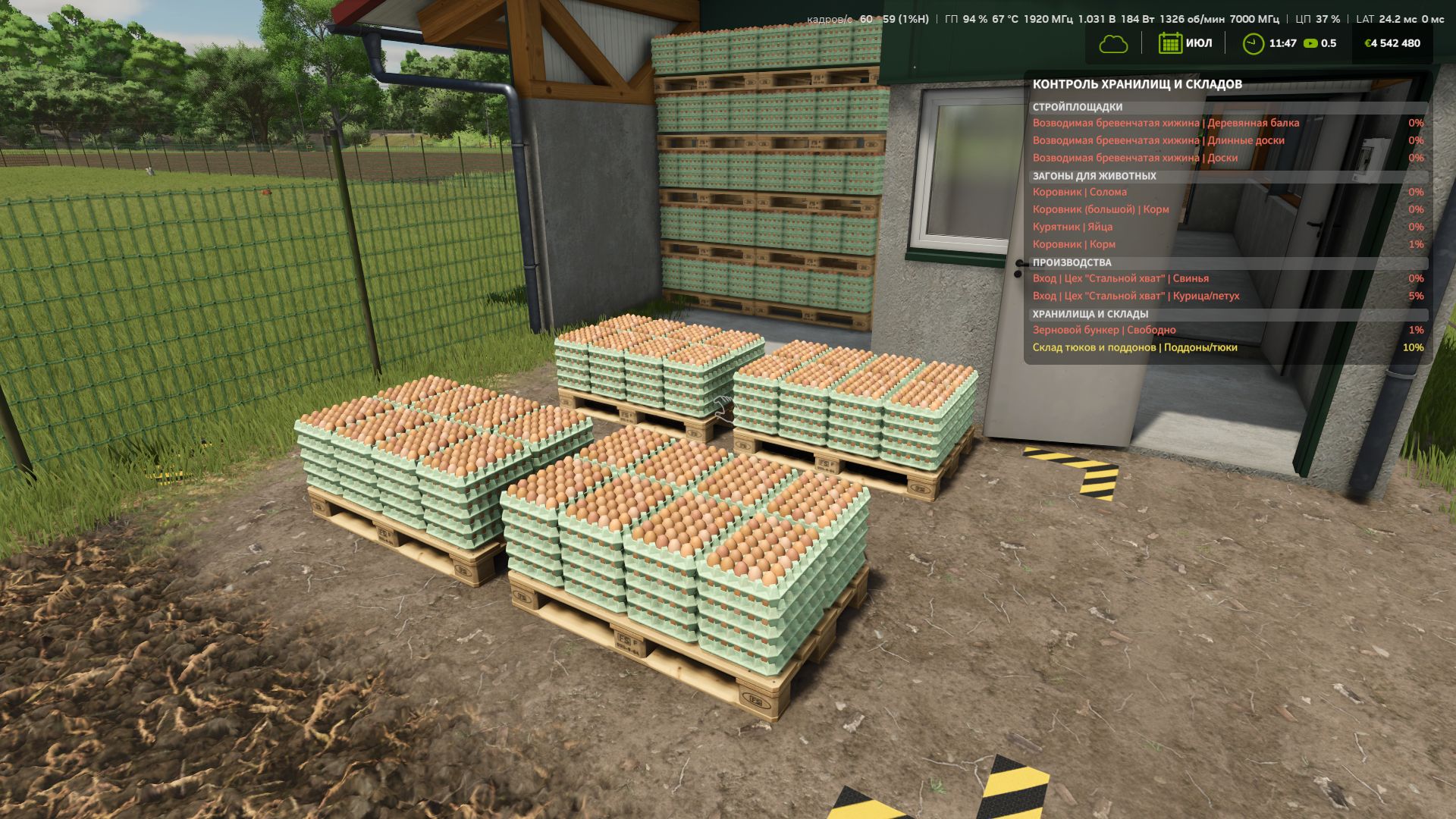
The mod warns about problems in four main categories: construction sites, animals, productions and storage facilities.
For construction sites, it shows the materials missing for the current construction stage.
In animal husbandry, you can monitor feed, straw, milk, wool and other output resources, as well as manure capacities.
For productions, both input resources and available space for finished products are tracked.
For warehouses and silos, the remaining available space is shown.
Warnings are highlighted by colour: yellow when the supply or available space is approaching a critical level, and red when the situation already requires attention.
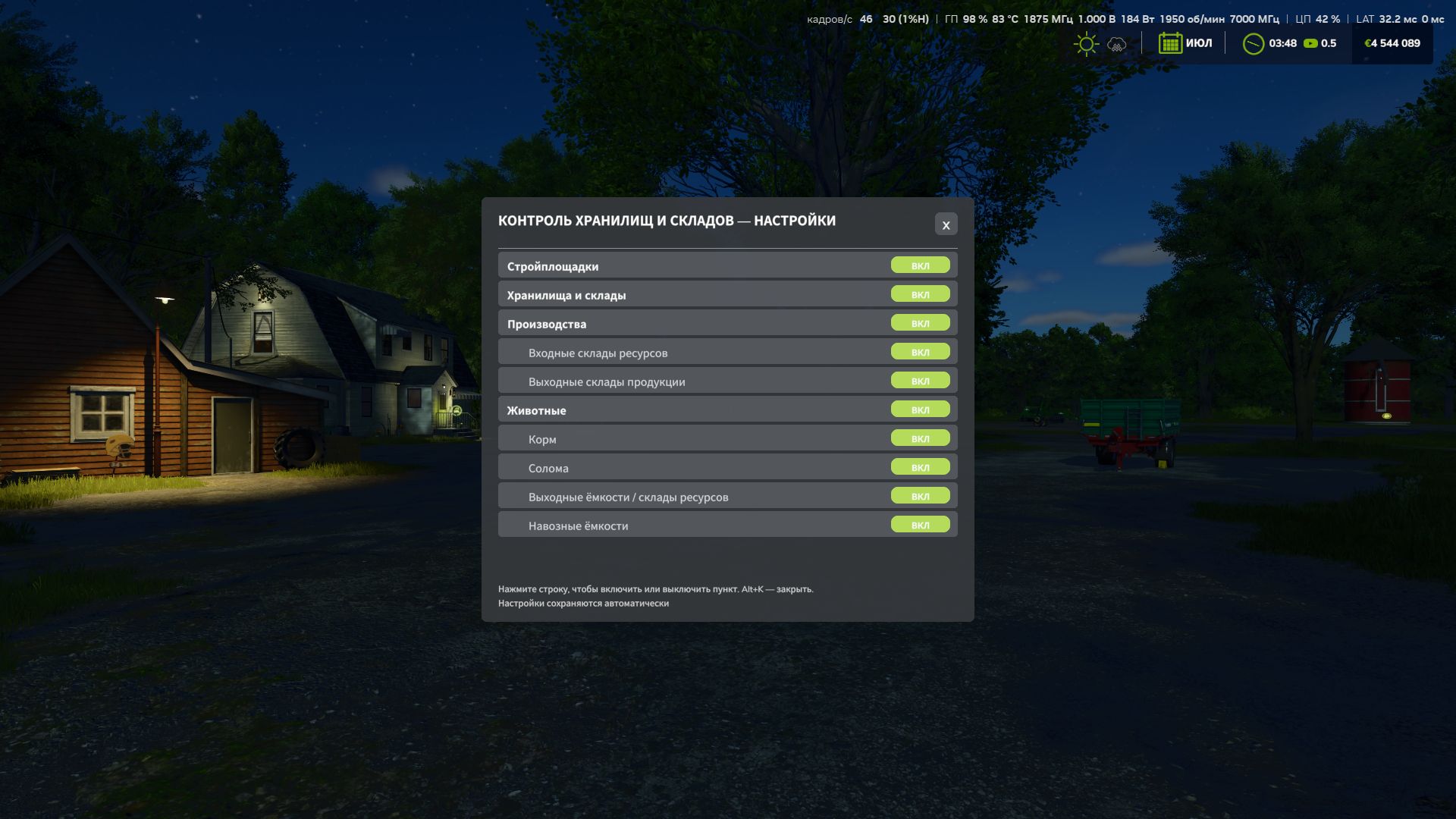
All categories can be enabled or disabled separately in the mod settings, so you can keep only the information you actually need. The window works directly during gameplay and displays only current problems without cluttering the screen with unnecessary data.
Storage Warnings is especially useful on large farms with many productions, animals and storage facilities, where keeping track of everything manually becomes inconvenient.
Author: MaxKra1985