Adaptive Tire Dynamics V1.0
Adaptive Tire Dynamics V1.0
Adaptive Tire Dynamics expands FS25 with individual tire pressure for each wheel, load-dependent tire deformation, tire temperature and wear, punctures, run-flat damage, realistic service equipment, and a complete manual repair process.
KEY FEATURES
– Each wheel reacts independently to air pressure, carried load, cargo,
attached implements, engine load, steering angle, slip, and terrain.
– Standard road pressure: 2.50 bar.
– Field pressure: 0.85 bar.
– Manual adjustment range: 0.0 to 2.8 bar.
– Tires at standard pressure maintain a rounded upper profile.
– At low or fully deflated pressures, the contact patch expands as the loaded lower sidewall rolls outward.
– Overloaded tires deform even at standard air pressure.
– Low field pressure improves the usable contact patch and traction on soft ground.
– Live telemetry for temperature, wear, pressure, ground contact, and surface type.
– States for damaged, debeaded, and completely removed tires.
– Driving on the rim alone results in severely reduced traction, increased resistance, heat buildup, and rim damage.
– Audio effects for tire squeal, low-pressure sidewall flexing, punctures, bead seating, tools, and wheel mounting.
– Handling in fast road corners responds to load, wet conditions, and vehicle height.
– Dedicated load and debeading mechanics for crawler tracks.
REALISTIC WHEEL REPAIR
– Position a low-profile trolley jack or bottle jack under the axle or vehicle frame.
– Hold the handle and perform a full manual pumping stroke. – Loosen and retighten wheel nuts using the impact wrench.
– Remove the wheel and place it on the ground.
– Weld and grind a damaged, exposed rim.
– Purchase a suitable replacement tire for road vehicles or tractors in the shop.
– Mount the tire carcass, seat the beads, and inflate while monitoring the visible pressure gauge.
– Heavy, fully assembled tractor wheels require a round bale grabber.
– After removing the jack, repaired wheels revert to normal pressure control.
MANUAL PRESSURE CONTROL
For vehicles without PTG/CTIS, the player operates the system directly at each tire valve.
To inflate, the portable ATD compressor must be selected and held
in hand. Air can be released directly at the valve. The compact pressure gauge menu includes:
– FLAT: 0.0 bar
– FIELD: 0.85 bar
– NORMAL: 2.50 bar
– MAX: 2.80 bar
– Fine adjustment: 0.10 bar per key press
REMOTE CONTROL / PTG CONTROL
– Right Alt + [: Set selected vehicle to 0.85 bar field pressure.
– Right Alt + ]: Set selected vehicle to 2.50 bar road pressure.
– Right Ctrl + Shift: Open ATD pressure/settings menu.
– K: Show or hide live tire telemetry.
– Remote control for vehicles without PTG can be enabled in the ATD settings.
– The camera remains stationary while an ATD mouse menu is open. SHOP ITEMS
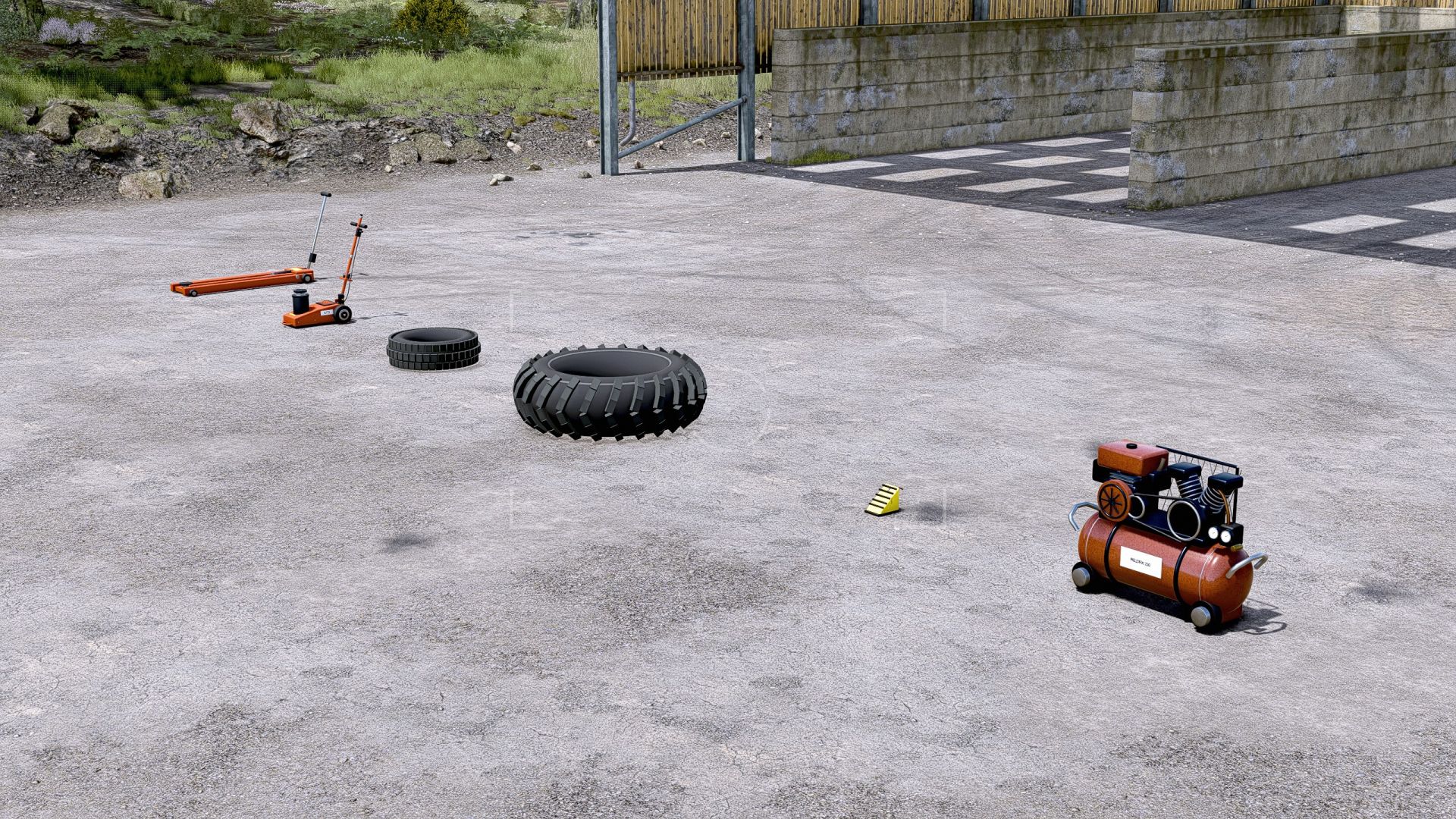
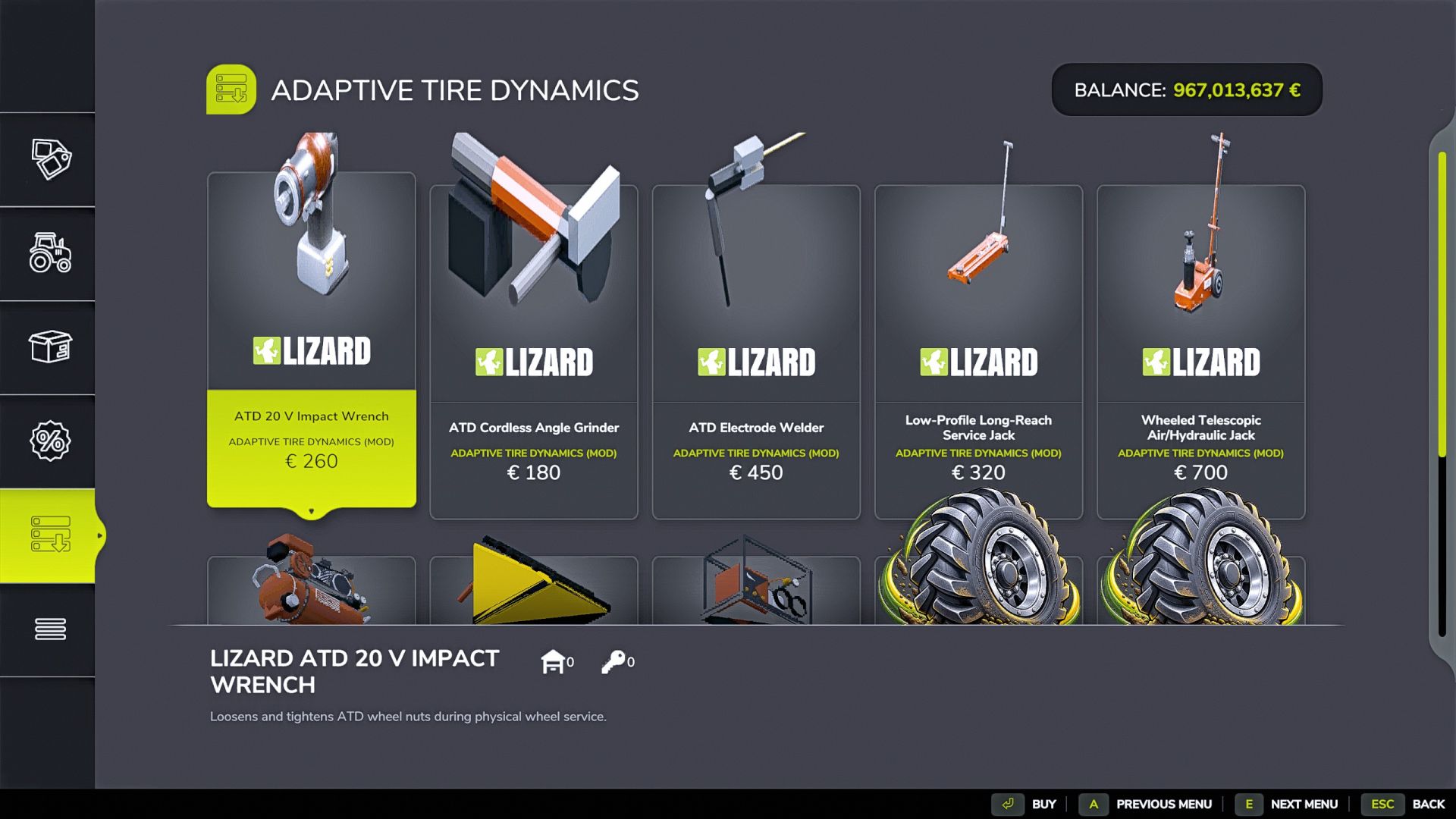
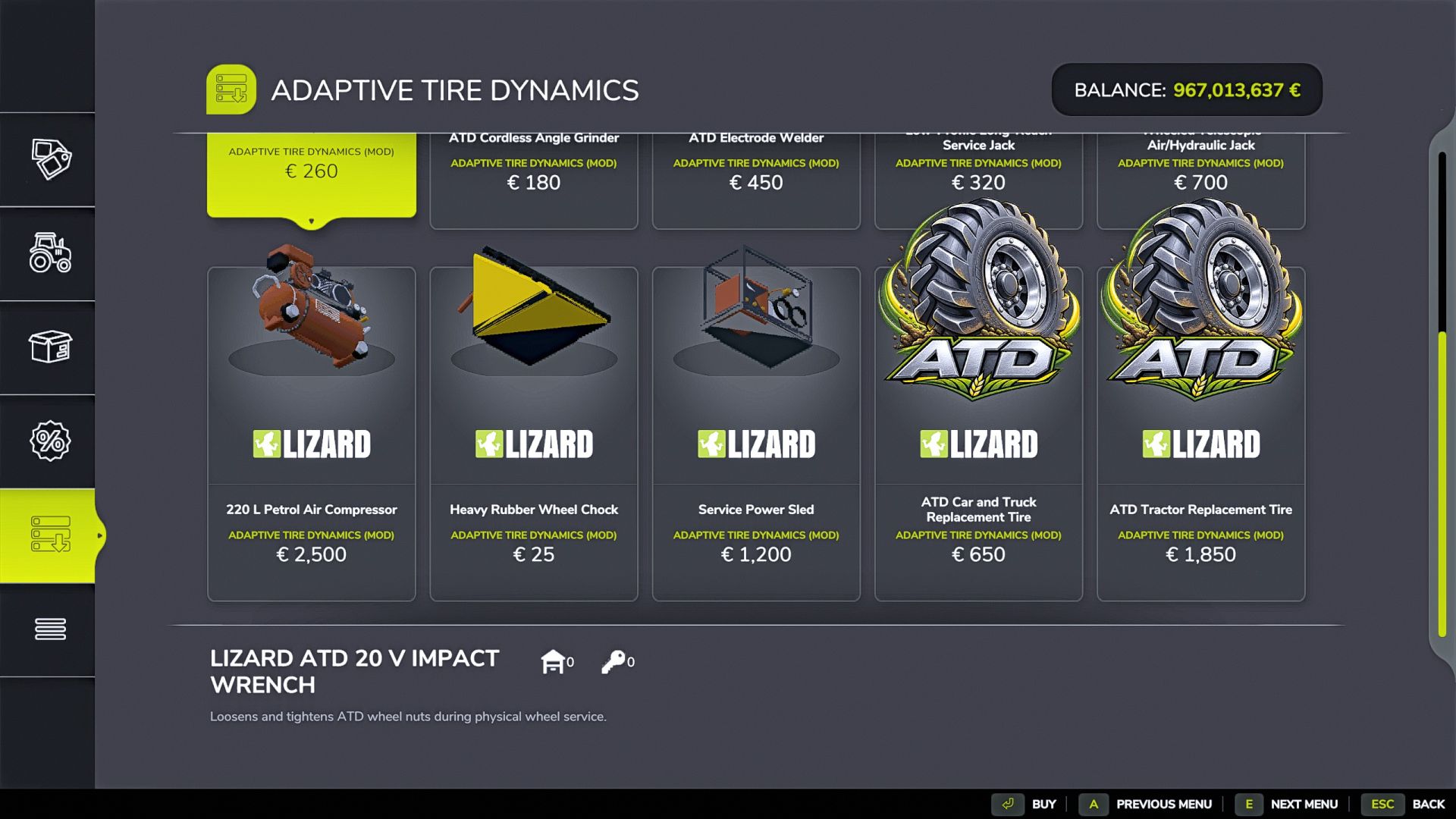
– Low-profile trolley jack
– Pneumatic bottle jack
– Portable handheld compressor
– 220-liter petrol workshop compressor
– Mobile service unit
– Handheld impact wrench
– Handheld welder
– Handheld angle grinder
– Wheel chock
– Spare tire for road vehicles
– Spare tire for tractors
COMPATIBILITY
– Performance Upgrades: fully supported and compatible. ATD only reads
published load/stress data and does not alter or block PUs.
– Mud System Physics: standard mud and soil physics remain compatible. ATD disables MSP tire pressure and MSP tire puncture logic so that only one system controls the wheel.
– Advanced Damage System: optional load, slip, and temperature inputs.
– Use Your Tyres and Tire Sound: optional.
– Variable Tire Pressure: not supported; do not use alongside ATD.
– An in-game notification confirms when ATD disables the overlapping MSP systems.
INSTALLATION
1. The file must be named FS25_AdaptiveTireDynamics.zip.
2. Copy the ZIP file to Documents/My Games/FarmingSimulator2025/mods.
3. Remove any older unzipped folders named FS25_AdaptiveTireDynamics.
4. Activate Adaptive Tire Dynamics when loading the savegame.
VERSION 1.0.0.0
– Manual inflation using the portable compressor now works.
– Pressure range per wheel extended to 0.0–2.8 bar.
– FIELD pressure changed to 0.85 bar; NORMAL pressure changed to 2.50 bar.
– Repaired wheels no longer revert to the “Place Jack” state after completion.
– Tire deformation logic rebuilt for both inflated and deflated tires. – MSP pressure and puncture barriers re-enabled.
– Performance upgrades remain explicitly enabled.
– One-time compatibility notice added in-game.
Recommended categories/tags: Gameplay, Realism, Physics, Vehicles, Tires,
Workshop, Tools, Multiplayer.
Author: JAGTECH