Admin Shop Prices V1.0
Admin Shop Prices V1.0
This mod was created to let you adjust the economic balance at the very beginning of your career. When starting a new campaign and adding many third-party mods, equipment prices often do not match one another. The mod lets you easily align and balance the cost of vehicles and implements in the shop directly during gameplay, without manually editing the XML files of every installed mod.
Main features:
Initial economy balancing: An ideal tool for quickly adjusting prices to the individual rules of your new campaign.
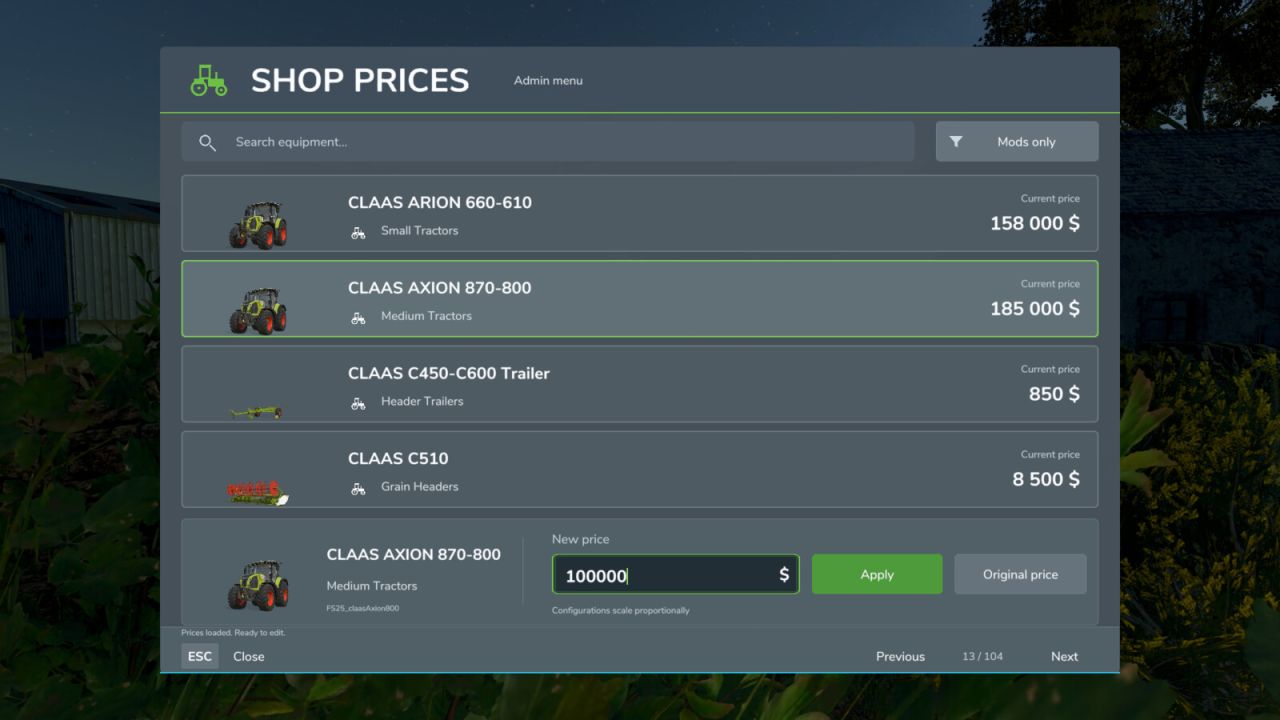
Convenient equipment search: Easily find the machines you need using search, with the original shop icons to help you identify them.
Flexible adjustments: Set your own base price or instantly restore the original pricing.
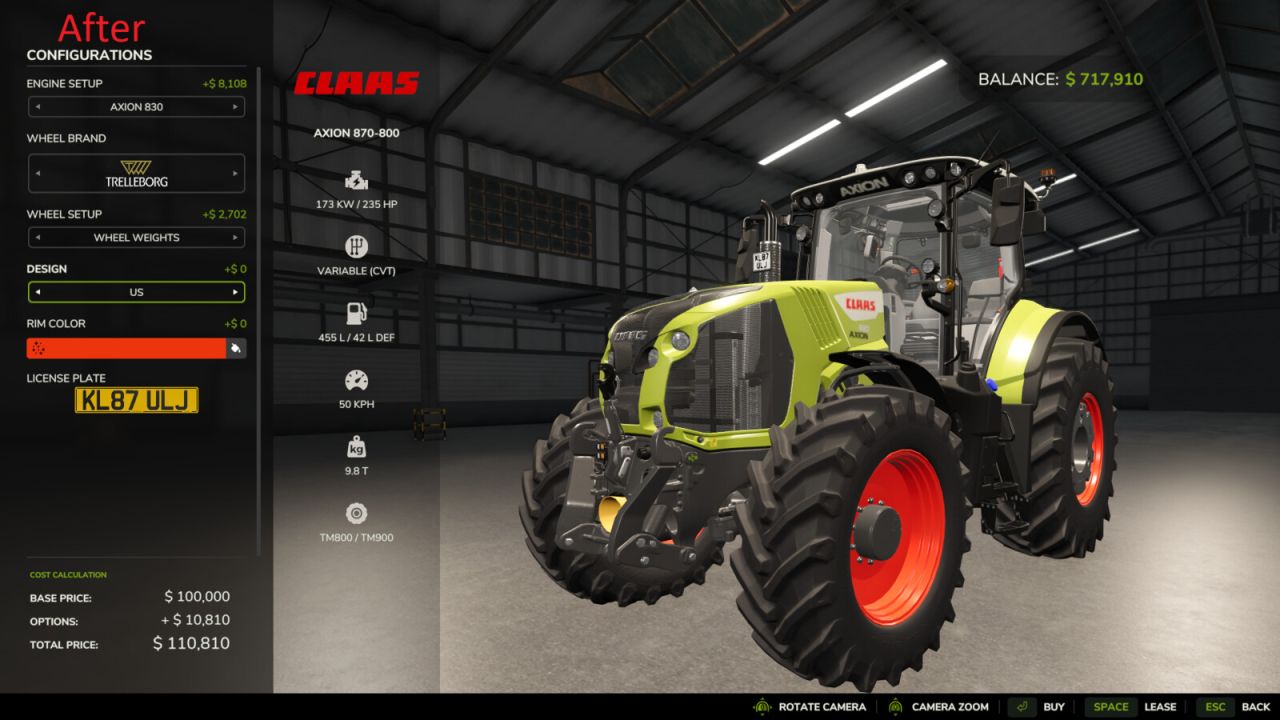
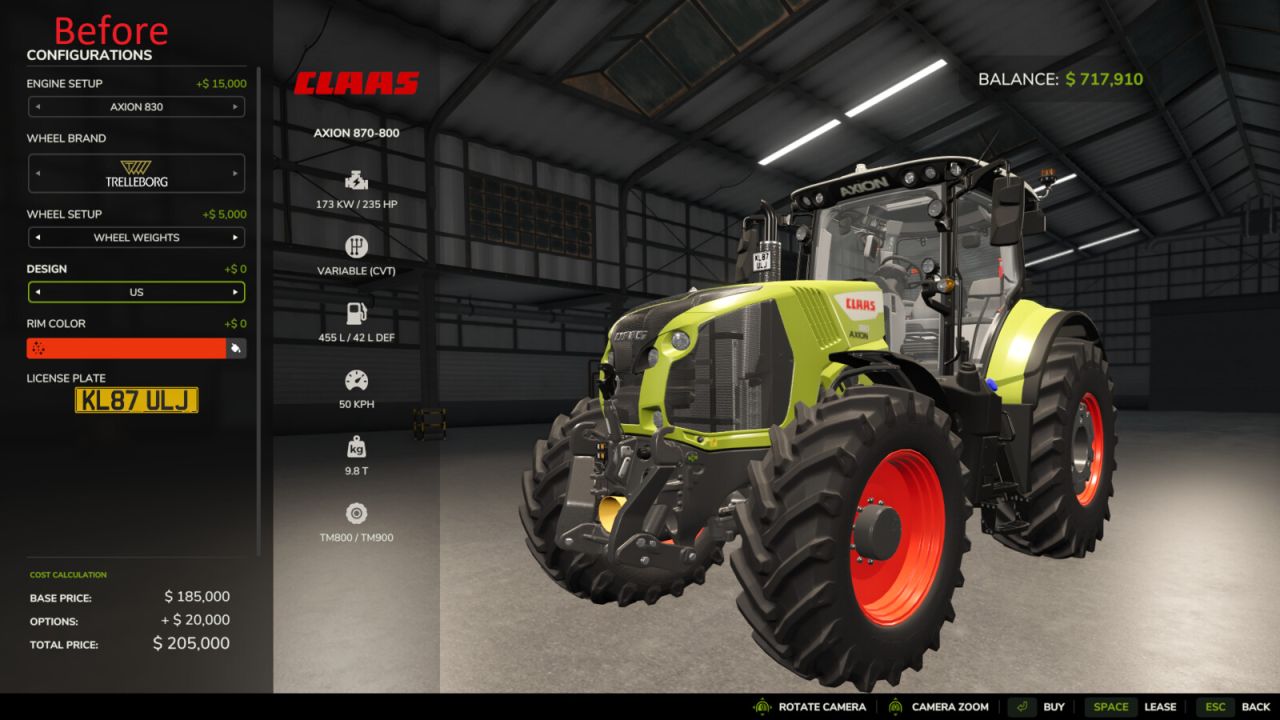
Proportional scaling: Automatically adjusts the cost of all available configurations. For example, if you halve a tractor’s base price, the surcharges for additional wheels or engines in the shop also decrease by 50%.
Currency adaptation: Enter amounts in the currency selected in the game settings. Compatible currency converters are supported automatically.
Separate savegames: All price changes are stored separately for each savegame and do not affect your other saves.
Multiplayer support: The server controls all prices, and only session administrators can change them. All participants must have the same mod version for multiplayer.
Controls:
While on foot, press Right Shift + P to open the price management menu.
You can change the hotkeys in the game’s standard control settings.
Press Escape or click the Close button to leave the interface.
Important information:
The mod is designed solely to adjust and balance gameplay. Avoid excessive price reductions so that you do not lose interest in developing your farm.
Editing equipment prices automatically affects their leasing costs and subsequent resale values.
The mod does not refund money for equipment purchased before its price was changed.
In multiplayer, log in as a server administrator. Farm manager permissions alone are insufficient.
Open the menu with other menus closed. Enter whole amounts in the displayed currency, with or without grouping spaces. Backspace edits text; unapplied input is discarded on closing.
If reliable currency conversion cannot be determined, editing is blocked. If the rate changes during editing, review the displayed amount again before applying it. Players may use different display currencies; saved and network prices use the game’s internal units.
Keep adminShopPrices.xml in the savegame folder when updating the mod. No changes to other equipment mod archives are required.
Reopen an already-open shop or configurator after changing a price.
Buildings, consumables and hidden bundle items are excluded. Custom shops and other mods modifying the same prices may require compatibility testing.
The interface is available in English, German and Ukrainian. Other game languages use English.
Author: Viktor