AI Smart Lights V1.0


AI Smart Lights V1.0
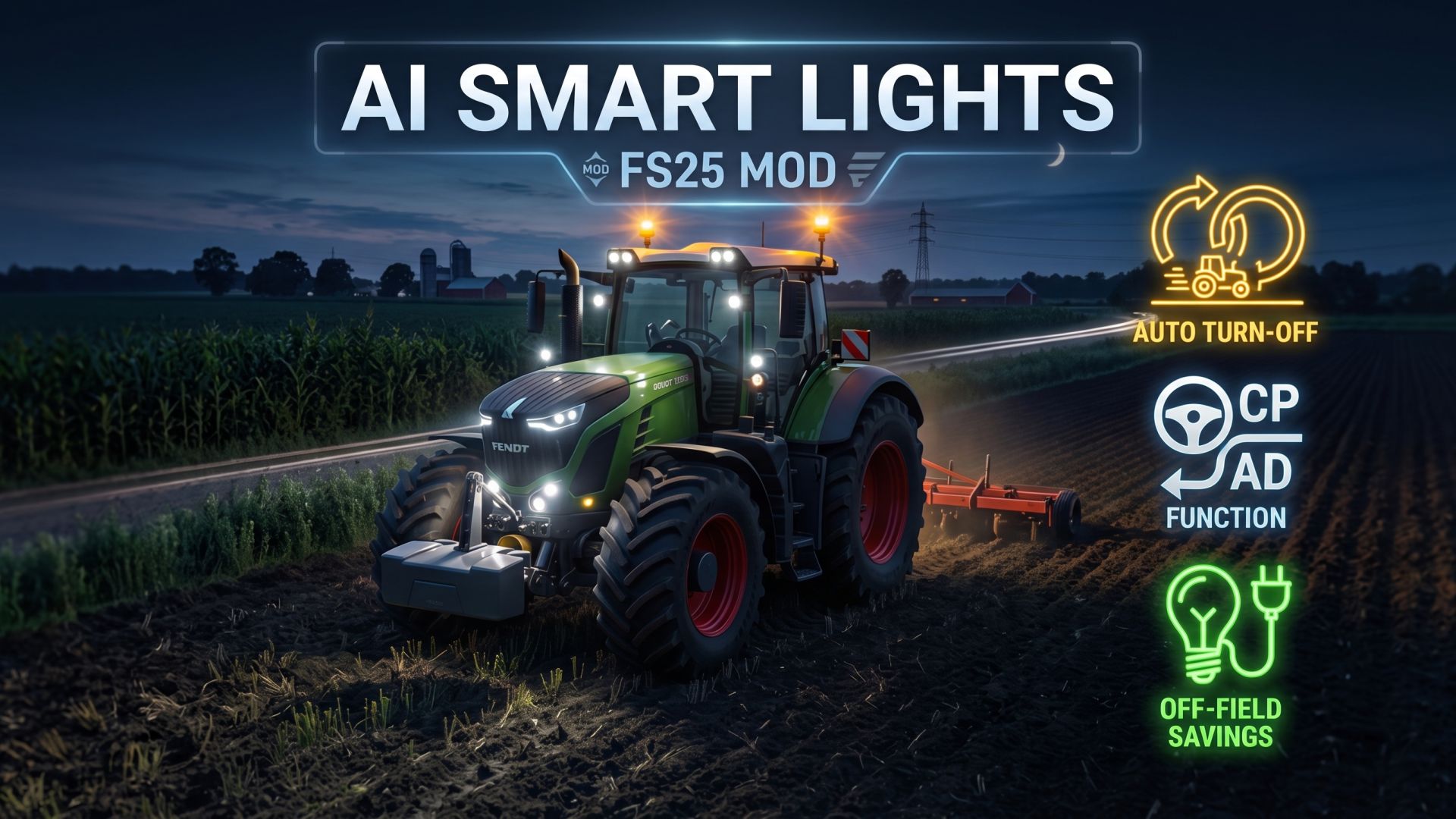

When playing Farming Simulator 25 with Courseplay, AutoDrive, and Realistic Mechanical Systems (RMS), machinery operating under automated drivers frequently turns off engines while waiting at waypoints, waiting for combines, waiting to load or unload, or during fuel-saving idle stops.

However, neither Courseplay nor AutoDrive manages vehicle work lights or headlights. In RMS, running headlights and work lights draw an electrical current between 20A and 27A. When the engine is off, the alternator produces 0A, causing the tractor’s battery to discharge to 0% in a very short time. Once drained, the starter motor cannot crank the engine, leaving the vehicle completely stranded in the field and requiring jumper cables to start again.

Smart Lights is a lightweight, zero-overhead add-on that completely eliminates this issue by automatically coordinating lights with automated engine states.

Required mods:
CoursePlay
Autodrive


Author: exekx


Report bugs in the comments and help modders improve this mod. Always check the comments, you can find a solution.


Helpful Information: How to install FS25 mods | FS25 System Requiremnts | FS25 Modding Tutorial | Giants Editor for FS25 | How to Convert mods | FS25 Cheats

More Misc mods


About Farming Simulator 25 mods
Farming Simulator 25 supports game modding for PC, Xbox, or PS5. FS25 Mod may change your game from small to complete changes. You can create a Farming Simulator 25 mod file and share it with our community. When is a good time to try Farming Simulator 25 mods? We recommend playing a game with these FS25 mods after you finish the Farming Simulator 25 starting pack and are bored with the game basics. So it's time to try new machines, such as harvesters or tractors, which are not included in the basic game version.
As you already know, Farming Simulator 25 developers support mods installation, which will add more vehicles or lands to your game. Check our Best FS25 mods lists for PC, Mac, PS5 or Xbox Series. Just follow these simple steps: choose the LS25 mods category, download the mod for the Farming Simulator 2025 version, and install it into the mod folder. Remember, all Farming Simulator 25 Mods are free, and download as many as you want with no limits. We want to create one of the biggest Farming Simulator 25 Community and invite you to share FS25 mods with everyone.

Leave a Reply

Do you need help or to say thanks to the mod author? Just leave a comment below!