Aircraft Pack V1.0
Aircraft Pack V1.0
Take your farming operations to the skies with the Aircraft Pack! This pack introduces functional, user-friendly aerial vehicles to completely revolutionize how you apply fertilizer and herbicide on your fields.
What’s included in the pack?
This pack contains 4 separate mods (files), featuring the following legendary aircraft:
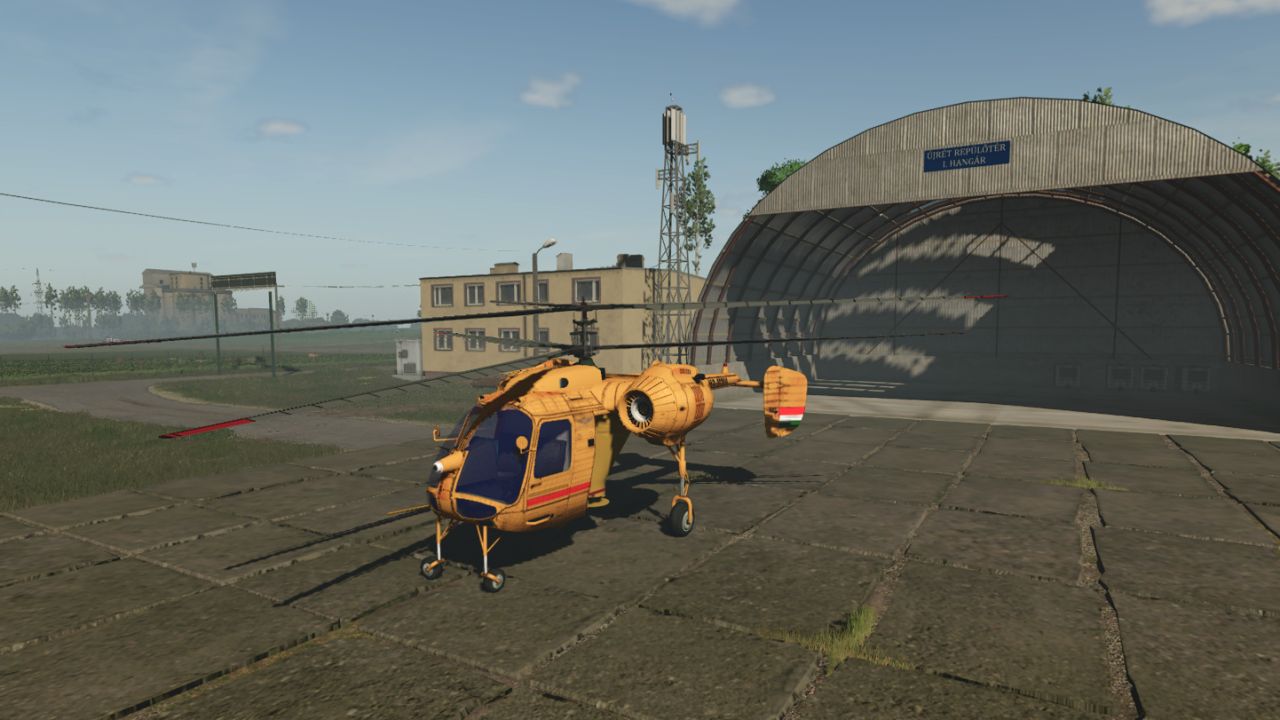
KA-26 Helicopter: 2 versions included (1x Sprayer, 1x Fertilizer Spreader)
PZL-Mielec M18 Dromader: 2 versions included (1x Sprayer, 1x Fertilizer Spreader)
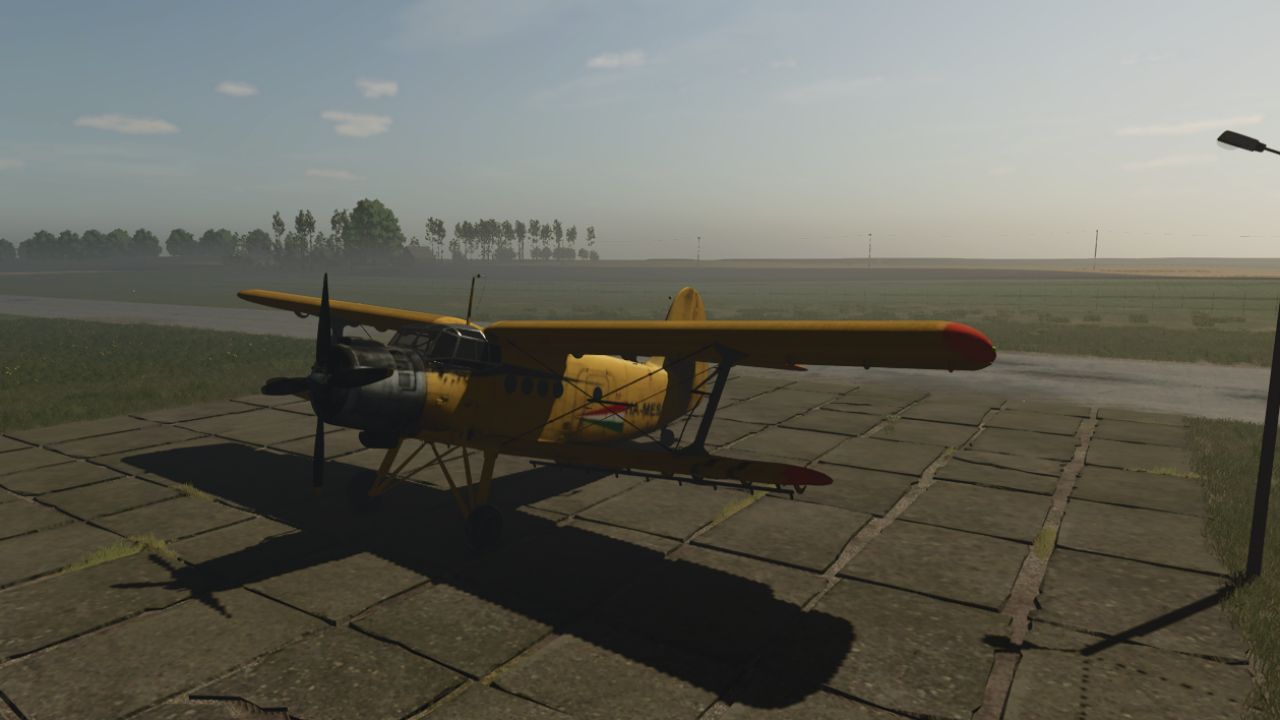
Antonov An-2: 1 multipurpose airplane
Zlín Z-37A Cmelak: 1 version included (Fertilizer Spreader only)
Key Features & Compatibility:
Precision Farming Compatible: All aircraft fully support the Precision Farming DLC.
Working Altitude: The ideal flying height for spraying or spreading is strictly between 1 and 20 meters.
Flight Controls & Mechanics:
The aircraft feature a very user-friendly control scheme:
Left Mouse Button: Ascend / Gain altitude
Right Mouse Button: Descend / Lose altitude
W: Accelerate
S: Decelerate
B: Turn on/off the Sprayer or Fertilizer
IMPORTANT FLIGHT RULES (For Airplanes):
Airplanes require momentum to stay in the air! You must reach a minimum speed of 80 km/h before you can safely take off. Do not fly below 80 km/h, or your airplane will stall and crash to the ground. Keep your speed up!
Installation Instructions (READ CAREFULLY):
Download this mod pack.
YOU MUST UNZIP the downloaded file first!
Inside, you will find 4 separate .zip files.
Copy those 4 .zip files into your Farming Simulator mods folder.
Have a good flight and a good game!
Required mods:
Store Deliveries
Author: honved4