Claas Lexion 8000 – DF Industries Edition v1.0
Claas Lexion 8000 – DF Industries Edition v1.0
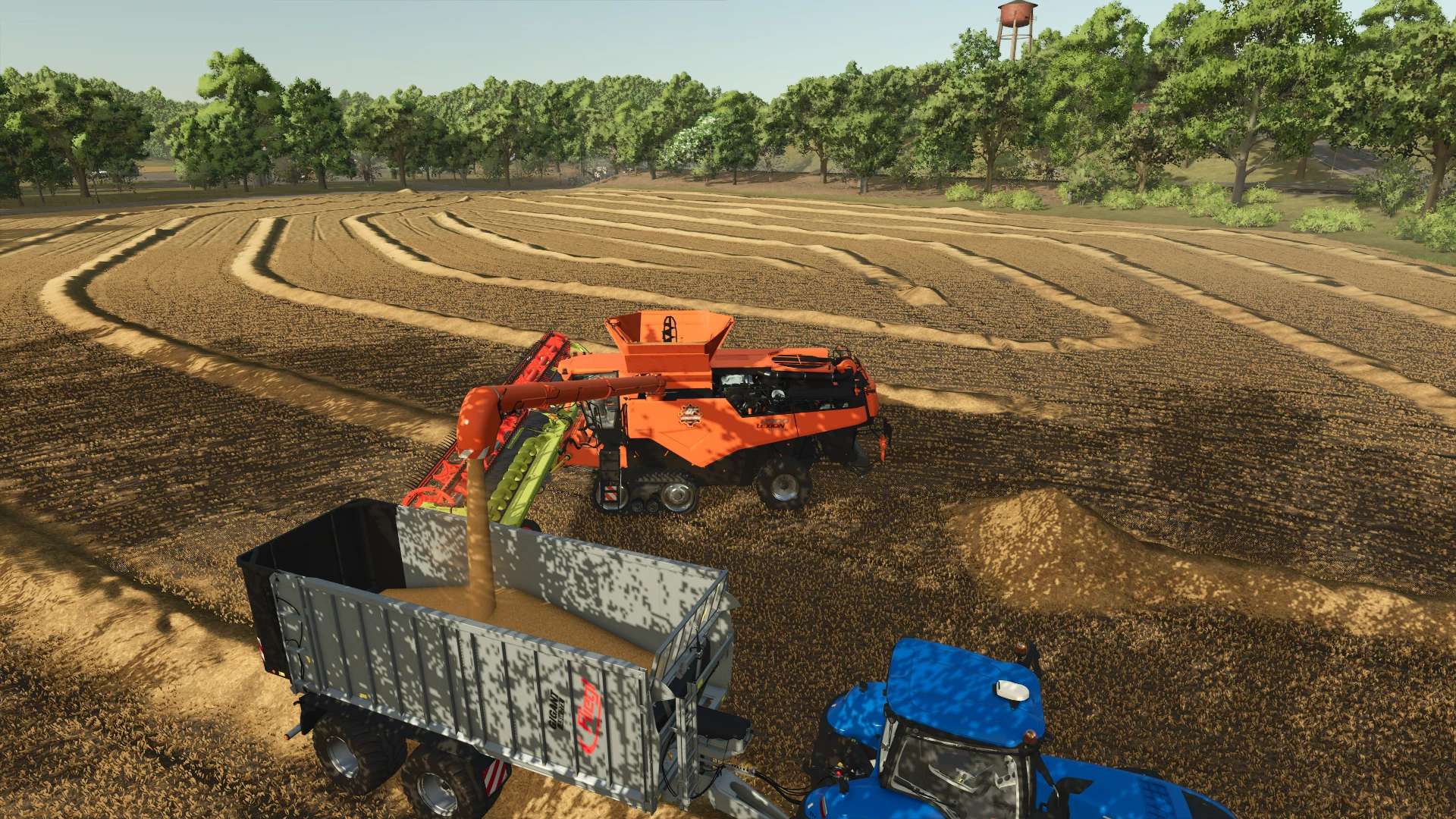
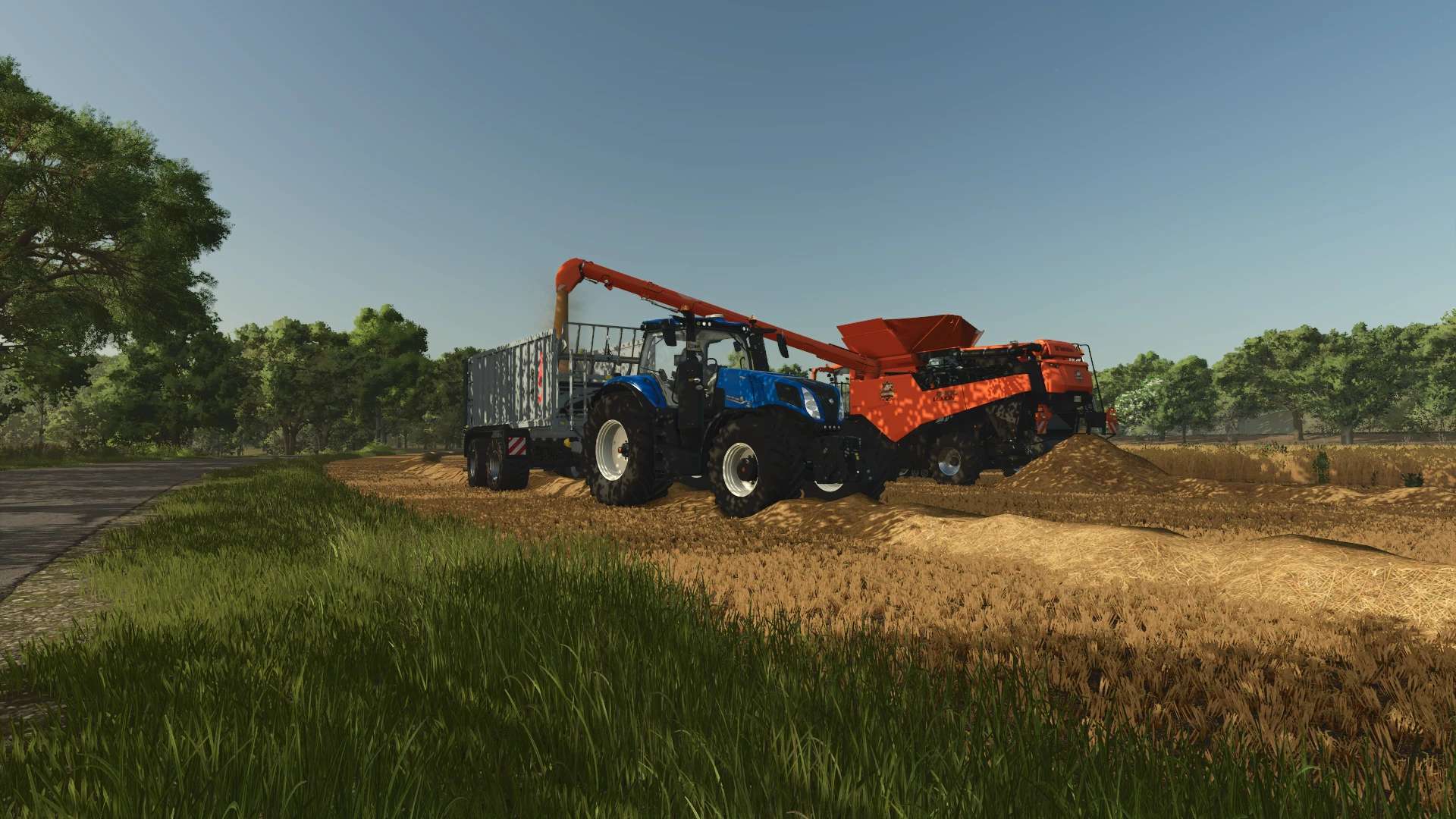
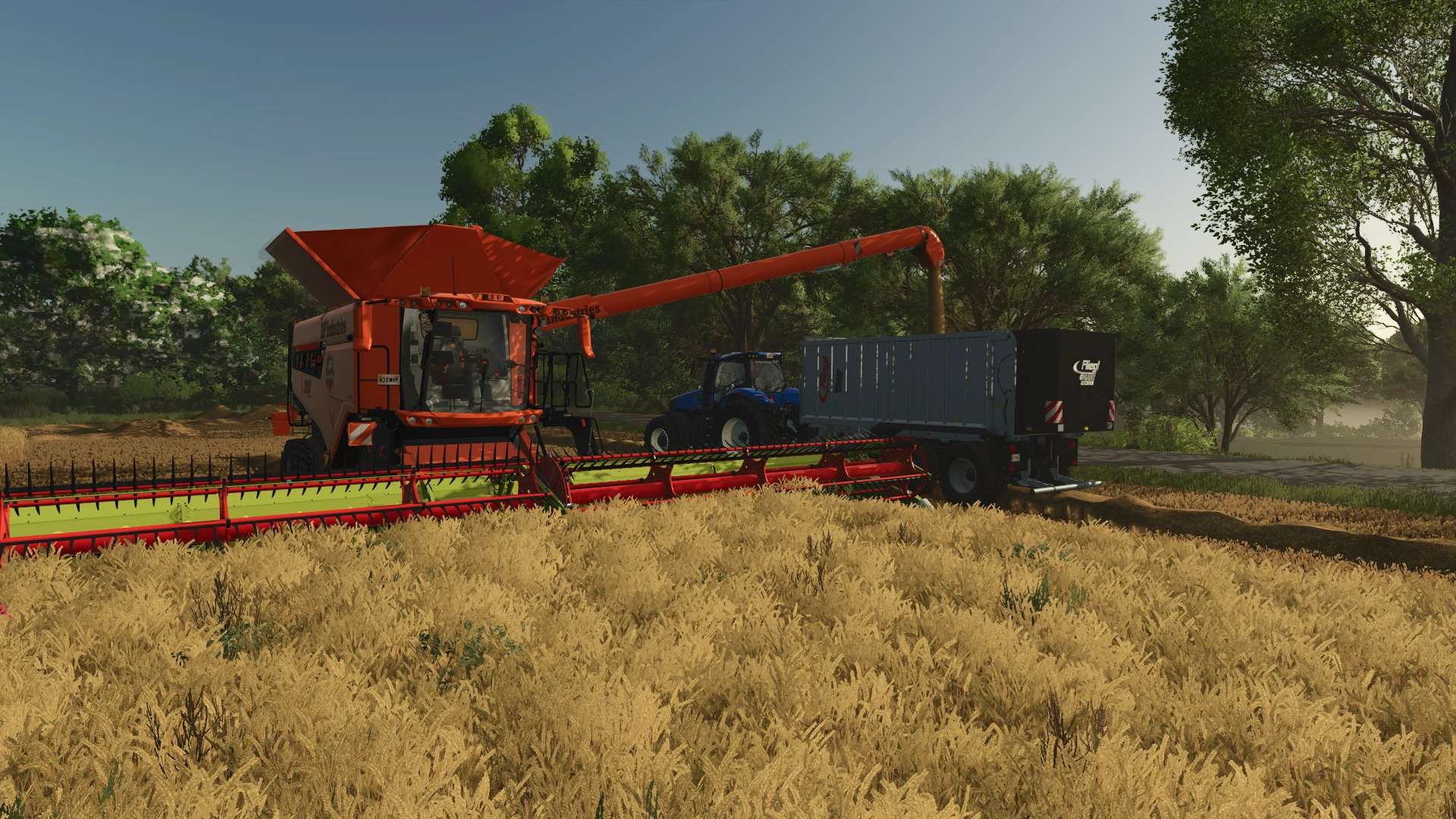
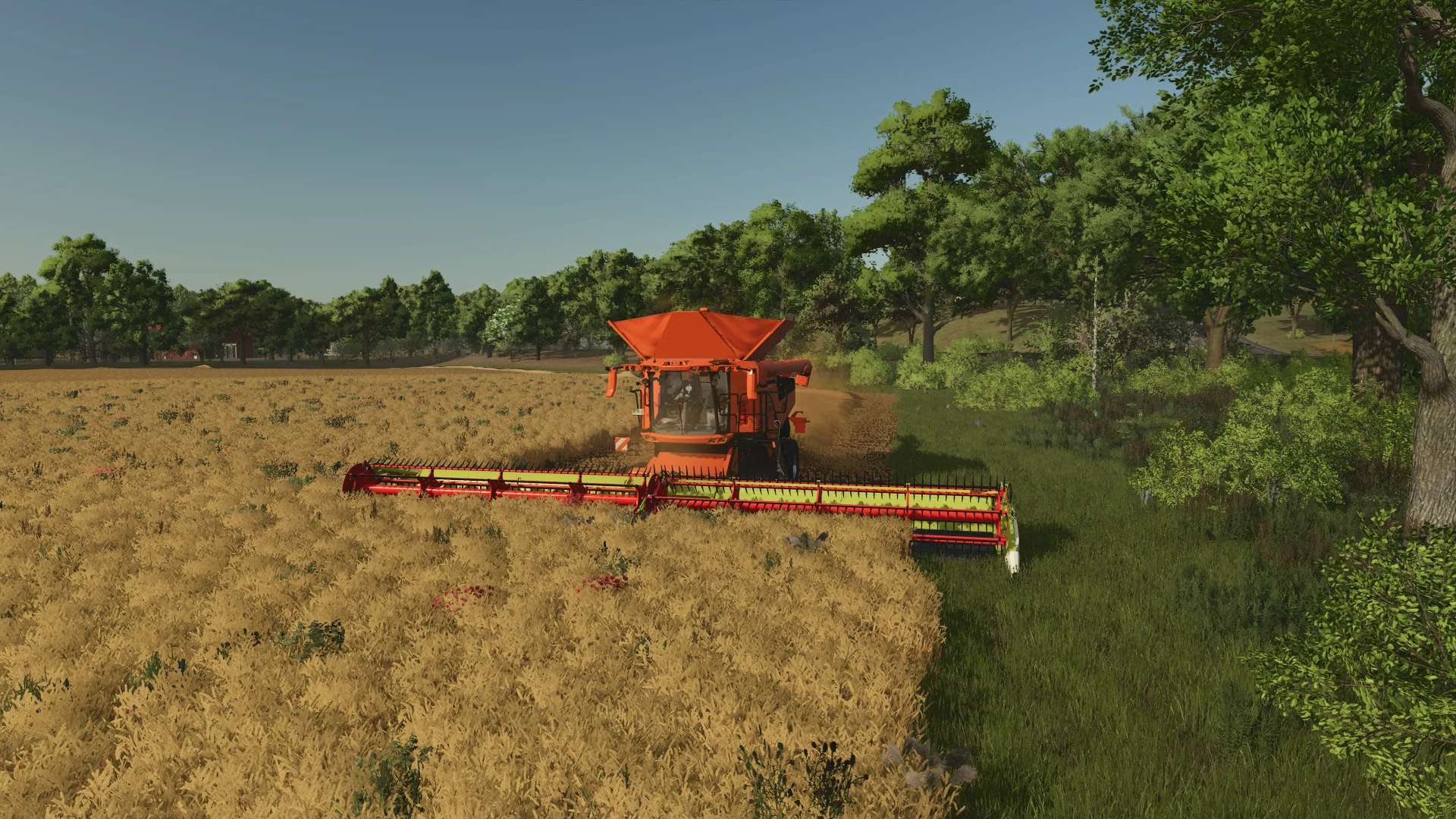
An absolute masterpiece for large-scale operations is joining the DF Industries fleet!
In close collaboration with the FBM team, an exclusive luxury thresher has been created that, on large fields (such as the NF Marsch),
is not only a real showstopper visually but has also been technically optimized to handle the rigors of everyday use.
A huge, heartfelt thank you and the utmost respect go out to Dolphin!
The attention to detail here from the razor-sharp, glowing DF gear logo to the elegant leather seats in the cab is sure to make any modder’s heart race.
Thank you so much for this amazing support and the brilliant design!
Feature List & Highlights: Exclusive DF Industries Design:
Eye-catching custom paint job in glowing orange.
Premium Cab:
Full-size, premium leather seats for maximum comfort during long harvest days.
3D Branding:
Crystal-clear, mechanically engraved DF Industries gear logo on the side.
Optimized for Large-Scale Operations:
Customized settings for hopper volume and unloading speed, perfectly matched to DF trucks and trailers.
100% Error-Free: The log file is absolutely clean!
Changelog v1.0.0.0 (Release):
Initial release of the DF Industries Edition.
Design: Custom paint job and visual cabin upgrade (leather seats) added by Dolphin.
Logos: New, glowing DF Industries industrial logo integrated.
XML Tuning: Capacities and throughput for large cards adjusted.
Store: Custom store Icon with new logo and clean shop category added.
Author: Layout & Texturen: Dolphin Idee & XML-Anpassung: SG_MODS / DF Industries