Collectible Items Navigator V1.0
Collectible Items Navigator V1.0
Collectibles Navigator for Farming Simulator 25!
Do you love exploring maps but are tired of searching for collectibles behind every bush and every barn?
It’s especially frustrating when almost everything has already been collected, but the last few items seem to have vanished into thin air!
Now you have a helper who knows where to go!
Introducing the “Collectibles Navigator”. A small mod that makes searching for hidden treasures much more enjoyable.
How does it work?
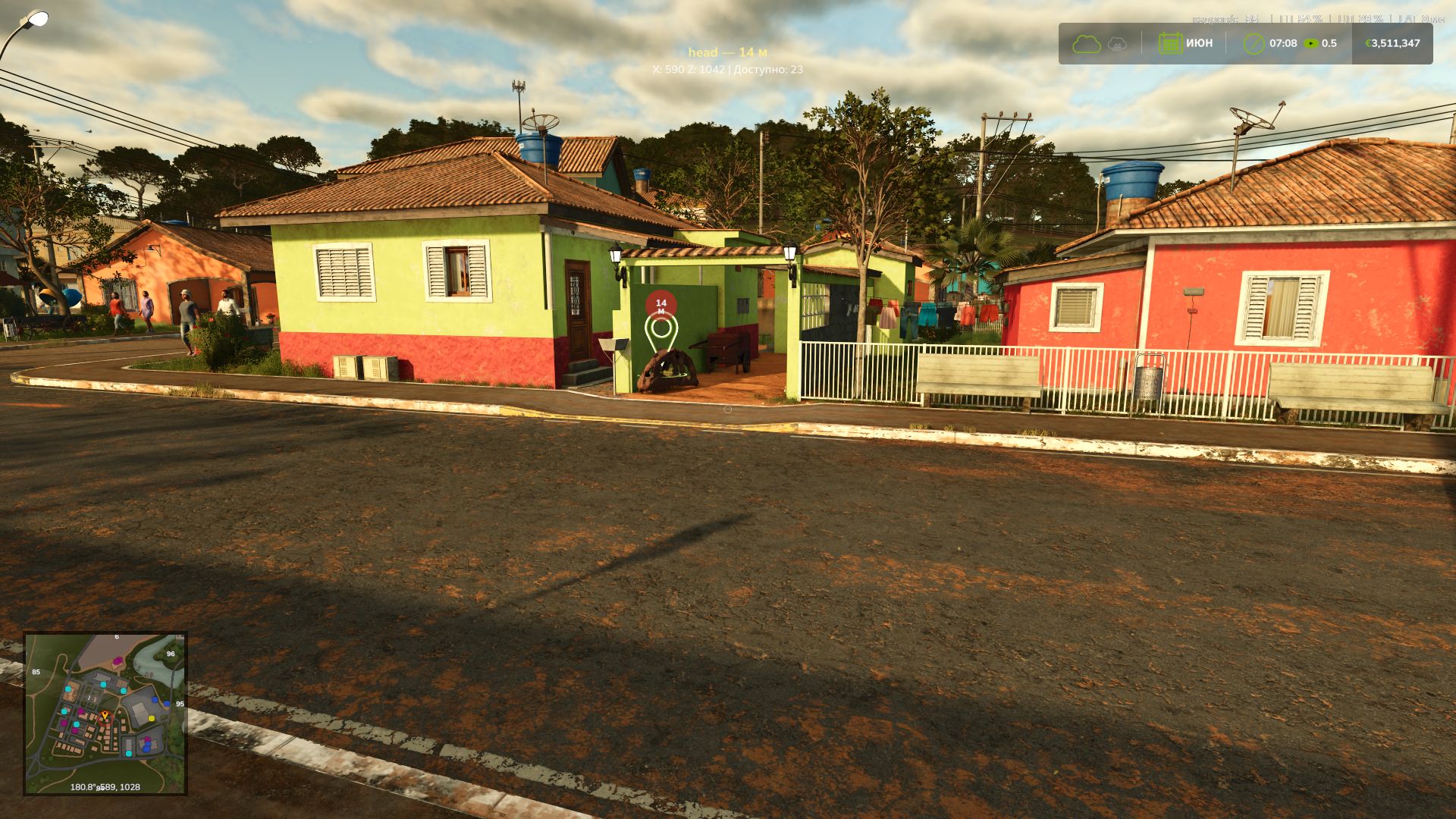
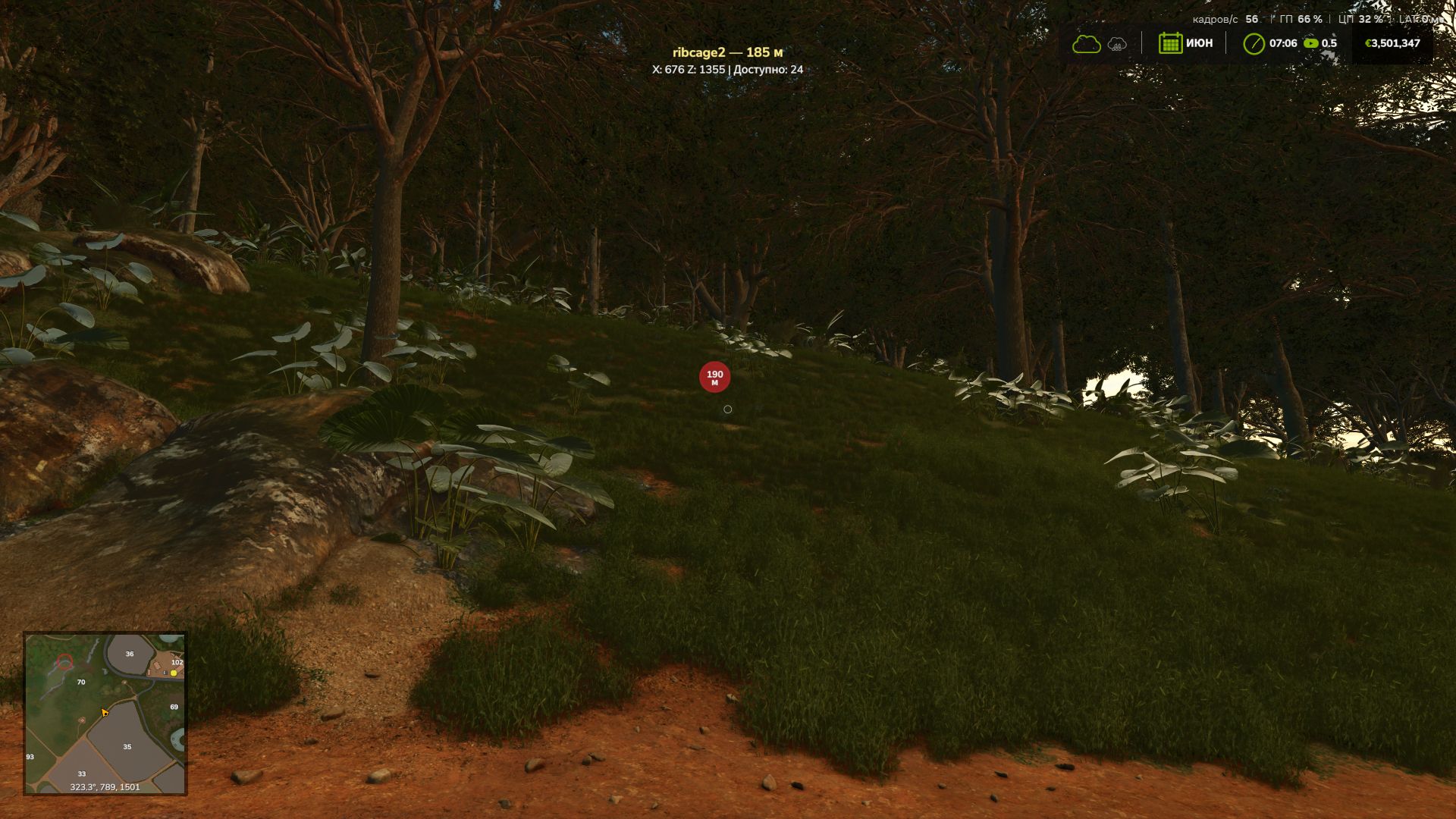
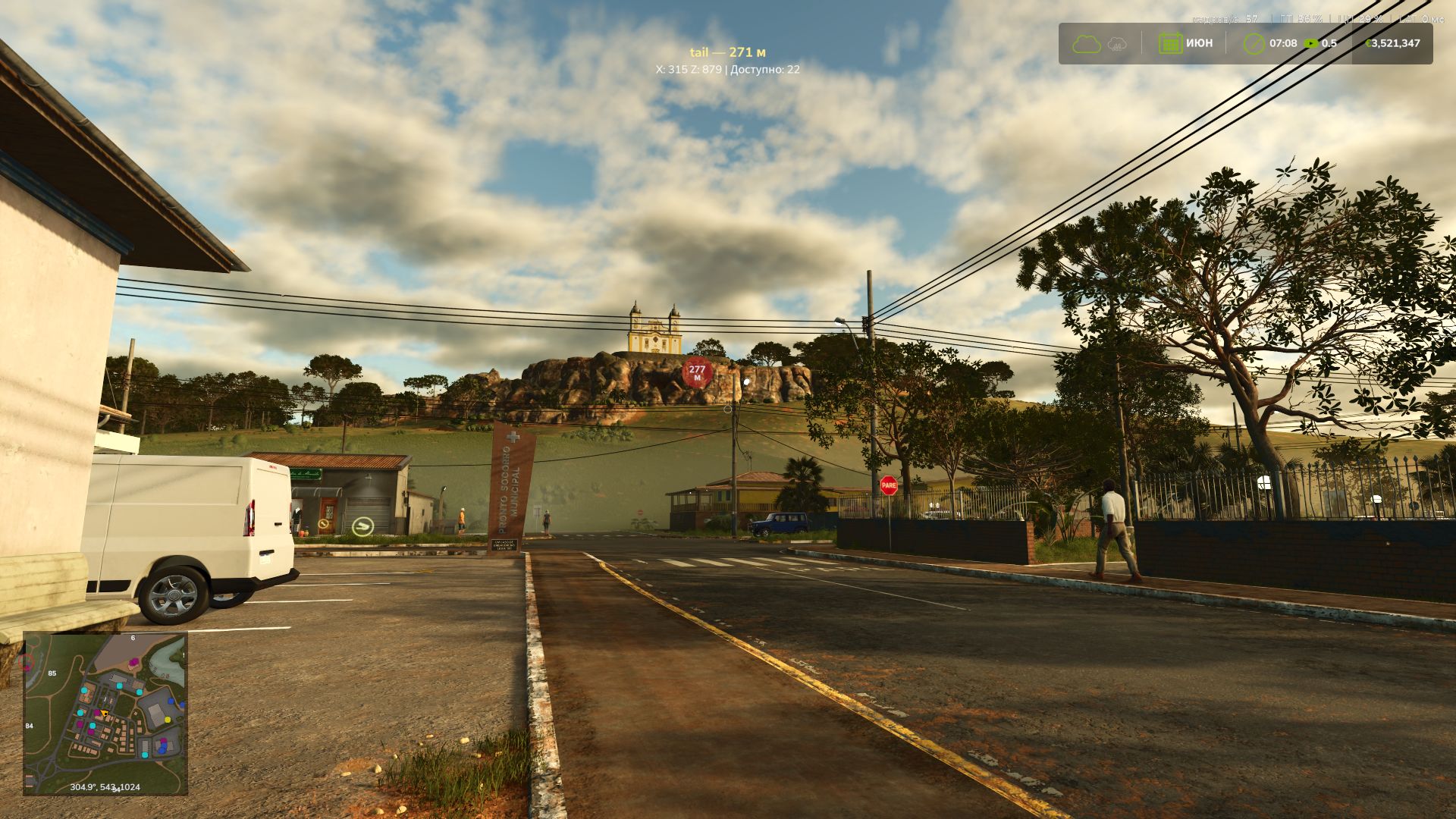
Press a key combination, and the game places the familiar navigation marker on the nearest collectible that has not yet been found.
Its name, distance and coordinates are displayed on the screen. All that remains is to reach the right place and collect your find!
You can also switch between collectibles manually or disable navigation.
Controls:
Ctrl + Alt + C — find the nearest collectible.
Ctrl + Alt + → / ← — next or previous collectible.
Ctrl + Alt + Backspace — disable navigation.
What about the Highlands Fishing add-on and other maps?
The Navigator works with the game’s collectible system, including the features of the Catuaí map, where some collectibles only appear after fields have been processed.
The mod supports both single-player and multiplayer.
Explore the map at your own pace!
You don’t have to keep the Navigator enabled all the time. Search for collectibles on your own, explore the surroundings and enjoy unexpected discoveries!
And if it feels like you’ve already looked under every stone, walked around every barn and checked every bush, simply turn on the Navigator. It will tell you where to look next.
No constant hints or intrusive markers. Just help when you really need it!
Have fun and happy collecting!
Author: MaxKra1985