
Combine your fields V1.0
Combine your fields V1.0
Languages: French, English, German, Spanish, Italian, Polish, Portuguese, Dutch
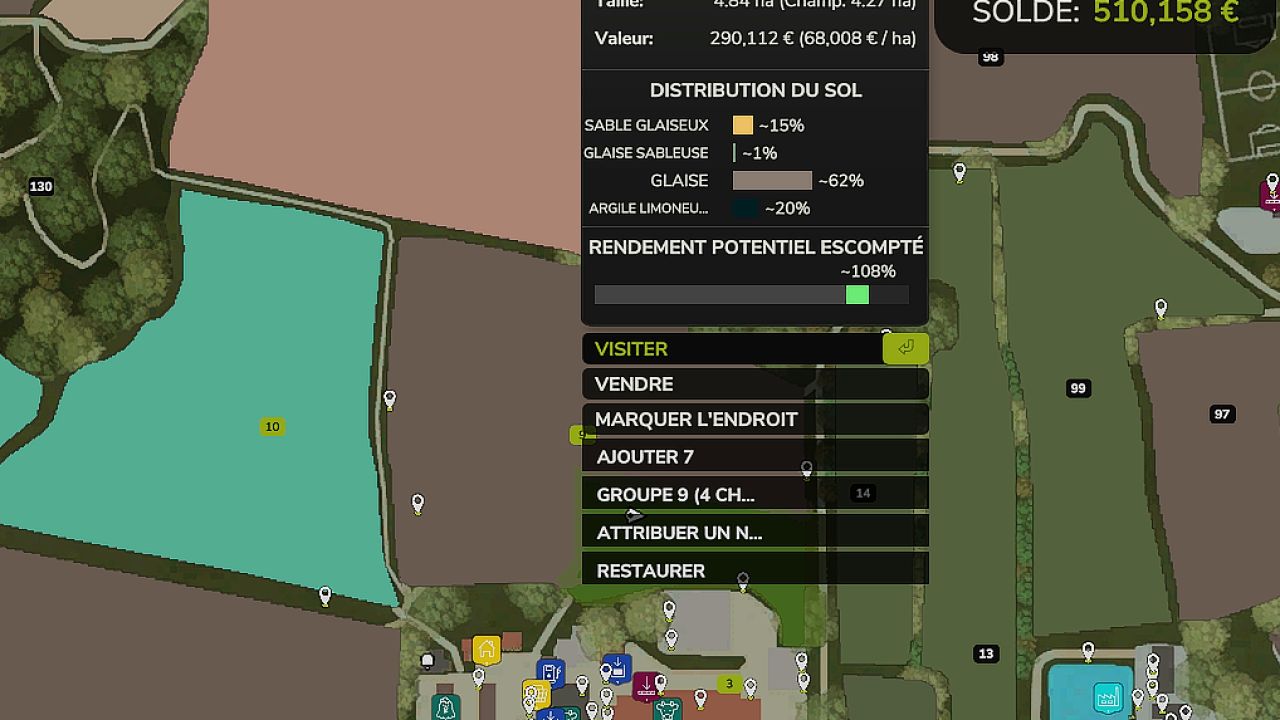
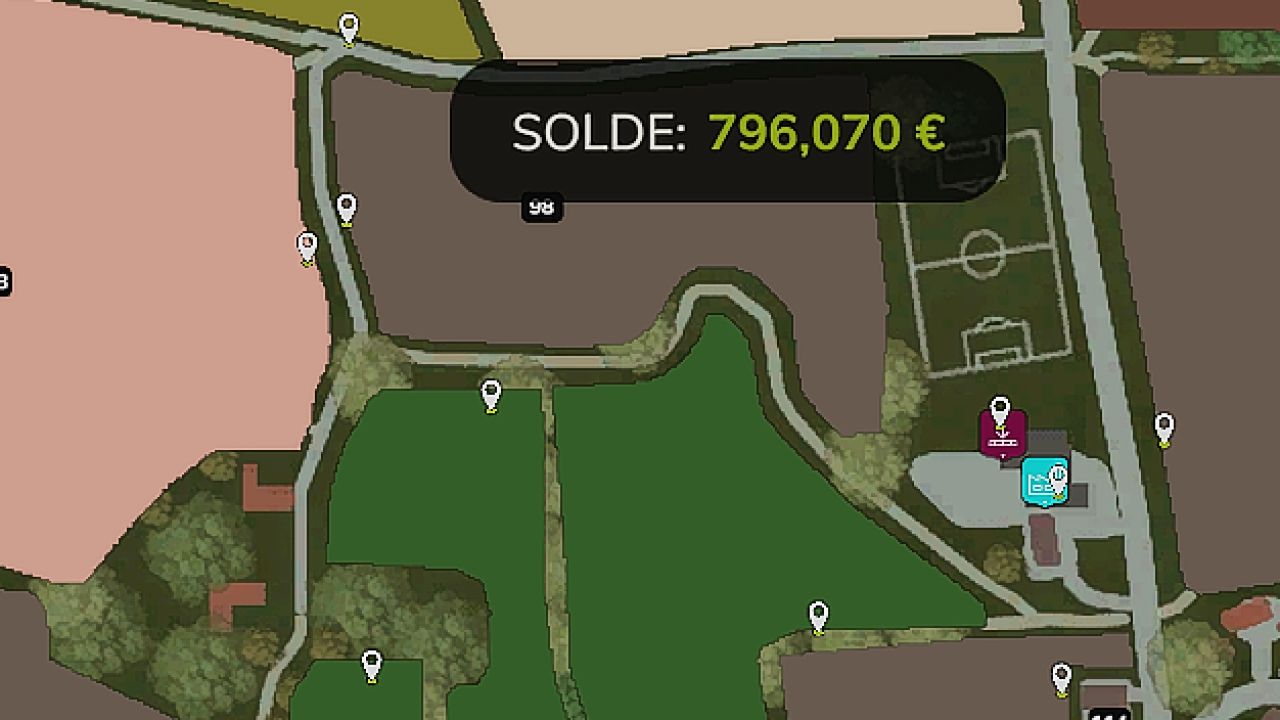
Field Number Hider allows several purchased fields to be visually grouped when their cultivated areas are connected, including after creating a connection with the plough. It displays a single number on the PDA without changing the actual field identifiers.
FEATURES
– Select several fields and group them under a chosen number.
– Unique number and native PDA information sheet with cumulative areas and land value.
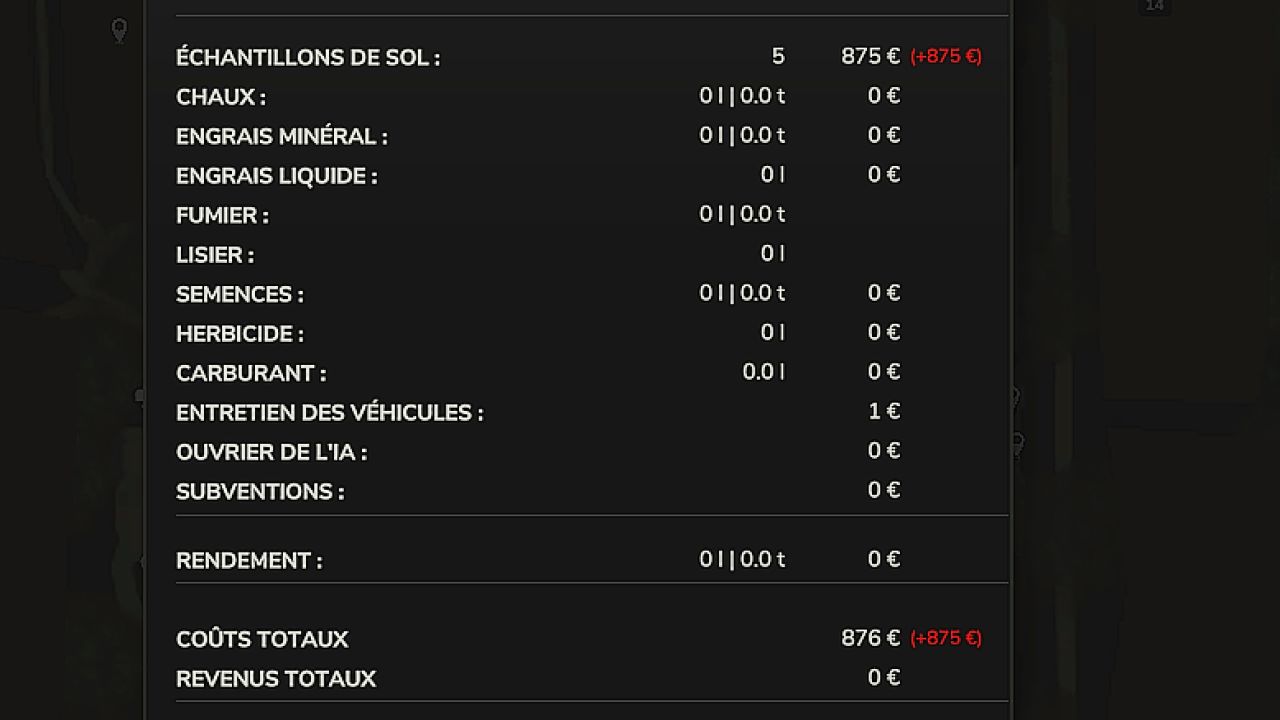
– Aggregated Precision Farming economic report, displayed in the native window.
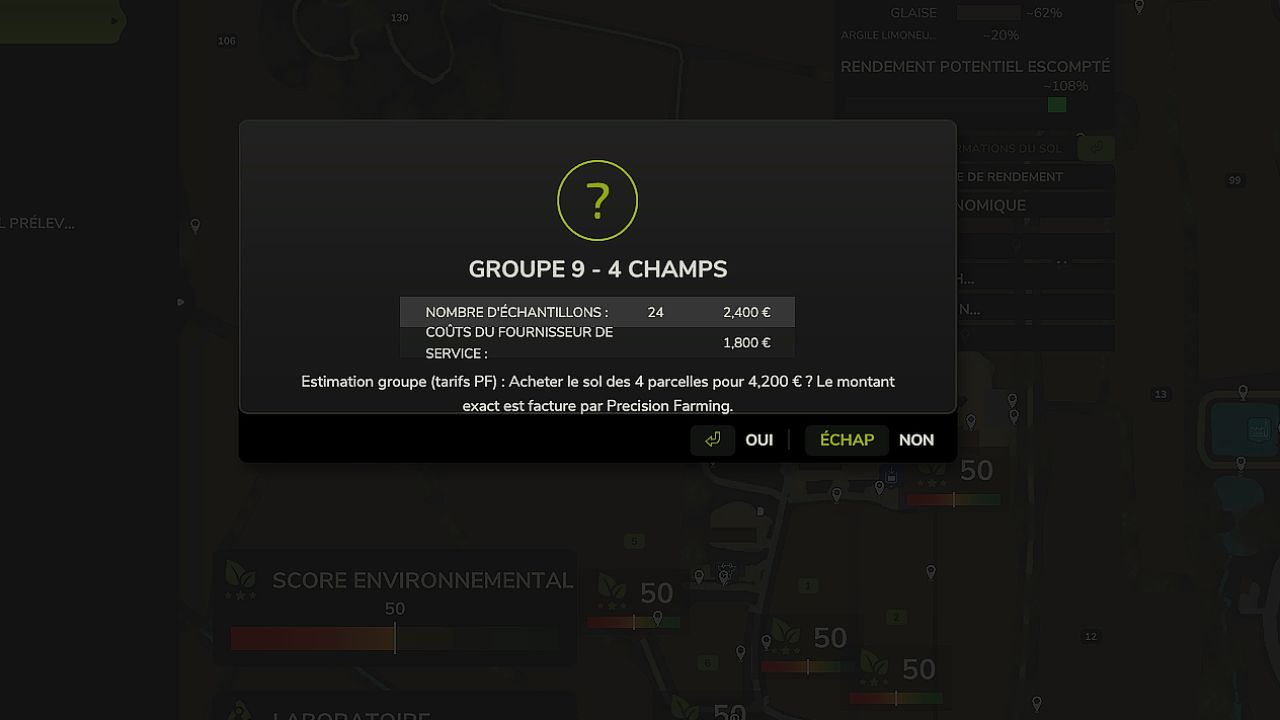
– Purchase soil information for the group from the native confirmation screen: purchases are still made by Precision Farming for each parcel; an estimated grouped quote is displayed.
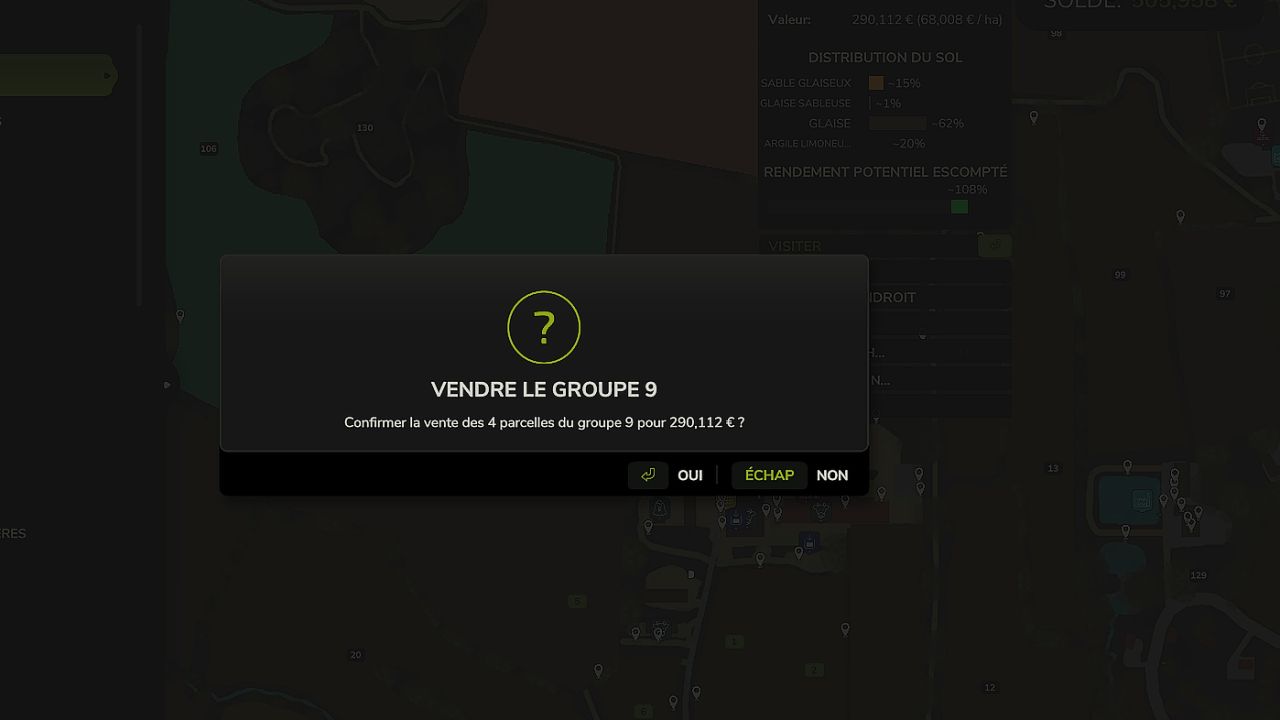
– Group sale after confirmation: ownership transfer and bank balance verification.
– Restore numbers and groupings without changing the map’s cadastral data.
– Original Precision Farming data and statistics remain recorded separately.
USAGE
1. Purchase the parcels you want to group.
2. Connect their cultivated areas with the plough in field creation mode if necessary.
3. Open the PDA, select the fields, then use ADD followed by GROUP.
4. On the group, use the game’s actions: SELL, ECONOMIC ANALYSIS or BUY SOIL INFORMATION.
5. RESTORE allows you to return to the original numbers.
INSTALLATION
Copy FS25_FieldNumberHider.zip without extracting it into Farming Simulator 25’s mods folder. Activate the mod in the mod list for your savegame. Make a safety backup before any grouped sale or purchase operation.
MULTIPLAYER
Network code included (group synchronization, server-side verification, editing/selling reserved for farm managers). This support has not yet been validated in an actual multiplayer game or on a dedicated server. It is experimental: perform a test on a copy of your savegame before publishing it as confirmed multiplayer-compatible. Server operations must never be considered guaranteed without a real-world test.
NOTES
The areas must actually be connected in order to be grouped. The merging is visual and functional: the cadastral parcels remain independent in the game engine and in Precision Farming. The sampling quote is an estimate; Precision Farming remains responsible for the final billing.
Author: xXTennesieXx


