Custom Trigger Creator V1.0.1

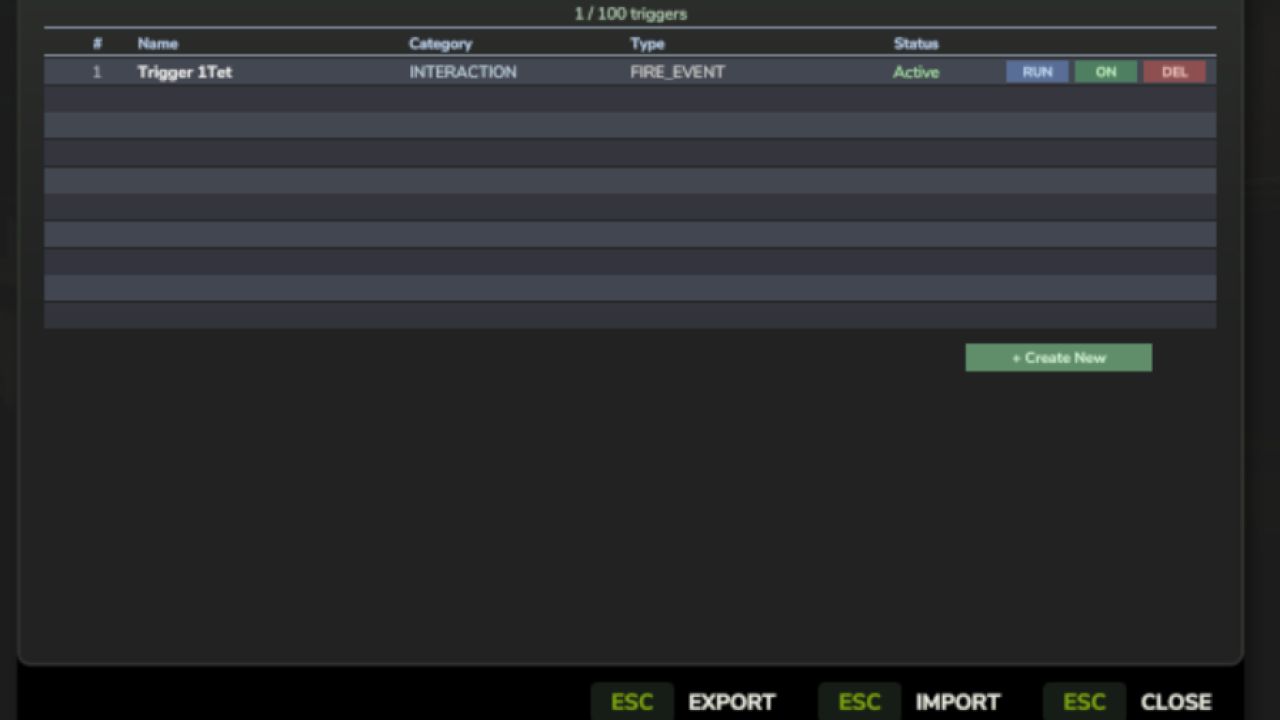
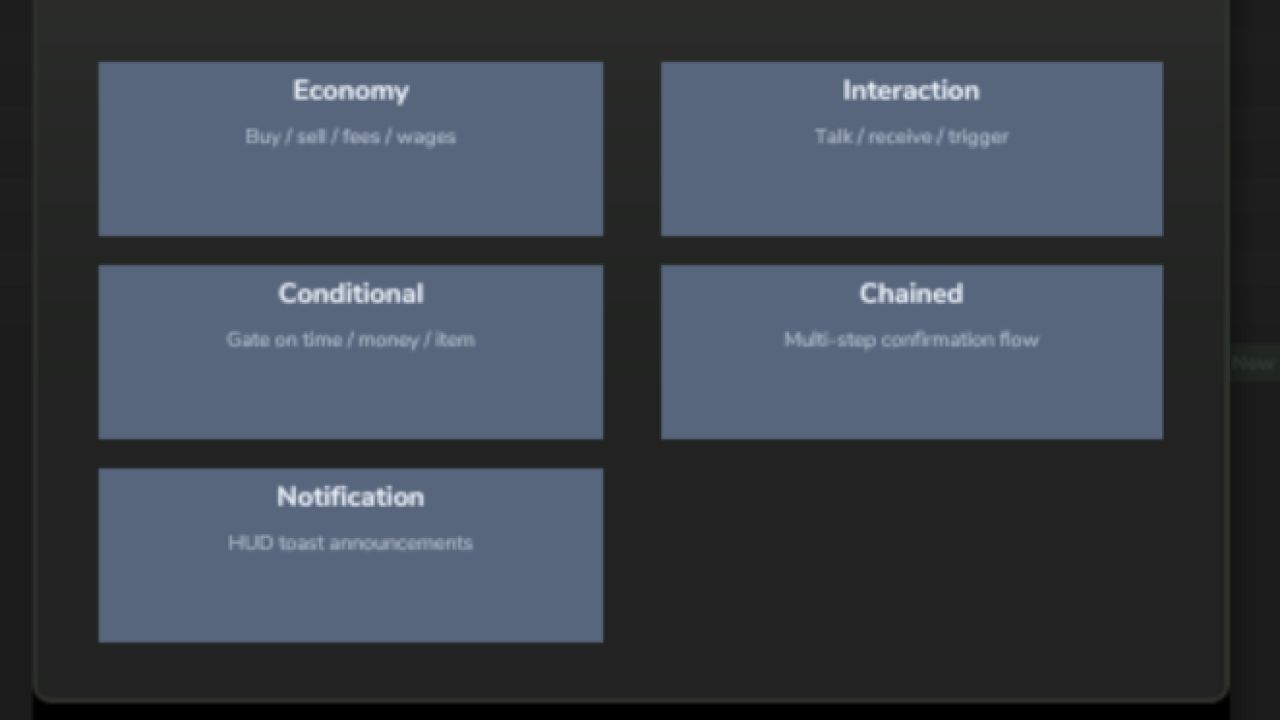
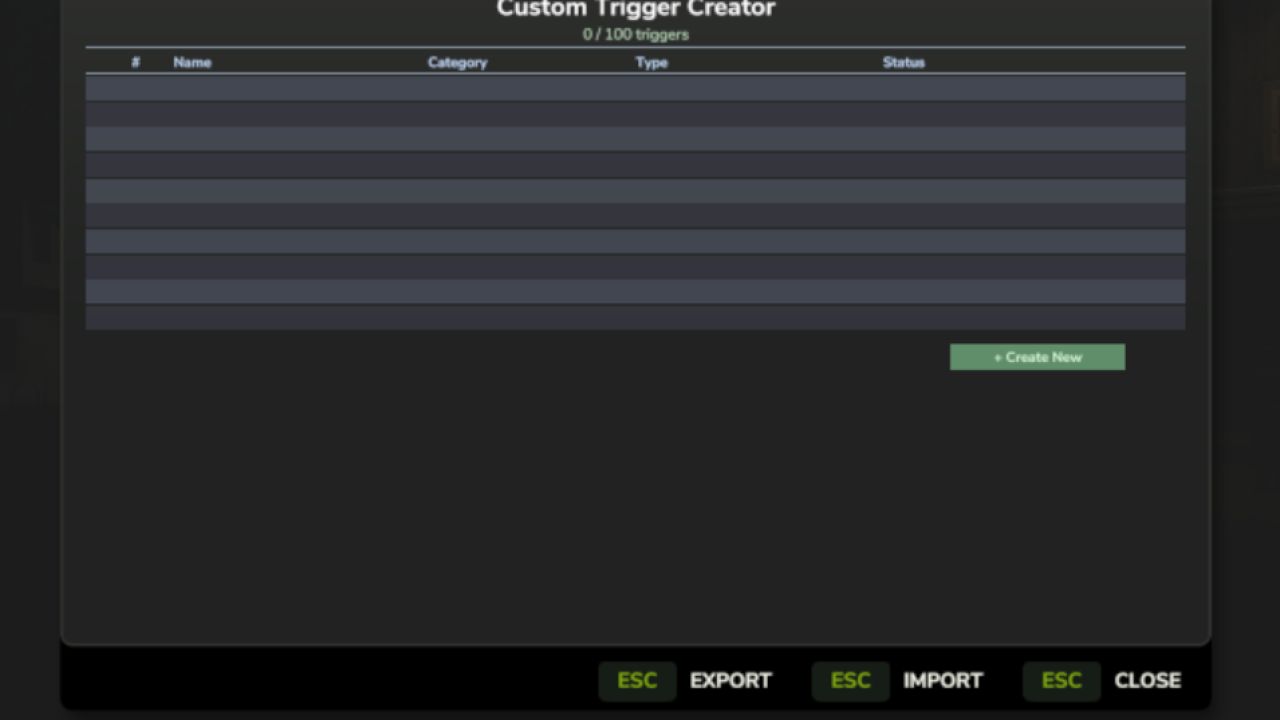
Custom Trigger Creator V1.0.1
Custom Trigger Creator lets you build fully functional triggers directly inside Farming Simulator 25 — no XML editing or Lua scripting required.
Using an easy step-by-step in-game wizard, you can create triggers for things like buying or selling items, paying fees, showing notifications, running events, or creating multi-step trigger chains. Everything is configured from a simple menu opened with F8.
Triggers support conditions, cooldowns, confirmations, probability checks, and persistent saves, making it easy to design custom interactions for your farm or multiplayer server.
Perfect for players who want more interactive gameplay without touching code.
Features:
In-game trigger creation wizard
Economy, interaction, notification, and conditional triggers
Chained multi-step triggers
HUD notification system
Export / import trigger configs
Works in singleplayer and multiplayer
Create the triggers your farm needs — in minutes.
V1.0.1.0
Triggers Now Work in the World
Triggers you created were losing all their settings every time you loaded a save — amounts, messages, cooldowns, everything gone. That’s fixed.
This update also adds the in-world interaction system that was always planned: walk up to a trigger and press E to activate it, just like a shop or NPC.
What’s new / fixed:
Trigger settings (amounts, messages, cooldowns) now save and load correctly
Placing a trigger marks your current position walk up to it and press E to activate. Trigger icon appears on the minimap so you can find your triggers on the map. Chained triggers can now have their Step 1 and Step 2 messages configured in the wizard. Deleting a trigger now also removes its map marker and interaction zone.
No save migration needed, existing saves will load fine.
Author: tisonK