DF INDUSTRIES Transshipment Terminal v1.1
DF INDUSTRIES Transshipment Terminal v1.1
Welcome to the grand finale and masterpiece number 25 of the legendary DF INDUSTRIES heavy-duty series!
Changelog 1.1.0.0
Buildings re-textured
Some decorative elements removed
Checked with TestRunner
Warnings, errors, and Lua callstack issues fixed
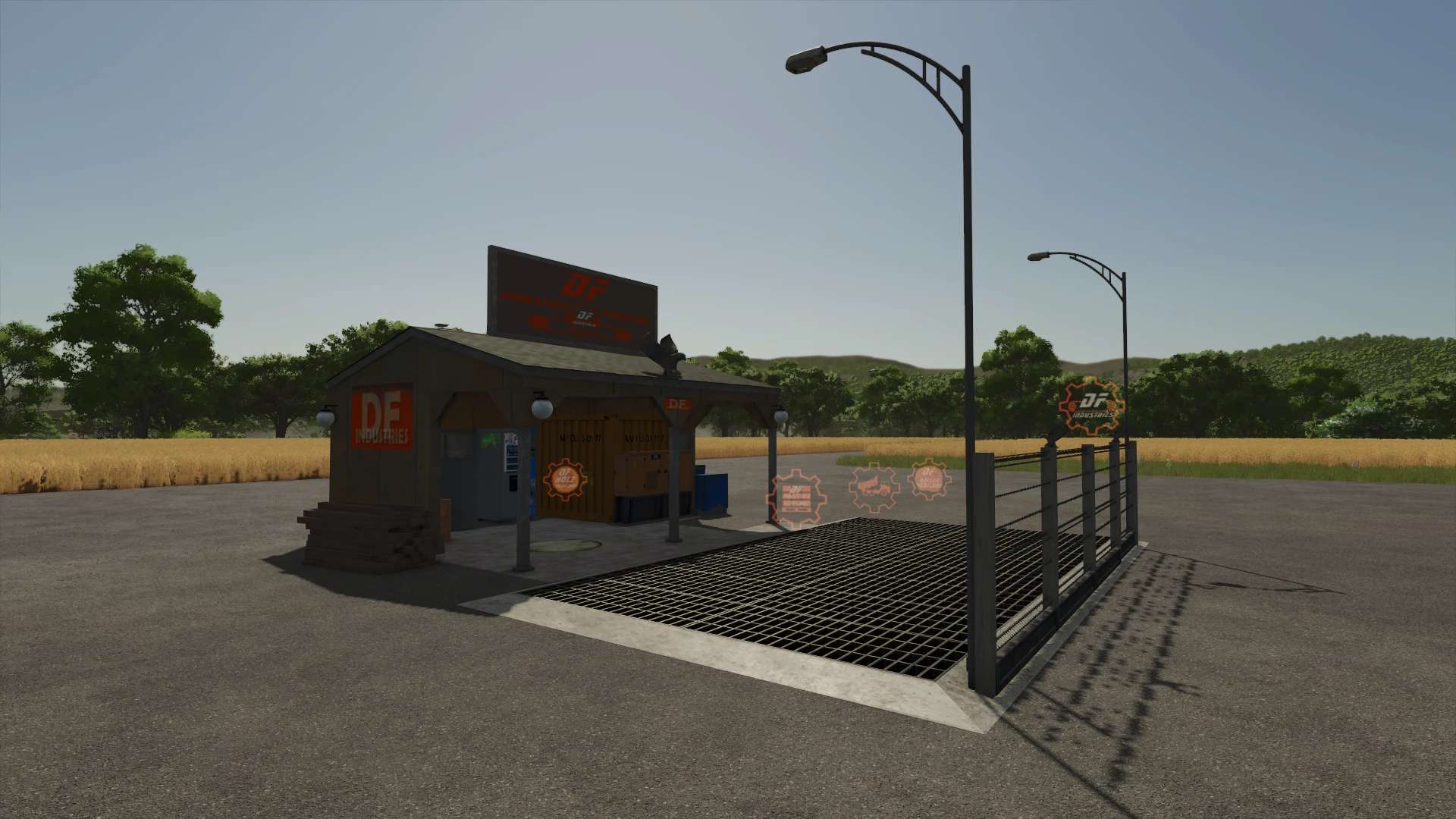
The DF INDUSTRIES M25 handling terminal ushers in a whole new era of logistics for your farm.
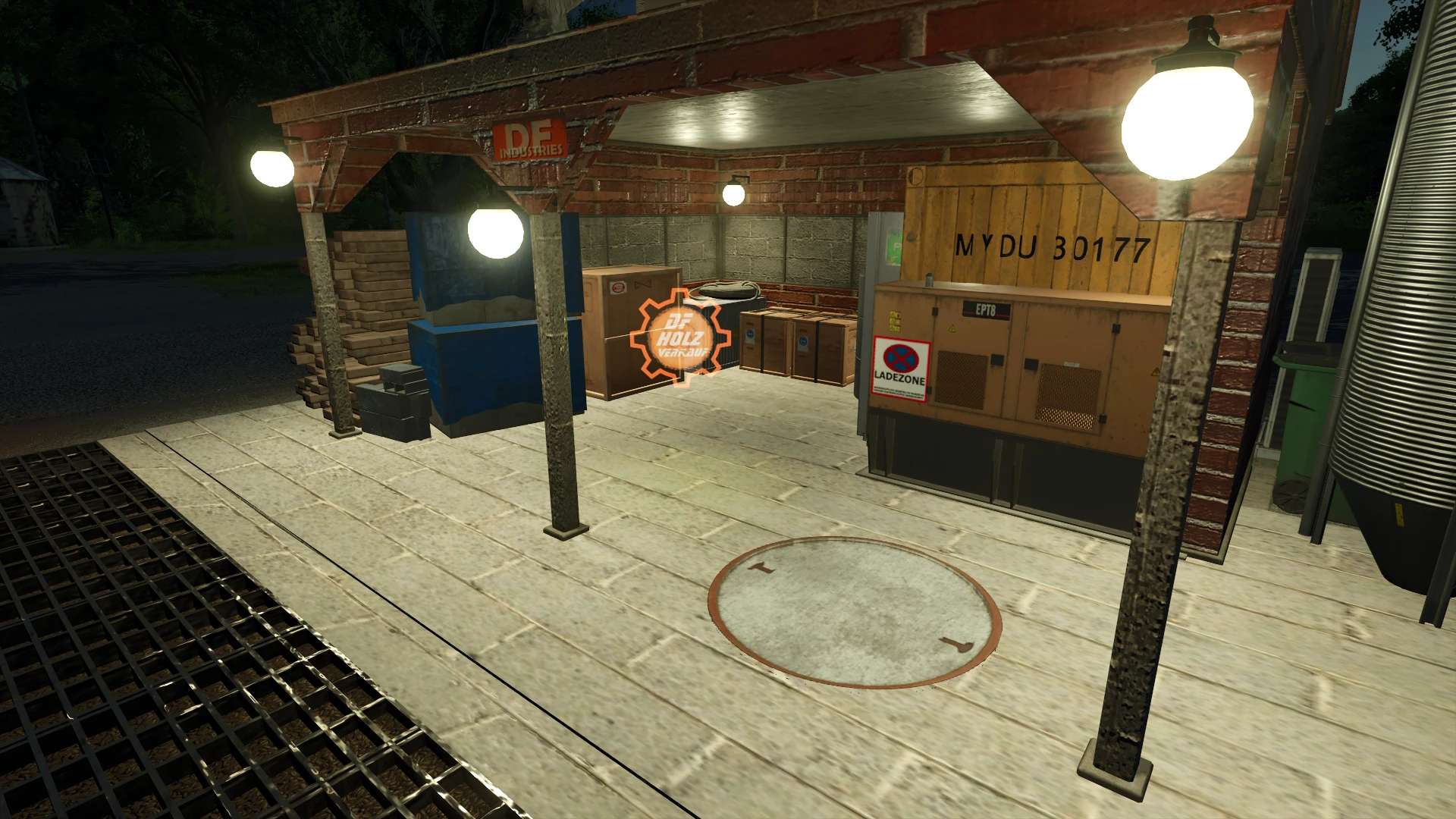
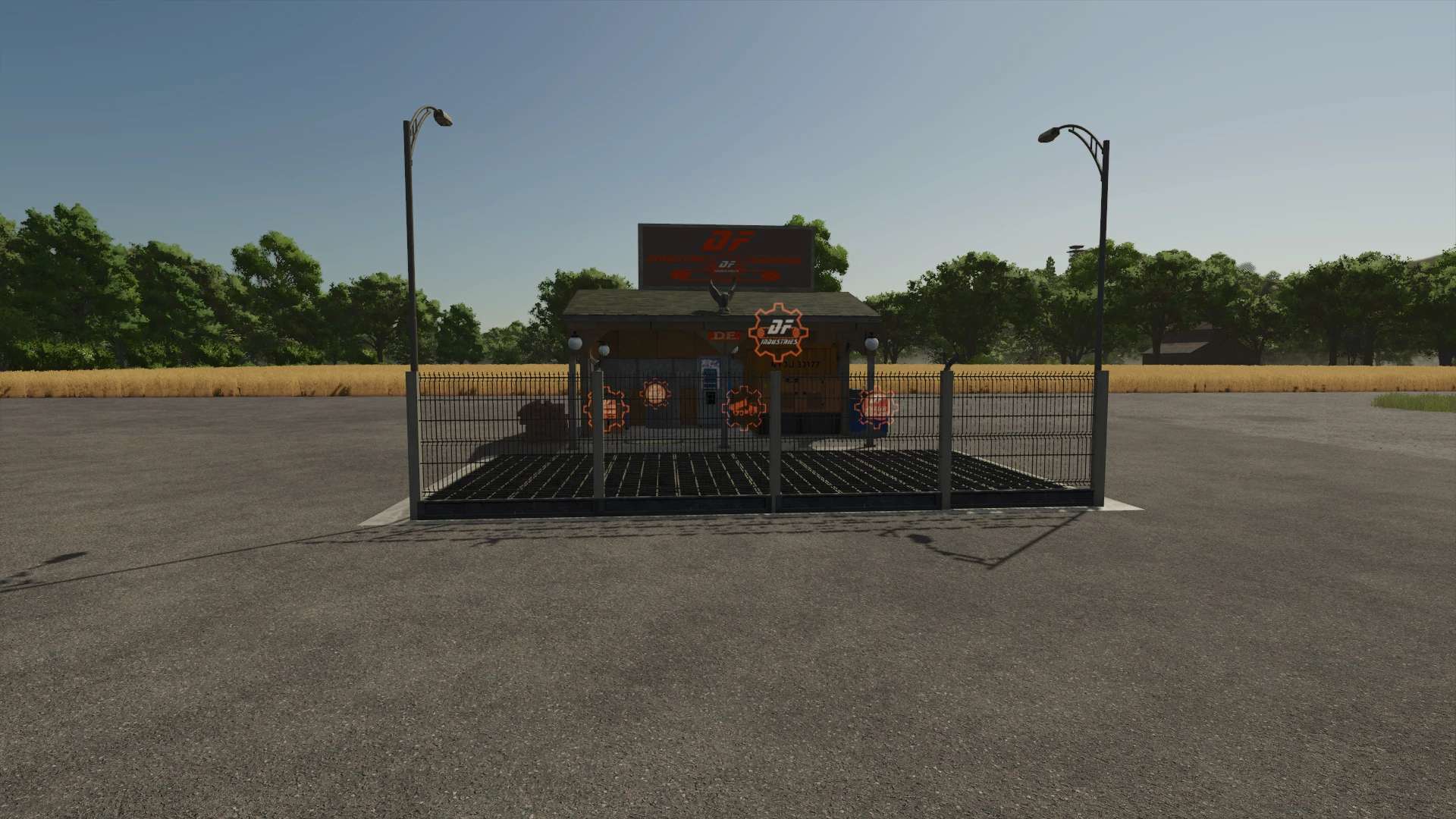
This compact, highly efficient unloading hub is based on the modern tinyShed03 structure and was designed specifically for demanding large-scale farmers.
It takes up minimal space on your property while offering maximum functionality and a rugged, powerful aesthetic!
The absolute highlight: No boring standard GIANTS shopping cart icons here!
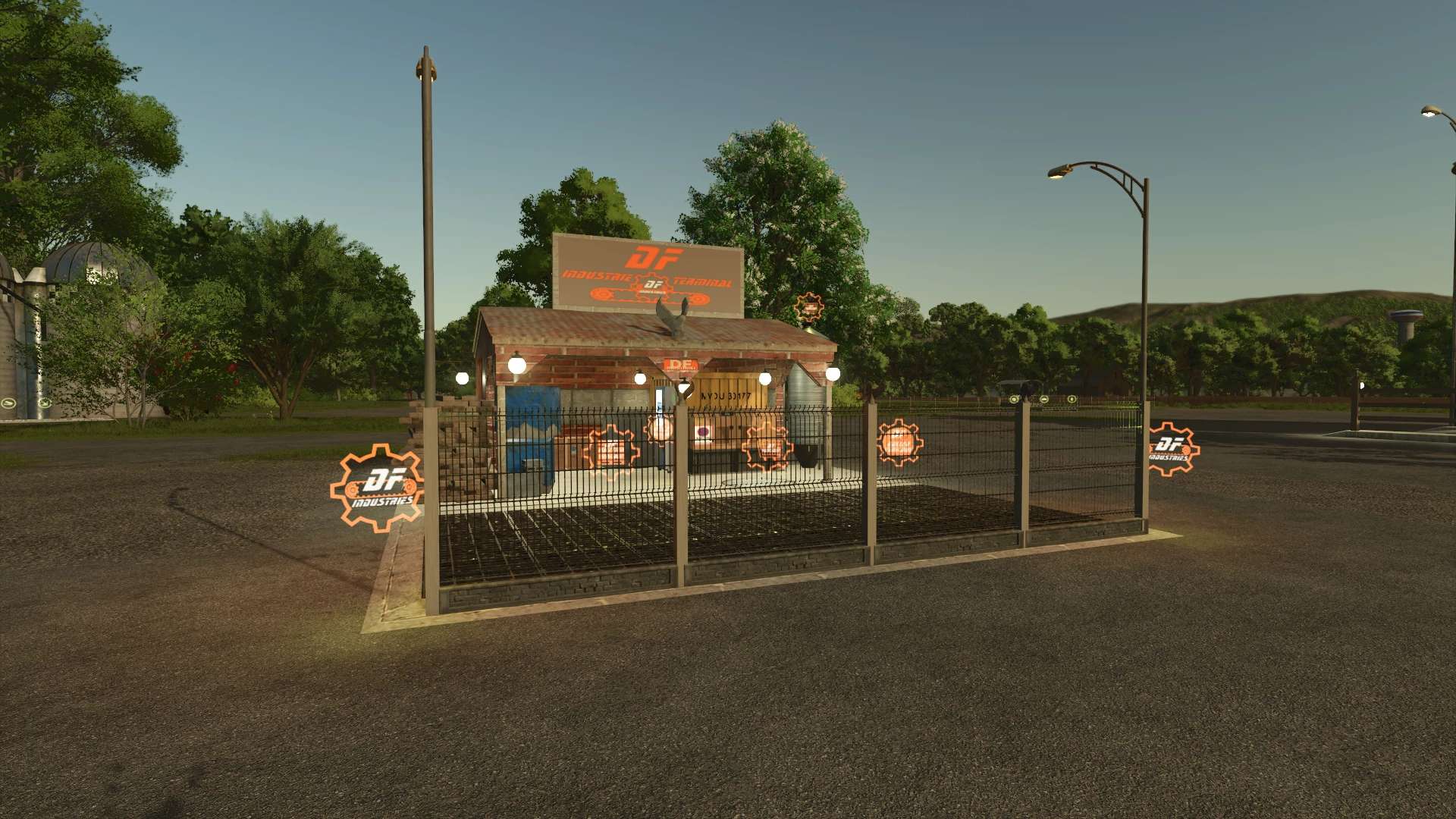
The station features custom-designed, orange DF conveyor-belt gear icons
that float in mid-air—glowing and razor-sharp at night—symbolizing heavy-duty material handling.
Additionally, the station puts on a visual light show in the evening:
The installed streetlights have been converted to a deep industrial orange, bathing the entire facility in an incredibly atmospheric glow.
Combined with the perfect shadow casting from the security fence, it’s a real eye-catcher during night operations!
Key Data & Features:
– Unique, floating DF conveyor-belt HUD icon right at the trigger point
– Compact, realistic brick and corrugated iron look (based on tinyShed03)
– Full industrial fencing with barbed wire for an authentic heavy-duty look
– Three detailed DF eagle statues serving as the brand’s unmistakable seal of quality
– Powerful lighting concept: Orange streetlights and glowing neon icons
– True multi-crop terminal: Accepts all crops, pallets, and products from the base game!
– Highly optimized: Takes up an unbeatable 6 slots on your farm! – Purchase price in the shop: €25,000 (No daily maintenance costs)
– Flawless, 100% error-free in-game log and error-free TestRunner!
Take your farm logistics to the absolute high-end level and rake in millions by the second!
Wishing you lots of fun selling and getting rich, DF INDUSTRIES
Changelog Version 1.0.0.0 (Release M25):
– [Release] Initial release of the DF INDUSTRIES transshipment terminal (Masterpiece No. 25)
– [Design] Compact redesign based on the tinyShed03, featuring brickwork texture and an industrial heavy-duty look – [HUD] Custom orange DF conveyor-gear icon installed as a floating brand element – [Multi-fruit] Full XML integration of all standard crop types and production goods from the base game
– [Decor] Added three detailed DF eagle statues, pallet stacks, and industrial safety fencing – [Lighting] Powerful night lighting concept: street lamps and icons glow in a deep industrial orange – [Build Menu] Corrected faulty l10n texts; added a clear functional description in the shop – [Code] Complete cleanup of legacy files in the folder to reduce ZIP size – [Log] Fully optimized for a 100% clean in-game log and minimal slot usage (6 slots)
Author: SG_Mods