Drive through hall More than just a hall v1.5
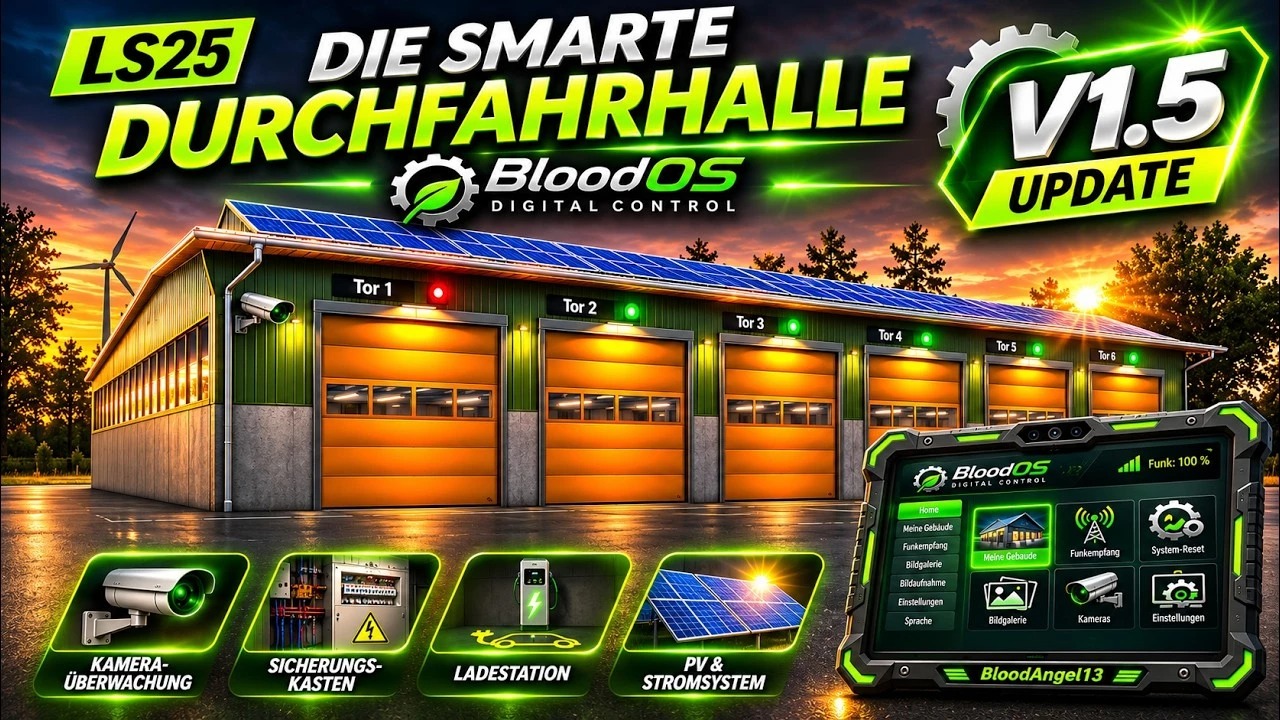
Drive through hall More than just a hall v1.5
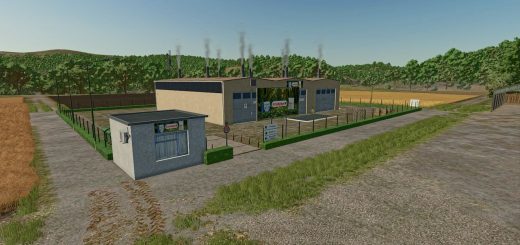
A modern drive-through shed featuring 12 automatic doors, an intelligent traffic-light system, seven surveillance cameras, an interactive fuse box, a photovoltaic system, battery storage, and a digital building control system powered by BloodOS.
Drive-Through Shed V1.5 & BloodOS V1.0
Welcome to BA13 Modding!
This custom-developed drive-through shed for Farming Simulator 25 combines a modern machinery hall with advanced building technology and an integrated digital control system.
The Drive-Through Shed V1.5 offers space for your vehicles and machinery, equipped with twelve doors. Interior and exterior lighting assist with maneuvering in the dark. Status-indicating traffic lights show which parking bays are occupied, while seven surveillance cameras allow you to keep an eye on the shed and its surroundings.
With BloodOS, you can add a tablet to the shed, allowing you to control the doors and lighting, as well as access the camera feeds.
Make sure to activate both mods when loading your save game. You can find the drive-through shed in the construction menu at the very bottom, under “BloodAngel13 Mods → Sheds & Doors.” The BloodOS tablet can be purchased in the in-game shop under “Miscellaneous → Miscellaneous Tools.”
How to find and operate the drive-through shed:
Activate the Drive-Through Shed V1.5 when loading your save game. Open the construction menu and scroll to the very bottom. You will find the shed under “BloodAngel13 Mods → Sheds & Doors,” where you can place it on your property. To open the doors or toggle the lighting, approach the respective control point. The corresponding key will be displayed in the help menu. If the key is assigned differently or is missing, you can adjust it under “Settings → Key Bindings.”
How to access BloodOS:
Ensure that BloodOS is also activated when loading your save game. Purchase the BloodOS tablet from the in-game shop under “Miscellaneous → Miscellaneous Tools.” Press 1 to take the tablet into your hand. Then, press X or left-click to open BloodOS. If your key bindings differ, check the help menu for the action “Activate handheld device.” You can change or reassign this key under Settings → Key Bindings. Through the tablet, you can control the hall’s gates and lighting, as well as access the cameras.
Author: bloodangel13