DTM Screenshot Studio v1.0


DTM Screenshot Studio v1.0
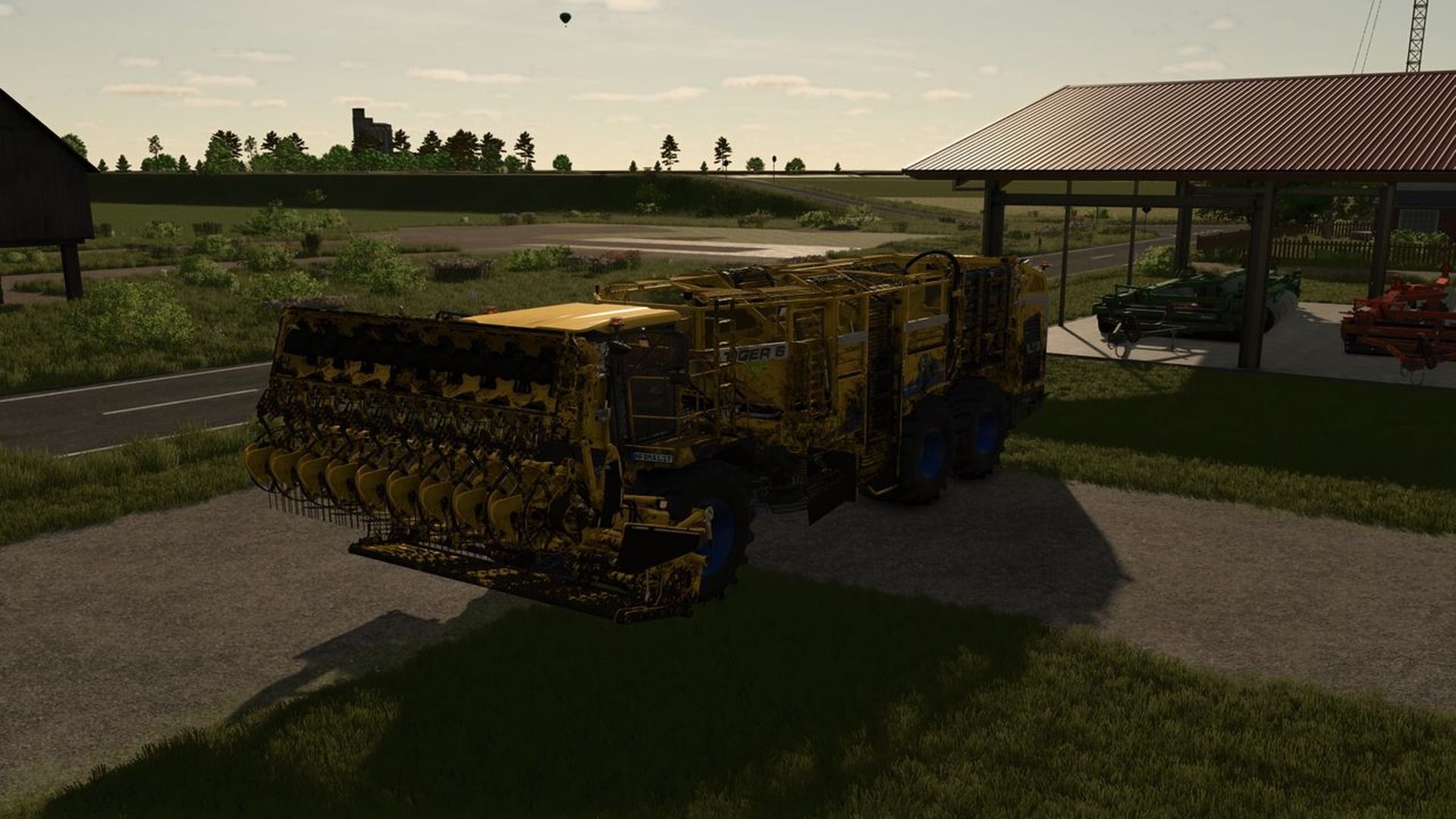
A tool for modders: the game takes the screenshots of your mod for the ModHub and your website. Park your machine or building somewhere nice, press a key and get framed pictures without the HUD, at 1920×1080 where the game allows it. Single player only.

Right Ctrl + 1: clean shot of the current view, without HUD.
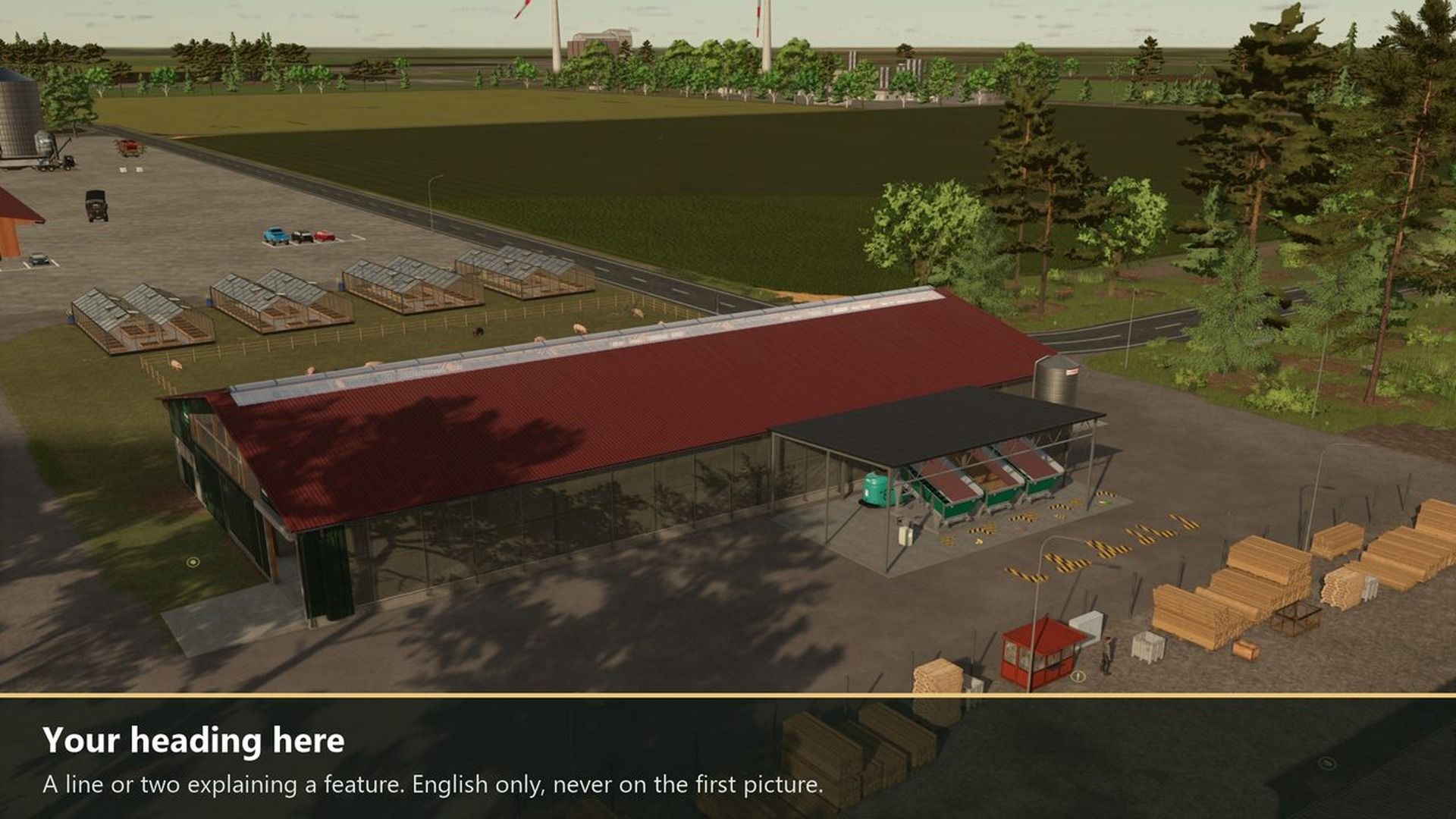
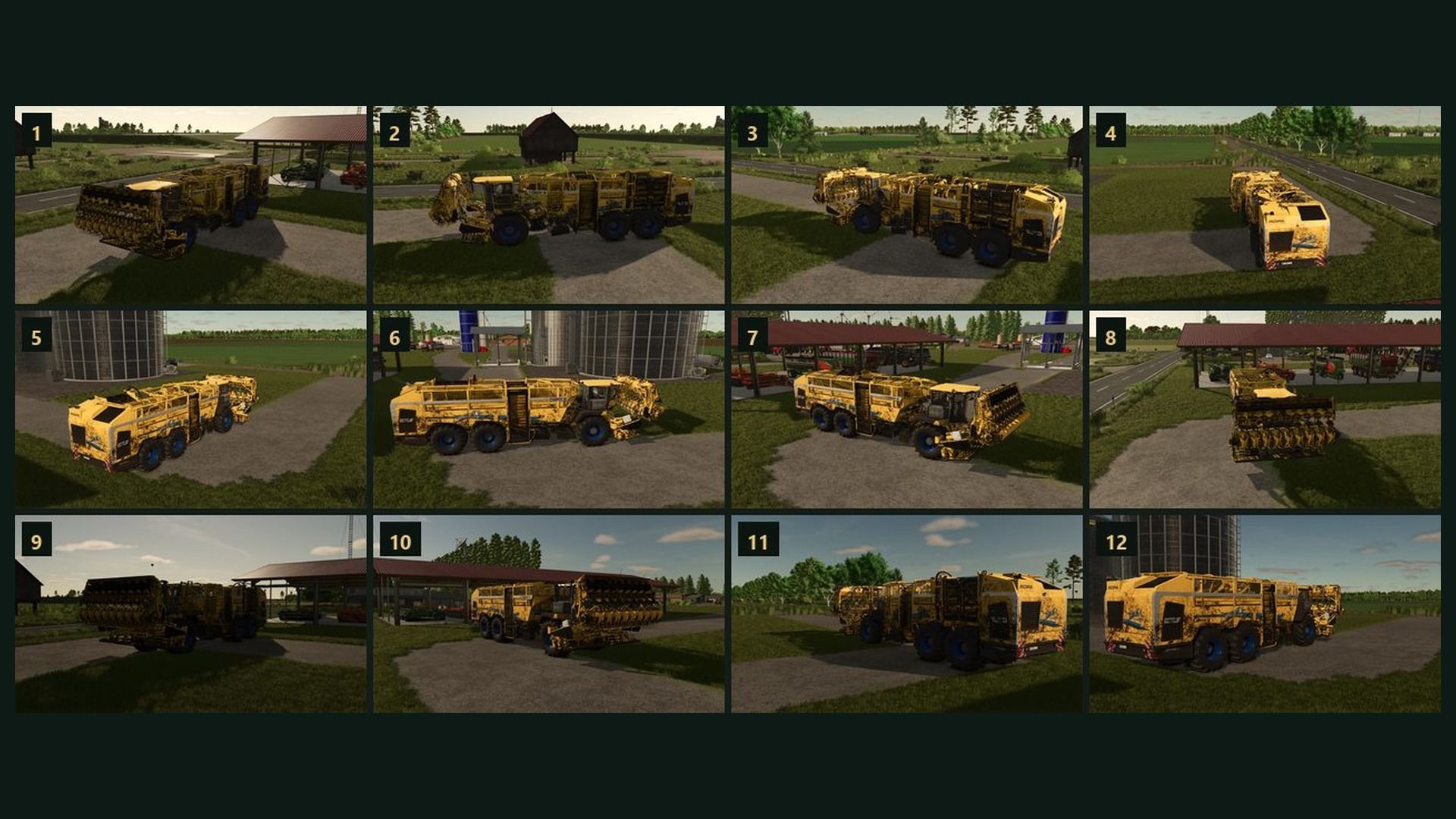
Right Ctrl + 2: orbit. 12 framed shots from all around the vehicle you sit in (with everything attached) or the nearest building.
Right Ctrl + 3: UI shot. Waits 5 seconds so you can open a menu, then saves the screen with the menu.
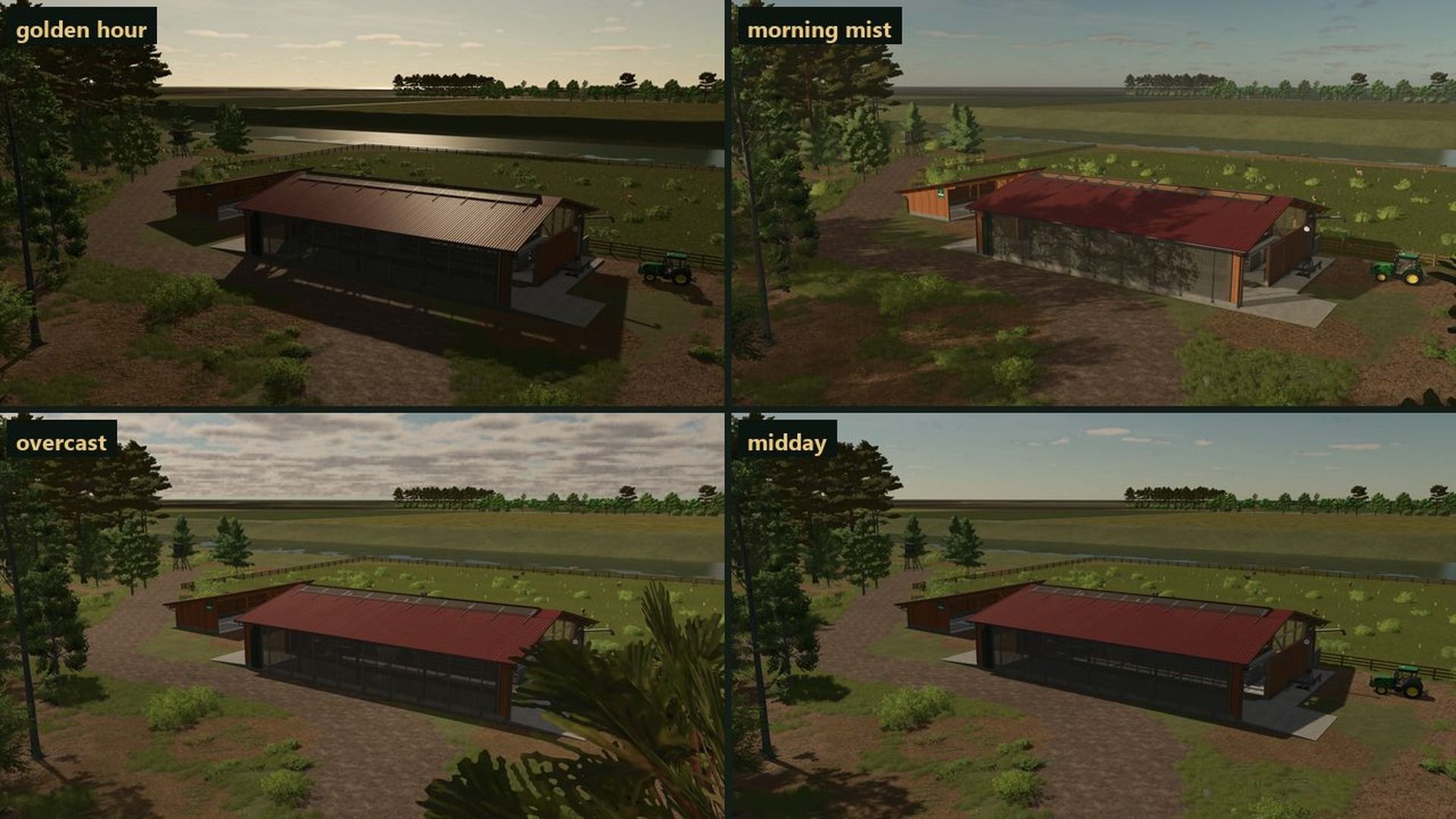
Right Ctrl + 4: light. Golden hour, morning mist, midday sun and overcast; one more press brings the old time back.
Right Ctrl + 5: burst. A clean shot every 3 seconds for a minute while you work.
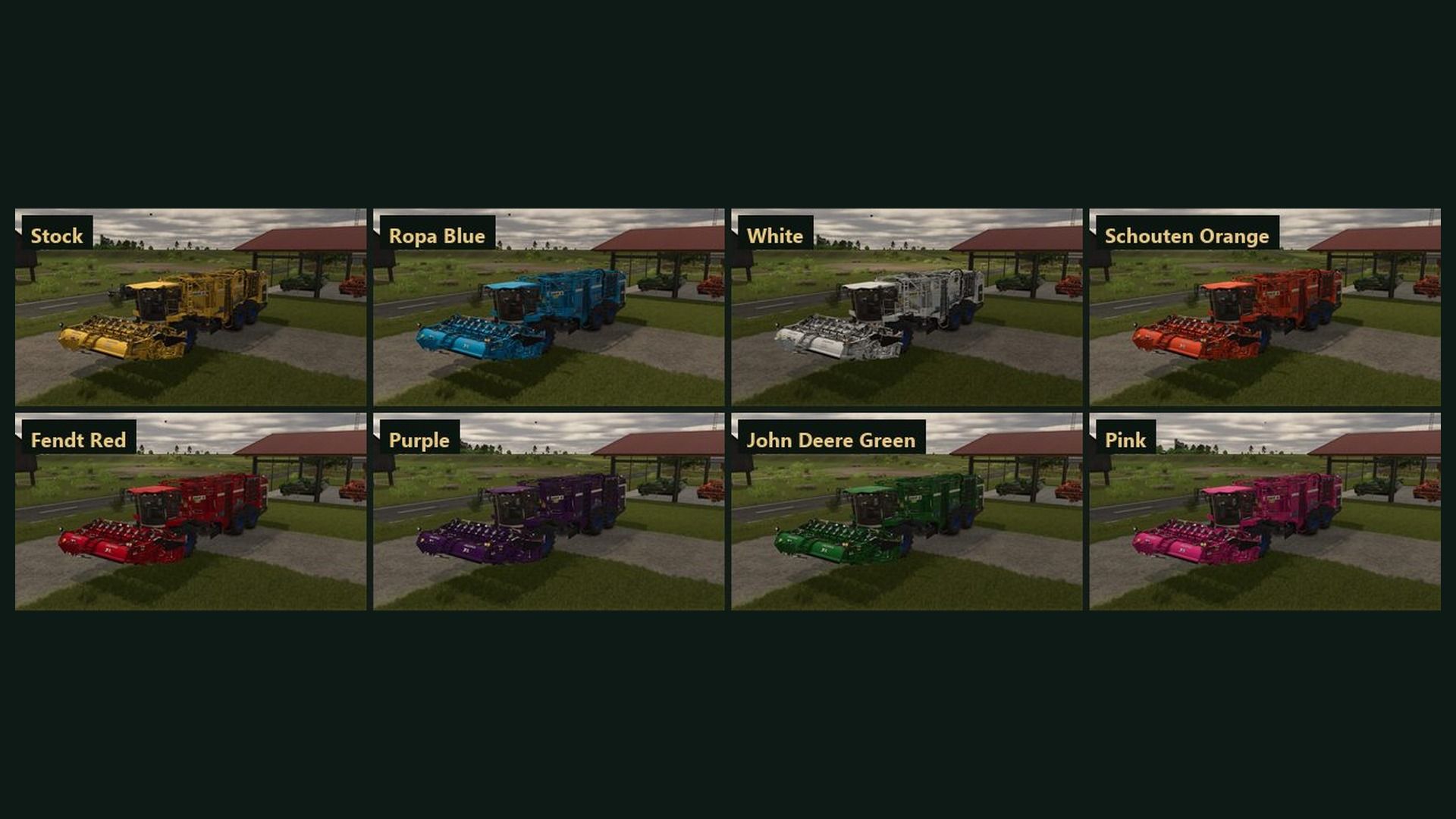
Right Ctrl + 6: every color. The same view once in each shop color; your vehicle itself doesn’t change.
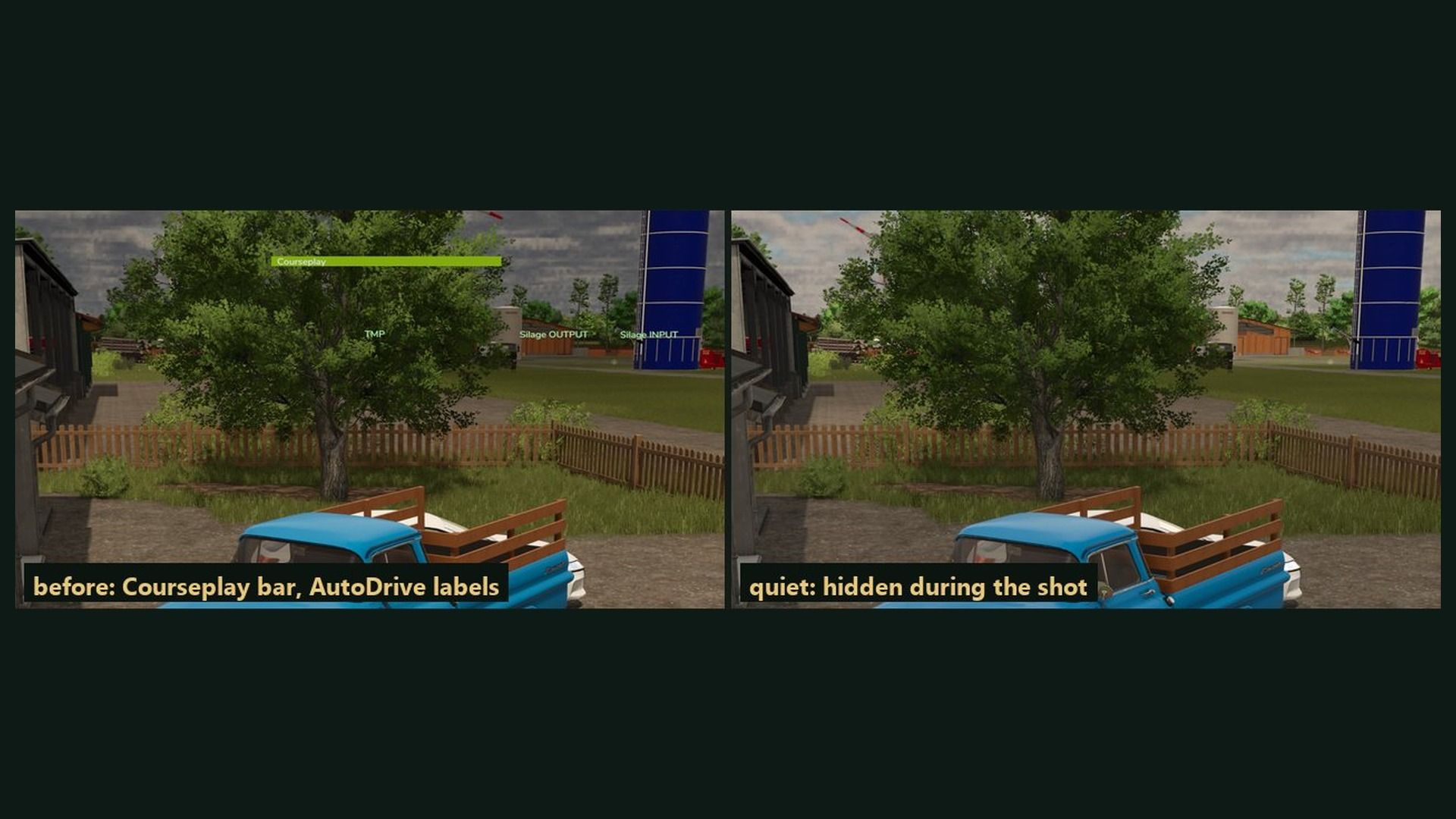
Walls, poles and tree crowns in the way are avoided; other mods’ screen drawing is hidden during shots.

How to use: pictures go to modSettings/FS25_ScreenshotStudio/<mod name>/. The keys can be changed in Options > Controls.

Changelog 0.2.2.3:
The author now shows as DTM Mods, Fennell in the mod list.
New console commands ssClick, ssTab and ssType: press buttons, switch tabs and type into menus (0.2.2.2).
ssView can take the framed shots from further away (0.2.2.2).
Pictures are numbered 1.jpg, 2.jpg and so on (0.2.2.2).


Author: DTMMods, Fennell

Report bugs in the comments and help modders improve this mod. Always check the comments, you can find a solution.


Helpful Information: How to install FS25 mods | FS25 System Requiremnts | FS25 Modding Tutorial | Giants Editor for FS25 | How to Convert mods | FS25 Cheats

More Misc mods


About Farming Simulator 25 mods
Farming Simulator 25 supports game modding for PC, Xbox, or PS5. FS25 Mod may change your game from small to complete changes. You can create a Farming Simulator 25 mod file and share it with our community. When is a good time to try Farming Simulator 25 mods? We recommend playing a game with these FS25 mods after you finish the Farming Simulator 25 starting pack and are bored with the game basics. So it's time to try new machines, such as harvesters or tractors, which are not included in the basic game version.
As you already know, Farming Simulator 25 developers support mods installation, which will add more vehicles or lands to your game. Check our Best FS25 mods lists for PC, Mac, PS5 or Xbox Series. Just follow these simple steps: choose the LS25 mods category, download the mod for the Farming Simulator 2025 version, and install it into the mod folder. Remember, all Farming Simulator 25 Mods are free, and download as many as you want with no limits. We want to create one of the biggest Farming Simulator 25 Community and invite you to share FS25 mods with everyone.

Leave a Reply

Do you need help or to say thanks to the mod author? Just leave a comment below!