Factory Direct Delivery V1.2
Factory Direct Delivery V1.2
Factory Delivery lets you purchase and have raw materials delivered directly to your factories from the Productions menu.
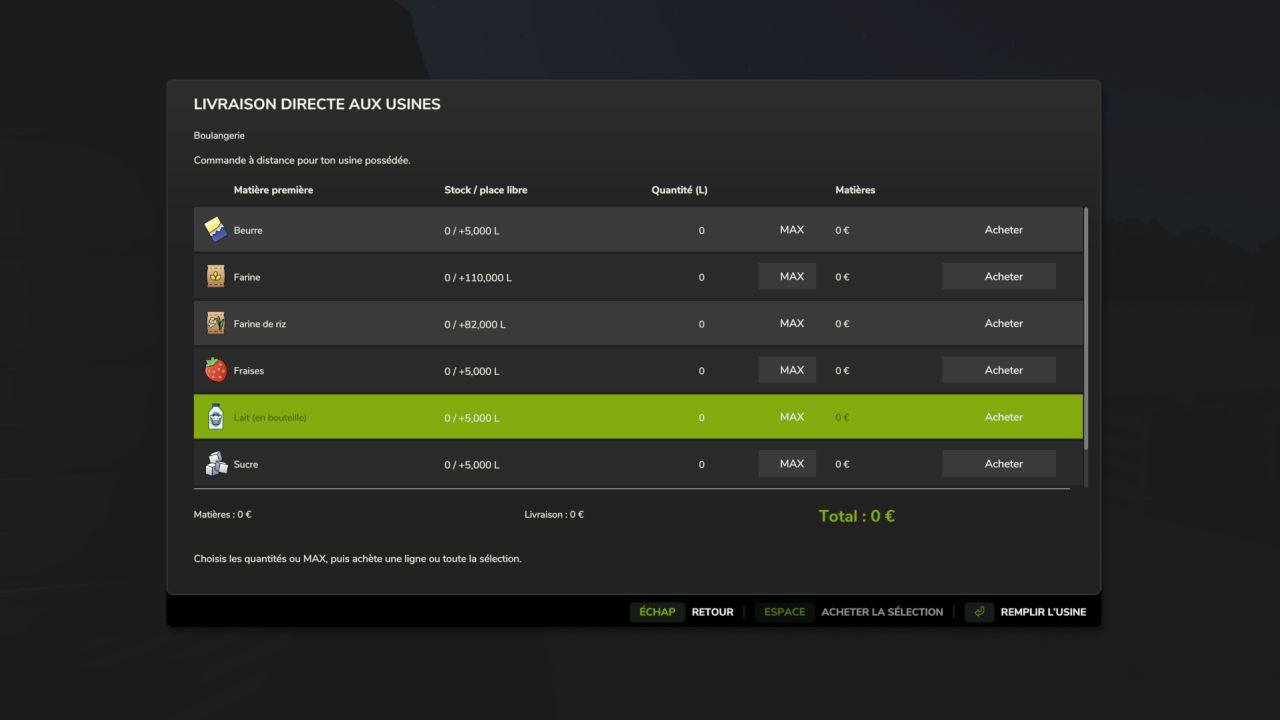
Select an owned factory, then click “Buy raw materials”. The window displays all its inputs with the current stock, available space, quantity to order, MAX and Buy.
Features:
Remote purchasing from the Productions menu.
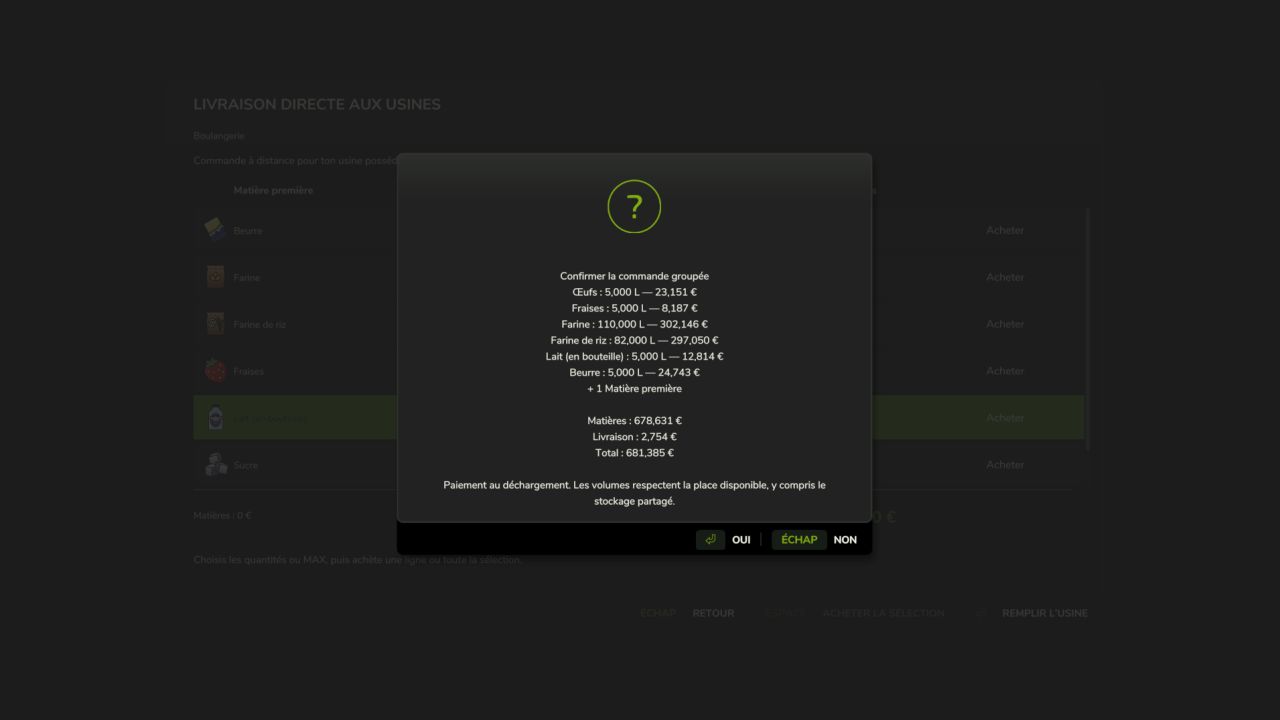
Individual or group purchase of several materials.
MAX per material and a “Fill the factory” button.
Detailed quote: materials, delivery fees and total.
Quantities and prices are locked when clicking Buy, even while the factory is producing.
Payment and stock addition upon unloading.
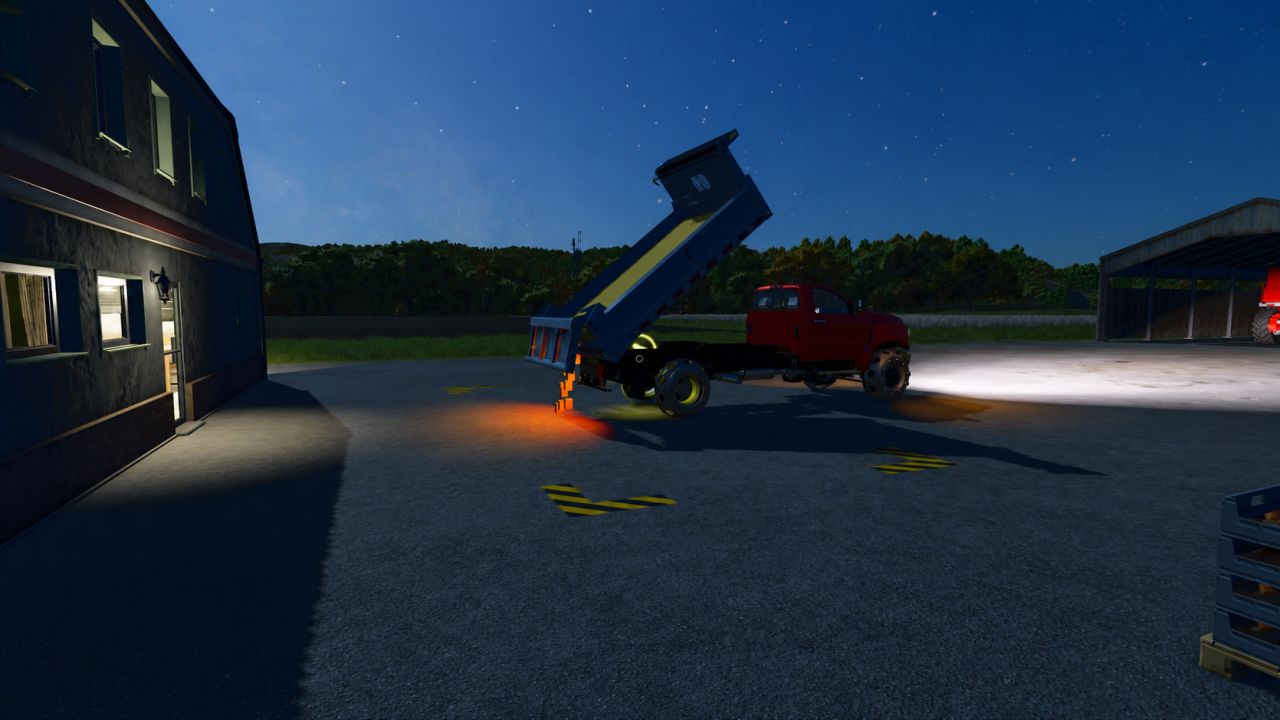
Arrival, unloading and departure animation with the in-game International CV Series.
Support for shared storage.
27 localization files.
F8 remains available on foot near the factory.
Default pricing: in-game price × 1.35; delivery at 150 + 12 per 1,000 litres, with a single fixed fee per order. Settings are available in settings.xml.
Compatibility: single-player and multiplayer on PC/Mac, dedicated servers supported, for owned factories using the standard production system. The truck is an animation synchronized between clients, with no collision, and does not travel on roads. A grouped order is represented by a single visual delivery.
Installation: place the ZIP file without extracting it in the mods folder and activate the mod when loading the savegame. For an update, replace the old ZIP and keep only one copy.
Script author and creator of the added assets: Olicatam. The truck and its textures are loaded from FS25; game assets are not redistributed. Presentation icon illustrated with AI assistance; in-game screenshots by Olicatam.
NEW IN 1.2.0.0 — MULTIPLAYER
Quotes are generated by the server, then require personal confirmation valid for two minutes.
The server checks the owning farm and the player’s vehicle purchase permission.
Stocks and payments are modified only by the server, upon unloading.
Only one active order per factory, to prevent concurrent orders.
Synchronization of trucks and deliveries in progress for joining players.
Works on dedicated servers without graphical loading of trucks on the server side.
If the available space decreases before arrival, only the quantity that can actually be delivered is charged.
Install exactly the same ZIP on the server and all clients. 84 automated checks passed, including simulated network exchanges; a test in a real multiplayer session is still required.
V1.2.0.0
Multiplayer and dedicated server support. Quotes and confirmations validated by the server, farm and purchase-right verification, payments and inventories processed exclusively server-side. Protection against reusing a confirmation and concurrent orders on the same factory. Synchronized trucks and deliveries visible to joining players. 27 languages retained. The same ZIP is required on the server and clients. 84 automated checks; a real multiplayer session still needs to be confirmed.
Author: Olicatam