Factory Profit Calculator V2.0
Factory Profit Calculator V2.0
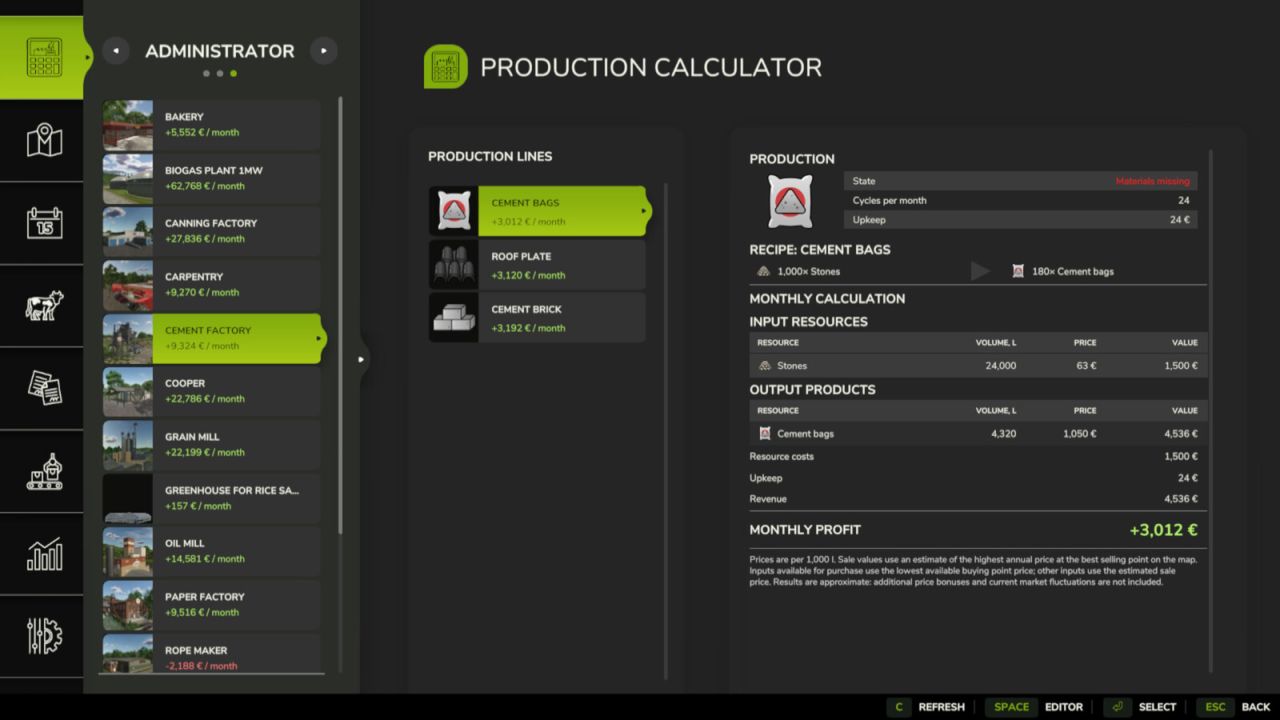
Factory Profit Calculator adds a production calculator and an administrator editor to the in-game menu.
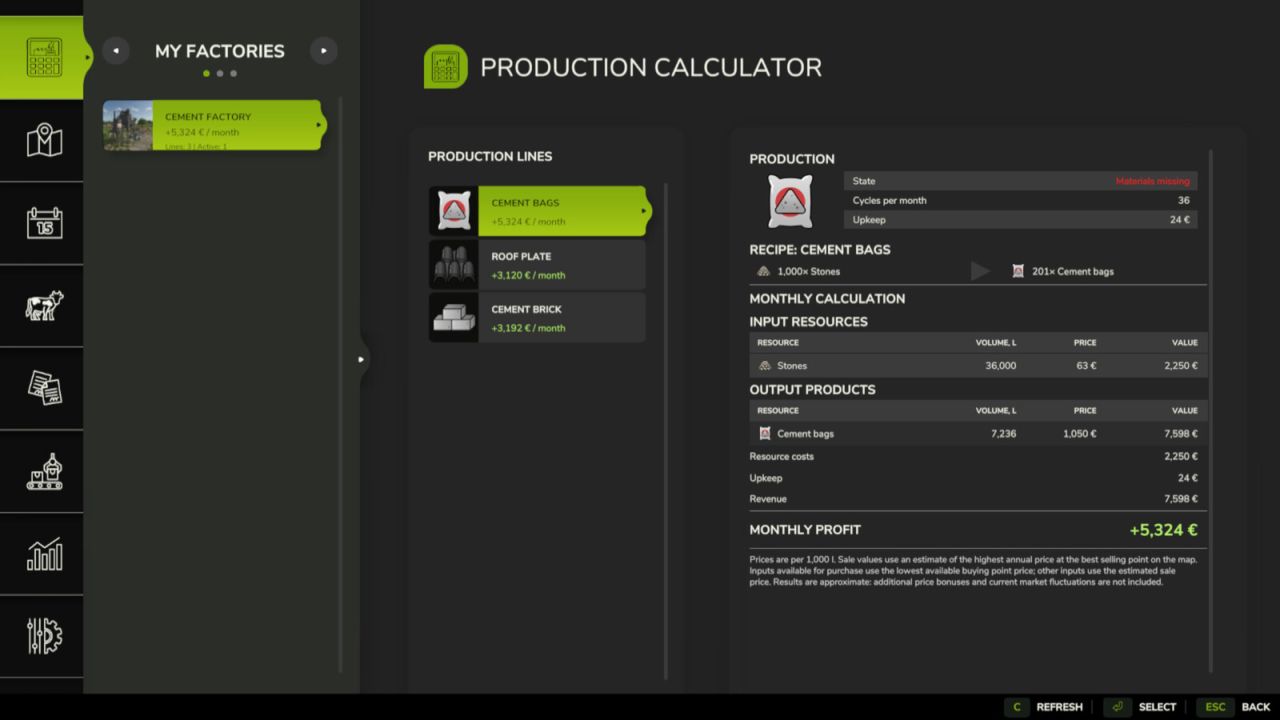
The calculator shows every factory and production line, including inputs, outputs, monthly volumes, best sale prices, total costs and expected profit. Select a factory and production line to see its recipe and the detailed monthly calculation below it, with the game fill type icons.
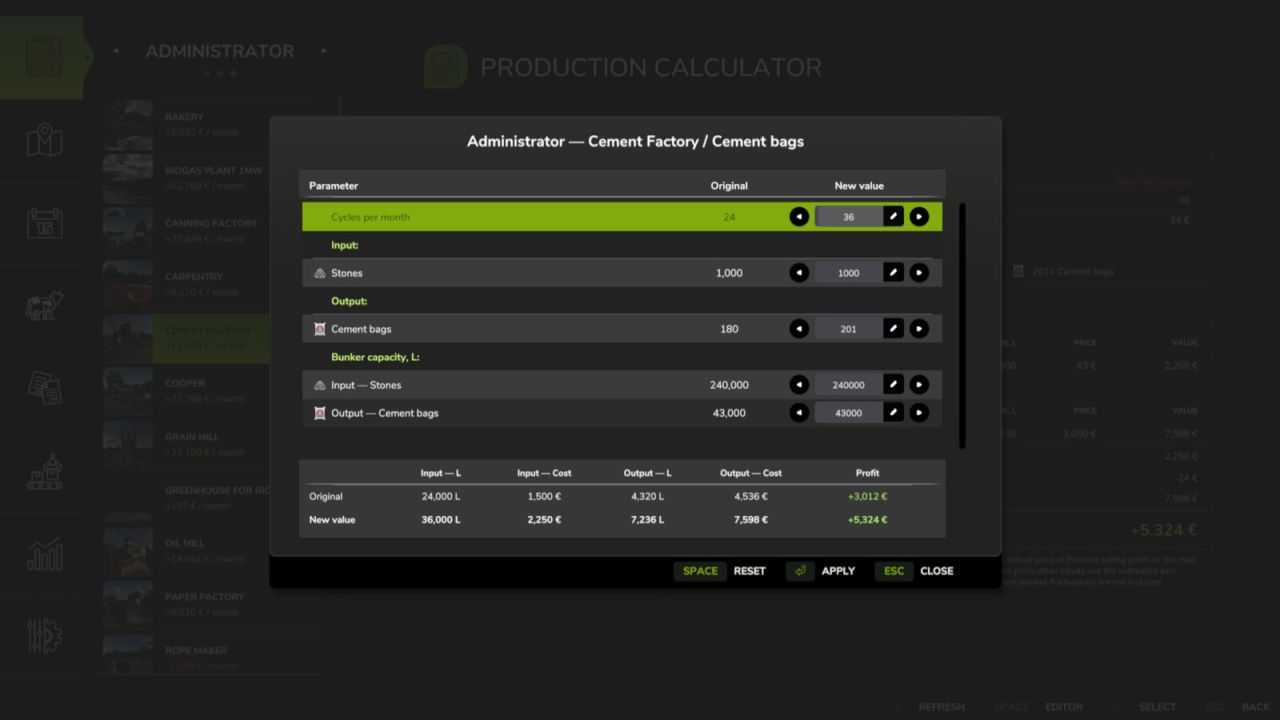
The administrator editor allows an authorized player to change:
Production cycles per month.
Input amounts for each recipe.
Output amounts for each recipe.
Exact input and output storage capacities.
Click a value field, enter the required number and press Enter to confirm it. Use Apply to save the edited recipe, Reset to restore the original recipe and Esc to close the window.
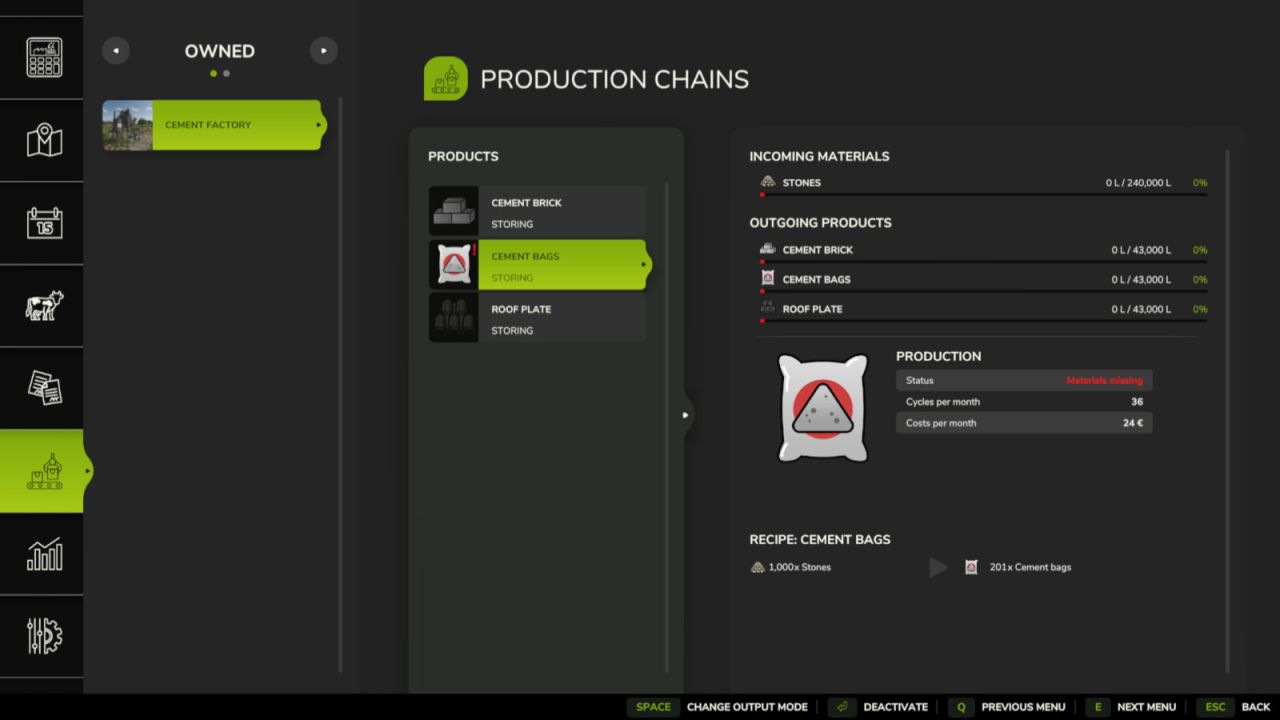
Changes are stored separately for each savegame and are restored automatically when the map is loaded. The original factory and map files are not modified. Modded production points and multiplayer synchronization are supported.
V2.0.0.0
Fixed animal calculations for production lines. The calculator now takes breed, age, and sale price per animal into account. Added support for converting animals into raw material weight or volume according to the factory’s rules. Animal requirements are displayed in heads, and values per animal are determined automatically.
Redesigned the calculator interface to match the game’s production menu.
Added detailed monthly resource, cost, revenue, and profit calculations below the recipe.
Fixed calculations for recipes with alternative inputs (MIX) and production bonuses. Inputs within the same group can be switched; only the selected input contributes to resource costs.
Added calculation toggles for boosters, accounting for their effects on output, production speed, and operating costs.
Fixed spacing, long names, icon sizes, and the recipe arrow. Mode selection has been moved to the left panel.
Author: KOCOYPOB