Farm Foreman V1.0
Farm Foreman V1.0
Farm Foreman: the work phone and office of a farm that runs like a company
No social networks, no games. What needs you comes to you as a notice with the button that solves it, and from the phone you run the farm: productions, helpers, services, purchases, mail and the bank.
THE PHONE
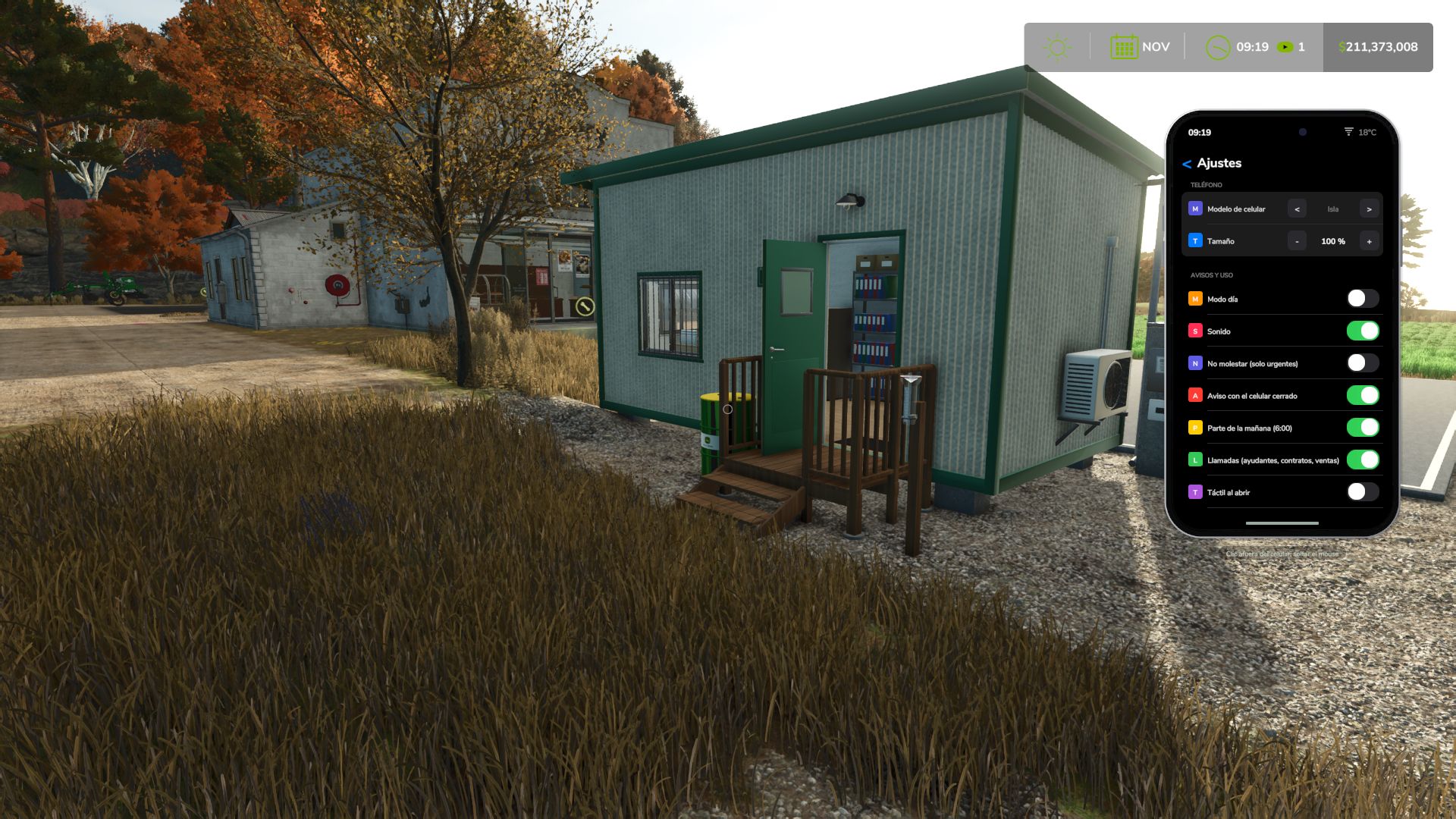
Left Alt + M opens it and you keep driving; Left Alt + N frees the mouse to touch it.
Home screen with app icons, red badges and a widget with time, weather and notices. Four phone models, size and day or night theme.
Fleet, Map, Weather, Helpers, Fields, Contracts, Market and Production with the game’s real data: stop a helper, switch production lines, mark machines and selling points on the GPS.
NOTICES AND CALLS
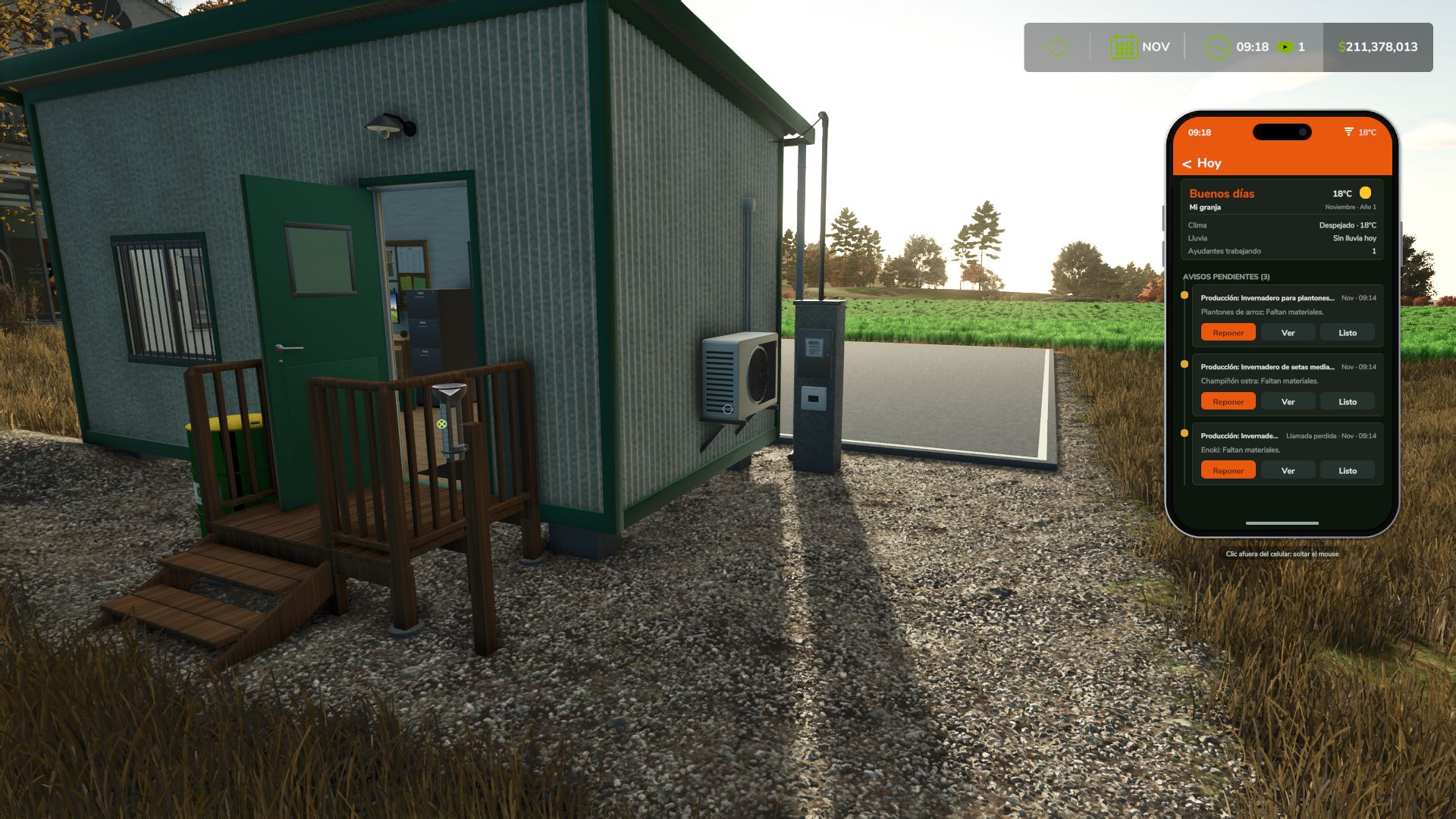
Helper stopped, low fuel, high wear, production without inputs or space, rain coming and a morning report at 6:00. They don’t repeat until solved. Do not disturb mode and a reminder of pending notices.
The phone rings: a helper out of fuel, a field owner with a new contract, a buying station with a great demand. Missed calls stay in Today.
SERVICES AND SUPPLIERS
Fuel truck and field mechanic go to the machine, with a quote at game prices before you confirm.
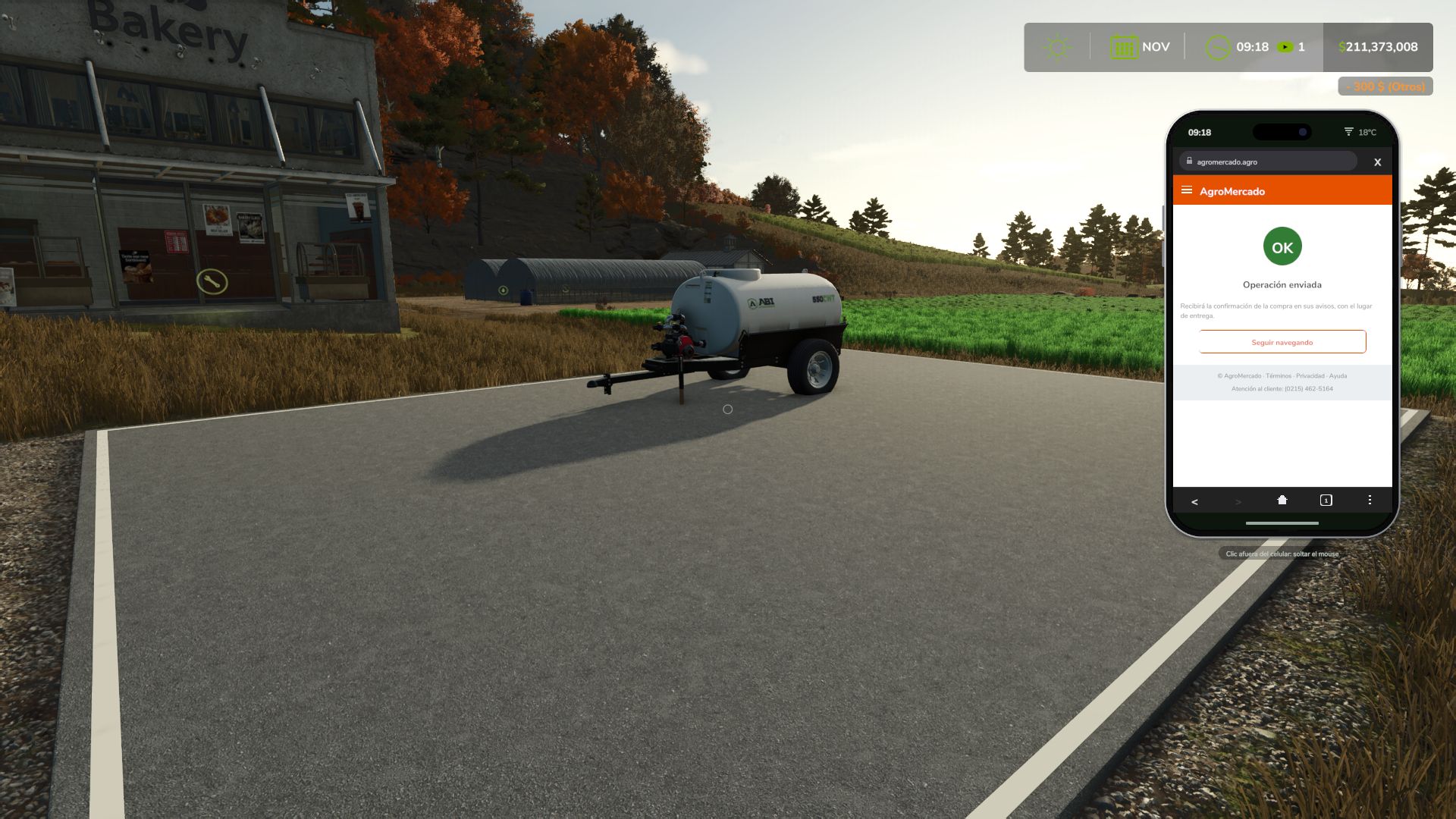
The supplier restocks your production plants: delivery or your own pickup, cash or grain barter.
Dealer: the shop catalogue, orders with discount and down payment, used machinery auctions.
Agricultural contractor by message: plowing, sowing, fertilizing or spraying, with their equipment or an operator on yours.
MAIL AND BROWSER
Formal e-mail with every selling point, factory, supplier, contractor and the other farms. Companies reply in business hours with the game’s data.
The Browser is the game’s portal: business directory, weather, local contracts, online shop and farm inputs, used machinery, farmland, rentals and grain prices.
Rural Job Board: post a job on your field at your price. Contractors accept, counter-offer or decline; in multiplayer another farm can take it.
Rent out your own machines by the day; the renter pays the repair.
BANK
Account balance, the game’s credit line and a statement with every movement of the mod. In multiplayer, transfer money to another farm. Money is shown only here, like on a real phone.
FARM OFFICE (placeable, 24,000)
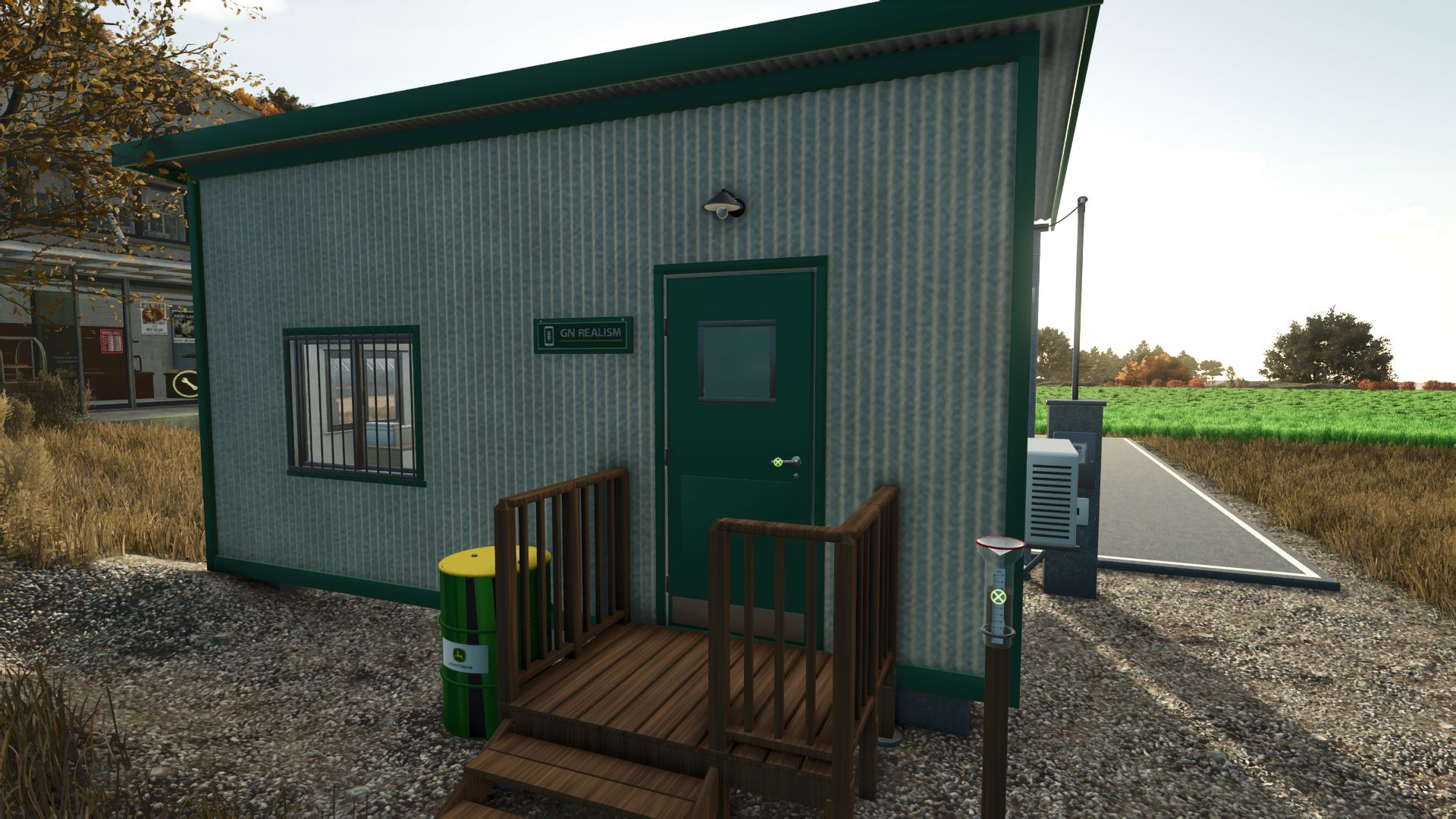
Construction > Buildings > Tools. A cabin with deck, door, sliding windows and blinds, air conditioner, wall clock with the game time, a rain gauge that collects the real rain, lights (the outside lamp at night, the inside one with its switch) and a 9 x 12 m concrete yard where your purchases are delivered.
Choose the cladding colour when buying it, and walk up to the entrance sign to give it your farm’s name.
Wi-Fi within 35 m; away from it the phone uses mobile data (My Line app with top-ups).
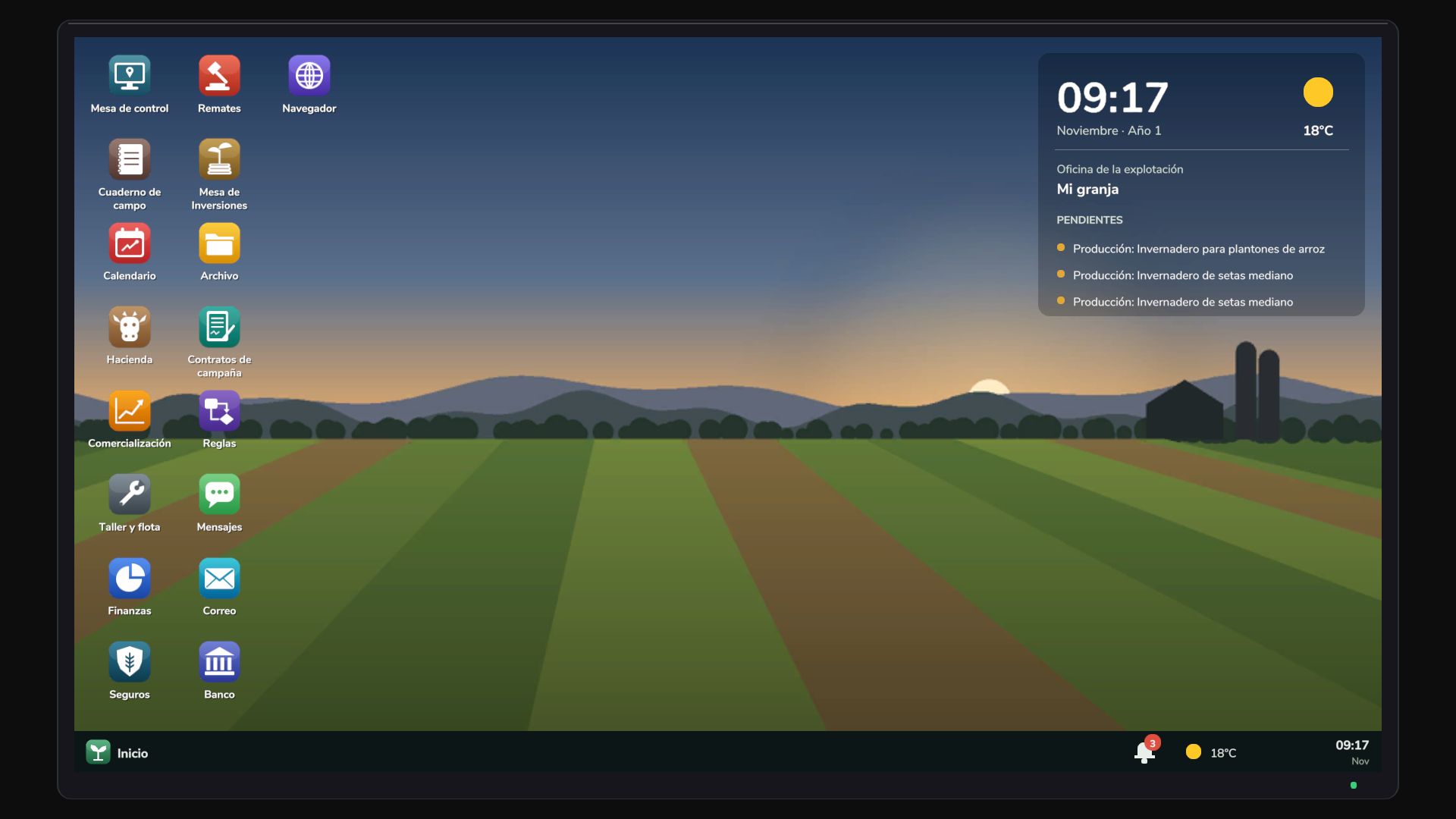
Sit at the desk to use the computer: a desktop with windows and programs (Control desk, Field logbook, Finances, Marketing, Workshop and fleet, Livestock, Calendar, Season contracts, Rules and Records) and three portals:
· Insurance: machinery (liability, assistance, comprehensive, collisions) and hail and tornado crop insurance that pays the damage the game really causes.
· Online auctions of livestock and used machines.
· Investment Desk: investors advance the inputs for a field and take their share. In multiplayer, one farm can invest in another.
Every month the accounting office e-mails you the closing report.
MULTIPLAYER
Dedicated servers supported. Each farm has its own office, data and mail; farms can e-mail, invest, rent and transfer money to each other.
COMPATIBLE (optional)
Agricultural Financial System (GN Realism): bills go to accounts payable; with version 1.3.1.1 or newer the Bank shows your accounts, credit line and due dates.
Real Land Finance and Factory Contracts (GN Realism), and Interactive Control in the office.
International: hectares or acres as set in the game, phone formats and company names in each language. English, Spanish, German and French.
Made with a passion for realistic farming simulation.
Author: GN Realism