Farm Icon Color V1.1
Farm Icon Color V1.1
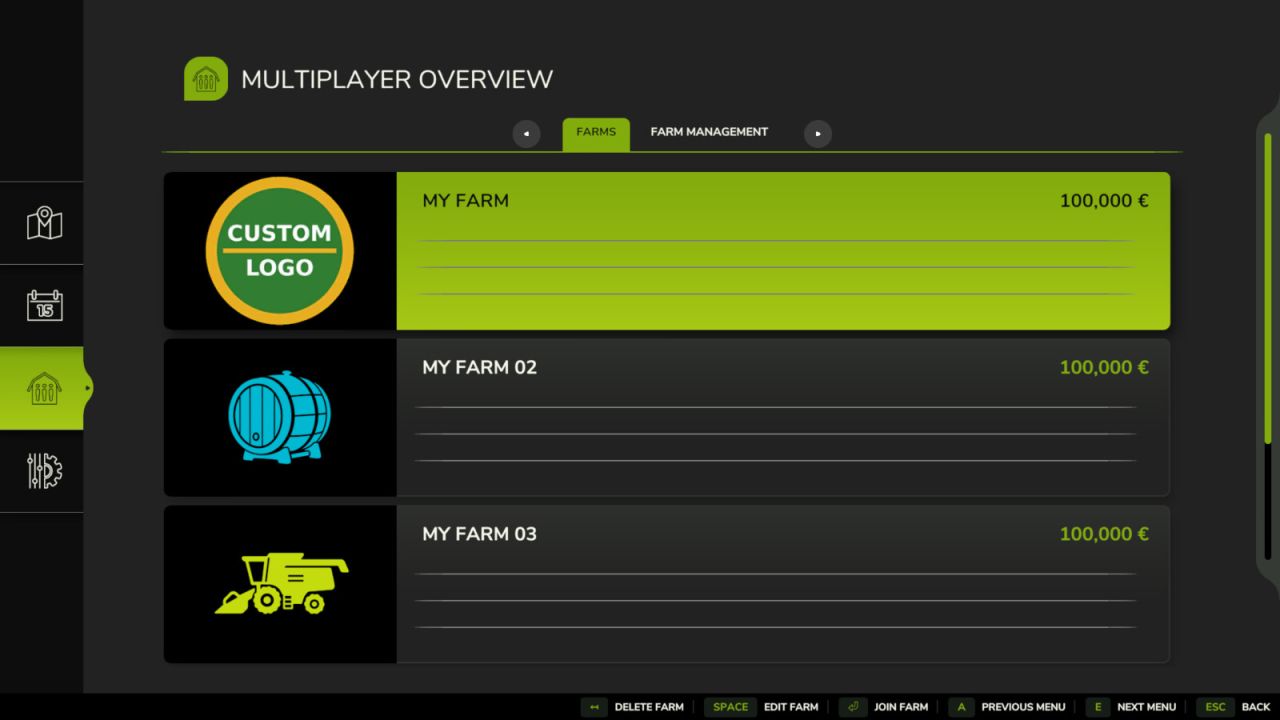
Farm Icon Color gives every farm a real visual identity in Farming Simulator 25.
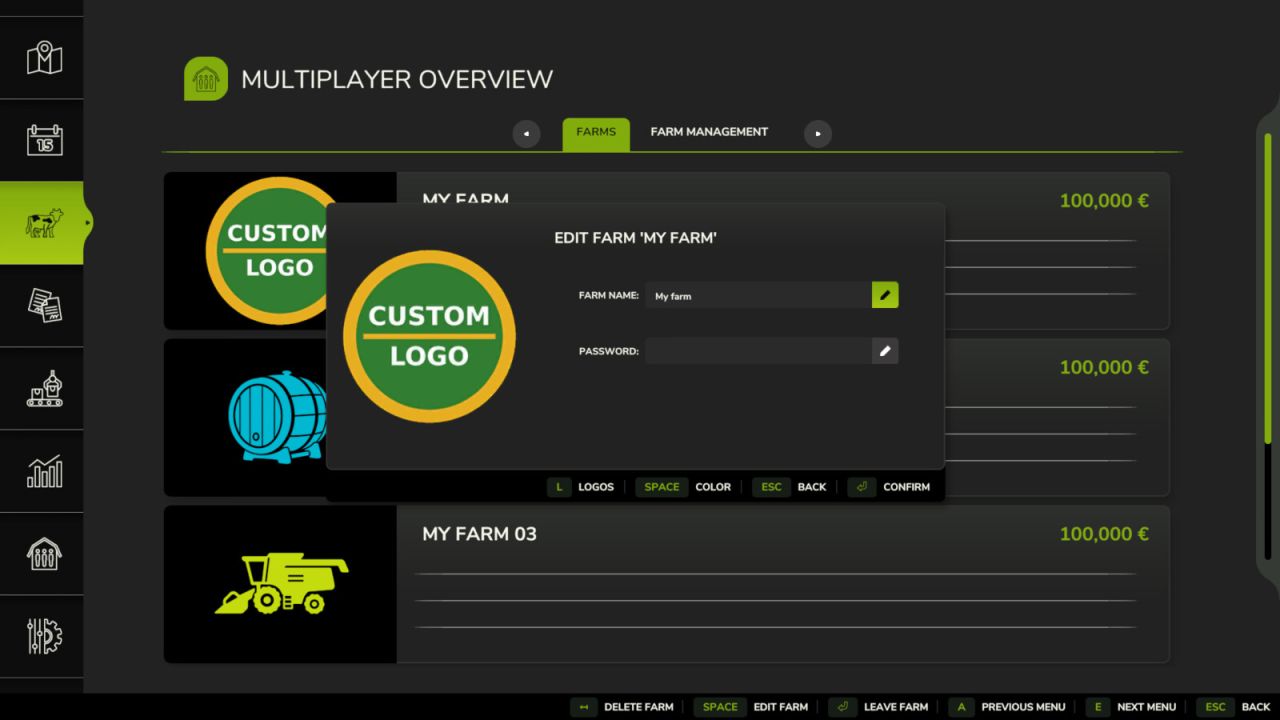
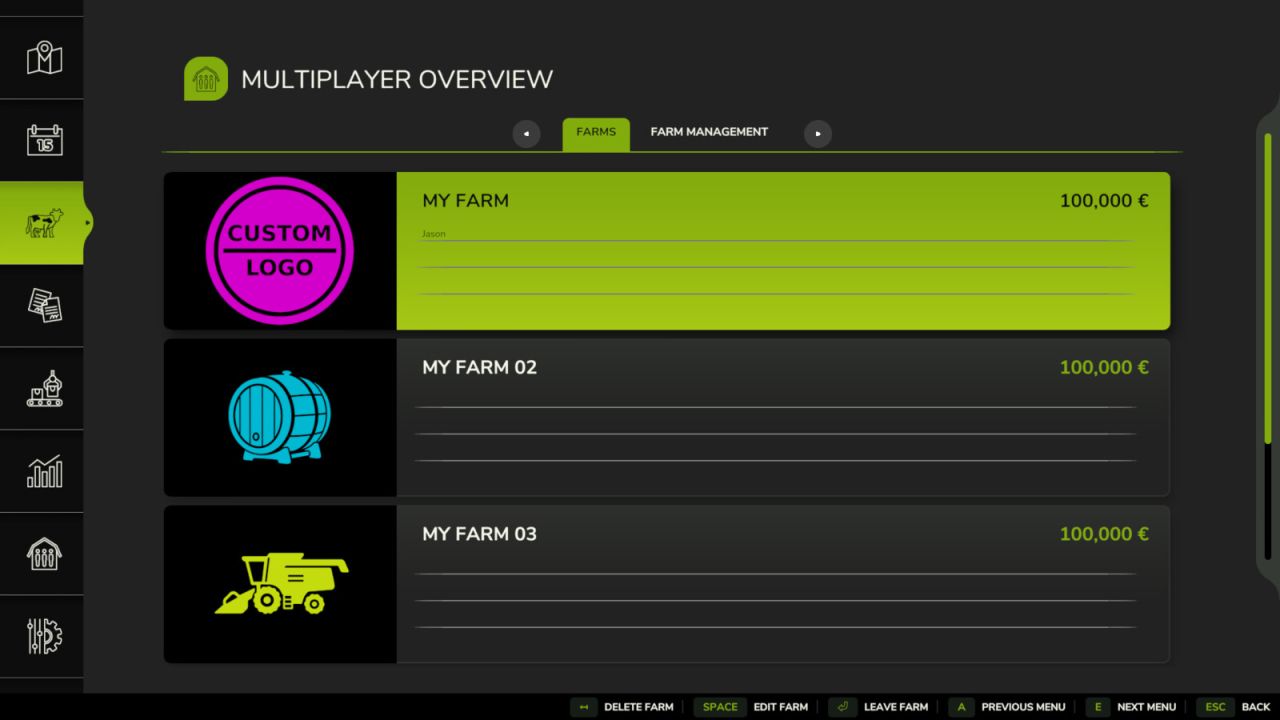
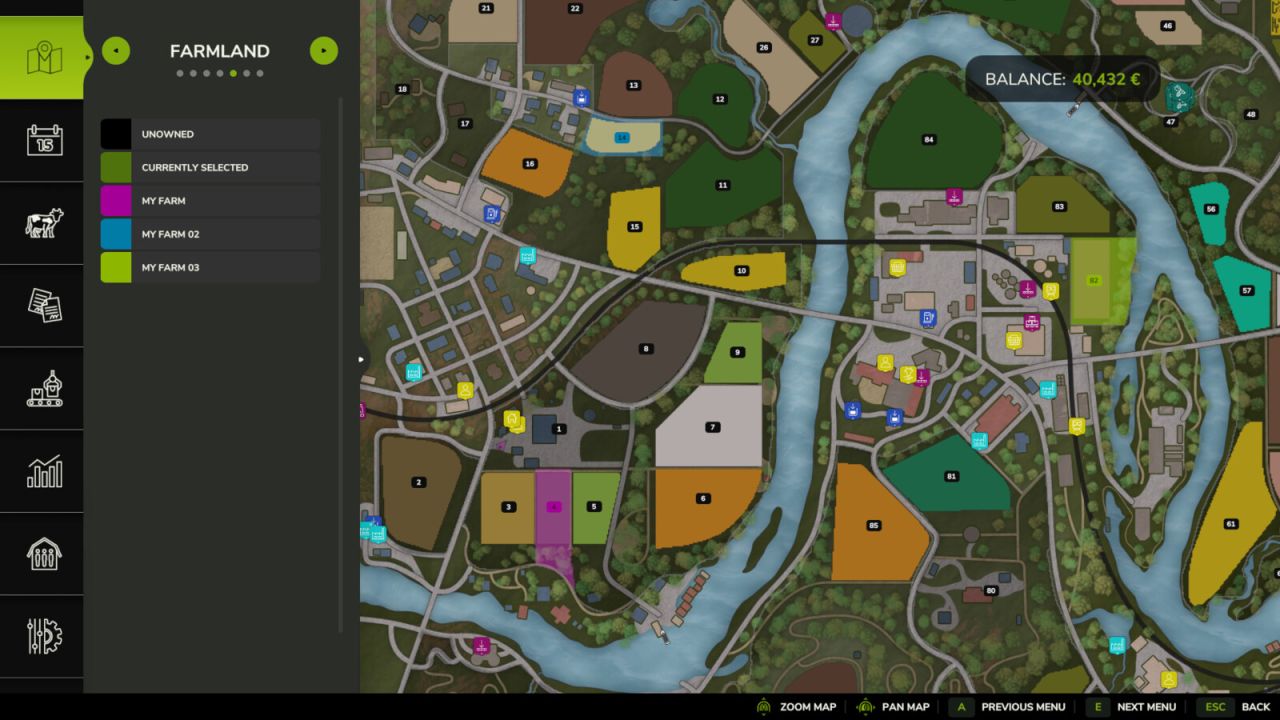
Choose a logo for your farm and apply the colour of your choice. Logos and colours are shown in the multiplayer menu, in the farm list, on the map and on in-game markers. Perfect in multiplayer to recognise each farm at a glance, and in singleplayer to personalise your own farm.
Features:
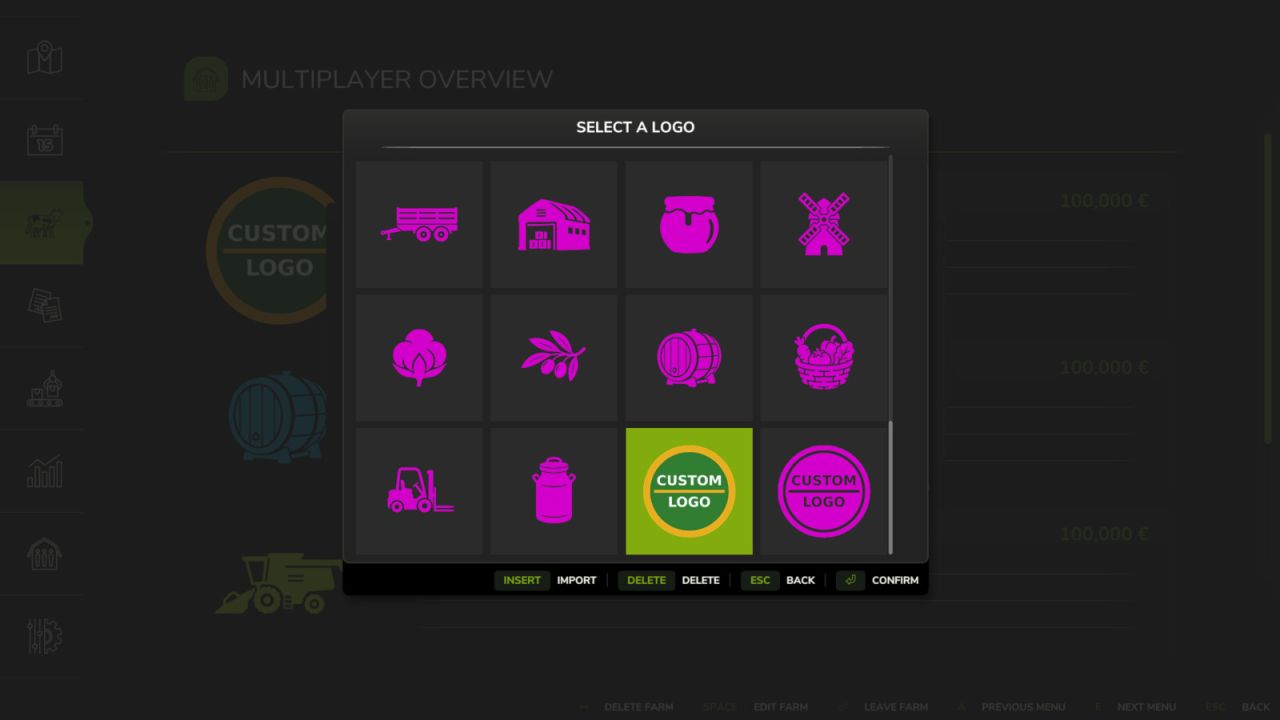
34 built-in logos, chosen from a grid (Logos button in the farm window).
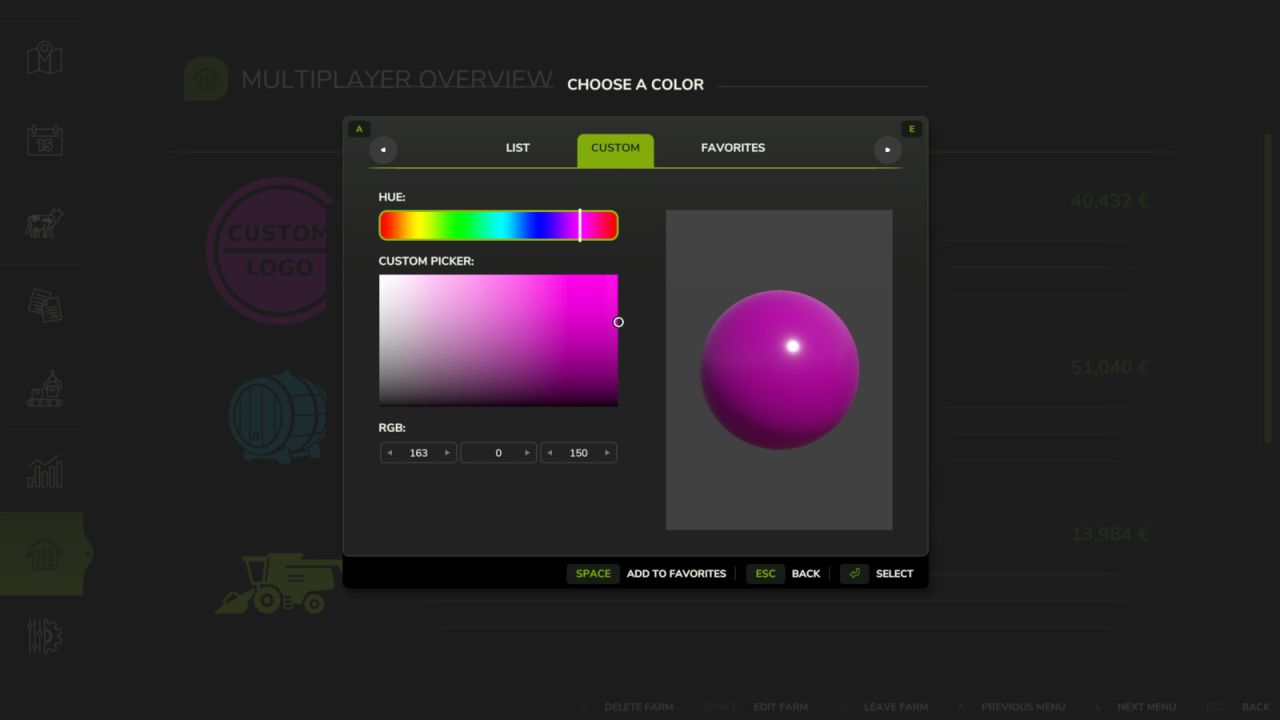
Custom farm colour, applied to the logo, the map and the markers.
Custom logos: import your own logos (admin). They are saved in the savegame and sent automatically to every player, dedicated servers included.
Coloured logos keep their own colours; white logos take the farm colour.
Delete a custom logo for every player (admin).
Singleplayer, multiplayer and dedicated server.
Custom logos:
1. Download the logo converter from the GitHub page below (converter folder): a single .html file in English, French and German that runs offline in your browser. Convert your image (PNG, JPG, WEBP, SVG or DDS) into a .xml file.
2. Put the .xml file in Documents/My Games/FarmingSimulator2025/modSettings/FS25_farmIconColor/customLogos/
3. In game, open Logos and press Import.
Controls:
Farm creation/editing window: Logos (L) or click the logo to open the logo grid.
Logo window: Confirm (Enter), Back (Esc); admin: Import (INSERT), Delete (DEL, press twice).
Singleplayer: F9 opens the farm colour customisation.
V1.1.0.0
New logo window: a grid of logos opened with the Logos button (L) or by clicking the logo.
Custom logos: import your own logos (admin), saved in the savegame and sent to every player, including on dedicated servers.
Coloured logos retain their own colours; white logos use the farm colour.
Delete a custom logo for every player (admin).
Colours and logos are saved in the savegame again.
Multiplayer: only the admin and farm members can change a farm’s colour and logo.
Shortcuts no longer trigger while entering the farm name or password.
Author: Equinox