Farm Manager v1.0
Farm Manager v1.0
Farm Manager brings the essential information needed to run your farm into a single, convenient interface. Manage fieldwork, check your stored goods and monitor your financial performance without switching between several separate menus.
Open Farm Manager with Right Shift + L (configurable in the game controls).
FIELDS
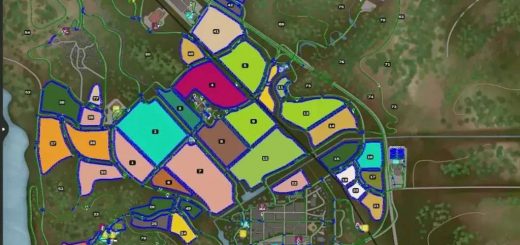
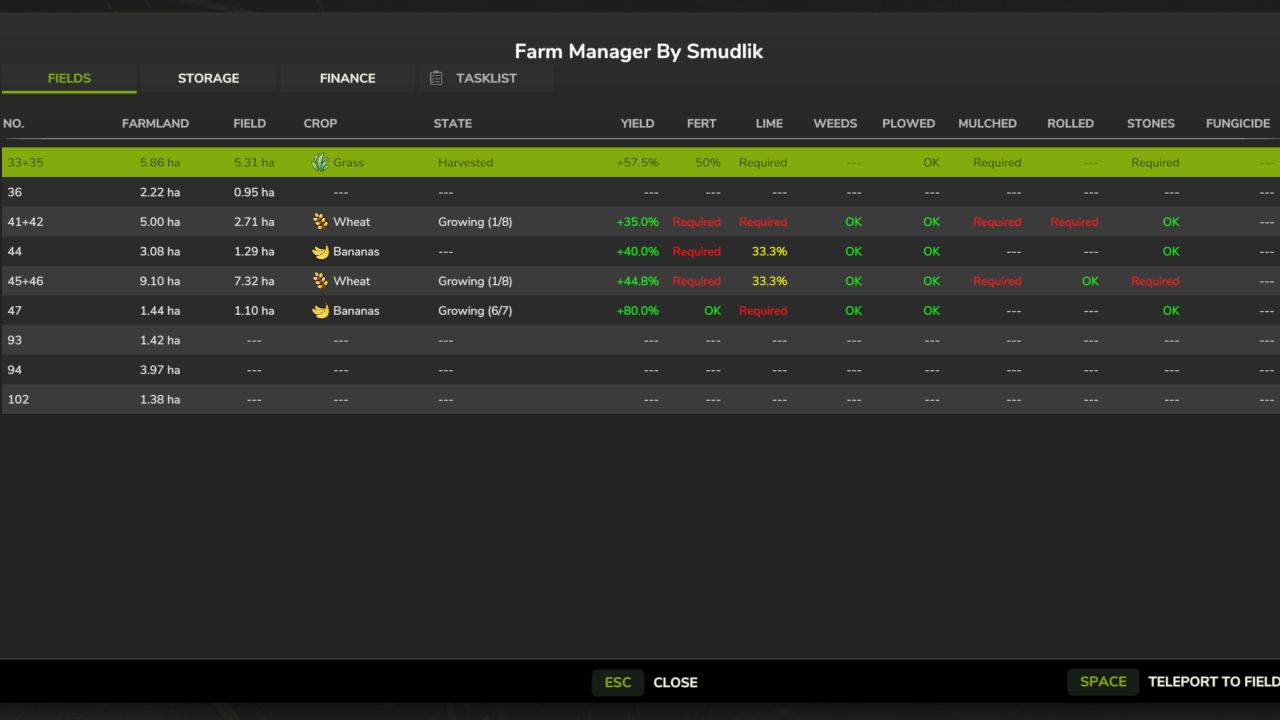
Overview of farmland owned by your farm, including automatically grouped connected fields.
Farmland and field areas, crop icons, growth stages and estimated yield bonuses.
Colour-coded information on fertilisation, liming, weeds, ploughing, mulching, rolling and stones.
Teleport to the selected field or farmland.
Savegame-backed field and status cache for faster access.
STORAGE
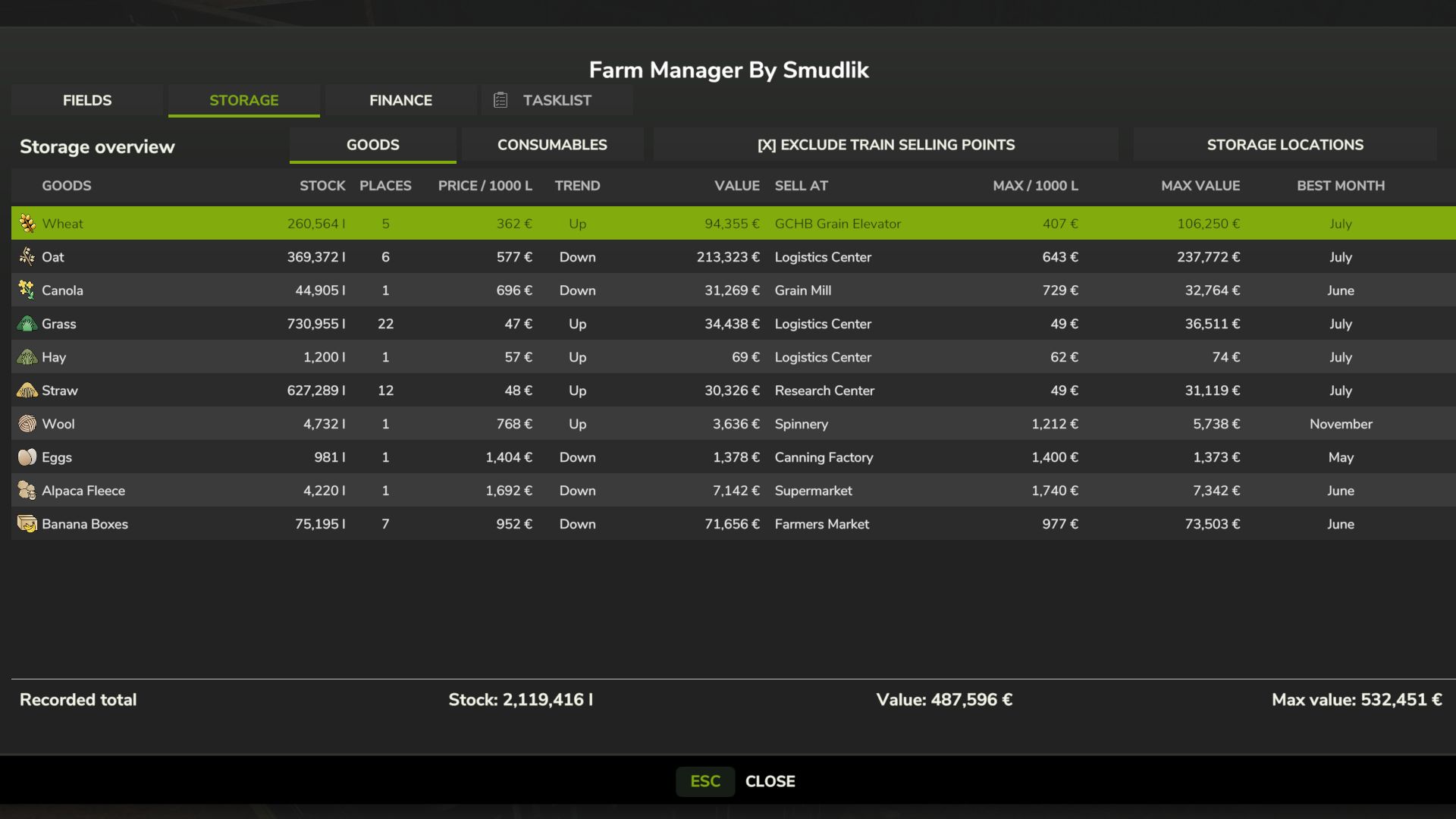
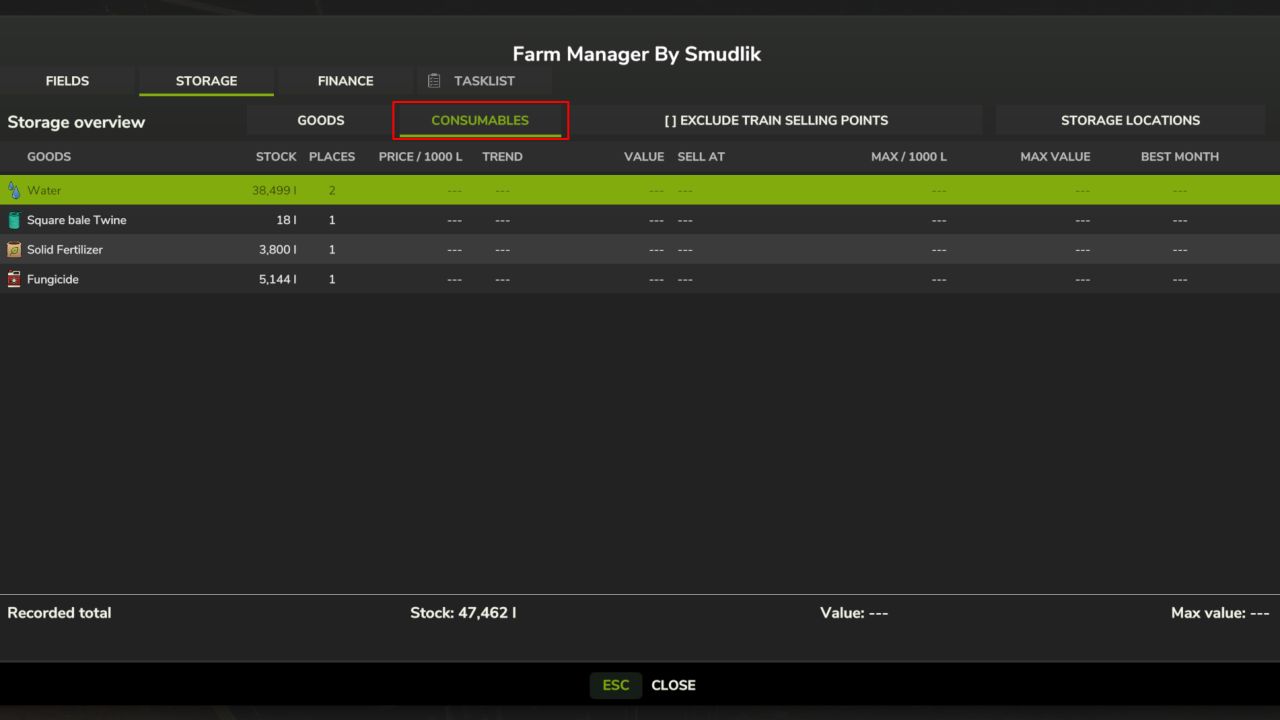
Overview of goods and consumable supplies in supported storage objects.
Quantities, storage locations, forms of storage and item counts where available.
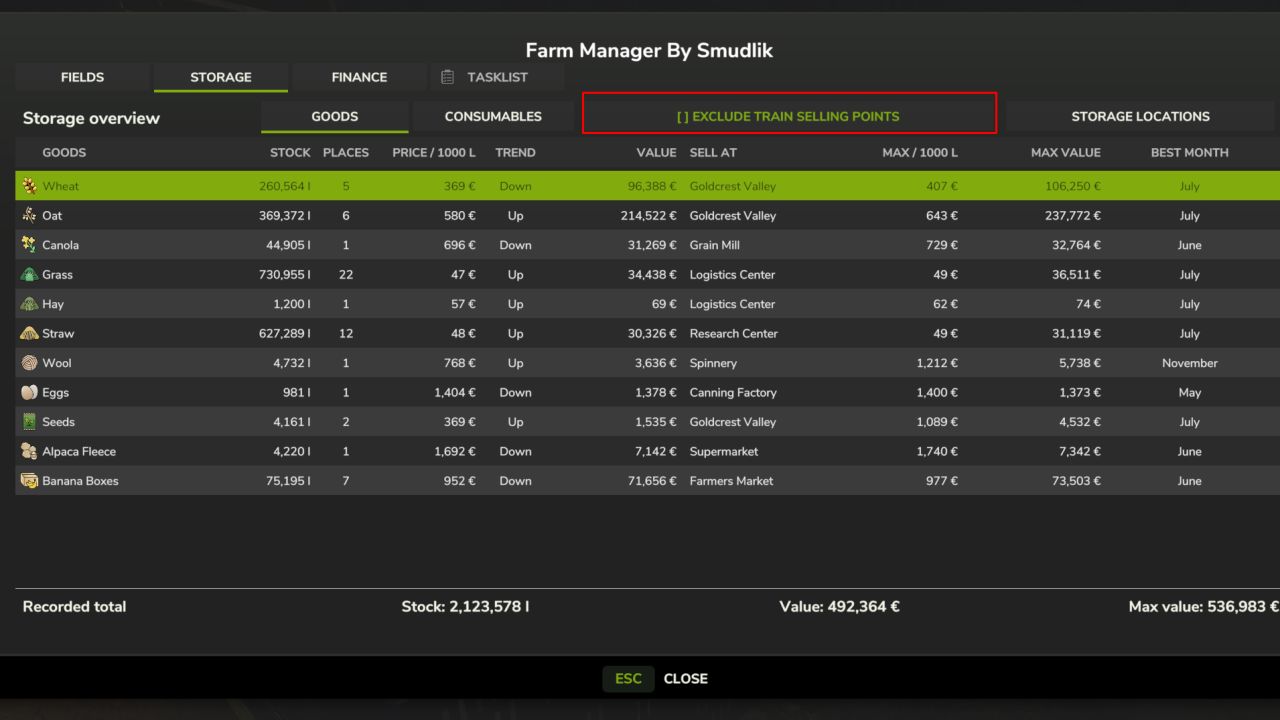
Current selling prices, price trends, recommended selling points and estimated stock values.
Estimated seasonal maximum prices, potential stock values and best selling months.
Option to exclude train selling points, enabled by default.
Details for supported silos, production and animal husbandry outputs, bunker silos, object storage, pallets and bales.
FINANCE
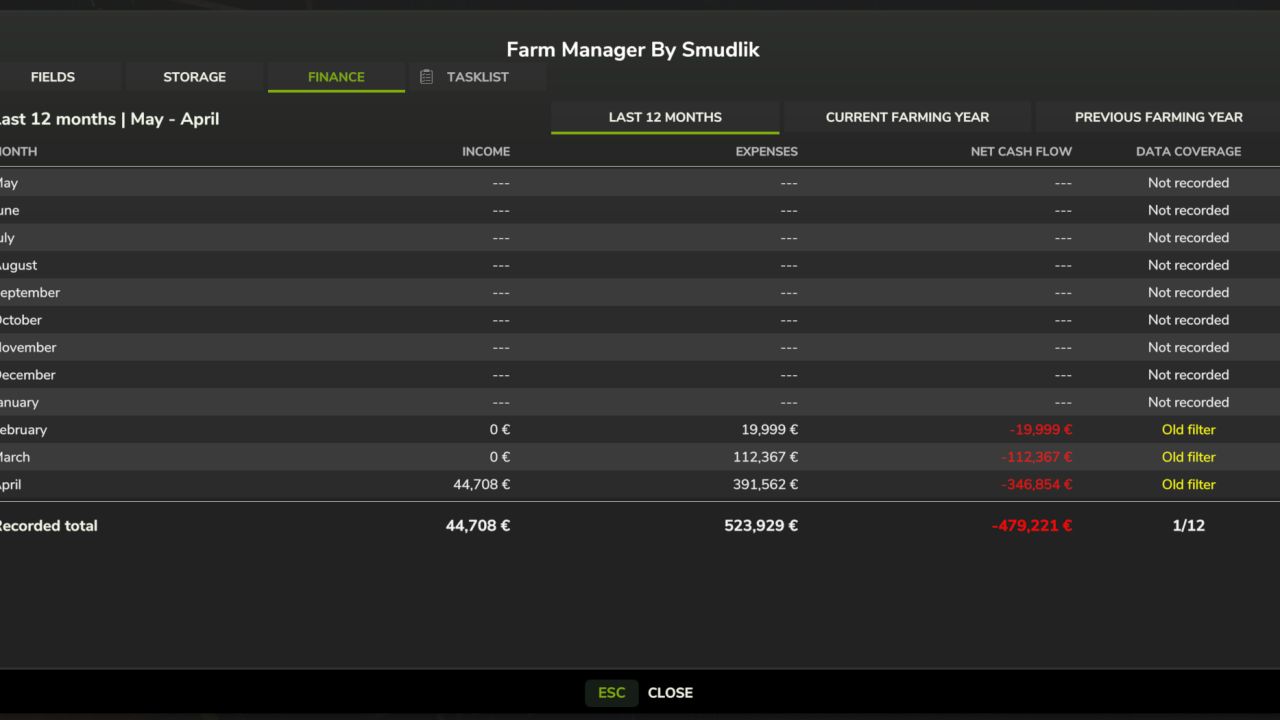
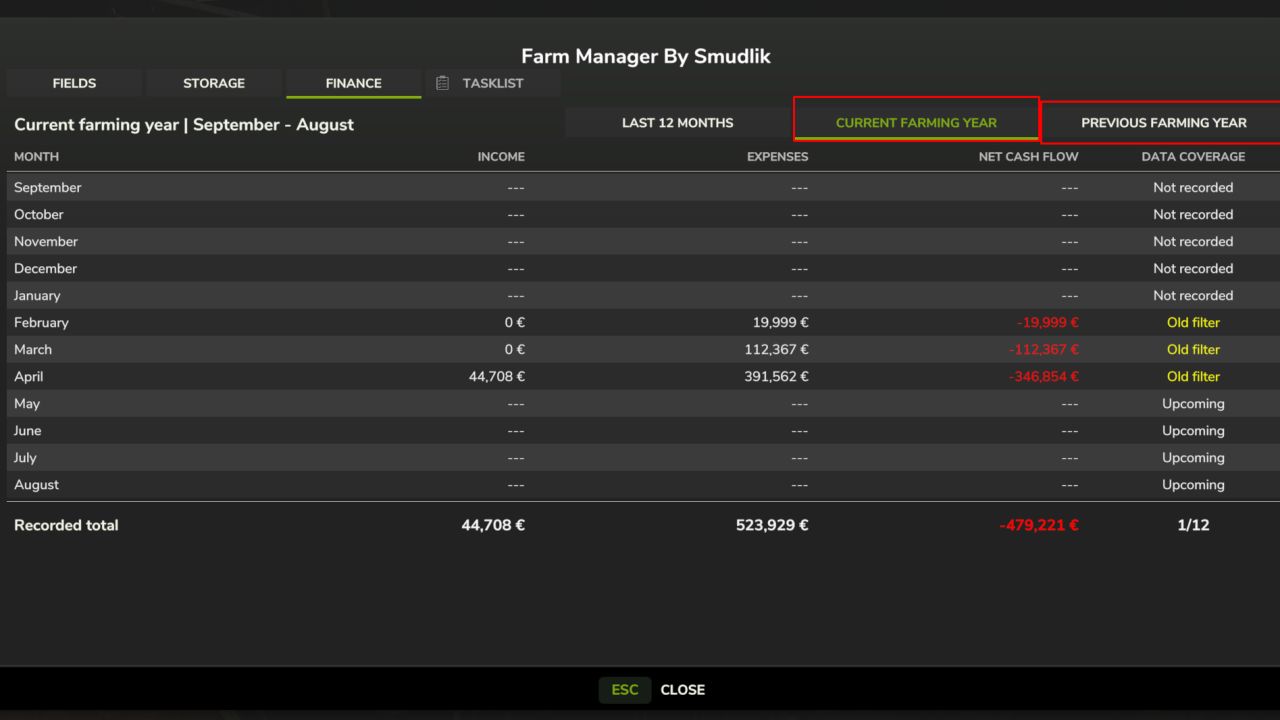
Three views: last 12 months, current farming year and previous farming year.
Monthly income, expenses, net cash flow and totals.
Farming-year reporting follows the seasonal calendar provided by the map.
Recognised loan principal (both borrowing and repayments) and loan interest are excluded.
Financial history is recorded per farm and saved with the game. Missing months are distinguished from recorded zeroes.
TASKLIST
The reserved Tasks tab is visible but not yet active. Farm task management is planned for a future update.
PUBLIC BETA
This is a public beta, not a fully verified stable release. Please report issues with your game version, mod version, map and relevant log entries. Multiplayer is supported by the implementation but still requires wider testing. Fungicide field status is not yet available. Some storage types and custom mod finance categories may not be covered. Seasonal values are estimates, not guaranteed selling prices. Financial history builds up after installation; earlier months may be unavailable. Back up your savegame before installing and use the same mod version on the server and all clients.
Author: Smudlik