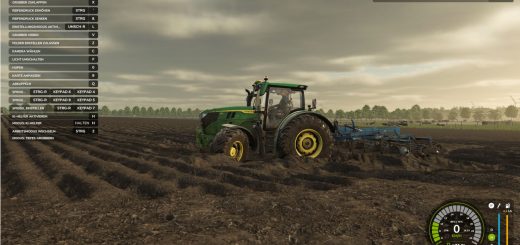
FarmingOS Tablet V1.0
FarmingOS Tablet V1.0
FARMINGOS – Your digital farm manager
With FarmingOS, you can keep an eye on your farm at all times.
The tablet brings together important information about your farm in a clear and easy-to-use interface.
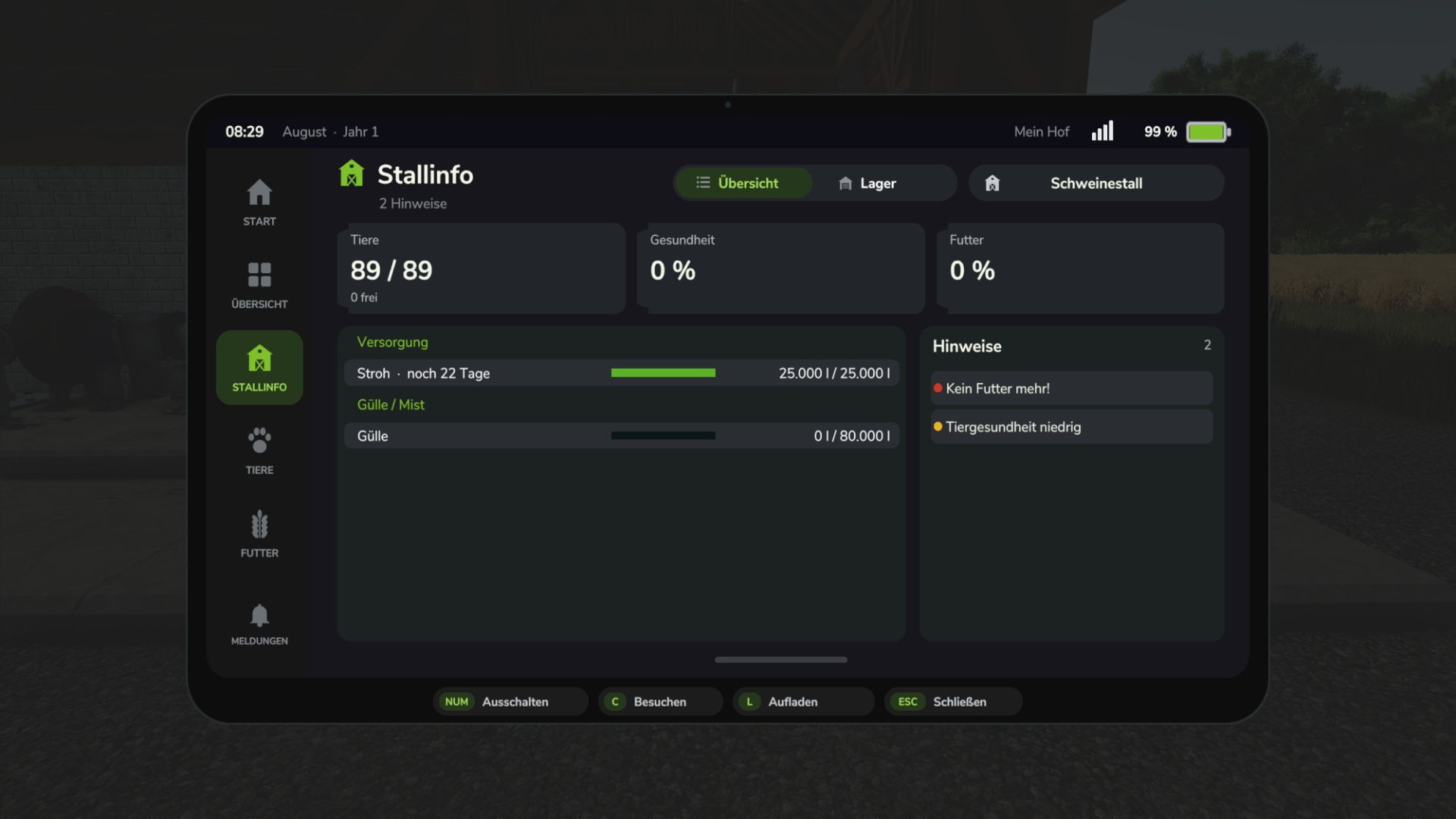
Fields, productions, animal husbandry, and silos – the most important areas of your farm are quickly accessible.
THE FEATURES AT A GLANCE
Farm overview: Keep an eye on important information and the current status of your farm.
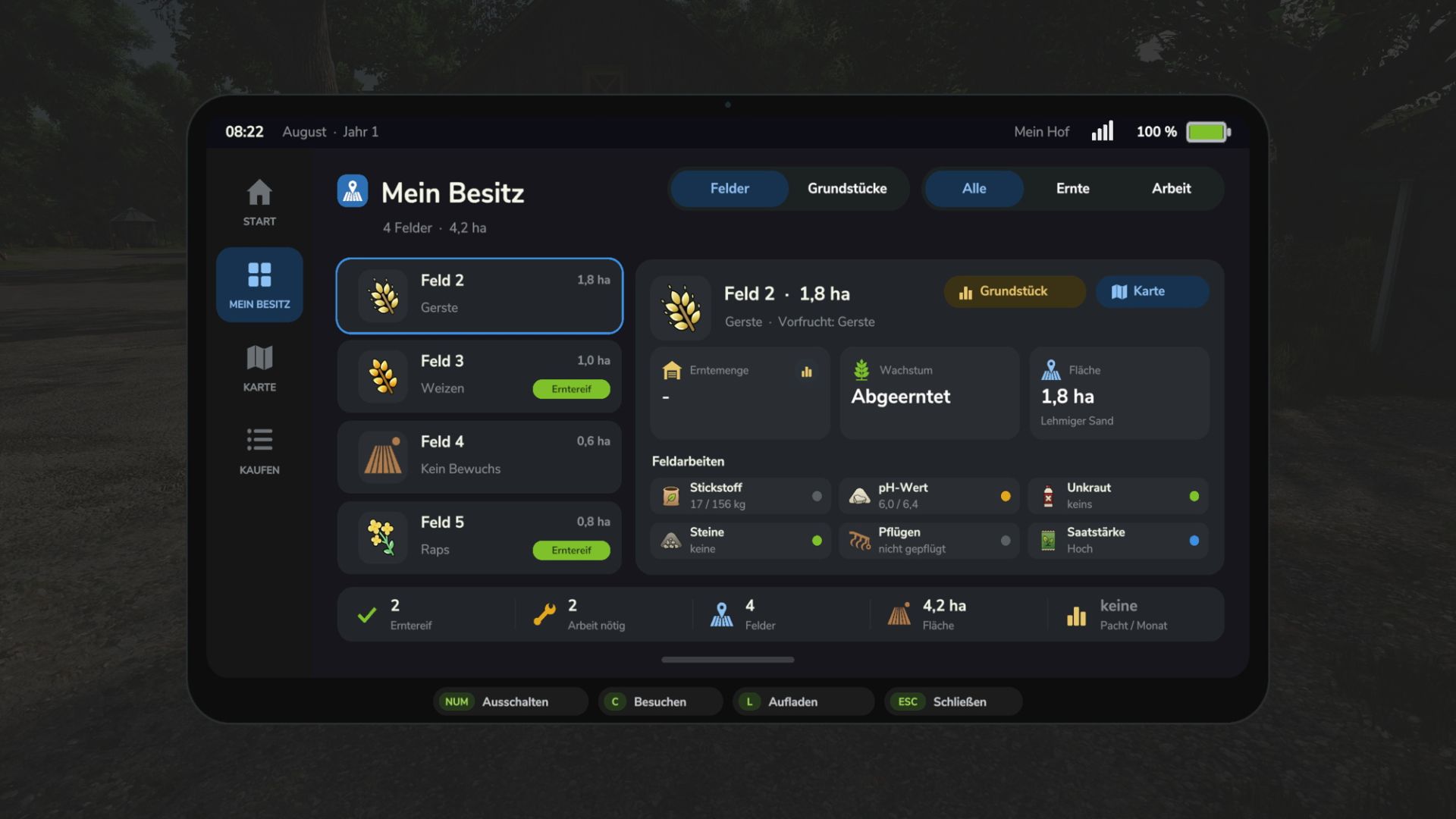
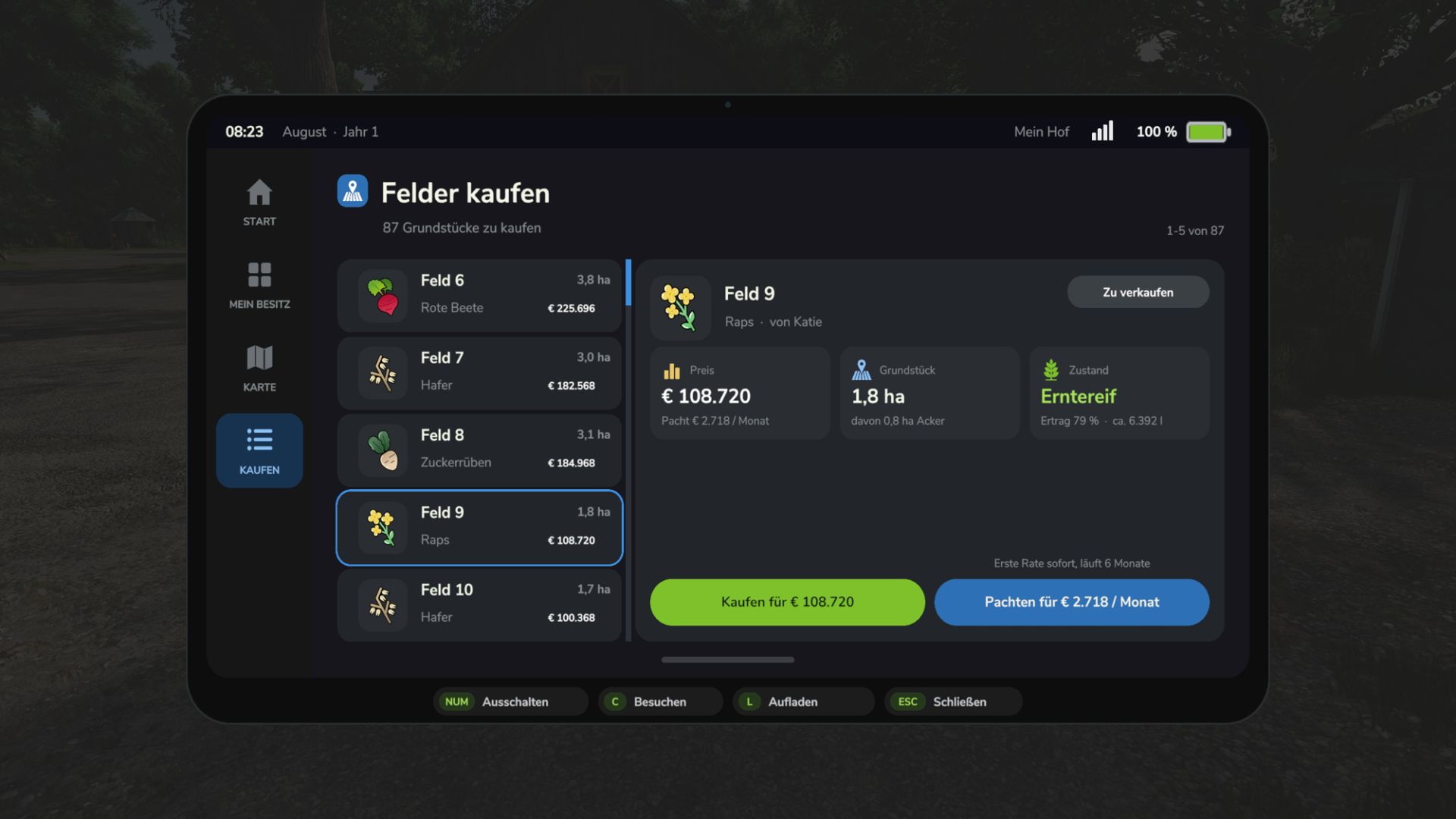
Field management: View your fields and plots, manage your property, and buy or lease additional land.
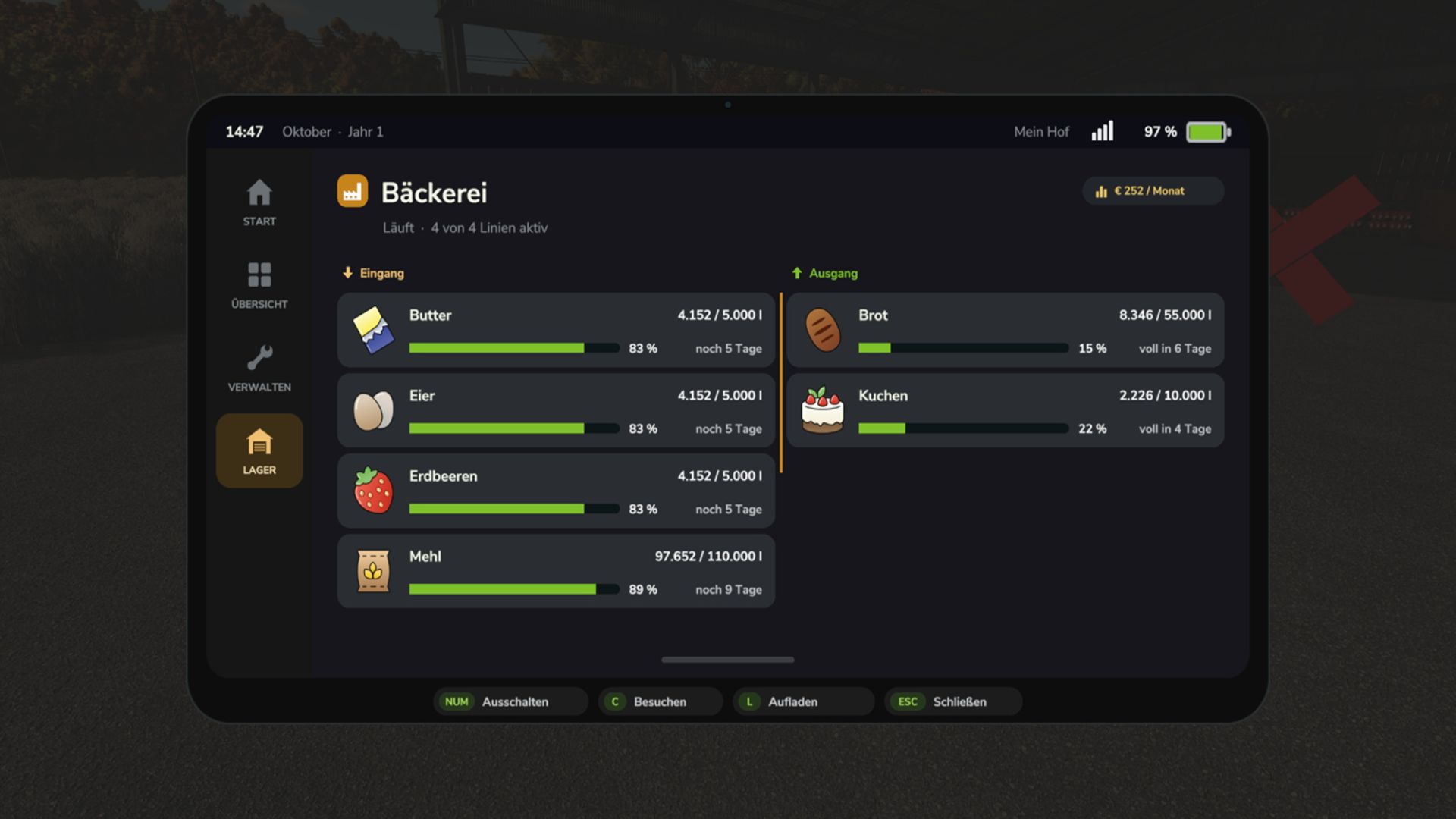
Production management: Control your productions, switch production lines on or off, and adjust the distribution status.
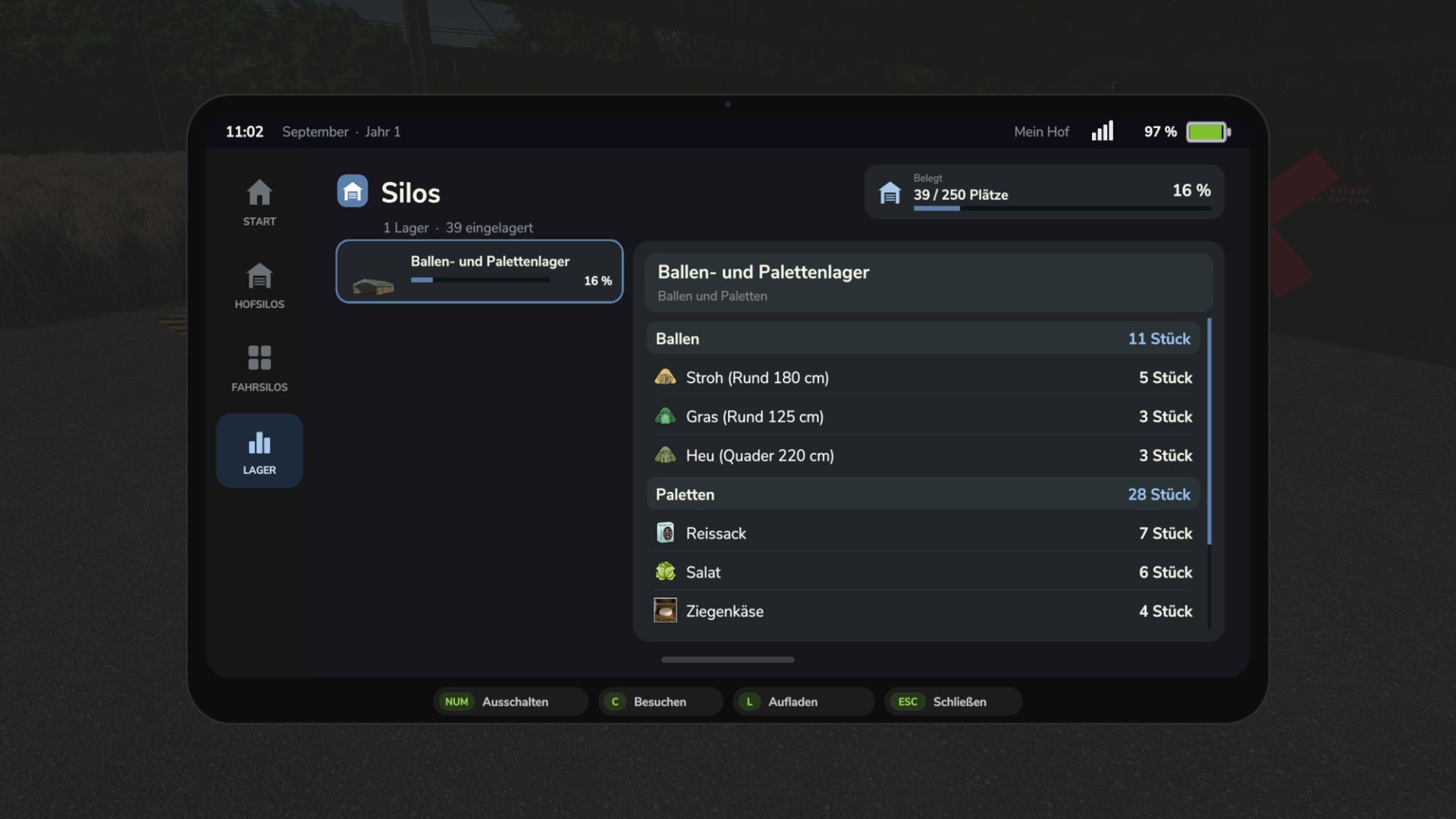
Silo overview: Keep track of your stock levels and fill levels.
Animal husbandry management: Check animal numbers, supplies and important information about your animal husbandries.
Worker HUD: Receive important information about your workers while they are working.
This includes status and progress displays as well as – depending on the job – grain tank fill level, bale and wrapping status, and assigned contract fields.
Mod compatibility: FarmingOS also recognises workers from AutoDrive and the Auto Bale Wrapper.
Weather overview: Find out about the weather forecast for the next seven days.
Soil maps: Supported Precision Farming soil maps can be purchased directly via the tablet.
HUD: Important information can be displayed directly via the HUD during gameplay.
MODULAR AND EXTENSIBLE
FarmingOS is designed as an extensible platform.
Its range of features can be expanded with additional, separately available apps and extensions.
This means you decide which features you want to use on your farm.
IMPORTANT NOTE
FarmingOS is the main mod. The Work Planner, Used Market and Realism Assistant are standalone, optional extensions.
They are not part of the main mod and must be downloaded and installed separately.
AVAILABLE LANGUAGES
German, English, French, Polish, Hungarian, Russian and Czech.
Author: Hahner89