Fertilizer Depot V1.1
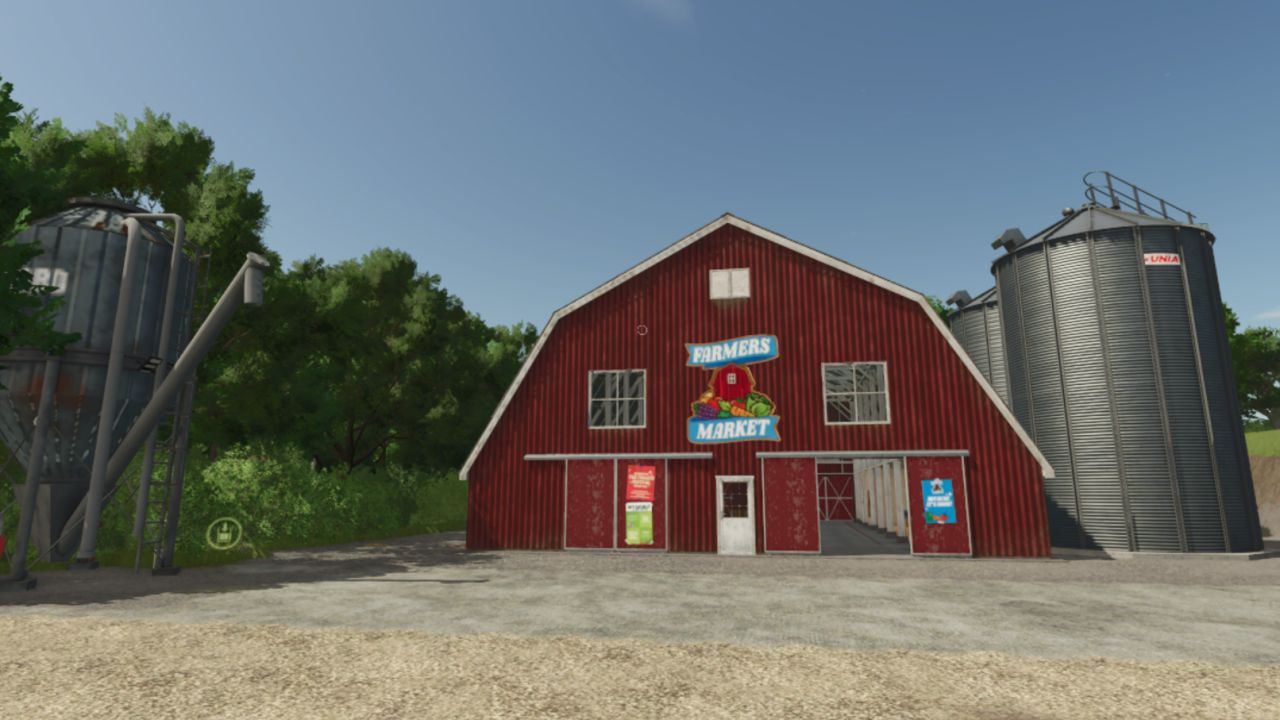
Fertilizer Depot V1.1
I’M AWARE OF THE TEXTURE BUG WILL FIX SOON !!!
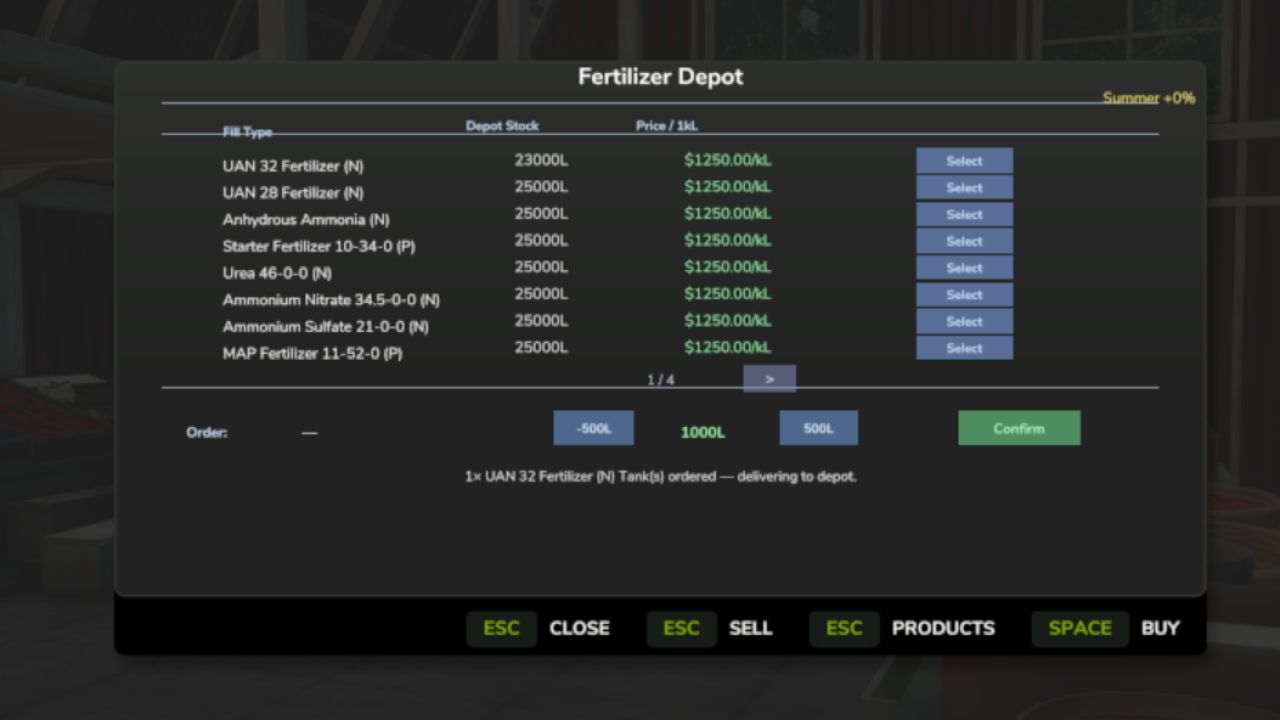
A placeable Fertilizer Depot where you can buy, store, and sell all fertilizer types at seasonally-adjusted prices. Drive up with your trailer or tank, browse the full selection of fertilizers, and fill up directly from depot storage.
QUICK START:
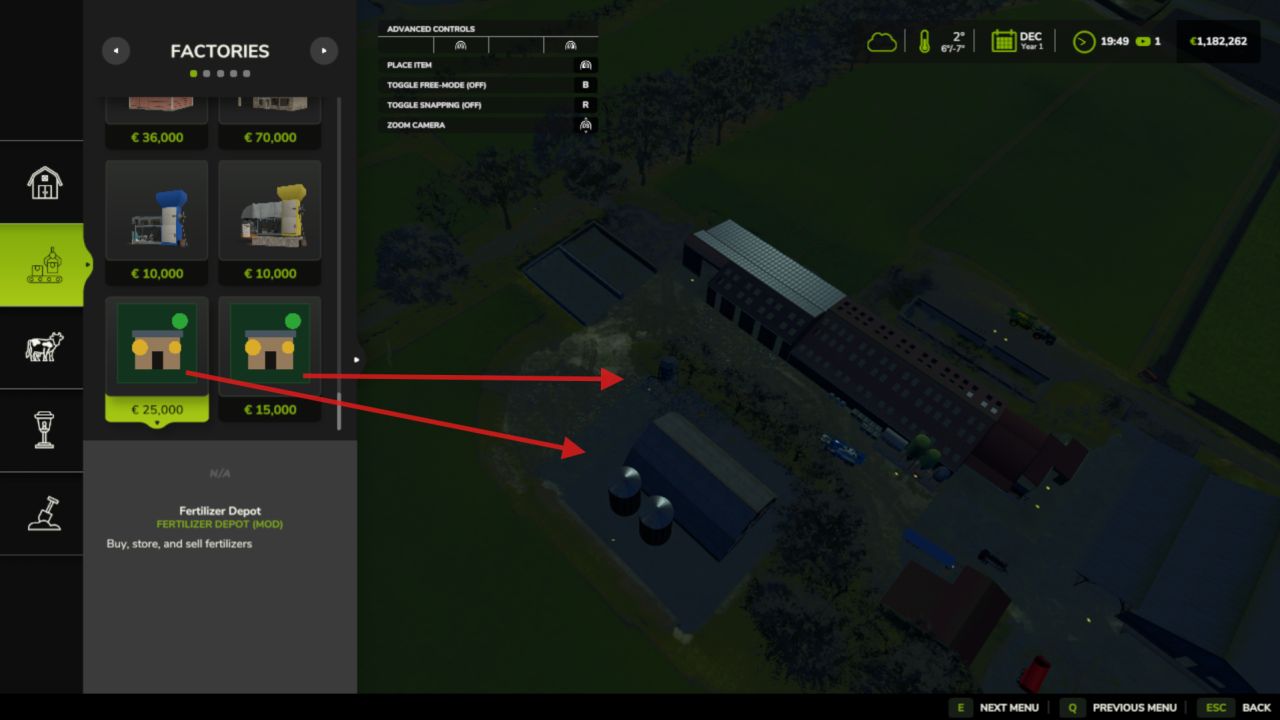
1. Place the Fertilizer Depot building on your farm (Production → Factories)
2. Place the Fertilizer Silo nearby
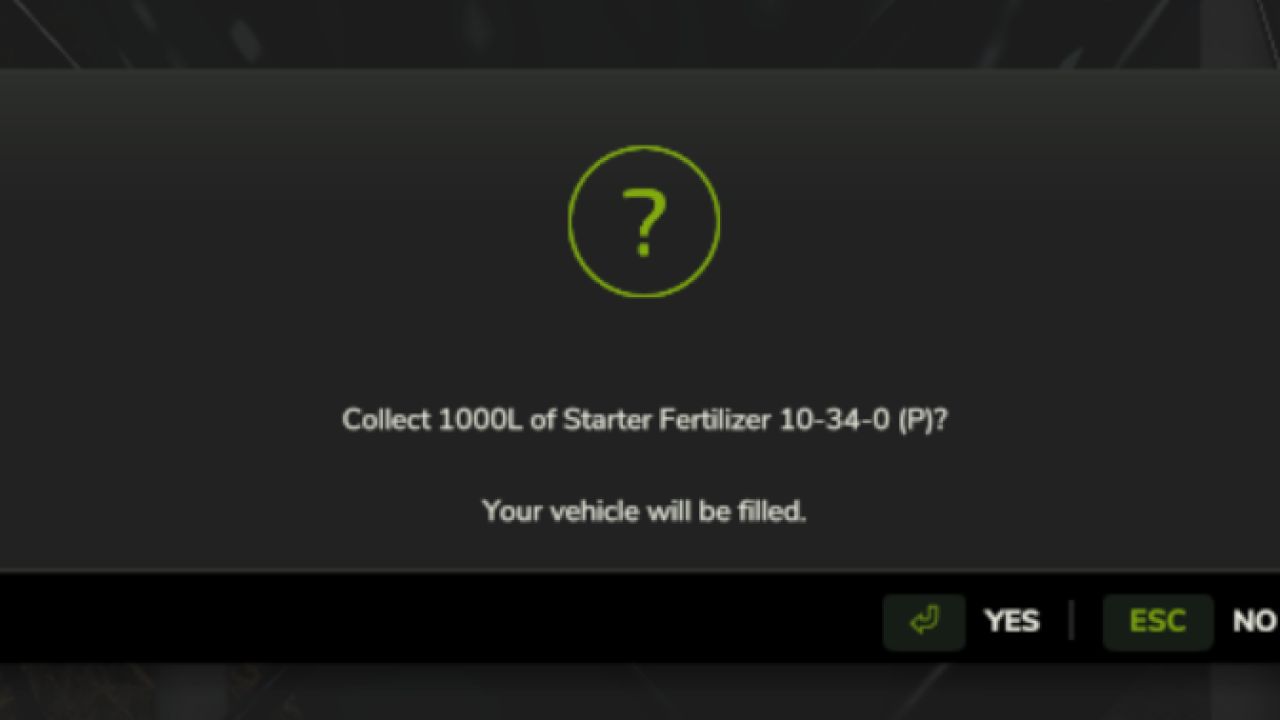
3. Walk into the Depot — press E to open the purchase dialog
4. Select a fill type and set an amount
5. Vehicle parked within 60 m? → fills immediately
6. No vehicle? → place a pre-order, drive your sprayer to the Silo,
dismount, walk up, press E to collect
7. Sell surplus: drive into the Depot unload zone, dismount, press E
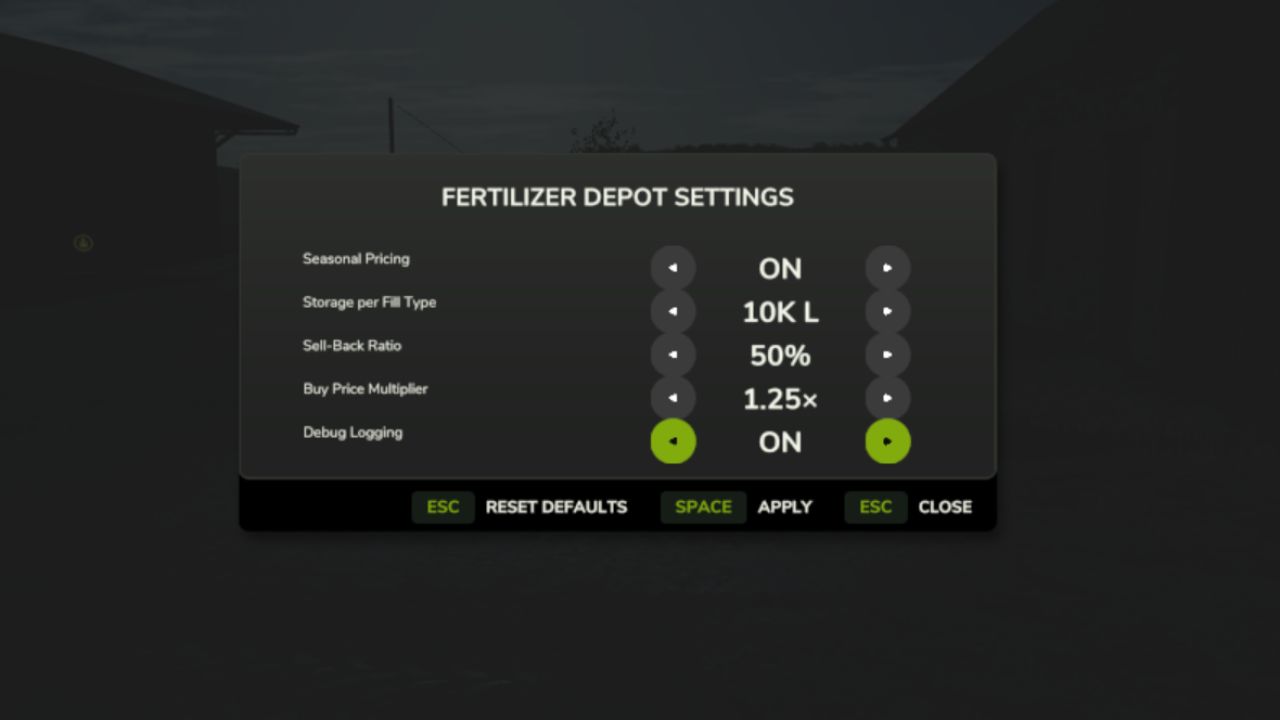
8. Adjust prices and capacity: press Shift+D anywhere
V1.1.0.0
Added
A new depot building: the depot’s storefront is now an industrial fertilizer production hall, with the full production machinery: every Soil & Fertilizer product can be made from its base inputs, and the hall’s loading points all work.
Bags and tanks can be ordered from a depot that holds no stock: stored litres are used first and the rest is bought in at the same price, the same as filling a trailer. Before, any order larger than the stock was refused.
The Fertilizer Depot page on the Realistic Farming Esc menu shows the production hall’s stock.
Fixed
The production and storage output point opens a product picker instead of loading the first product automatically, so you can choose fungicide, insecticide or any other product to load.
Multiplayer: depot purchases, sales and orders are checked on the server and charged to the farm of the player who made them, and the result you see is the server’s real result. The depot also works on a host without Network Sync.
The depot detects Soil & Fertilizer correctly.
Changes made in the depot’s own settings dialog show in the Farm Tablet’s System Settings (with Settings Hub’s update).
Translations: the depot’s production parameters, products, stations, board actions, messages and its Esc page are translated into every language; garbled characters in many strings, the settings dialog’s Apply button and the open-settings key are fixed; the mod’s name and description read correctly in the mod manager in every language.
Required mods:
Realistic Soil & Fertilizer
Farm Tablet
Author: tisonK, 82Studio