Field Sprayer Cleaning System V1.0
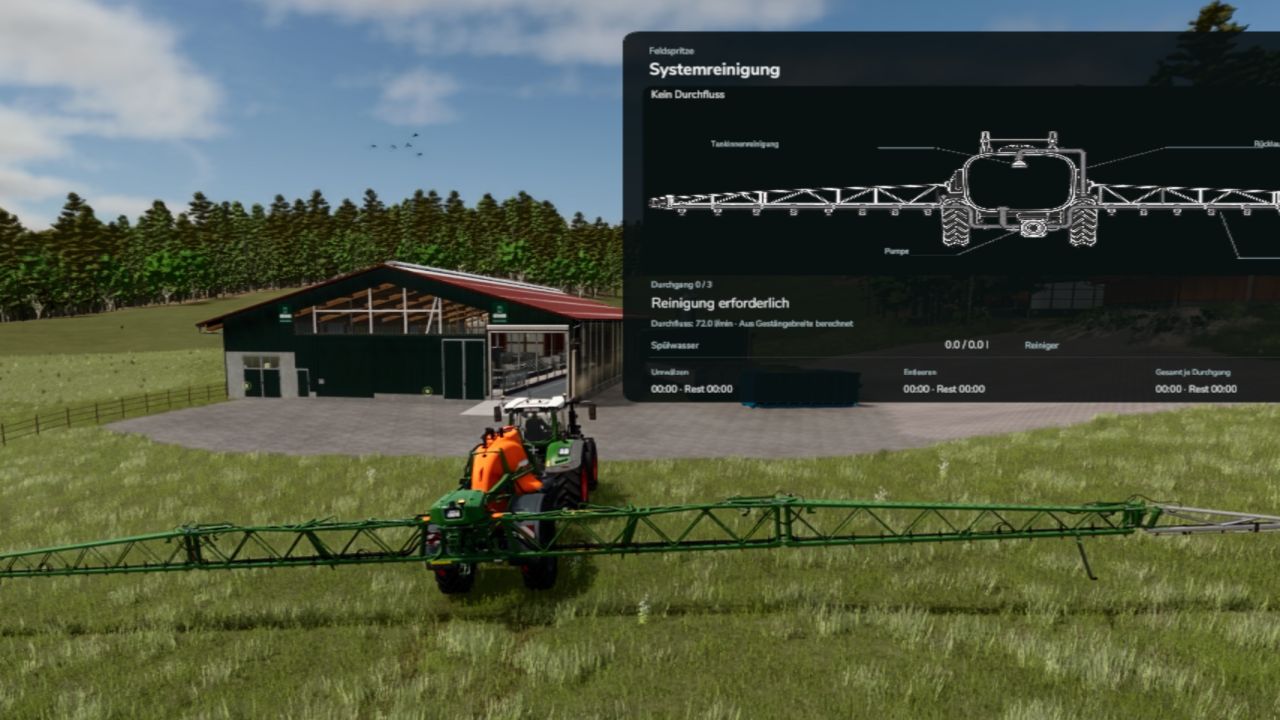
Field Sprayer Cleaning System V1.0
I noticed that we keep filling the sprayer with one product and then with another without cleaning it! Who does that?! Now we have a solution! This mod forces you to clean your sprayer after use, unless you want to use the same product again. However, changing products now requires some time.
The only difference between Semi-Realistic and Realistic is the time required. The steps remain the same.
It should work with every sprayer, although I have not tested them all. If you notice any errors, let me know and I will be happy to adjust it. Everything worked perfectly in my tests.
Cleaning required:
After use and emptying, the sprayer remains dirty. The same product can continue to be used; changing products requires cleaning.
Preparation:
Completely empty the spraying agent. To rinse, start the engine and fully unfold the boom.
Filling with water:
Press R at a suitable water source. Each cycle requires 15% of the tank capacity; filling stops automatically.
Cleaner:
In the shop, you can purchase 2,000-litre cleaner IBCs for €10,000 and place them next to the sprayer.
Three cycles: fresh water first, then water with cleaner, and finally fresh water again.
Cleaning:
CTRL + ALT + P starts or pauses the process. Each cycle must be filled and started manually – there is no automatic start of the next cycle.
Select mode:
Via the options or CTRL + ALT + M.
Realistic: 7 minutes of circulation + 8 minutes of emptying per cycle, followed by spraying out.
Semi-realistic: 20 seconds of circulation + 30 seconds of emptying per cycle.
Quick drain and testing:
CTRL + ALT + L drains the water quickly without cleaning.
Display and controls:
The spraying overlay shows progress, times, water and cleaner. When the mouse cursor is active, it can be moved and resized.
Keys can be changed in the controls menu.
Author: Enton1991