
Fire Department Roll-Off Container Incident Command (AB-ELW) V1.0
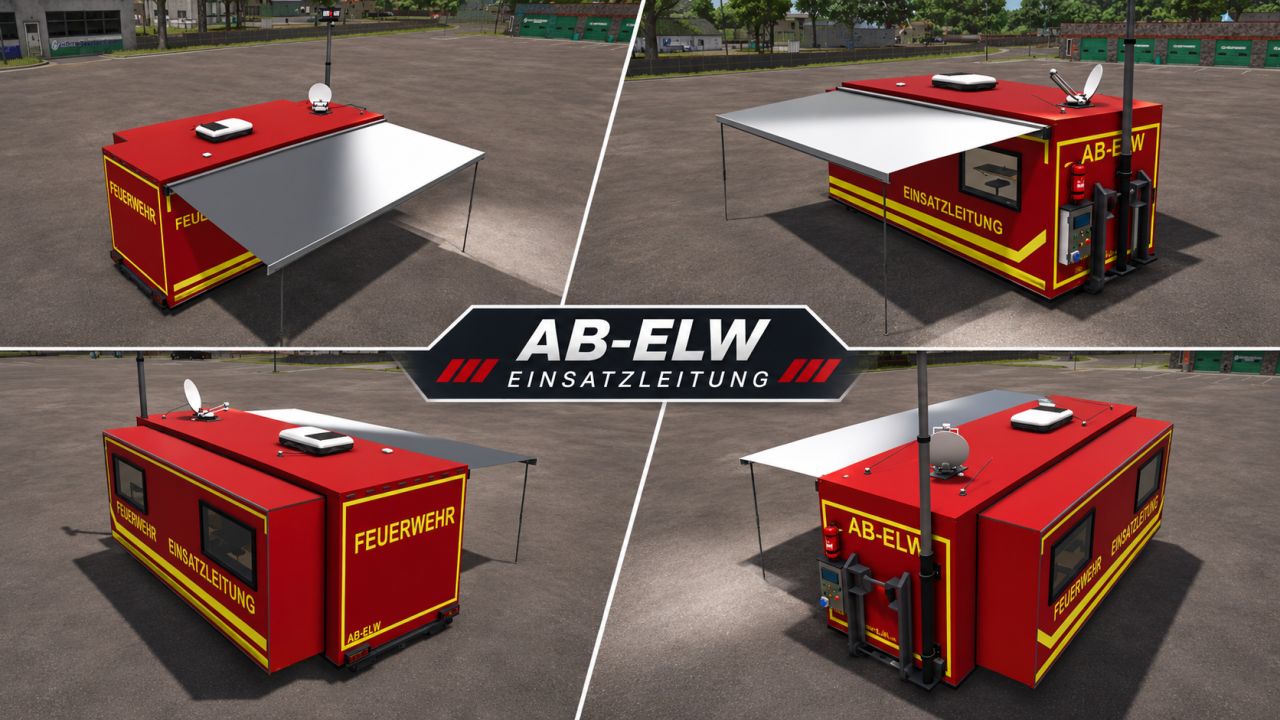
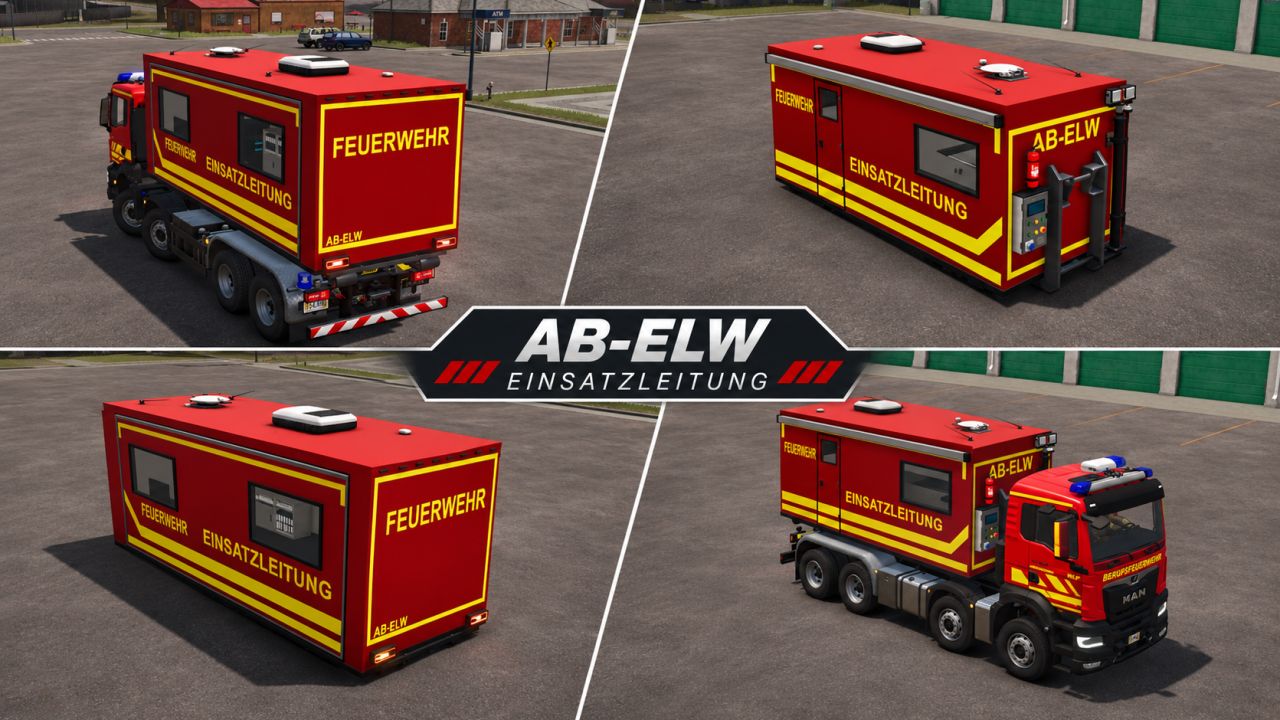
Fire Department Roll-Off Container Incident Command (AB-ELW) V1.0
AB-ELW – Command Operations Roll-Off Container
With this command operations roll-off container (AB-ELW), you can expand your vehicle fleet in Farming Simulator 25 with a versatile mobile command post.
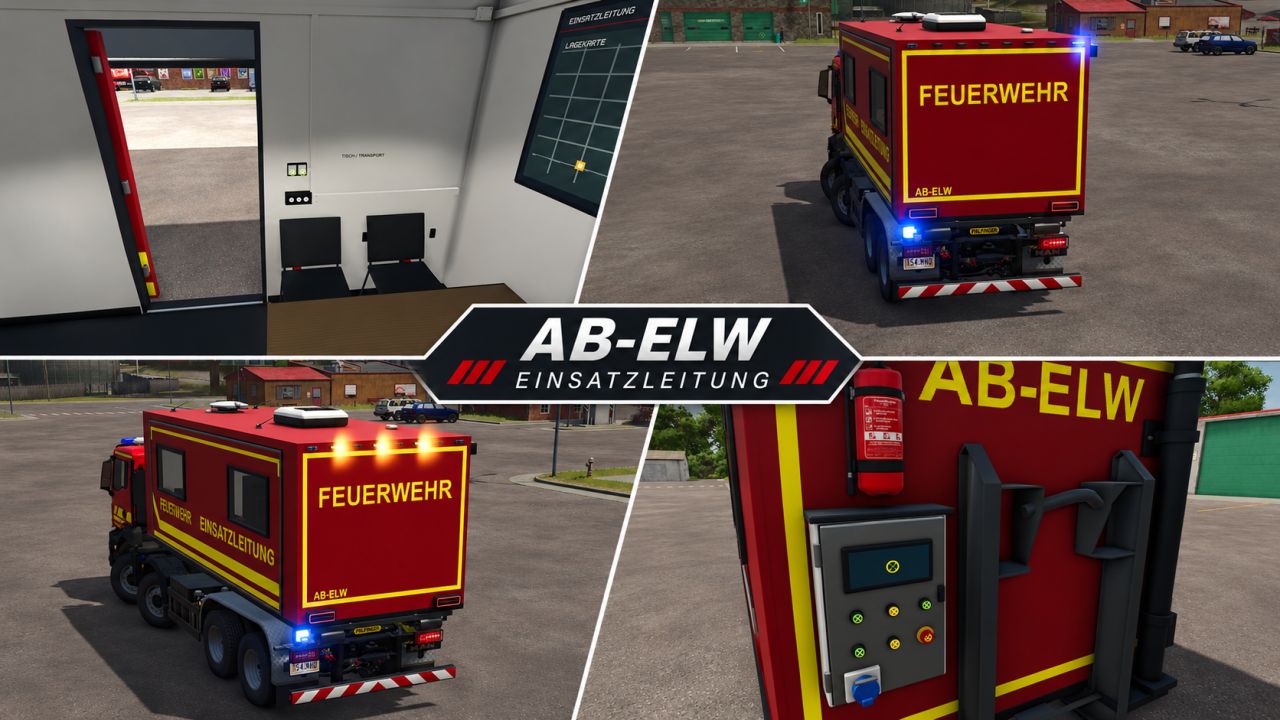
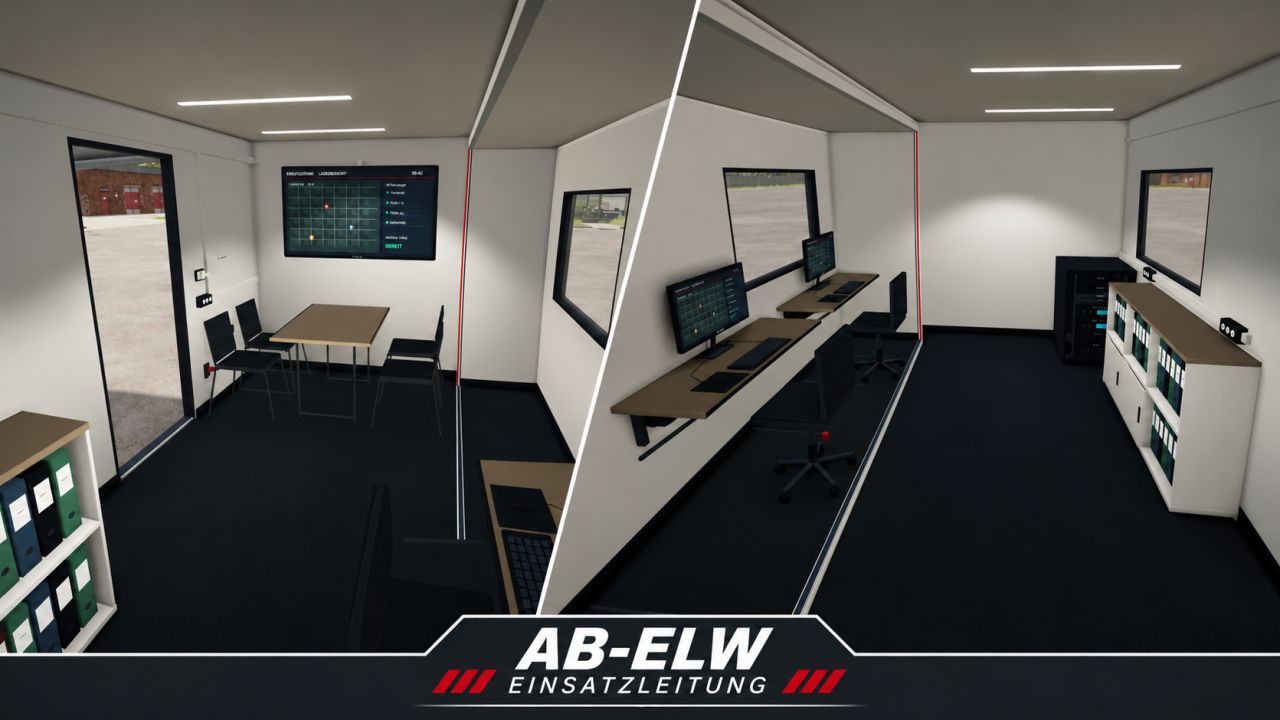
The AB-ELW features a meticulously designed interior with workstations, a meeting area and technical equipment. Thanks to numerous animations, lighting functions and configuration options, the container can be individually adapted to your organization.
Functions – Interactive Control (IC)
All movable components and lighting functions can be conveniently operated via Interactive Control.
Movable components:
– Slide-out to enlarge the interior
– Extendable awning
– Movable satellite dish
– Extendable light mast
Lighting and warning systems:
– Blue light system
– Yellow rear warning system
– Work lighting on the light mast
– Interior lighting for working at night
– Red command post lighting
Configuration options
The AB-ELW offers numerous options for individual customization.
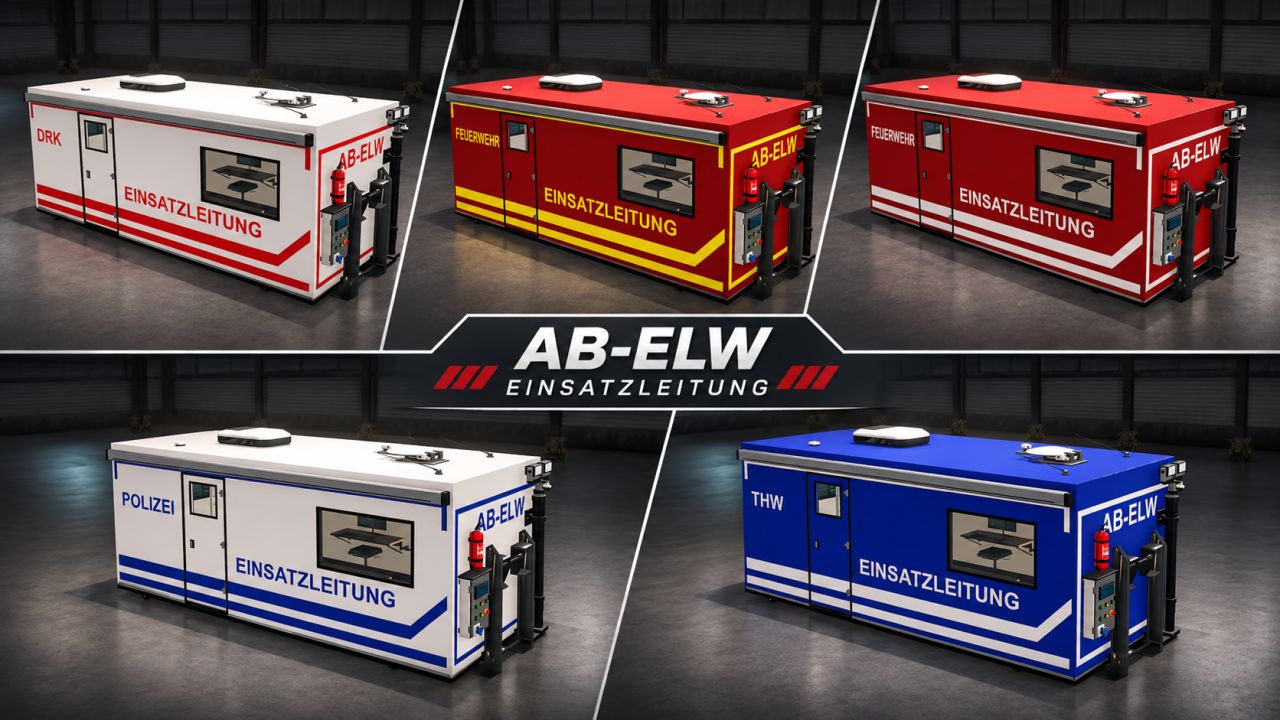
Design variants:
– Fire department – Yellow
– Fire department – White
– THW
– DRK
– Police
– Without decals
Available base colors:
– Red
– Blue
– White
– Orange
Further configurations:
– Two different blue light variants
– Two different rear warning systems
– Light mast optionally with or without
Equipment
The detailed interior offers everything a mobile command post needs:
– Workstations with monitors
– Meeting area with table and seating
– Technical equipment and server cabinets
– Storage space and filing cabinets
– Various lighting options for daytime and nighttime operation
Notes
The Interactive Control (IC) mod is required to use the interactive functions.
Use on a server/multiplayer has not yet been tested 100%. Errors may still occur here.
Required mods:
Interactive Control
Author: AB Modding


