Follow Me v1.0.1
Follow Me v1.0.1
A vehicle follows you in your own tracks: pull up, press Ctrl+H, and you’re all set. Works in single-player, multiplayer, and on dedicated servers. This is not a replacement for AutoDrive—there are no saved paths, no automation, and nothing moves without you. Multiplayer-ready.
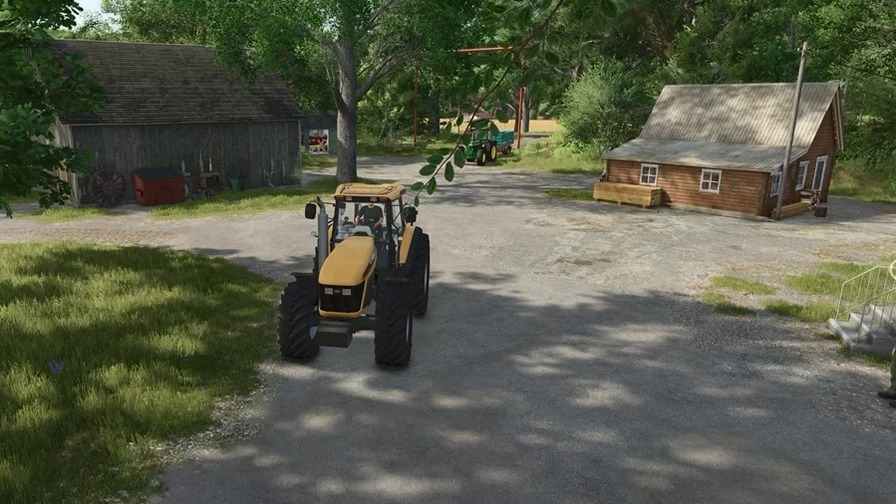
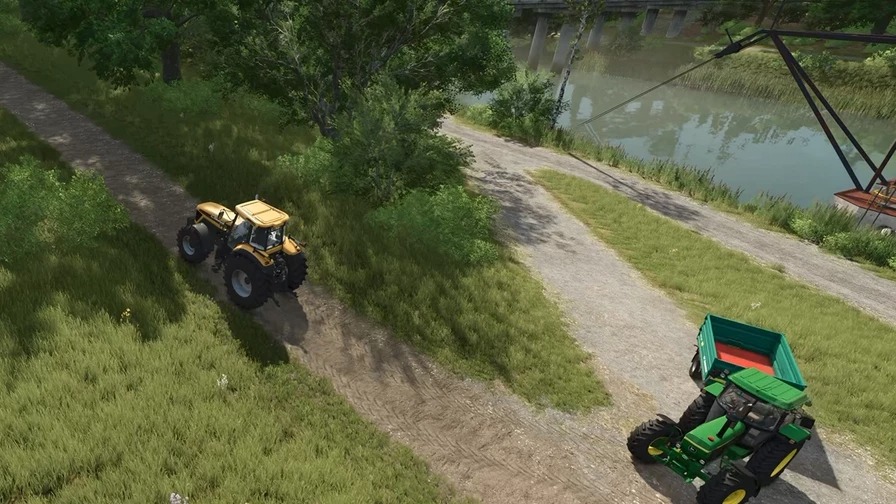
A vehicle automatically follows you: pull up, press Ctrl+H, and that’s it. This works in both single-player and multiplayer, including on dedicated servers—since the calculations happen on the server, everyone sees the same thing.
This mod was born out of a practical need within our own team. We simply wanted to bring a second vehicle along to the field—nothing more—and AutoDrive felt like overkill for that purpose. Setting up, maintaining, and keeping track of a network of routes is worth it if you fully utilize it, but for a simple “just follow me” task, it’s far too complex. So, this mod does exactly one thing, and nothing else.
To be clear from the start: this is NOT a replacement for AutoDrive. There are no saved paths, no route planning, no autonomous driving back and forth to the farm, no loading or unloading, and no task management. Nothing moves without you—you are behind the wheel, and the rest simply tag along. If you need autonomous operations, AutoDrive is the right tool for you.
You stay at the wheel, pull up to another vehicle, and press Ctrl+H—from that point on, it follows you. Any additional vehicles will simply line up behind. They don’t take a “straight-line” shortcut; instead, they follow your exact path, so they won’t cut corners or drive through fences.
The vehicle combinations remain exactly as you’ve set them up—nothing gets unhitched or folded, and the distance maintained between them is based on the actual length of both vehicle combinations. For a dedicated server, place the ZIP file in the “mods” folder and ensure it is enabled in the settings—that’s all that’s required. You can only dispatch tasks for resources your farm has access to. Use Ctrl+J to hand off your entire sequence of tasks to another player standing next to you. If you step out of your vehicle, the sequence will simply wait for you. Should something get stuck, an admin can halt everything instantly by typing “fmStopp” into the console.
This is a script-based mod, so it is available for PC and Mac only.
Author: OGW