GPS Lite V1.2.0.7
GPS Lite V1.2.0.7
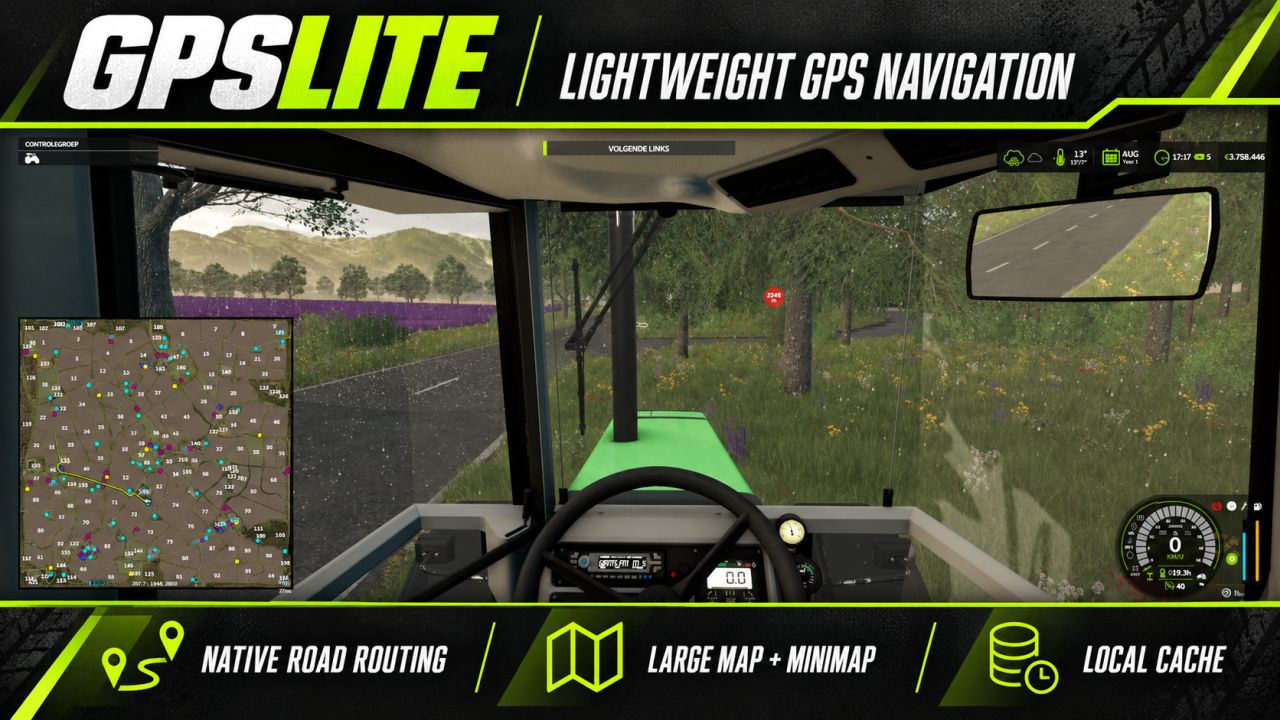
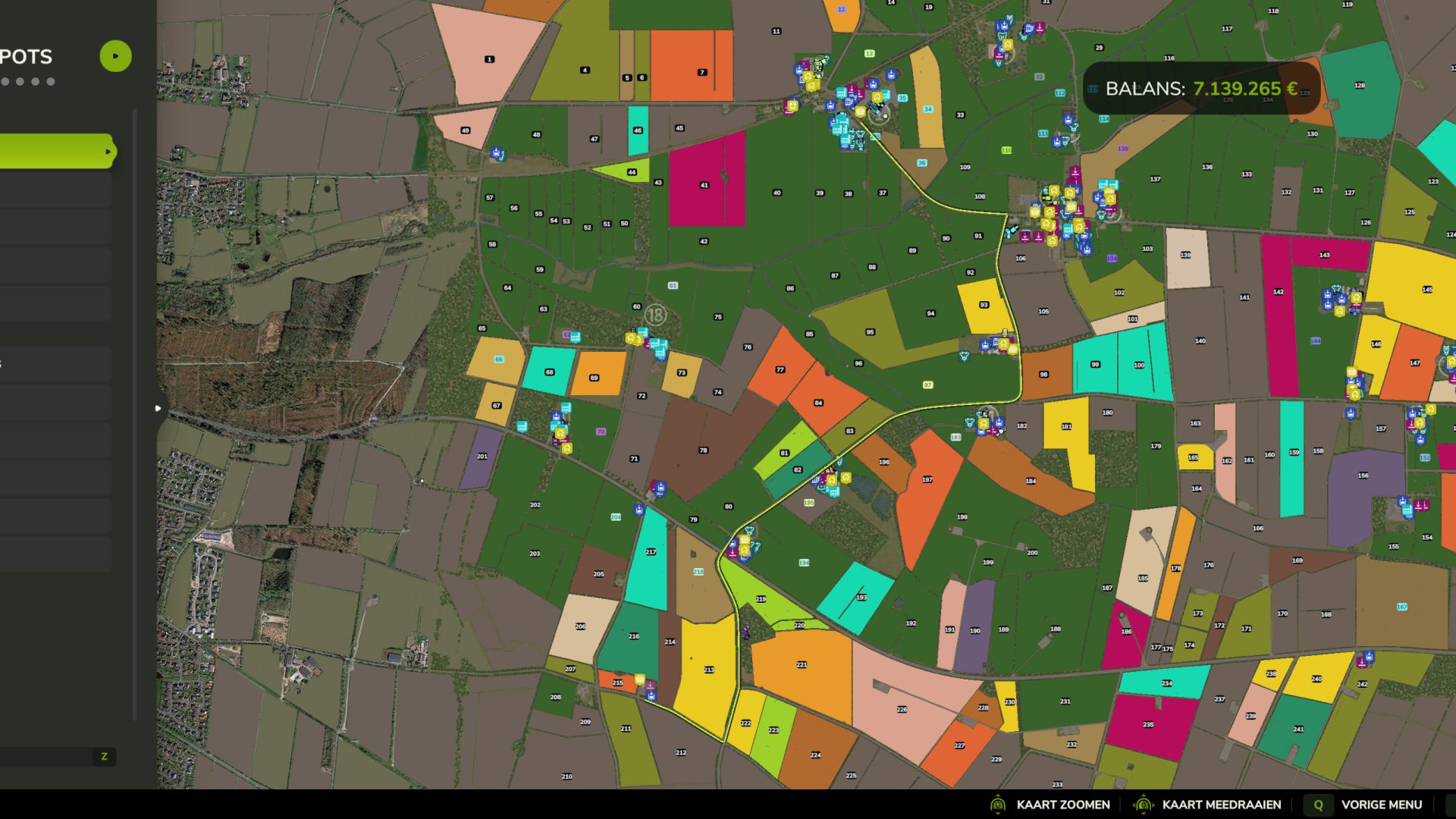
GPSLite is a lightweight navigation mod for Farming Simulator 25. Select a destination using the standard map marker, and GPSLite calculates a route using the roads provided by the map.
The complete route is shown on the large map, while the minimap displays the nearby section of the route. A small optional information bar provides simple instructions such as Ahead, Next Left, Next Right, or Turn Around.
The road network is cached locally for faster loading. Navigation, the route line, and the information bar can each be enabled or disabled under ESC > General Settings. Your choices are saved automatically and everything is enabled by default.
Features:
– Lightweight, clean-room implementation
– No keybindings required
– Uses native FS25 map targets and road splines
– Route display on the large map and minimap
– Locally cached road network
– Persistent player settings
– Suitable for multiplayer and dedicated-server environments
– Available in English, German, Dutch, and French
Compatibility depends on the map providing usable native traffic or AI road splines. Maps containing only painted roads without navigation splines cannot provide accurate street routing.
V1.2.0.7
Added
– Strict client/server separation for dedicated-server environments.
– GPS runtime activation only when a real local player and HUD are available.
– Delayed client activation after map loading for hosted multiplayer sessions.
Fixed
– Dedicated servers no longer initialise client-only settings, HUD, routing, or road-cache work.
– Hosted dedicated runtimes no longer enter the client GPS path accidentally.
– Client routing remains available after the player and map HUD finish loading.
Preserved
– Large-map route planning with minimap guidance.
– Local road-cache support for faster repeat loading.
– General Settings controls with saved preferences.
– Four-language interface and documentation.
– No additional keybinds required.
Notes
– GPSLite is designed as a lightweight client feature; the dedicated server carries the mod but does not run client HUD or route rendering.
– Route quality depends on the native road and navigation data provided by the selected map.
Author: dafke