Hide Player And Vehicle Positions V1.1
Hide Player And Vehicle Positions V1.1
PURPOSE
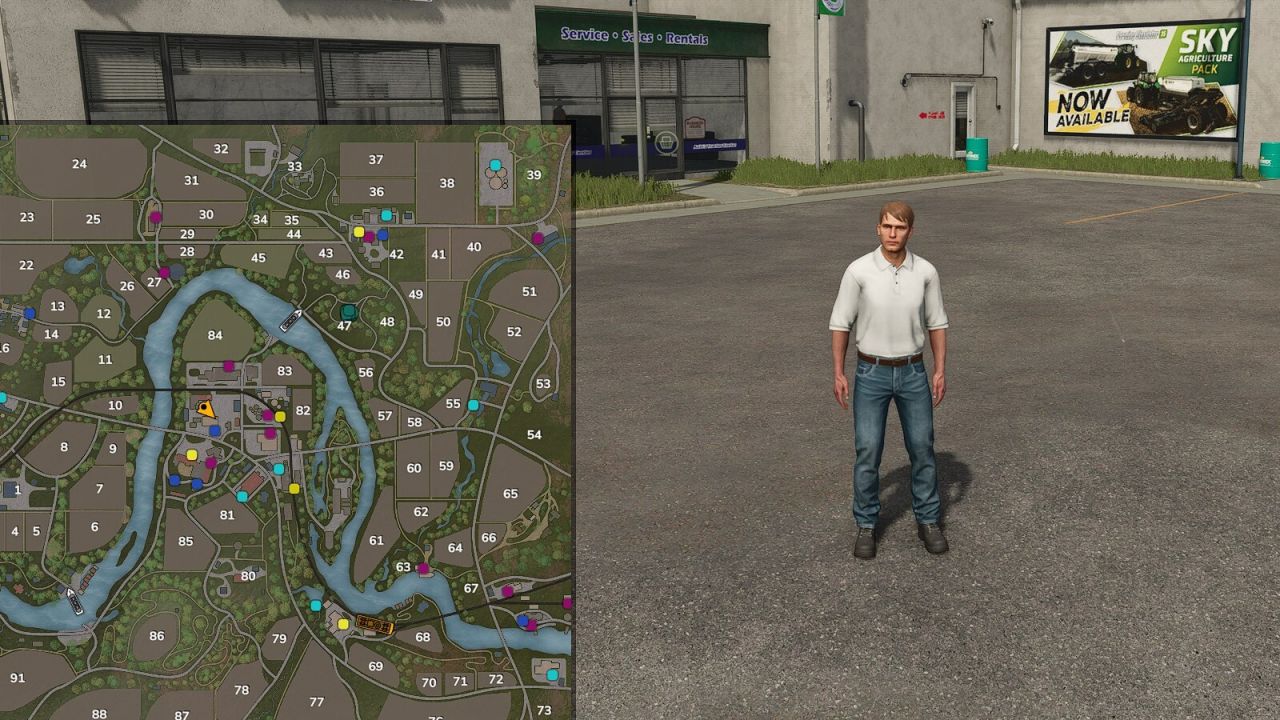
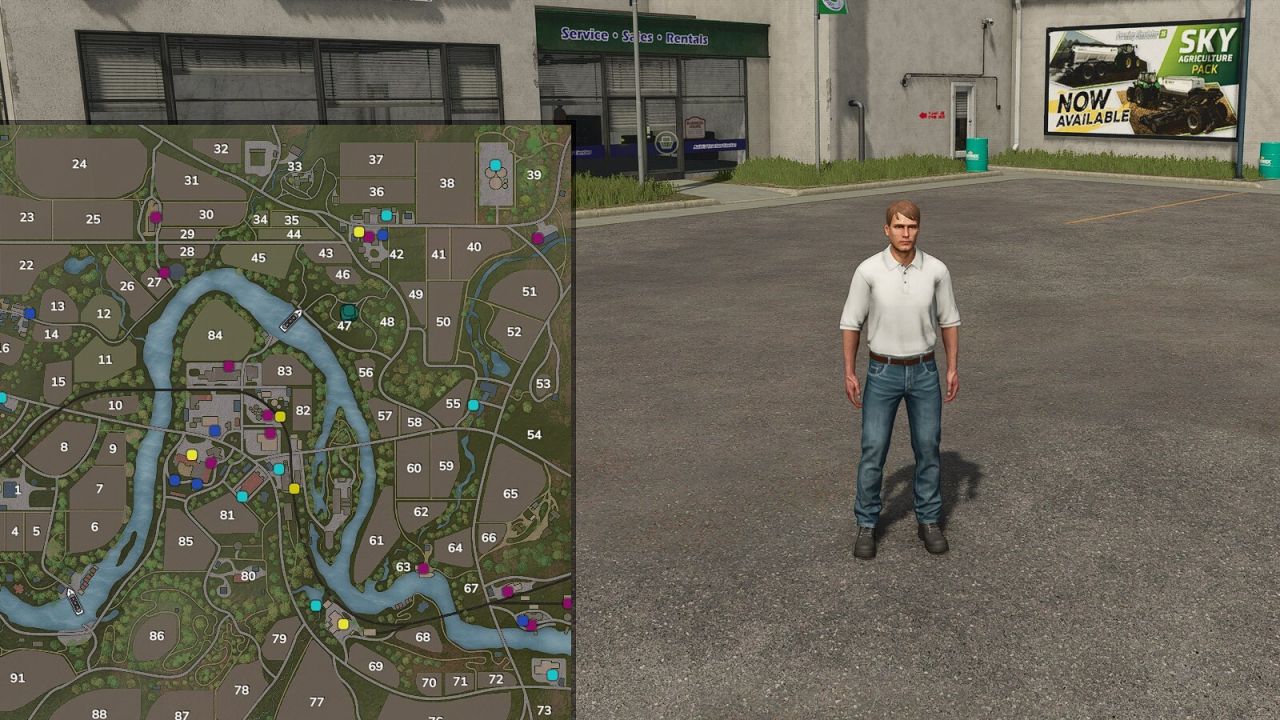
Hides the positions of other players and of individual vehicles on the minimap and world map. Ideal for roleplay, realism, and multiplayer servers where players should communicate over radio/chat instead of just looking at the map – e.g. for police vehicles.
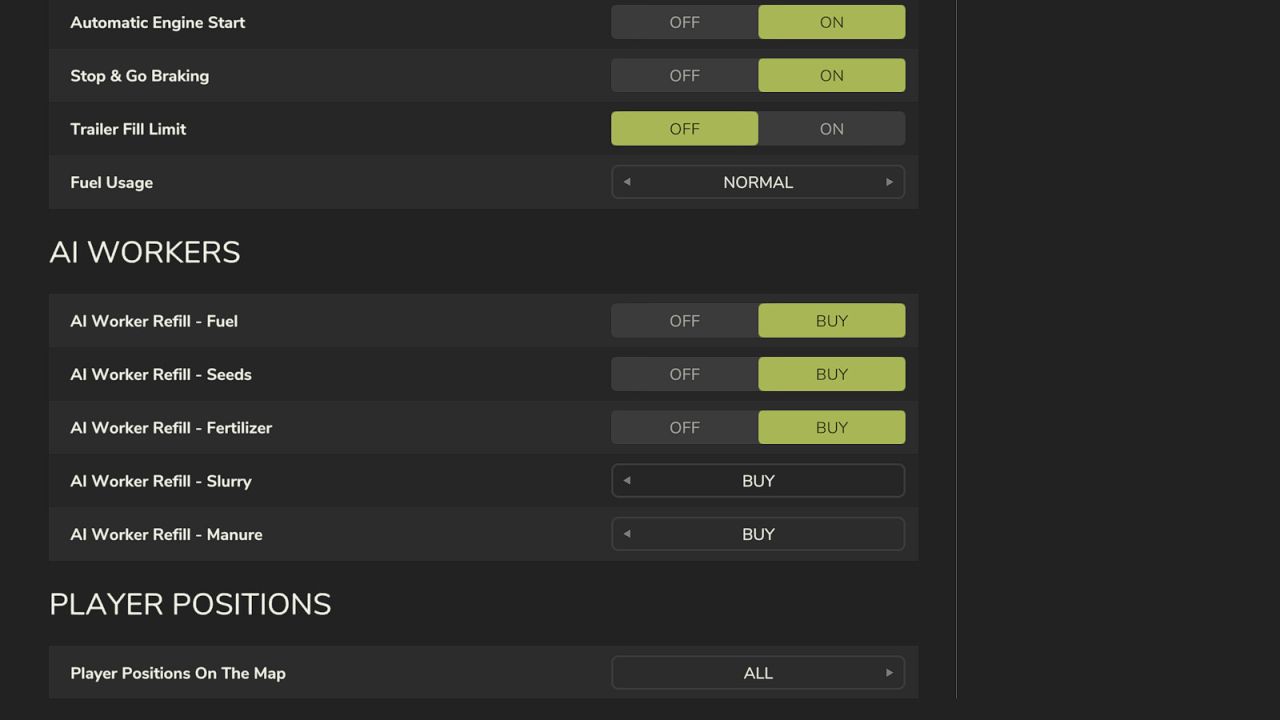
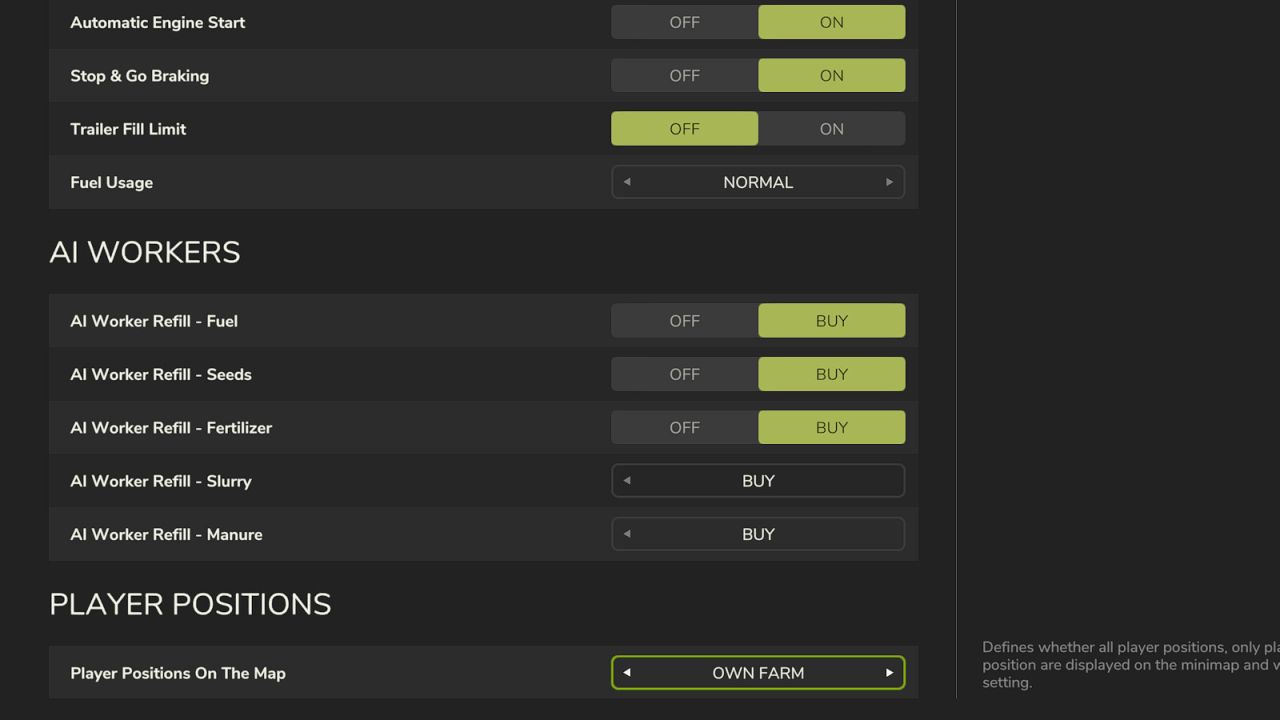
PLAYER POSITIONS (selectable in Game Settings)
All – default behavior, everyone sees everyone
Own Farm – only members of your own farm are visible
Own Position Only – everyone sees only themselves
HIDING VEHICLES
Sit in the vehicle and press Alt + H (can be changed in the controls settings). The vehicle is then hidden on the map for all other farms – even when nobody is sitting in it. Your own farm still sees it.
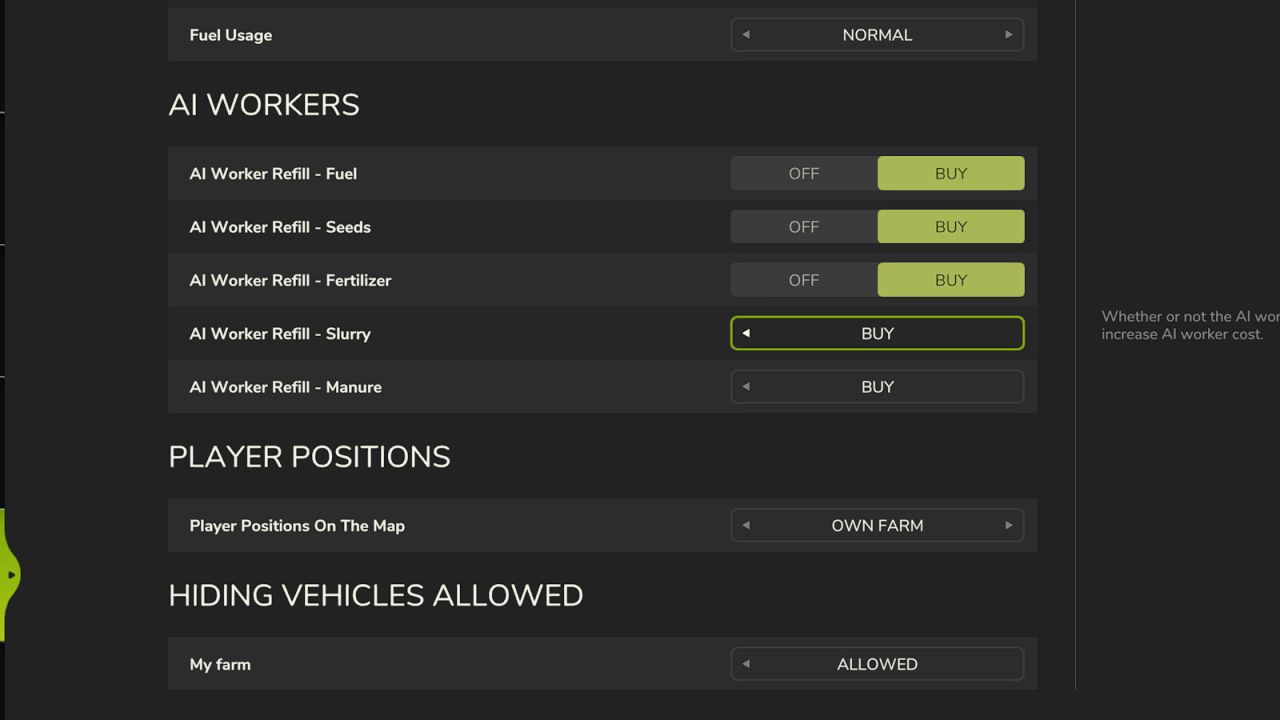
Under Game Settings → “Hiding Vehicles Allowed” there is one row per farm with “Allowed” or “Not Allowed”, e.g. to enable only police and rescue services.
New farms are not allowed by default.
Allowed farms can only hide their own vehicles.
Administrators can always hide or show any vehicle.
HOW IT WORKS
Only administrators can change the settings. They apply immediately on all maps, are synced to all connected players, and are stored permanently in the savegame – they persist even after a server restart.
V1.1.0.0
New: Individual vehicles can be hidden from other farms on the map (Alt + H)
New: Per-farm setting to determine whether the vehicle feature can be used
The settings page is no longer rebuilt continuously; the map is only resorted when changes are made
Stricter admin check on the server
New mod icon
Author: HF Modding / ODGEE