Historic HD Bale Collector V1.1
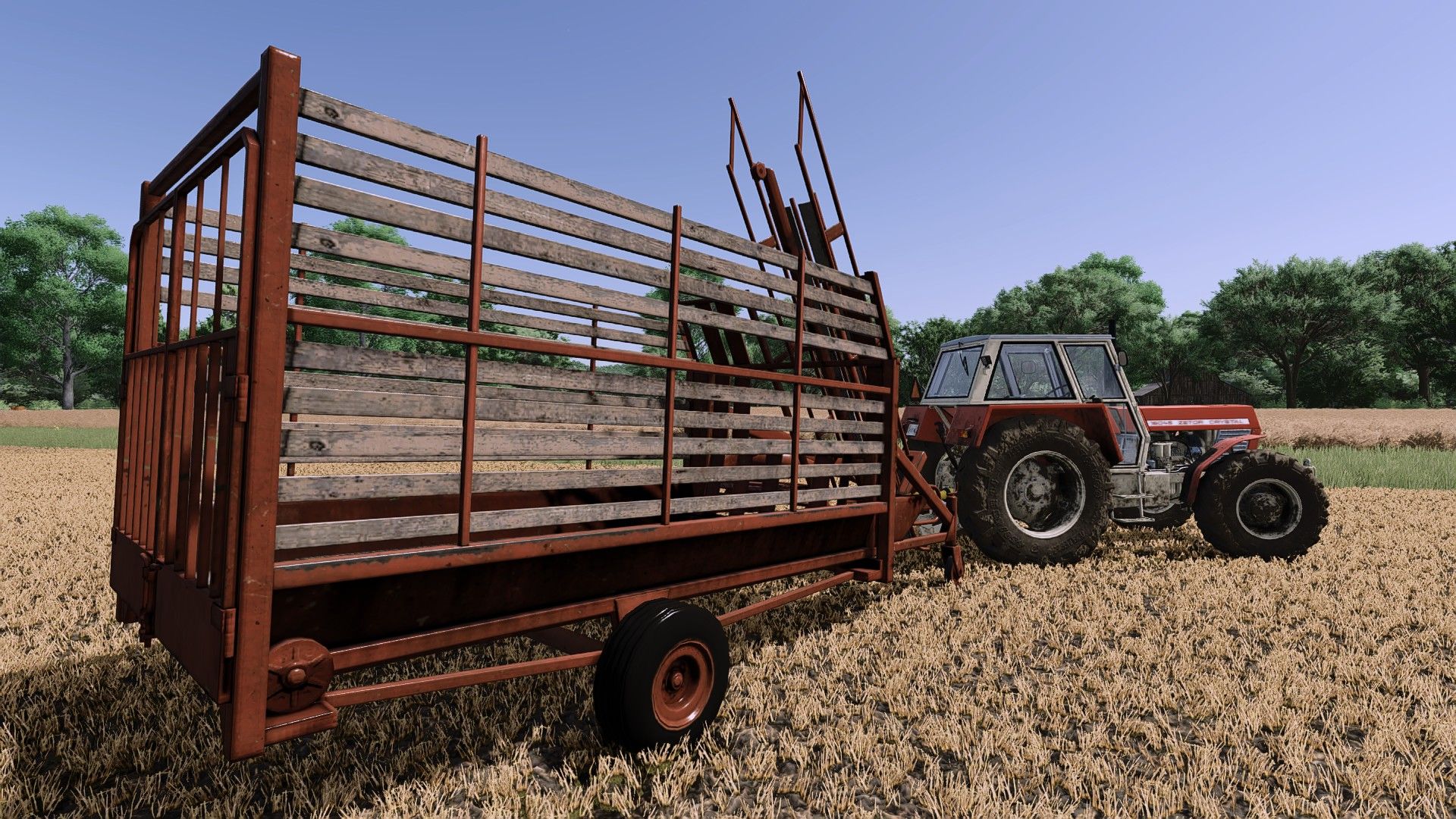
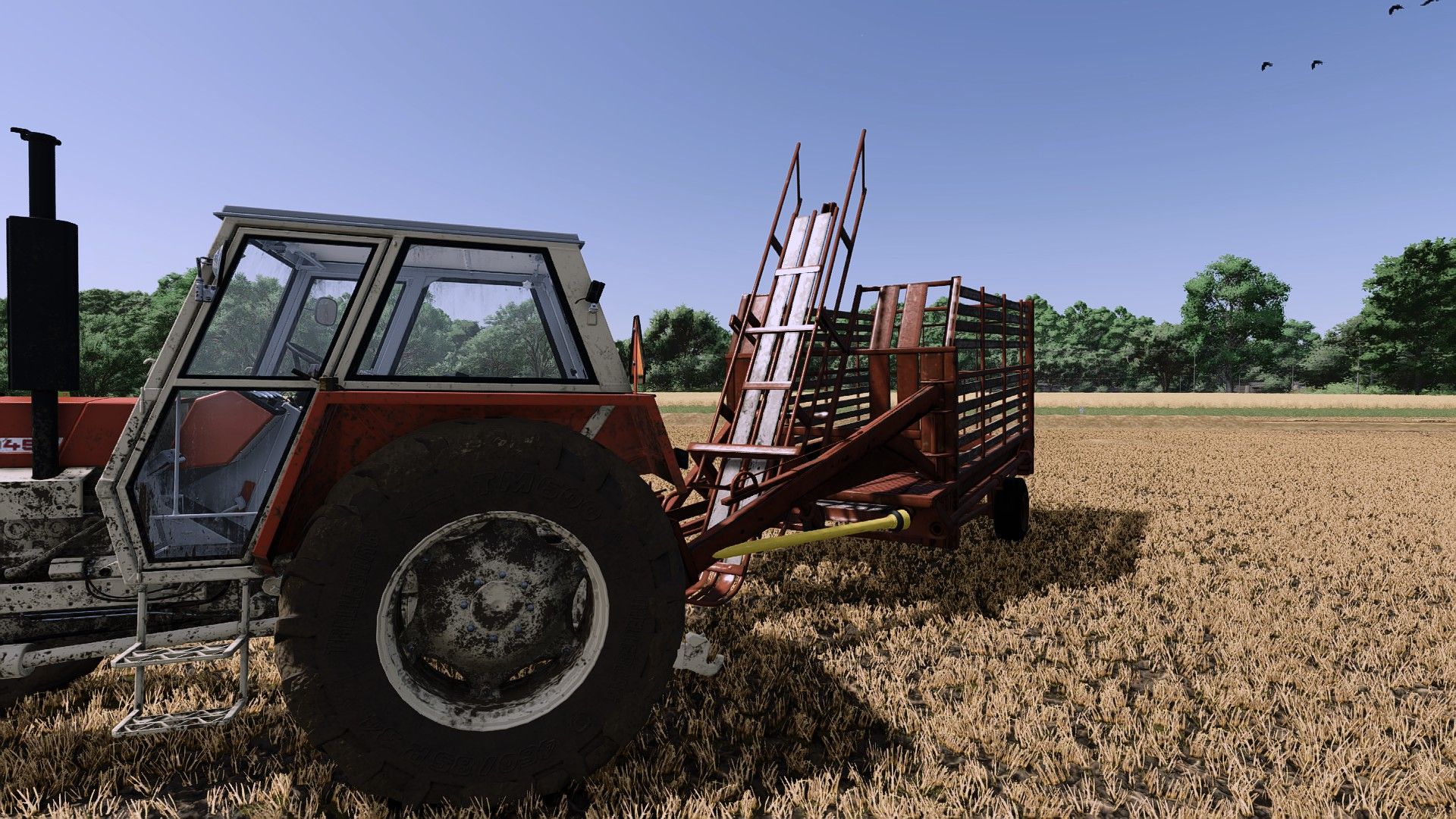
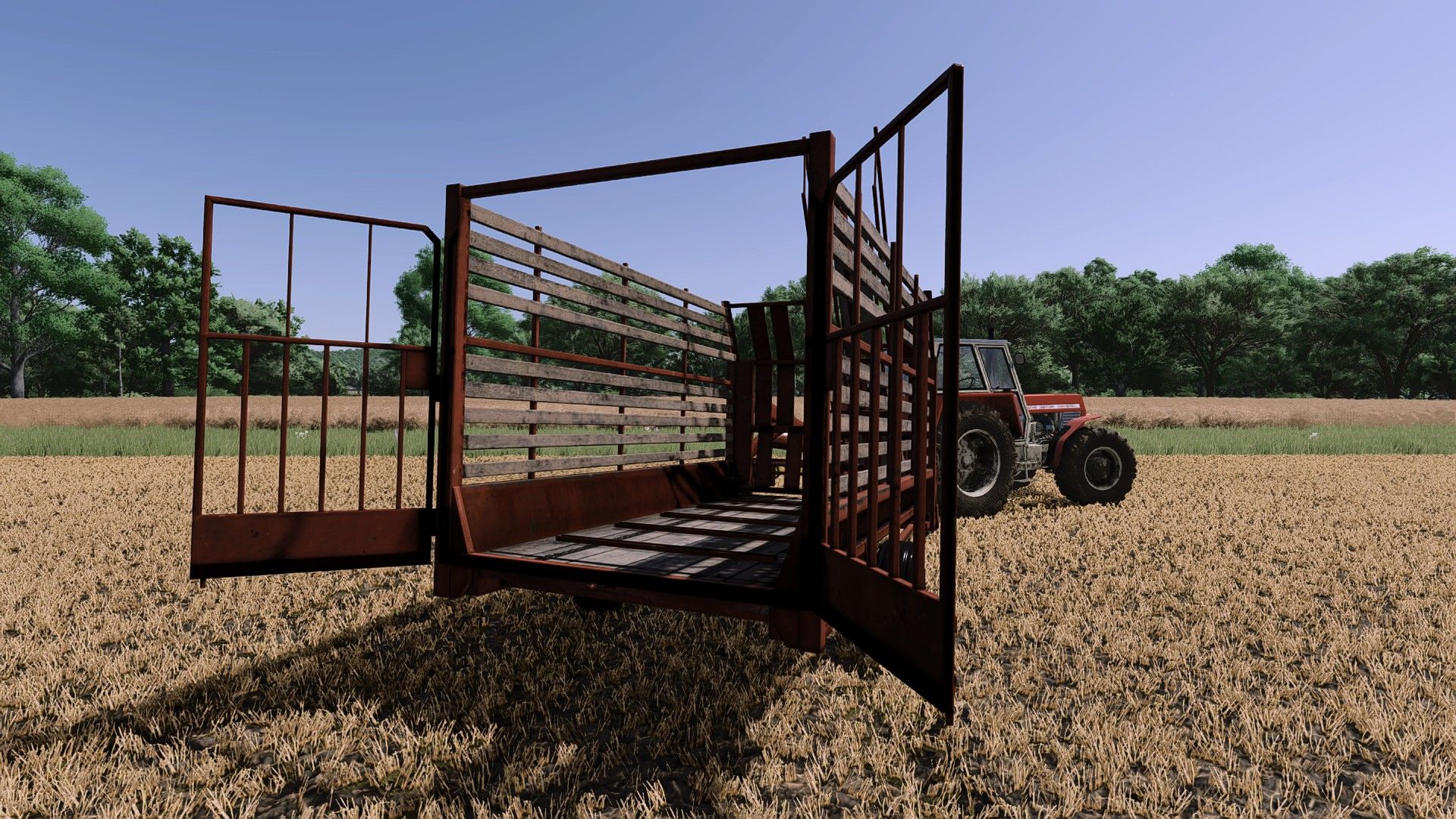
Historic HD Bale Collector V1.1
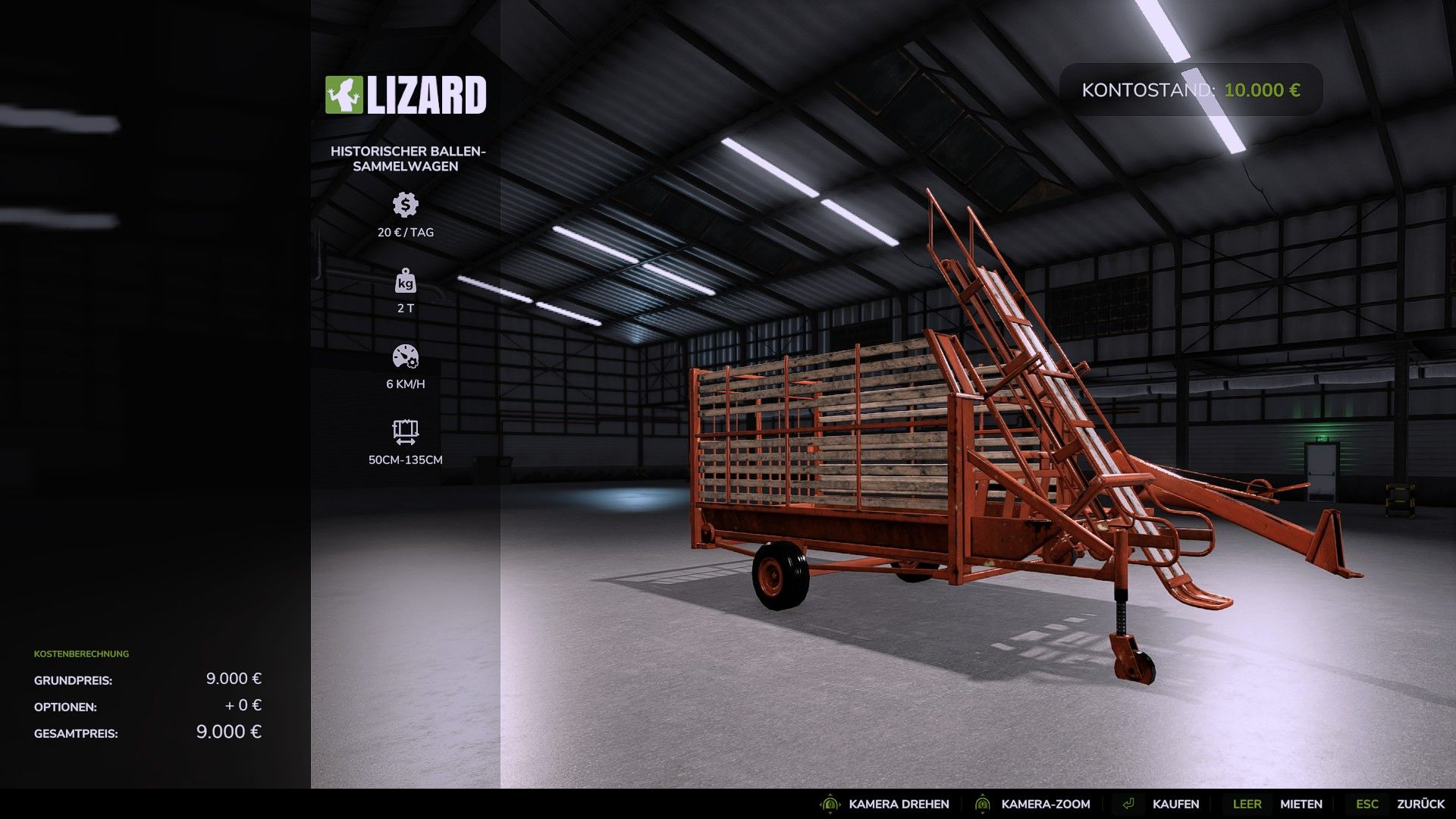
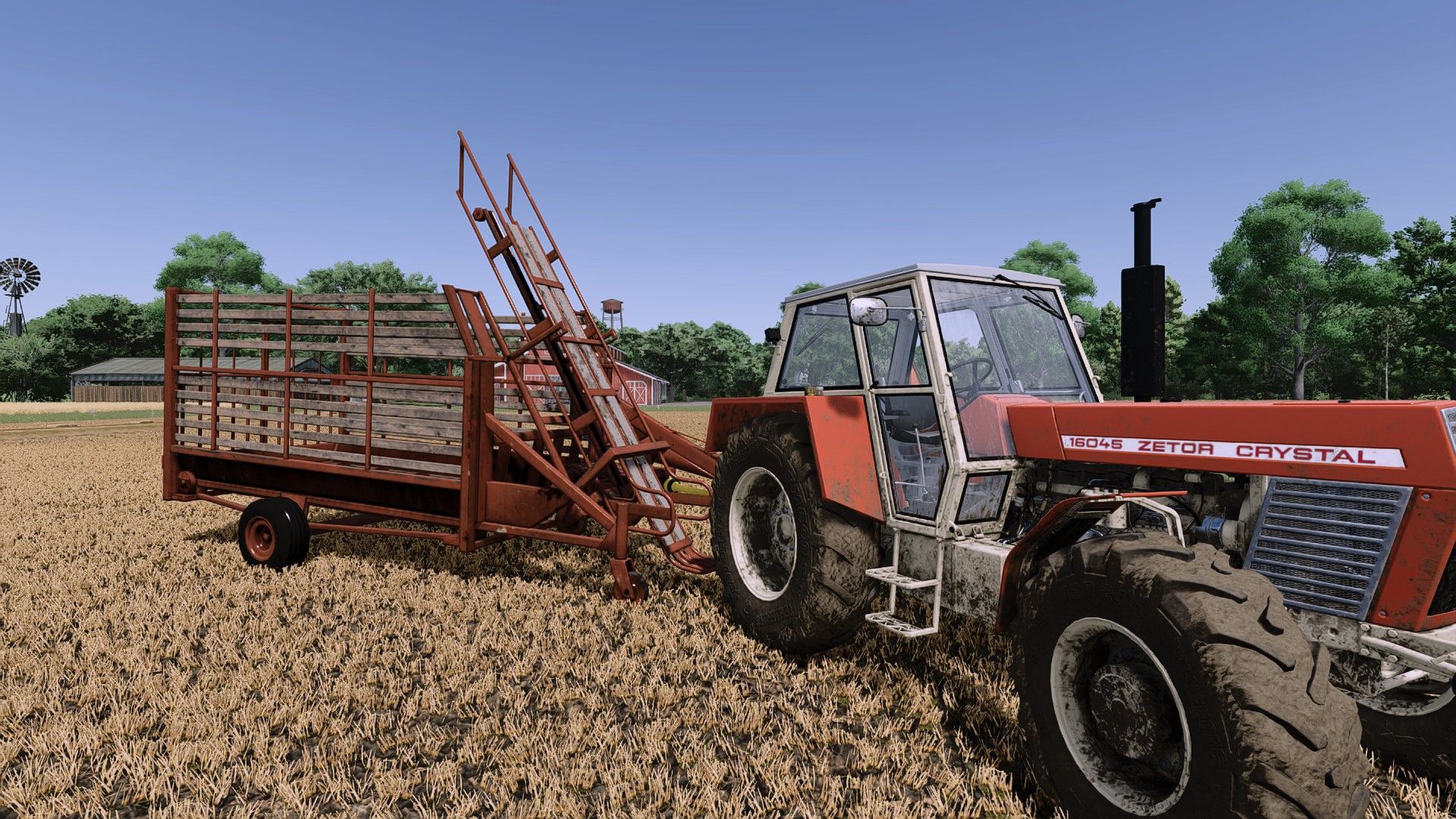
HD Bale Collector – A Classic Returns!
13 years of waiting. A legend forgotten? Certainly not!
Some things are never forgotten. Others simply take a little longer to return. While the gaming world was eagerly waiting for GTA 6, another classic is finally making its comeback!
Those familiar with Farming Simulator 2013 and the Classic Farming DLC from back then may still remember it: the legendary HD Bale Collector.
What was once a familiar sight on many farms is now getting a second chance in Farming Simulator 25.
But this time, it will not remain just a memory or a decorative object. This old acquaintance is being brought back into the game from the ground up and prepared for its new assignment.
Nostalgia meets modern technology!
Whether you are a long-time LS13 veteran or a new player, this bale collector represents a piece of Farming Simulator history.
And let’s be honest: Some comebacks are worth waiting 13 years for.
Features
– Faithful remake of the HD Bale Collector from LS13
– Conversion for Farming Simulator 25
– The return of a true classic from the Classic Farming DLC
– Reworked with great attention to detail
A piece of LS history has returned.
Have fun with the HD Bale Collector!
“Good things take time. Some even take 13 years.”
V1.1.0.0
What has been fixed, added and improved?
Functional bale loading
– Completely reworked bale loading via the original conveyor belt.
– Improved grabber and conveyor belt control.
– Bales are picked up normally and transported to the trailer via the conveyor belt.
– Reworked bale positioning and collision calculation.
– Invisible or duplicate collision bodies during storage have been removed.
– Adjusted bale sizes and more reliable detection of different bale types.
New autoload system
– Autoload can be conveniently switched on and off.
– Dynamic display of the current load and maximum capacity.
– Automatic loading stop when the loading area is full.
– Clean, precisely defined bale positions.
– Optimized stacking in length, width and height.
– Different loading arrangements depending on the bale size.
– No manual sorting or readjustment of the stored bales required.
Support for three bale sizes
LSFM bales
– Up to 69 bales.
– Adjusted three-row stacking.
– Additional free spaces in the foremost position of the top layer.
Small HD bales – 69 × 35 × 49 cm
– Up to 90 bales.
– Long side facing the direction of travel.
– Six layers with even spacing.
HD bales – 45 × 35 × 120 cm
– Up to 42 bales.
– Three bales side by side.
– Two bales behind each other.
– Seven layers stacked on top of each other.
All loading arrangements have been specially adapted to the respective bale dimensions.
New unloading system
– Independent unloading function for the complete bale stack.
– Open the rear flap and then trigger the unloading process.
– The entire stack is placed behind the trailer in an orderly arrangement.
– Sufficient clearance from the rear flap so that nothing gets caught on the trailer during unloading.
– The bales regain their normal physics and collision function during unloading.
Further technical and visual improvements
– Reworked bale positions and stack heights.
– Improved spacing between the individual bales.
– Adjusted positioning within the trailer body.
– Optimized collision and physics functions.
– Reworked textures for greater sharpness and clearer surface details.
– The original historic character and classic appearance of the trailer have been preserved.
Author: BetonMisha, GIANTS Software