HMT Ear Plugs V1.0
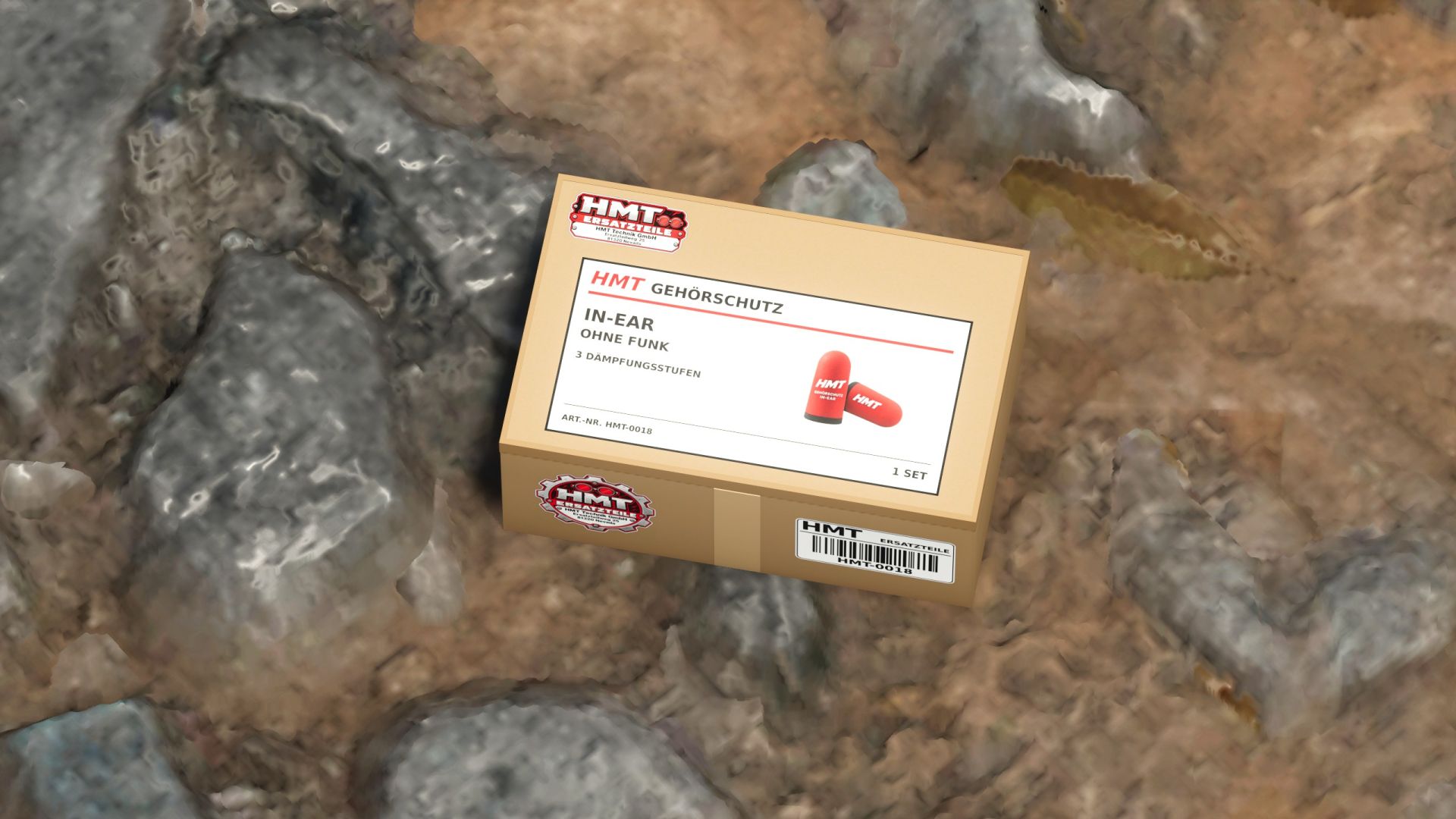
HMT Ear Plugs V1.0
Reduce machine noise, hear Discord and YouTube again: Two purchasable hearing protection options with three attenuation levels, switchable radio attenuation – directly at the touch of a button, without a menu! Multiplayer voice chat works at your set volume.
Is there constant noise coming from the passenger side again? Has the shift supervisor been patting himself on the back for 30 minutes already? And is the noise from the machinery so loud you can’t hear your friends on Discord or your YouTube video?
With HMT Ear Plugs, you can dampen vehicle, environmental, and character sounds directly at the touch of a button. Purchase your hearing protection in the shop, transfer it from the box to your player inventory, and select the appropriate attenuation level.
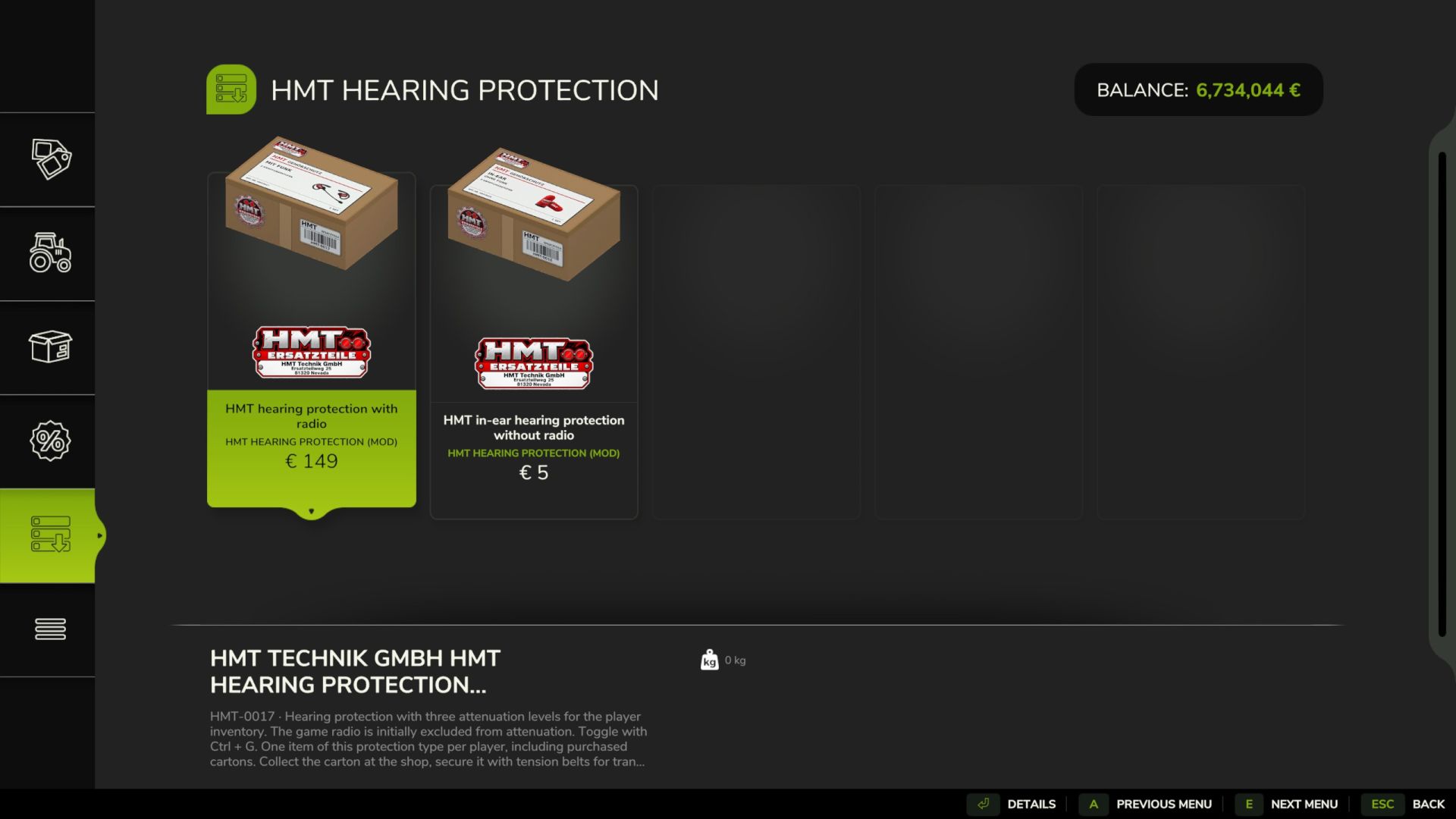
Two variants
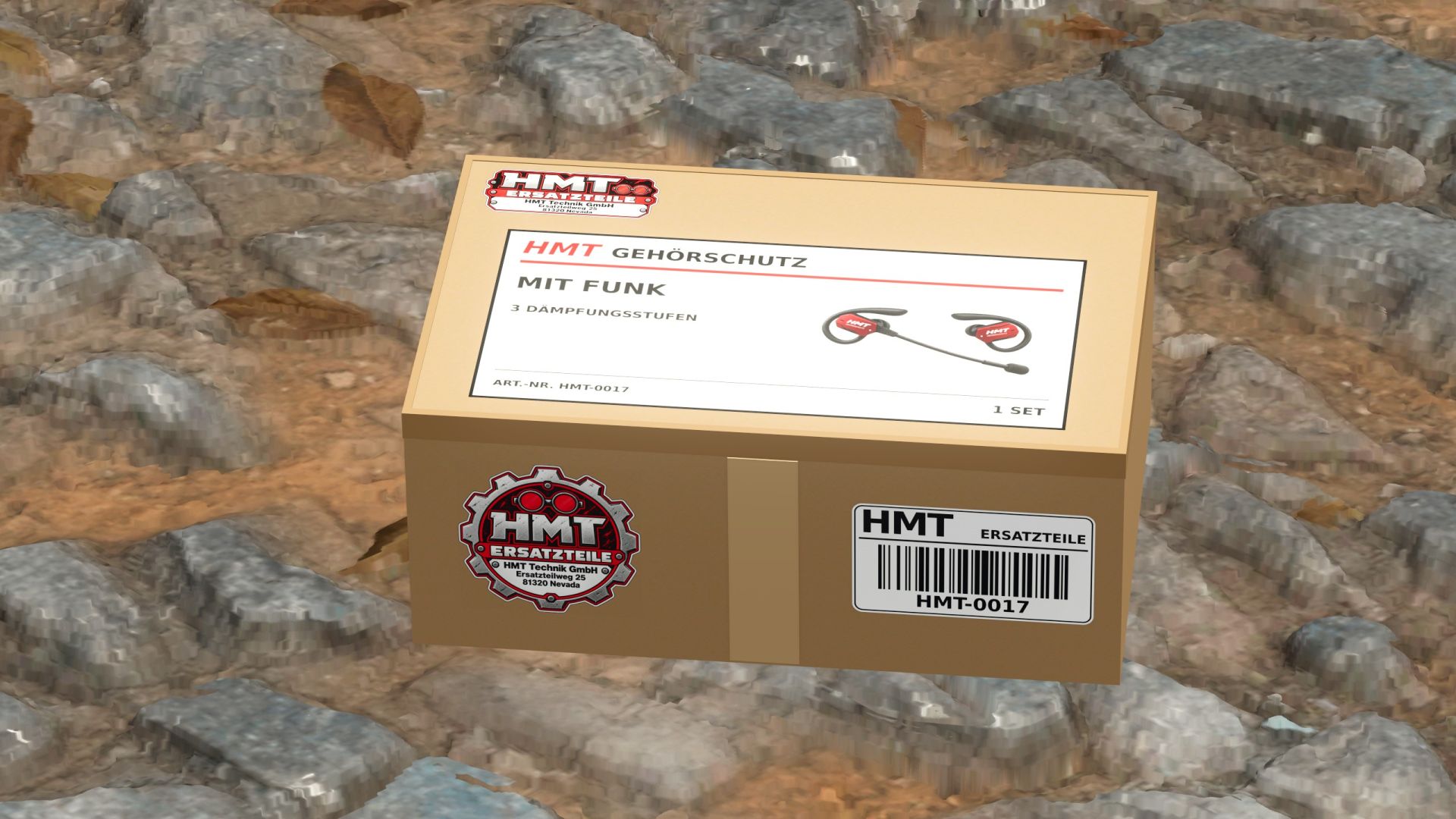
HMT-0017 – Hearing protection with radio for €149
HMT-0018 – In-ear hearing protection without radio for €5
The integrated multiplayer voice chat works at your set voice chat volume in both versions . You can still communicate with your teammates even while the volume is muted.
With wireless hearing protection, the game radio plays at its set volume by default. The in-ear version incorporates the game radio into its attenuation by default. You can toggle the radio attenuation at any time by pressing left Ctrl + G. This setting applies to both versions until the end of the gaming session.
After purchase, the corresponding small HMT box will appear in the shop. You can carry it, load it, and secure it for transport with straps.
Place your own box down, release any straps, and approach on foot to within 2.5 meters . Press X to add the ear protection to your personal player inventory. After successful transfer, the box disappears.
Each player is allowed one pair of wireless earplugs and one pair of in-ear earplugs . Previously purchased boxes and pending purchases count towards this limit. Once a pair has been sold, it can be purchased again.
Having the device in your own inventory is sufficient for operation. The noise reduction works while driving and using other tools. When switching between different types of hearing protection, the selected noise reduction level is retained.
Steering
X – Take over the inventory of hearing protection on your own, stored cardboard box
^ – Through 25% → 50% → 75% → Switch off
Left Ctrl + G – Turn radio attenuation on or off
Left Ctrl + left Shift + G – Switch between the purchased variants once both are in the inventory.
The F1 help function displays the active variant, the attenuation level, and the radio selection. All buttons can be customized under Options → Controls . With developer commands enabled, the ^ key can also open the console. The hearing protection action can be reassigned to a different button.
The player’s inventory is saved with the game progress. Each new game session begins with hearing protection switched off.
Author: hank_madness_