Hyper Realistic Maintenance 2 V1.2
Hyper Realistic Maintenance 2 V1.2
The DEF Pack mods and Variable Tire Pressure can be used together without compatibility issues.
Two photos have been added with mods tested on a multiplayer server.
More translations in development.
Your engine wears out. Your oil gets dirty. Your turbo fails if you never maintain it. This is what “realistic maintenance” should have meant from the beginning.
Hyper Realistic Maintenance 2 adds deep, continuous mechanical simulation to all motorized vehicles in your saved game — tractors, trucks, harvesters and cars — with real gameplay consequences, not just cosmetic numbers.
What is simulated
Engine: 5 independent components (cylinder, piston, bearings, crankshaft, valves) that affect one another — cylinder wear increases blow-by, which contaminates the oil and accelerates wear even further
Thermal: coolant temperature increases under load and the engine overheats if the radiator is degraded
Fluids: oil level/contamination and coolant level, both of which can be checked and require maintenance
Transmission: clutch, gearbox, turbo and battery/starter motor wear over time
Failures: probabilistic failures that increase sharply above around 35% wear in the relevant component — critical overheating above 118 °C is guaranteed and does not depend on luck
Behavior by vehicle type: tractors, trucks, harvesters and cars wear at different, realistic rates
Real effects, not cosmetic ones
Actual power loss — reduces the engine’s effectively available torque; you will feel it in the field
Actual no-start conditions — a dead battery or worn starter motor can genuinely prevent the engine from turning over, with a warning displayed on screen
Harvesters suffer a real loss of threshing efficiency as engine condition deteriorates
Scheduled maintenance, just like in real life
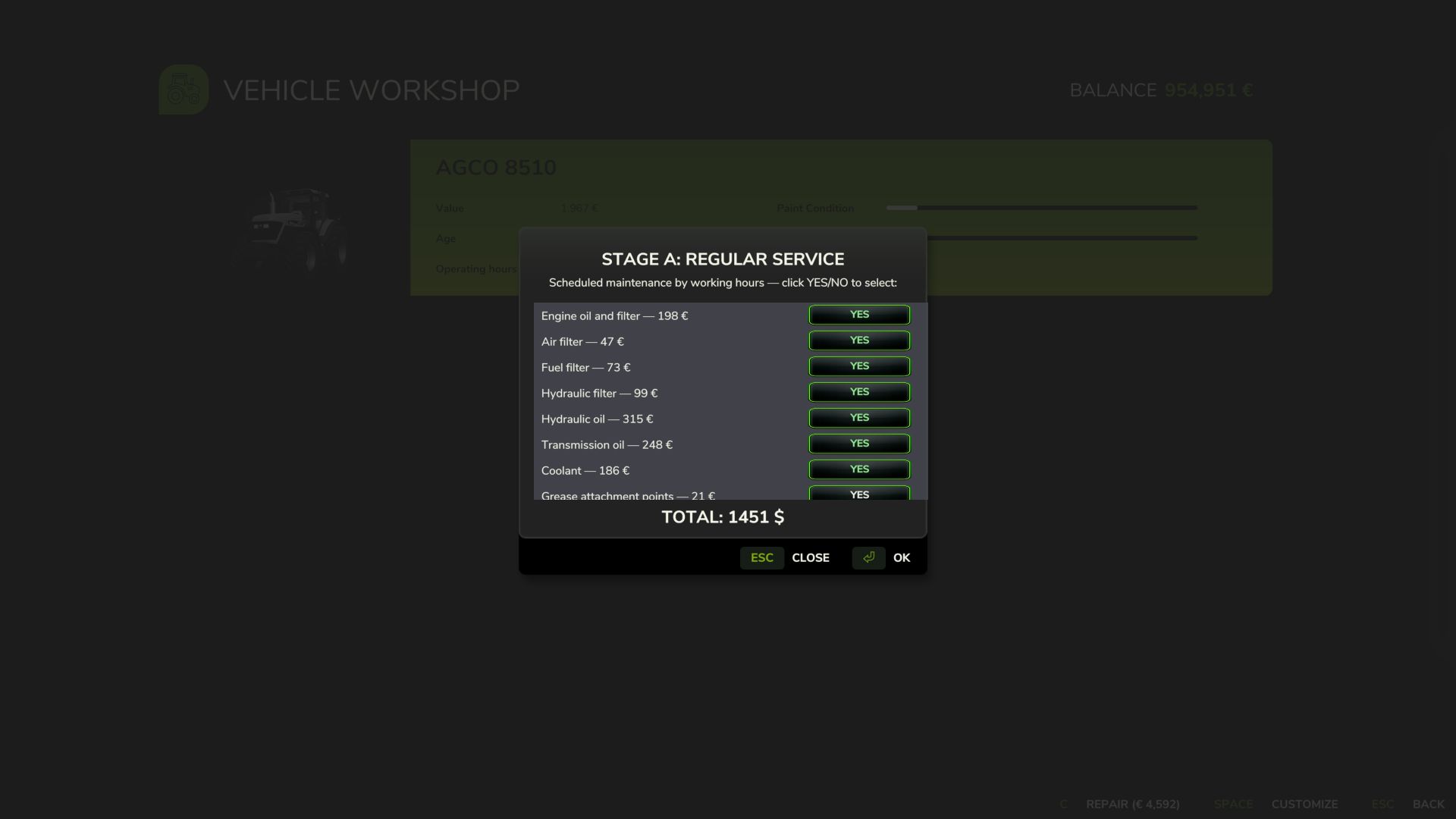
10 maintenance items (engine oil, filters, hydraulic/transmission oil, coolant, grease, belts and much more), each with its own interval and a real cost for the farm — automatically adjusted to the vehicle’s actual power. If you neglect maintenance for too long, wear accelerates by up to +120%.
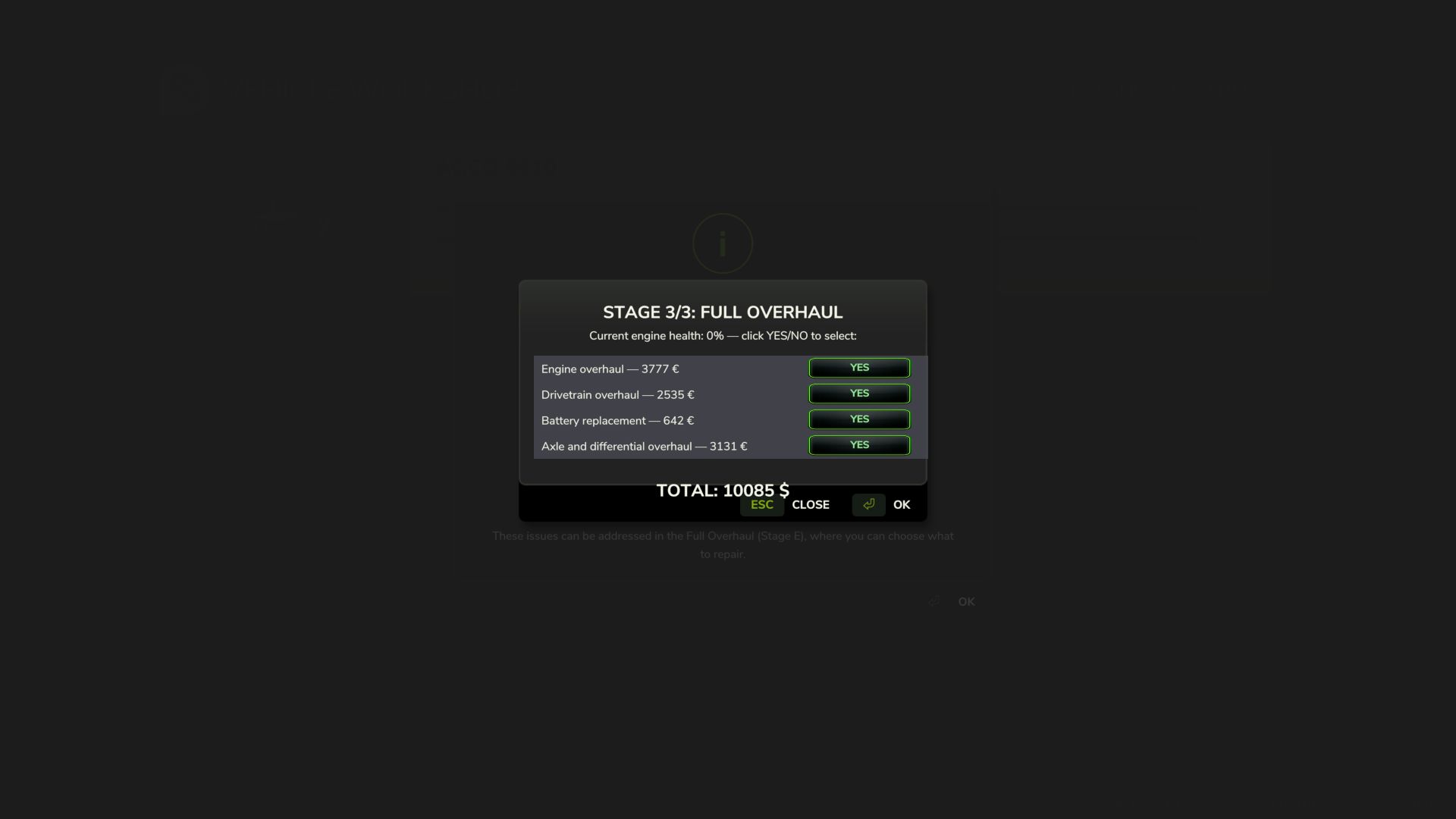
Vehicle HUD with 3 pages — overview, detailed engine diagnostics and maintenance status — with an adjustable position in the Game Settings menu. The game’s repair screens themselves (shop, farm workshop, mobile workshop) now also perform a complete HRM2 service.
Compatibility: works completely standalone. If you also have the 4×4 Traction System mod, the two mods detect each other automatically, and driving with 4WD/differential lock now has a real additional effect on the transmission. Significantly improved multiplayer and tested on a real dedicated server (see the changelog for details and known limitations). Maintenance progress is saved in the saved game.
V1.2.0.0
Move the HUD with the mouse
A new way to position the HRM2 panel, requested by the community: press Ctrl+Shift+H to activate HUD editing mode (this shows the mouse cursor), click and hold on the panel, and drag it wherever you want. Release the button to confirm the new position, then press Ctrl+Shift+H again to exit editing mode.
The position is saved for the player, not the savegame configure it once and it will remain the same across all savegames; you do not need to repeat it for each save.
If the shortcut does not respond, check under Settings Controls that the “HRM2 Edit HUD” action is actually assigned to a key (in some cases, the game may leave it unassigned by default).
Small internal stability and code-cleanup adjustments have also been made.
Author: zasty chalk