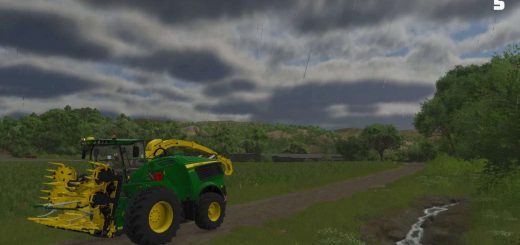
Improved Corn Plants Three V1.0.0.2
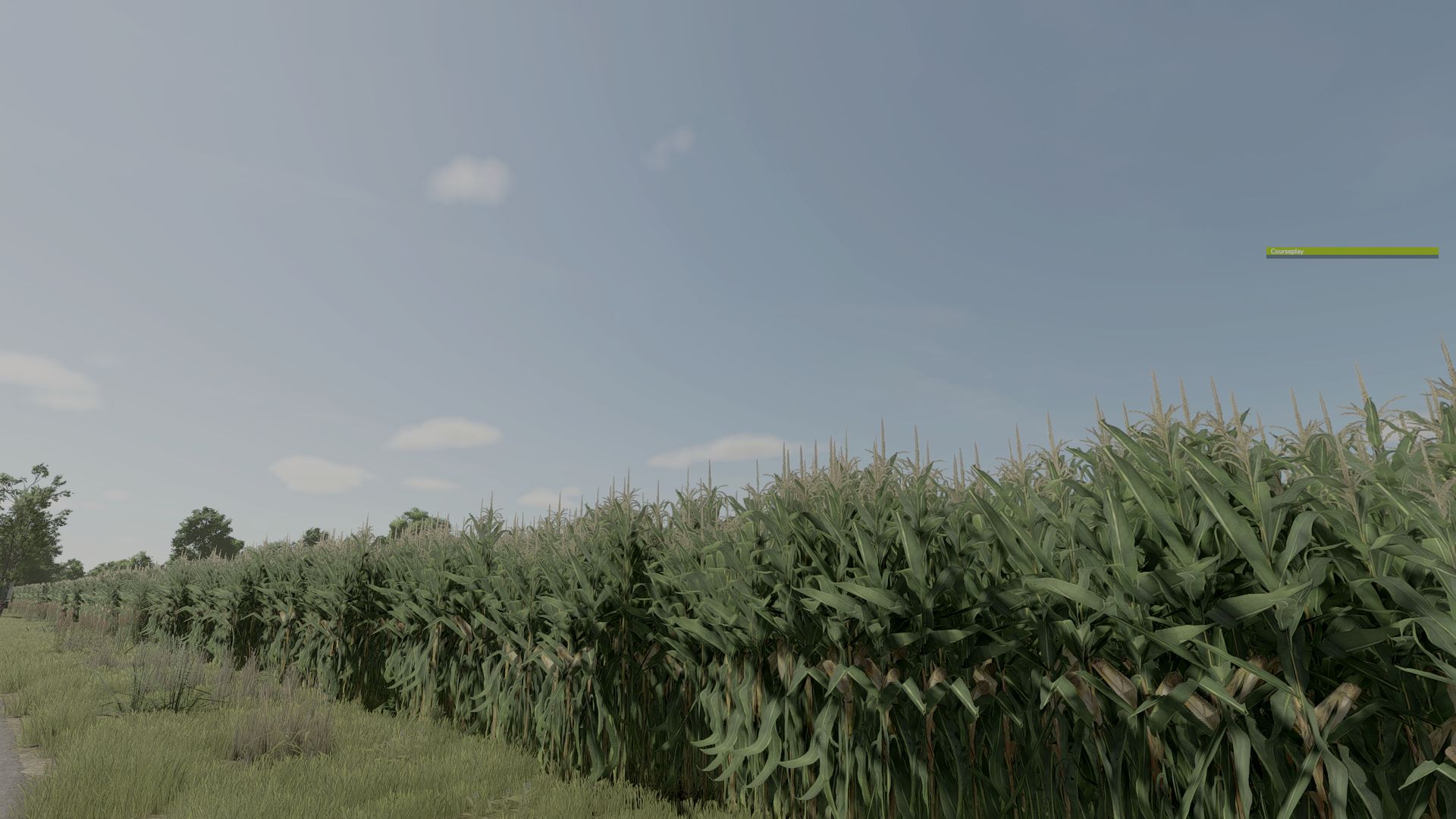
Improved Corn Plants Three V1.0.0.2
“Improved Corn Plants Three” is a mod for Farming Simulator 25 that changes the appearance of corn plants.
It uses the provided XML and I3D files for the third corn variety to adjust shape, density, growth stage structure, post-harvest appearance, and behavior in tire tracks and stubble – all without manual copying and pasting.
Overview of “Improved Corn Plants Three”:
“Improved Corn Plants Three” is a mod for Farming Simulator 25 from the “Fields & Crops” category by Sumro Gaming. This page explains the release before the player accesses the download source. “Improved Corn Plants Three” is a mod that replaces the textures and models of the corn plants in Farming Simulator 25. It uses the provided XML and I3D files for a third variant of the corn plant to change its shape, density, growth stage structure, appearance after harvest, and behavior with tire tracks and stubble – all without manually copying and pasting anything into the game folder.
“Improved Corn Plants Three” is an original mod by Sumro Gaming for Farming Simulator 25. It is aimed at players who want a more realistic representation of crops and fields during normal fieldwork. The main goal is simple: “Improved Corn Plants Three” replaces the standard corn appearance in Farming Simulator 25 with a third variety.
The functions of the third corn texture variant “Improved Corn Plants Three,” focus on the following: installing the XML, I3D, and shape files for the third corn variant when the mod is active; cleaning up outdated backups of previous corn mods; creating new, user-specific backups; restoring the original files when closing the map or game; and exclusively changing the visual appearance and configuration files of the corn (no changes to prices, yields, missions, vehicles, the economic system, or save game data).
Upon activation, the mod installs the revised configuration for the third corn variant, applies updated XML, I3D, and shapefiles, first removes old backups, creates new user-specific backups, and then restores the original corn files when the map or game is closed. This third corn pack is best viewed as a standalone visual option. It is not intended to be combined with other corn mods but offers players another style for cornfields to try on their preferred map.
Author: SumroGaming