Irish License Plates (Prefab) V1.1
Irish License Plates (Prefab) V1.1
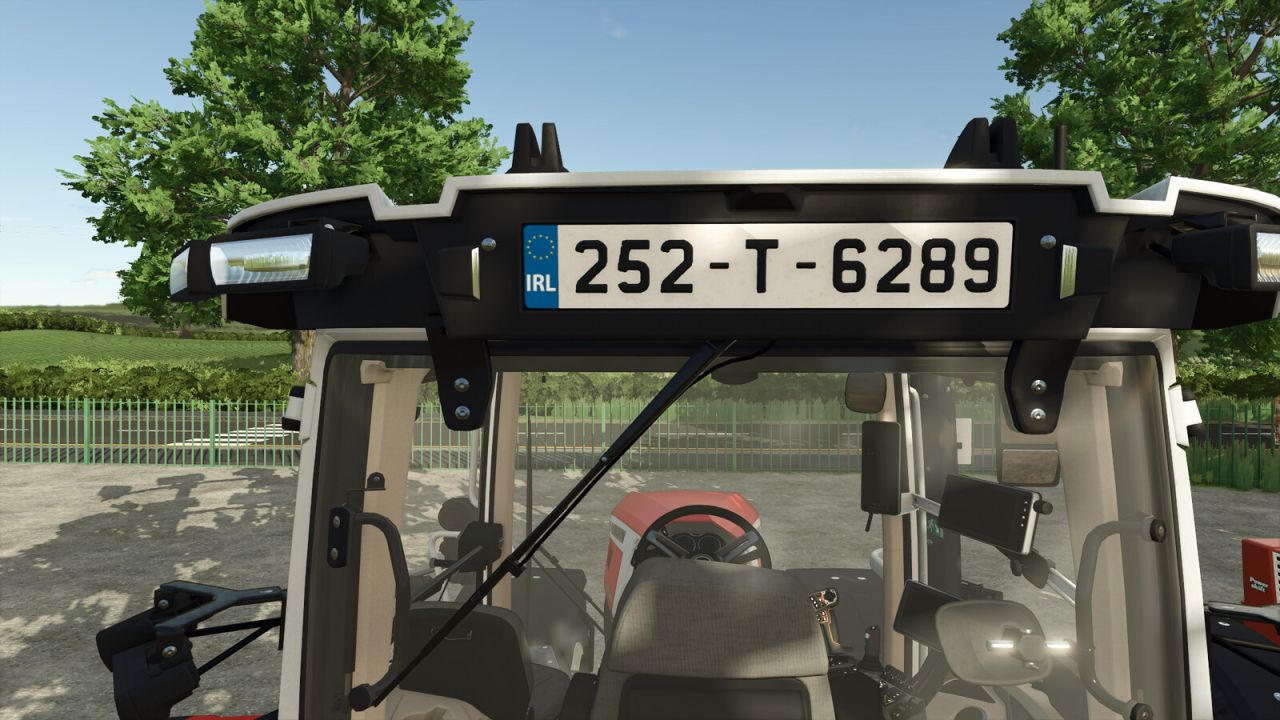
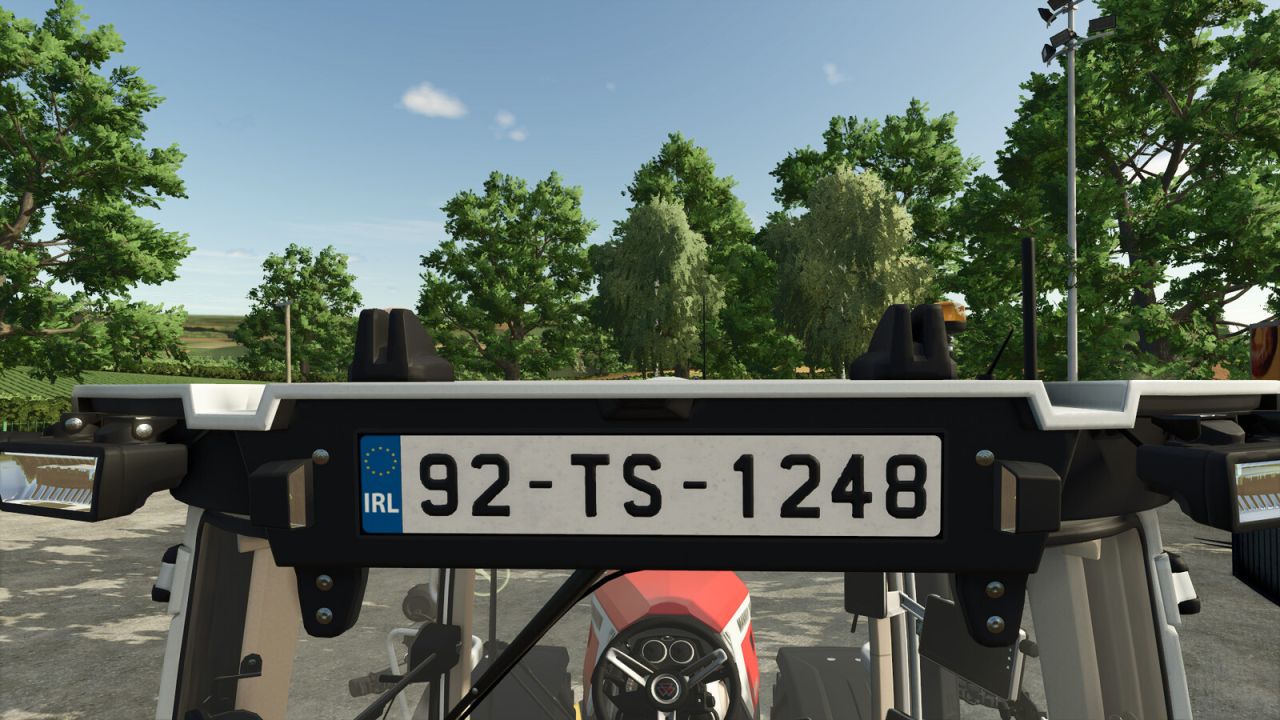
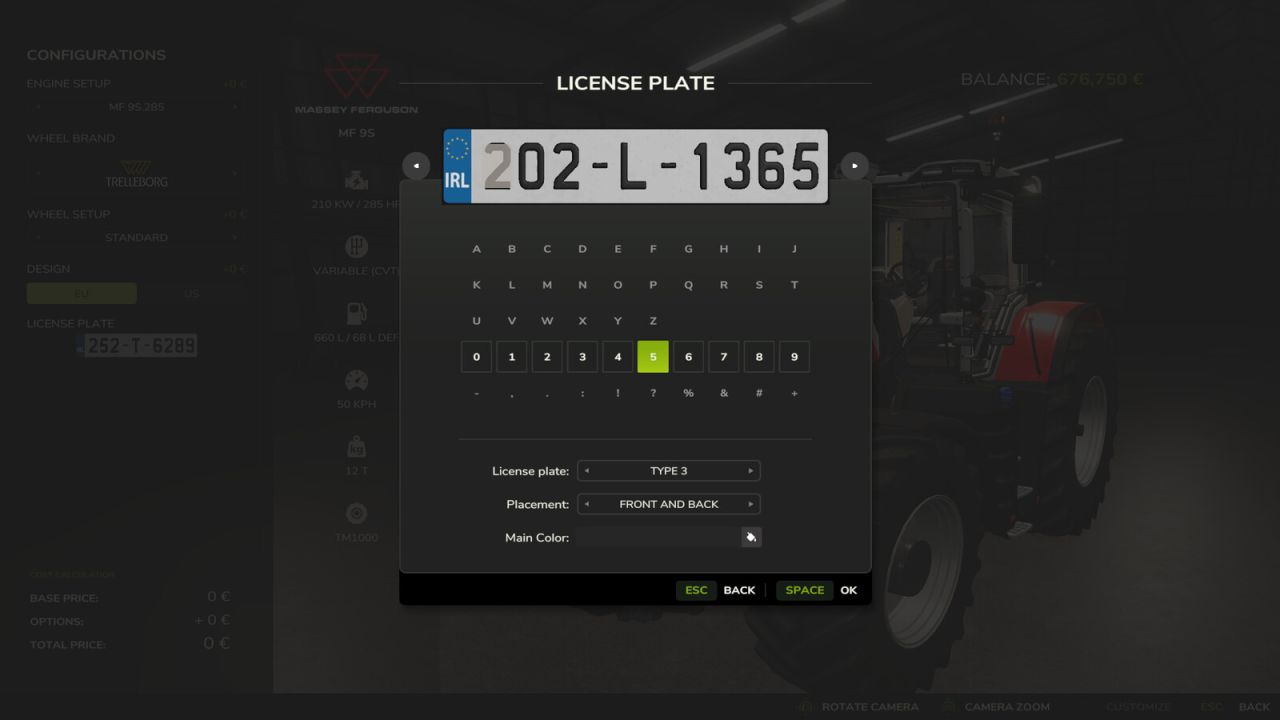
Irish license plates for your map.
Install Instructions:
1) Extract your map and the license plates zip files.
2) Copy the “licensePlates” folder into your maps zip file.
Depending on your maps folder structure you may need to adjust the filename paths in the “licensePlates.xml” file to suit your folder structure.
The paths are currently setup to have the “licensePlates” folder inside the “maps” folder within the maps zip file.
3) Modify the licensePlates filename path in your “map.xml” file to point to the “licensePlates.xml” file from the “licensePlates” folder.
The file path to enter here is “maps/licensePlates/licensePlates.xml”, however this may differ depending on your maps folder structure as stated previously.
4 – OPTIONAL) To install the ai plates, modify the licensePlates filename path in your “trafficSystem.xml” file to point to the “aiLicensePlatesIE.i3d” file from the “licensePlates” folder.
Note: If your map does not have its own “trafficSystem.xml” file, you will need to copy the one from the basegame files it is currently using and re-adjust the file paths in the “map.i3d” file accordingly.
5) Re-zip your map
To use the License Plates with the FS25_useYourOwnLicensePlates mod, copy the files from the “FS25_useYourOwnLicensePlates” folder into
“C:/Users/xxxx/Documents/My Games/FarmingSimulator2025/modSettings/FS25_useYourOwnLicensePlates” and select Overwrite files when prompted
Description of the different plate types:
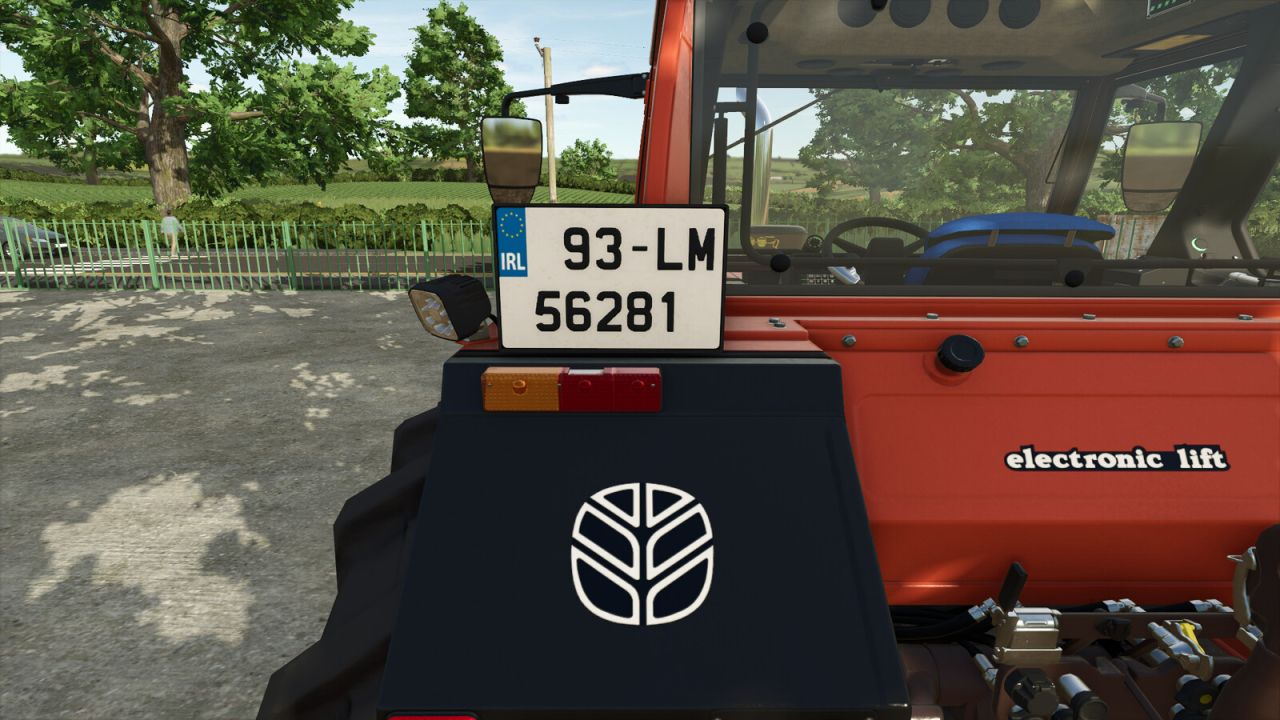
– Type 1/Type 3: (2013 –> Present Day): yy#-cc-xxxxxx, where,
y = year of registration, e.g. 21 = 2021, 13 = 2013 etc., # = 1 or 2, 1 = vehicle registered in 1st half of the year (January to June) and 2 = vehicle registered in 2nd half of the year (July to December).
c = county code. This can two letters or one letter depending on the county. e.g. LM = Vehicle registered in County Leitrim, T = Vehicle registered in County Tipperary.
x = Vehicle registration number, i.e. 1 = This is the 1st vehicle registered in that county in that year, 213 = This is the 213th vehicle registered in that county in that year.
– Type 2/Type 4: (1987 –> 2012): yy-cc-xxxxxx, where,
y = year of registration, e.g. 93 = 1993, 09 = 2009 etc.
c = county code. This can two letters or one letter depending on the county. e.g. LM = Vehicle registered in County Leitrim, T = Vehicle registered in County Tipperary.
x = Vehicle registration number, i.e. 1 = This is the 1st vehicle registered in that county in that year, 213 = This is the 213th vehicle registered in that county in that year.
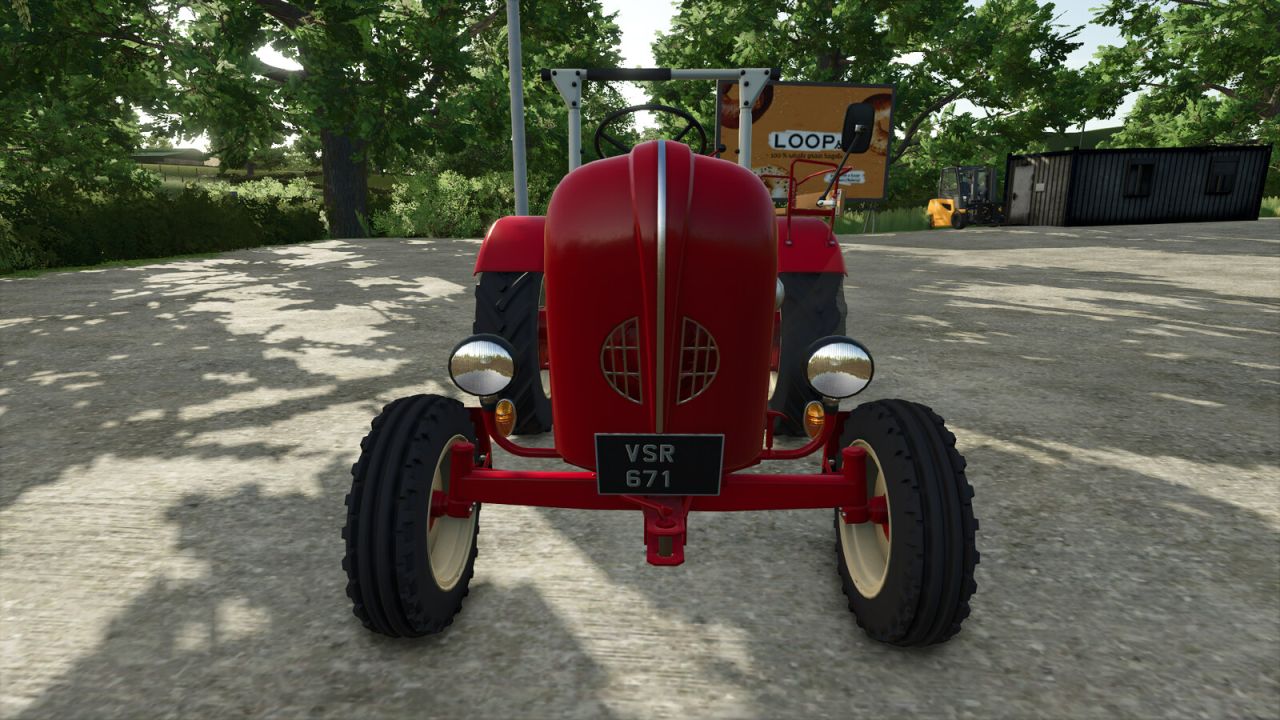
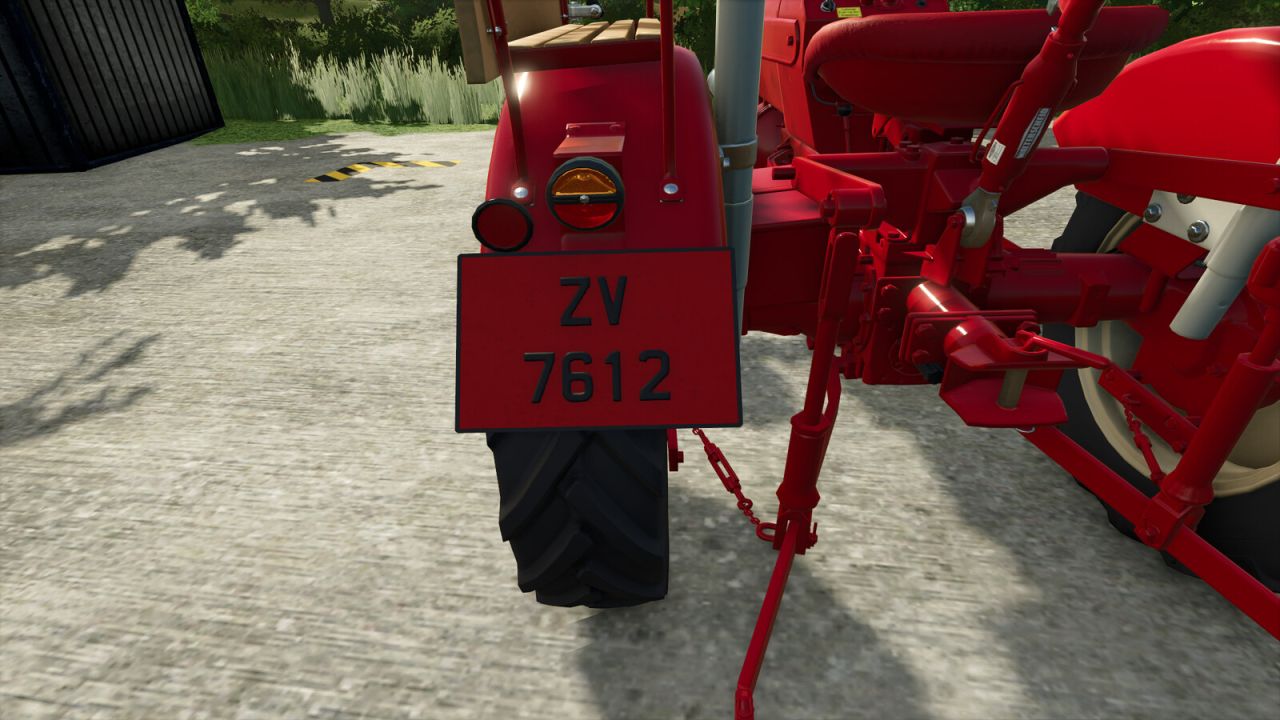
– Types 5 through 9: (Pre 1987): Vintage Plates with different background colours
Format can be either xxxx #### or #### xxxx, where x = Letter & # = Number
Formats can vary from one letter to three letters and one number to four numbers.
Reference the following Wikipedia page for the different county formats through the years.
– Types 10 through 13: Fantasy License Plate. You can let your imagination flow with this plate option as it is not a real life format. Purely just for the players that want to have a custom number plate :).
V1.1.0.0
– Added files to use with the FS25_useYourOwnLicensePlates mod
– Adjusted file paths from “maps/…” to “map/…”
Author: Dylan.C, GlengarBoy - Eire Agri Modding