John Deere 7R Series V1.0.1
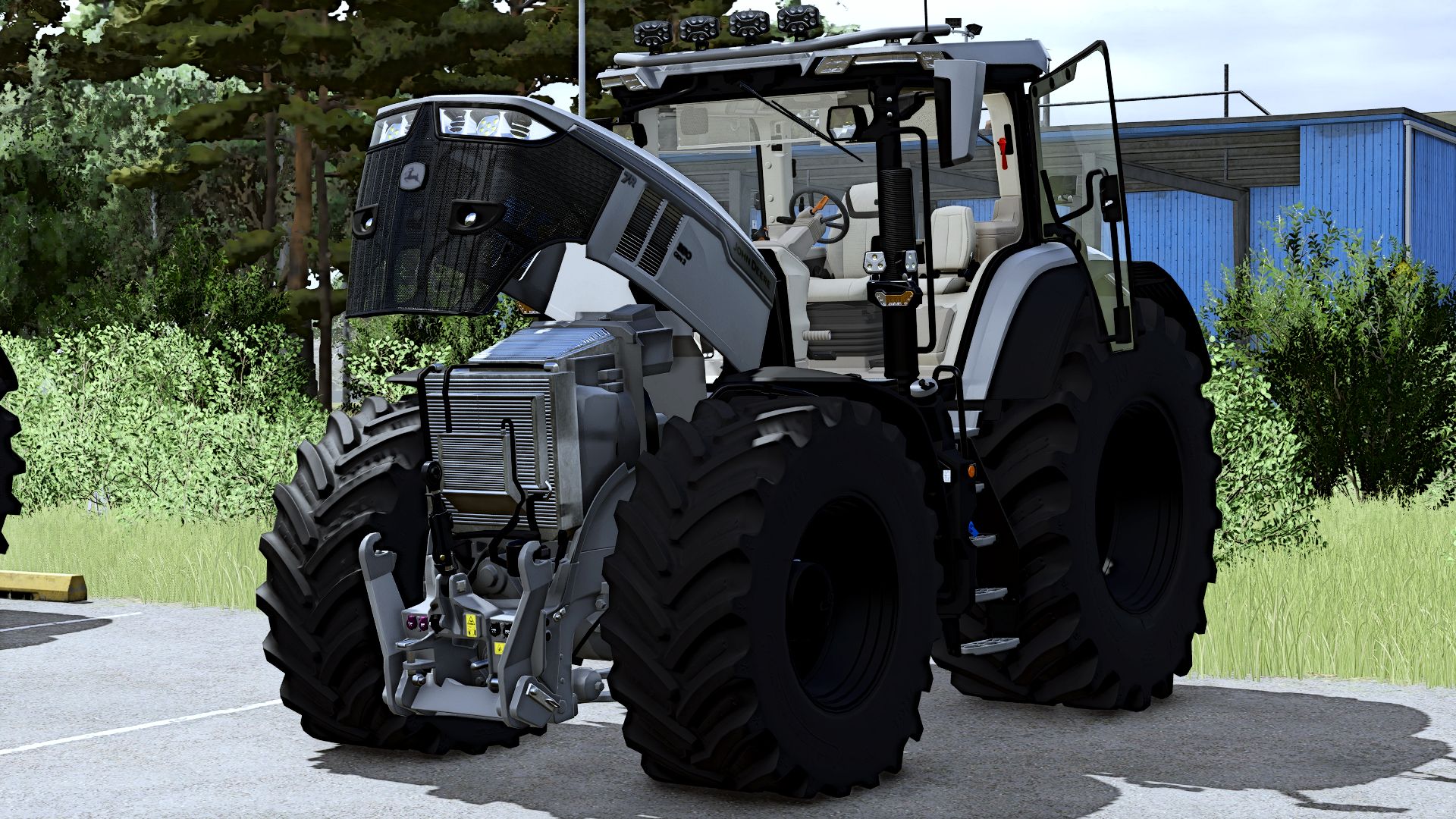
John Deere 7R Series V1.0.1
V1.0.1.0
What’s new?
CAM display for implements
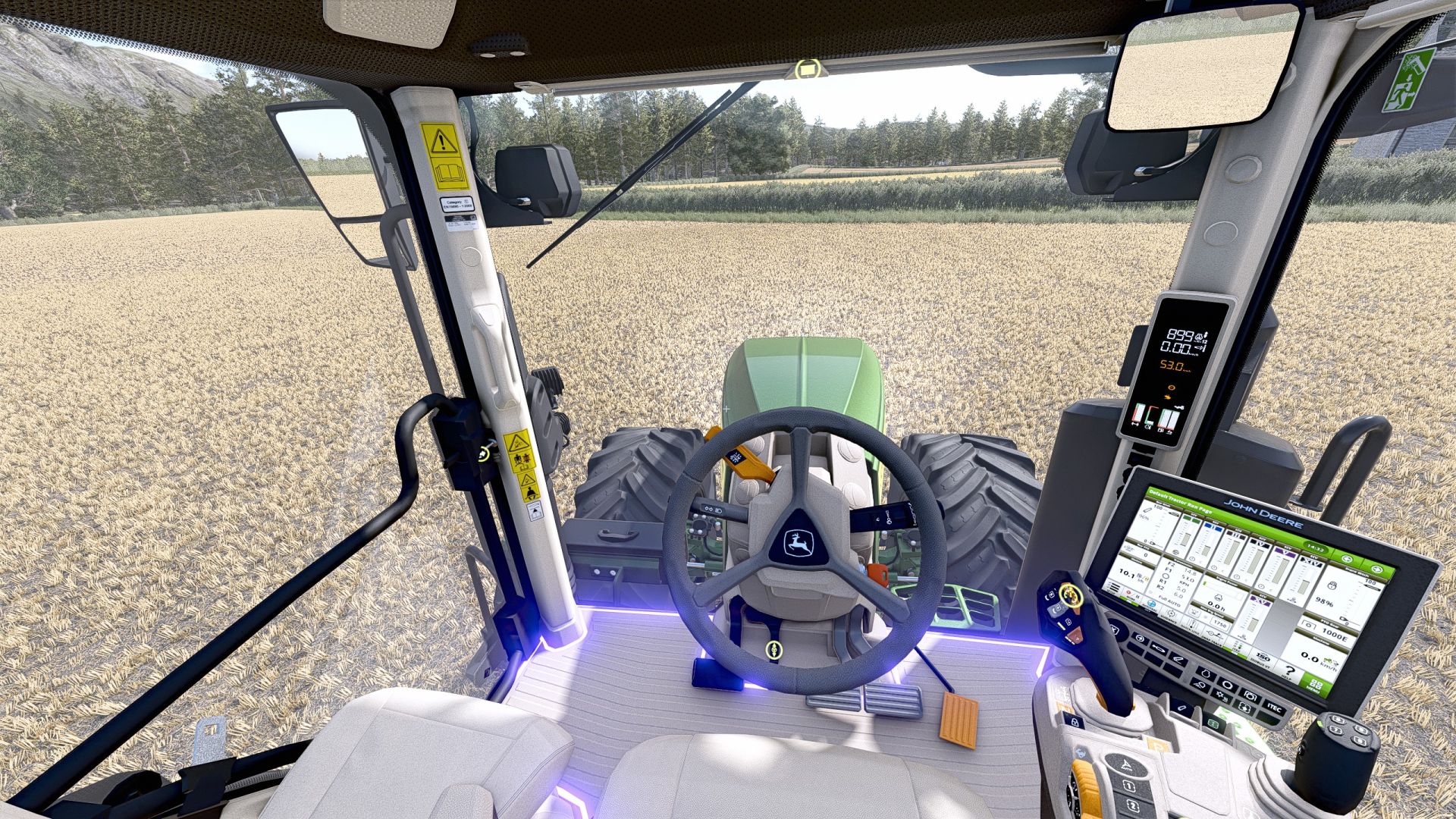
Implements now have their own CAM display, providing even more overview and a noticeably more modern appearance.
Animated sounds
Sounds are now played more appropriately in sync with the respective animations. This makes actions and movements feel much more lively and dynamic.
Grimme Terminal
Animated joystick
The joystick is no longer static either. Movements are now displayed with animations, giving the whole thing noticeably more life.
G5 displays instead of G4
The previous G4 displays are being replaced by the new G5 displays. A more modern look, a fresh appearance and, of course, a design that matches the rest of the update.
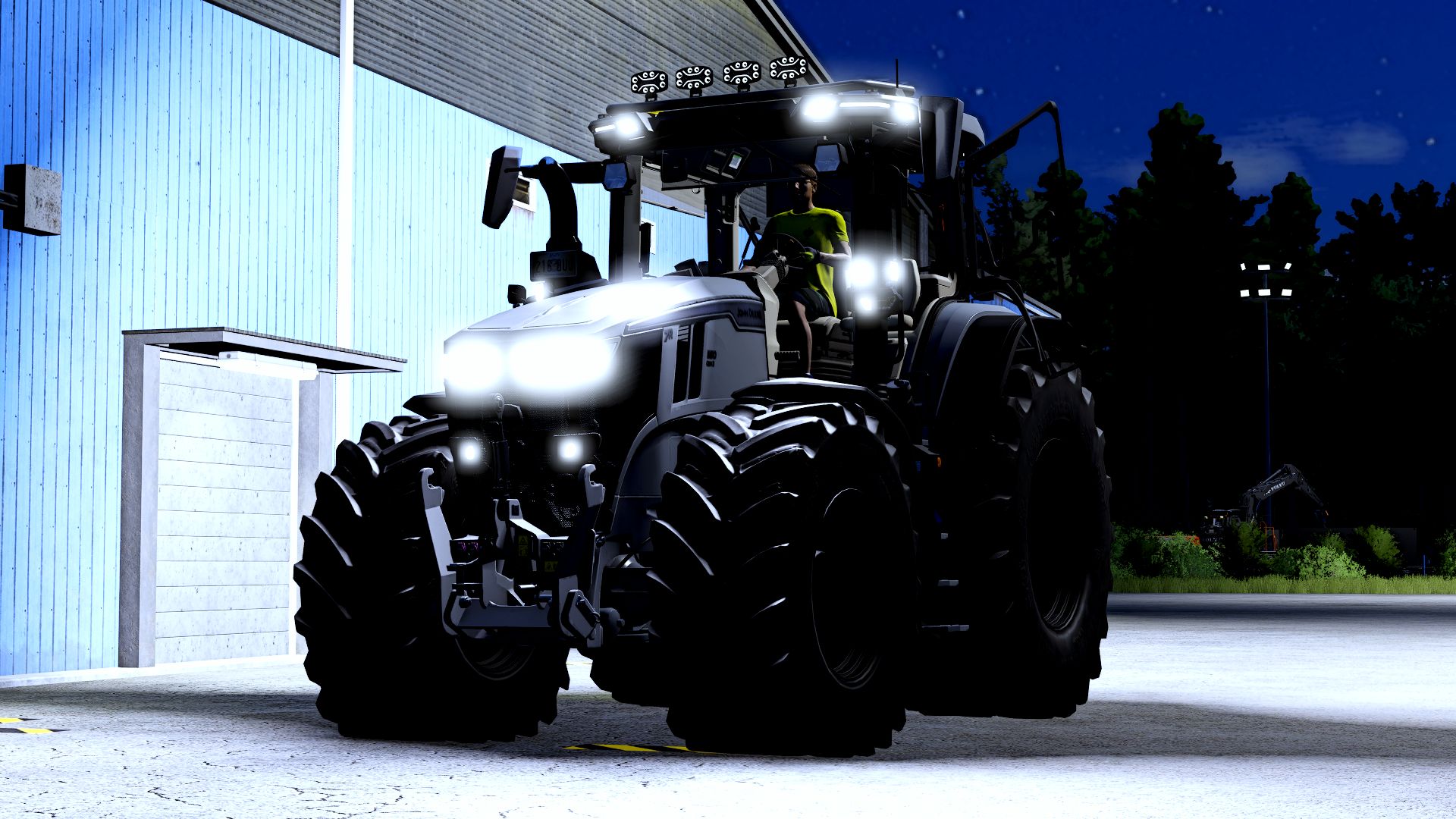
Starry sky
For the right atmosphere, there is now also an animated starry sky. This creates a much more atmospheric experience, especially at night, and makes the surroundings feel more alive.
Bug fixes & improvements
Of course, numerous bugs and minor errors have also been fixed. In addition, there are many optimizations behind the scenes so that everything runs more smoothly, reliably and cleanly.
And that’s still far from everything.
The update not only brings new features, but above all many small details that you may only notice at second glance and these are exactly what make the difference in the end.
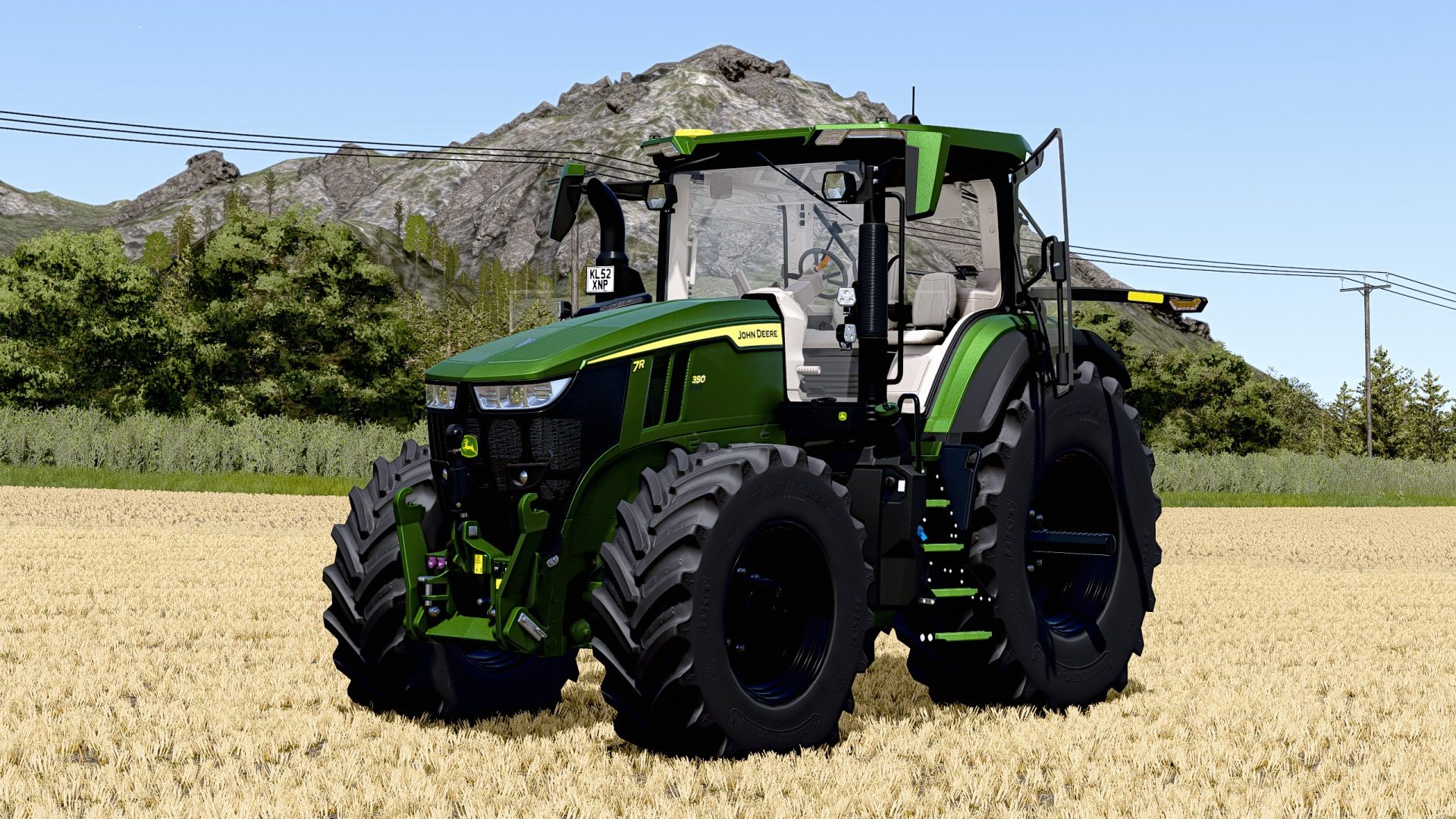
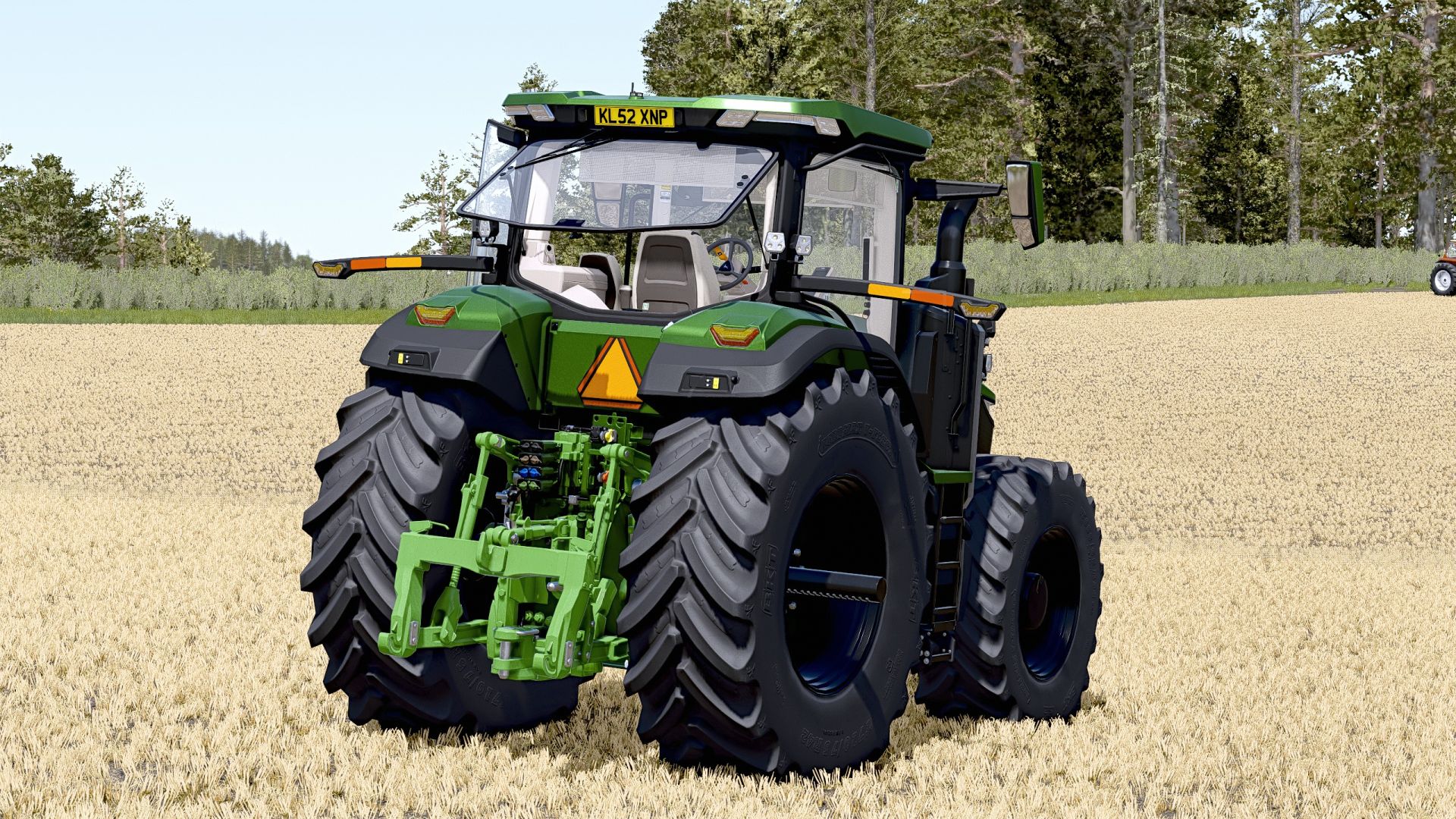
It’s finally here – my John Deere 7R Series is now available for Farming Simulator 25!
The 7R not only impresses with its distinctive John Deere design, but also comes with some practical features:
Features:
IC – Interactive Control
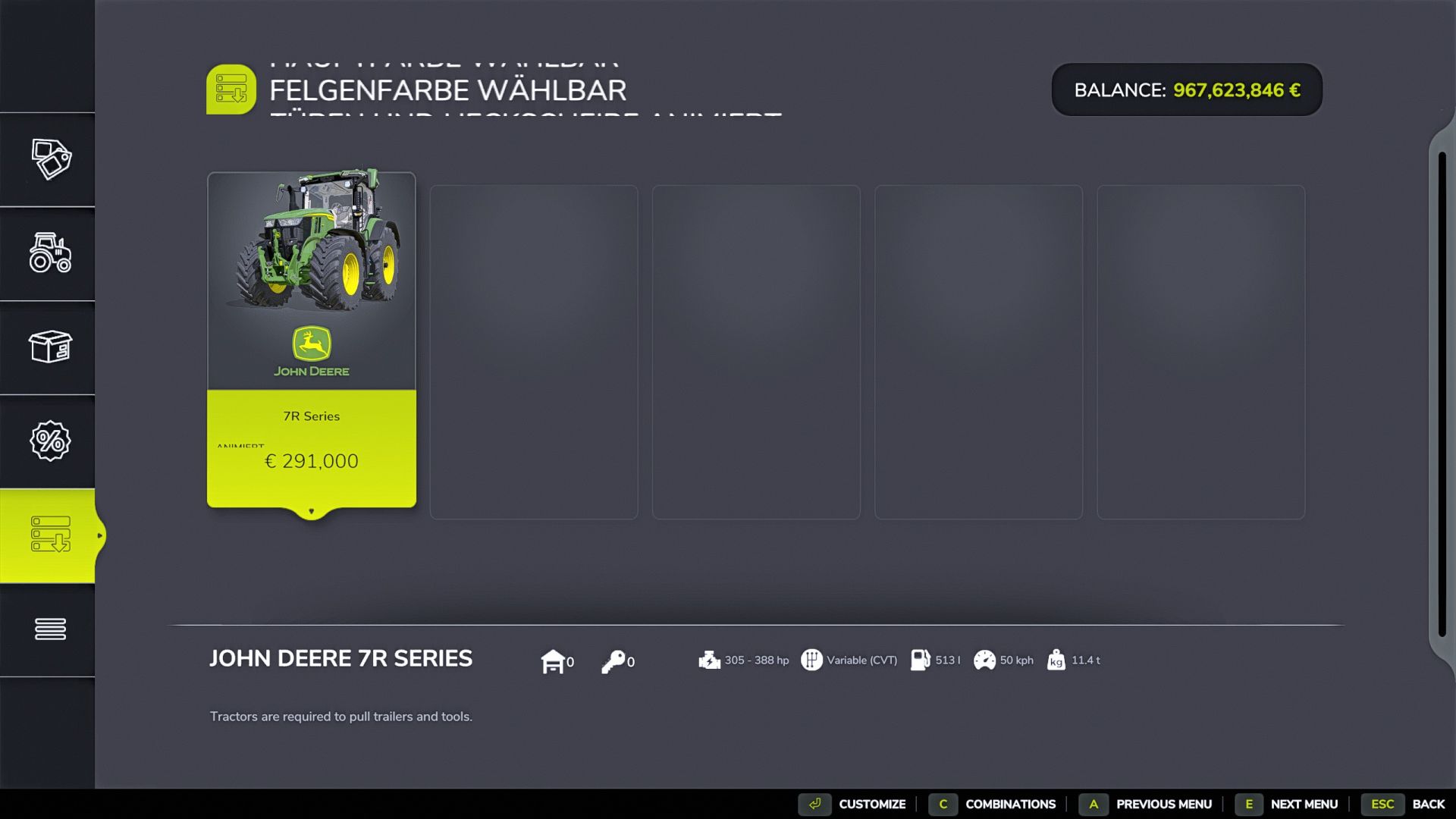
Various color configurations
Roof bar with integrated headlights
Detailed appearance and high-quality workmanship
Optimized for use in LS25
Whether in the field, in the grassland or on the farm – the John Deere 7R cuts a fine figure everywhere and delivers plenty of performance on the farm!
Required mods
Interactive Control
Author: Dirtdevil99