John Deere 8R In Multicolor v1.0.0.8
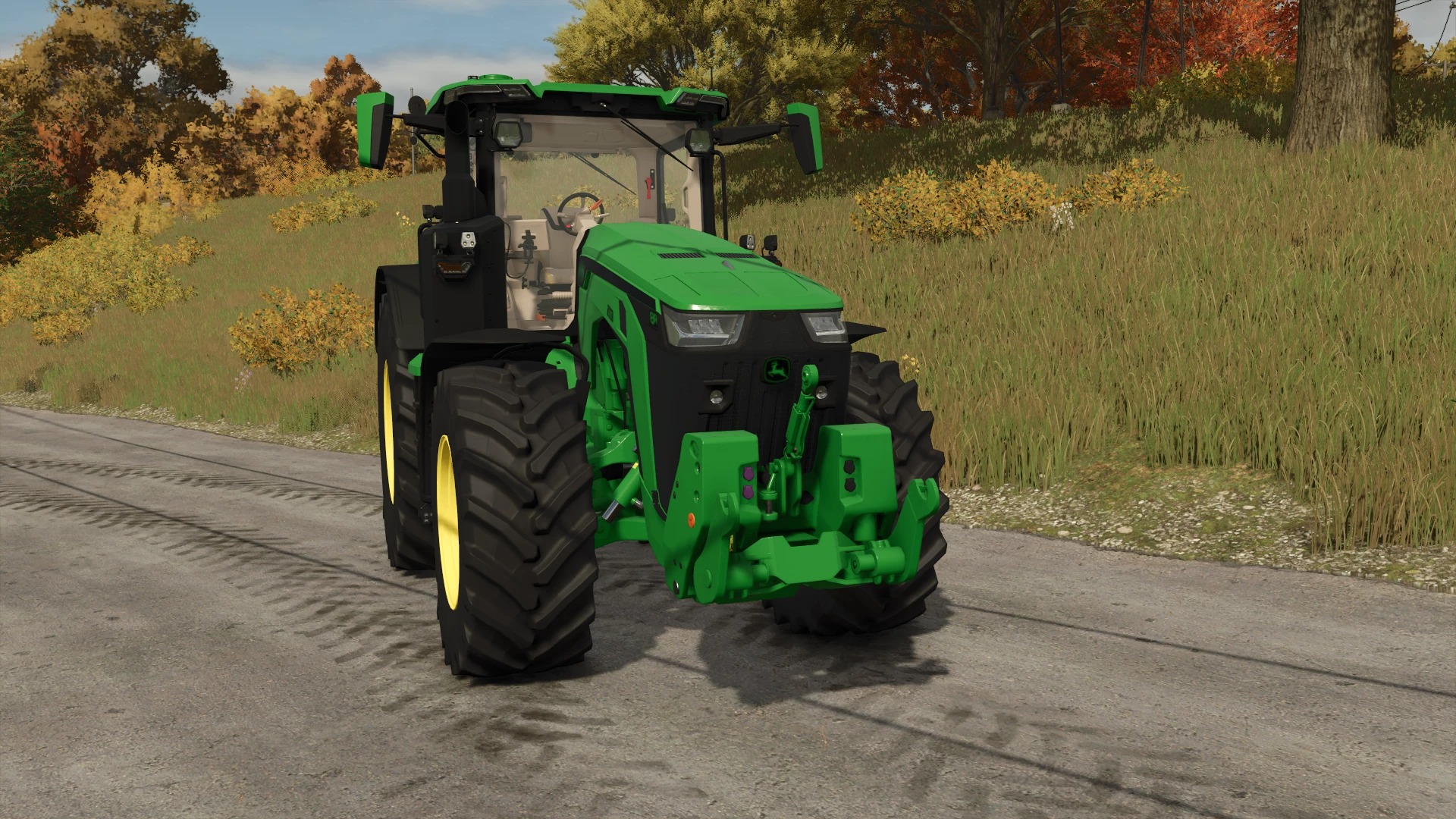
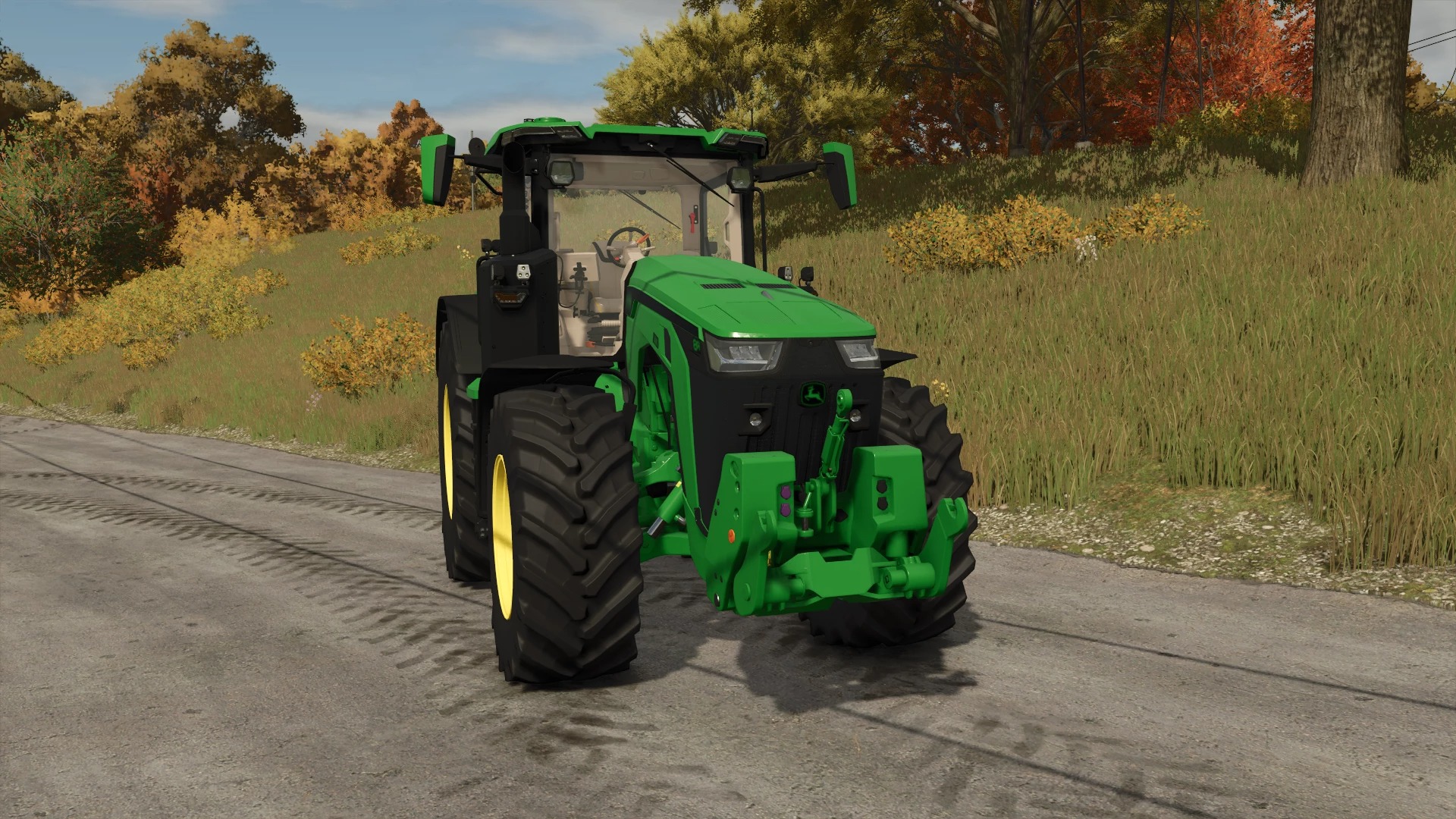
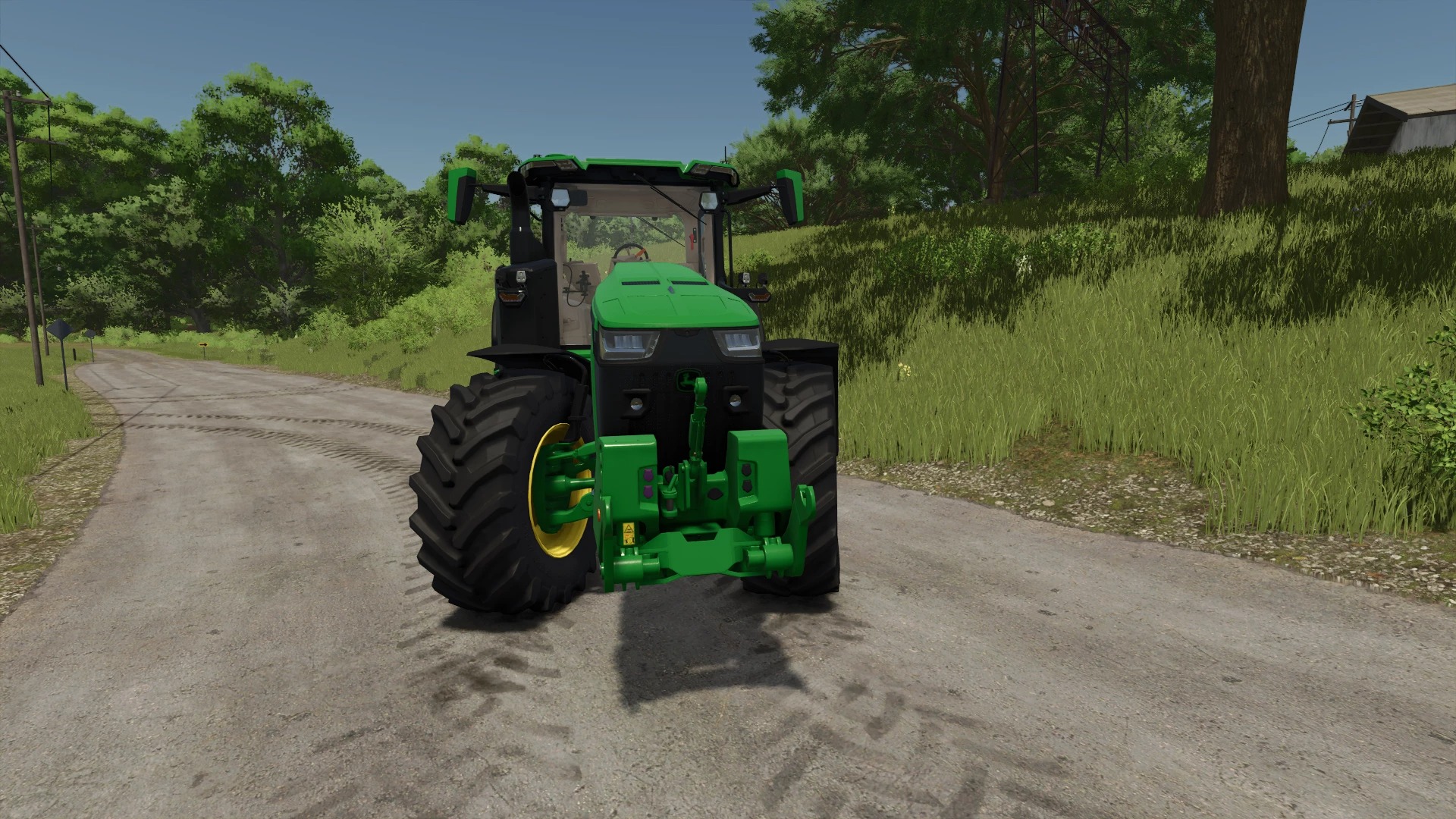
John Deere 8R In Multicolor v1.0.0.8
John Deere 8R in Multicolor
Price: €312,500
Power: 326-458 hp, 55 km/h
Agrar Bauer Tuning: 700 hp
Top speed: 75 km/h
All in Multicolor:
Selectable exterior color
Selectable seat color
Selectable grille color (top and bottom)
Selectable decal color
Selectable rim color
Complete rim color selection (inner and outer rim, hub, wheel bolts & weight)
The interior can be completely colored. (Steering wheel, steering wheel stitching, seats, seat stitching, and interior)
Different engine sound installed
Different horn installed
LED entry lights installed
Real GPS installed
Recommended Mod: RealGPS Mod
Changelog V1.0.0.8:
Bug fixes and texture optimization, repaired version of Agrar Bauer
Here is the list of things fixed and optimized:
Critical XML error fixed: An invalid special character (an incorrect hyphen) had crept into series8R.xml (line 1282), causing the test tool to crash completely. This has been fixed.
In-game horn fix: The horn wasn’t working in-game and threw the error “HONK_BASE not found”. I removed the Giants template and added the block directly to the main XML file using attacher joints. The horn now works perfectly in the game (H key) and is also displayed correctly in the F1 help window.
Sound engine & log spam cleaned up: The annoying log spam (Error: Index not found: 0.5 2.5 0.3) in the tire configurations is completely gone. I replaced the faulty 3D coordinates in the sound XML with the correct main node (linkNode=”0>”).
Transmission & compressor sounds saved: A few transmission sounds were lost while cleaning up the sound XML. I’ve neatly reintegrated them into the code so the truck sounds really powerful under load.
ModDesc & title correction: The descVersion is now set to the correct LS25 standard 108. The faulty spaces in the description text are gone, and the title capitalization has been adjusted to the Giants guidelines (With Multicolour / In Multicolor) so the tool no longer complains.
DDS textures optimized: The store icon has been converted to the correct format (BC7_UNORM) without mipmaps, and the missing mipmaps for the decal textures have been generated to prevent texture flickering in the game.
Removed junk files: I deleted nearly 35 MB of unused texture remnants and orphaned sound files from the folders. The mod is now significantly leaner and better optimized.
The JD 8R is now in a completely clean, high-performance state and fully ready for tough field use.
The log is clean, and it runs flawlessly.
Author: SG_Mods