Kenworth T609 V1.0
Kenworth T609 V1.0
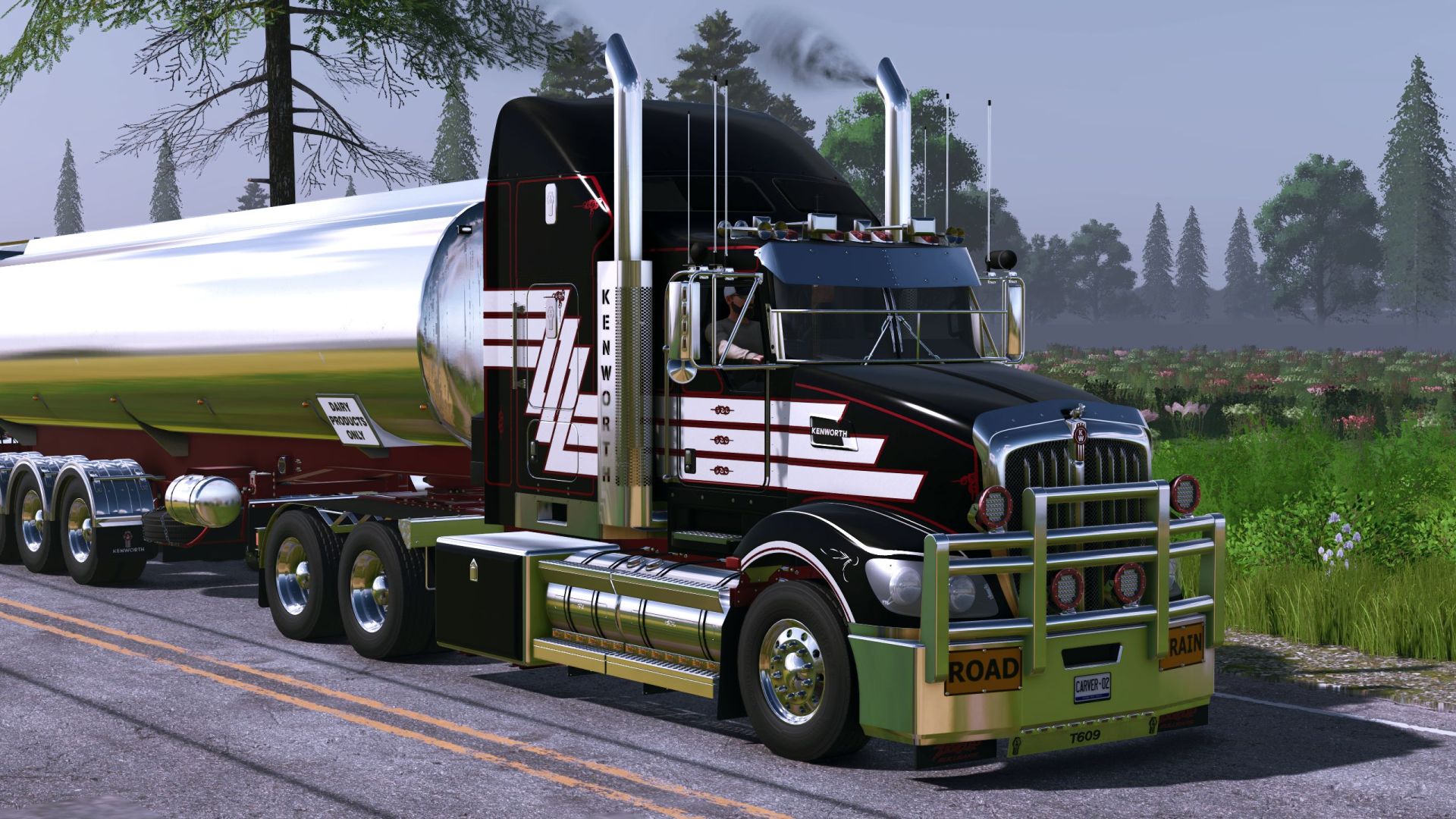
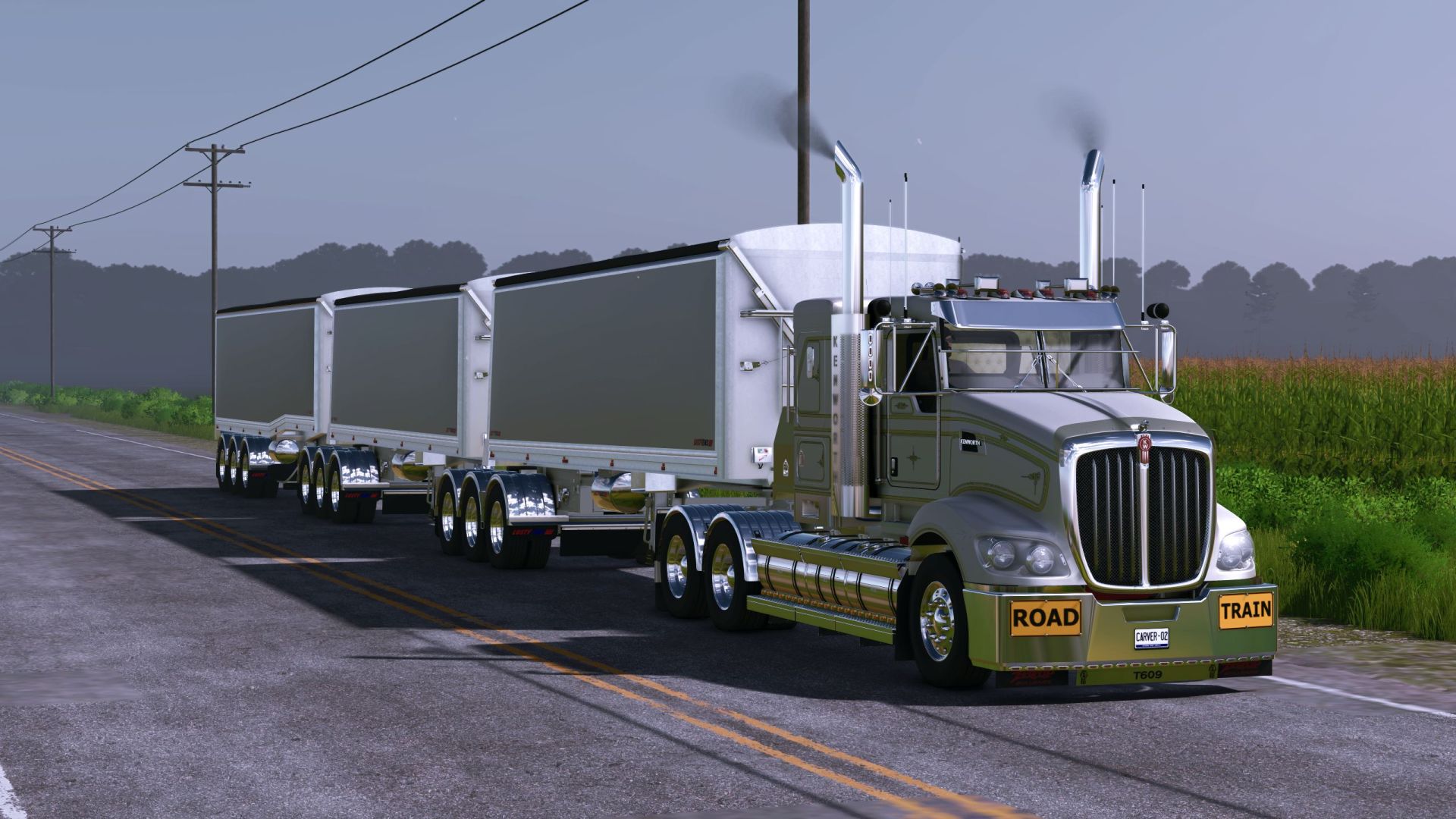
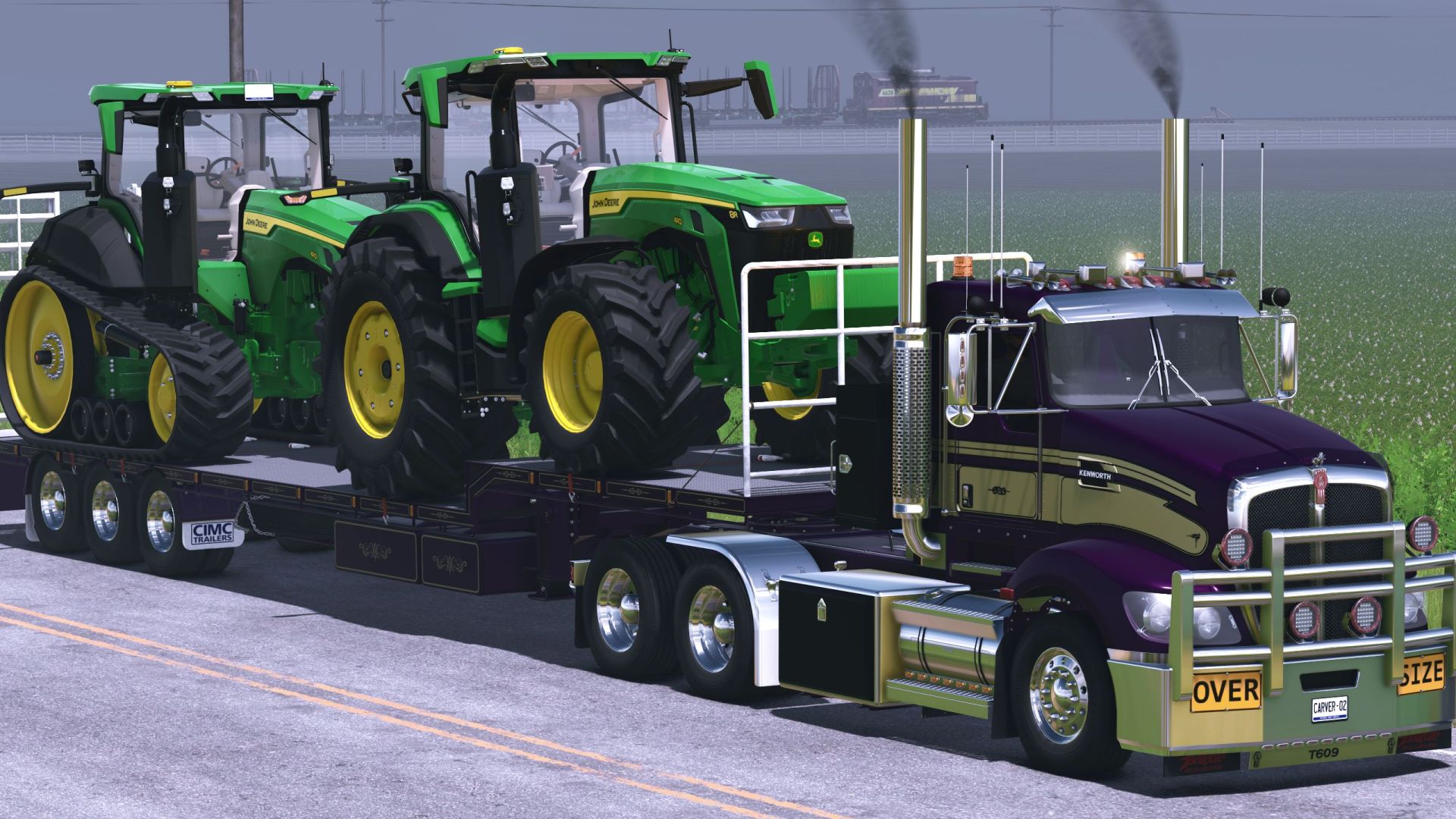
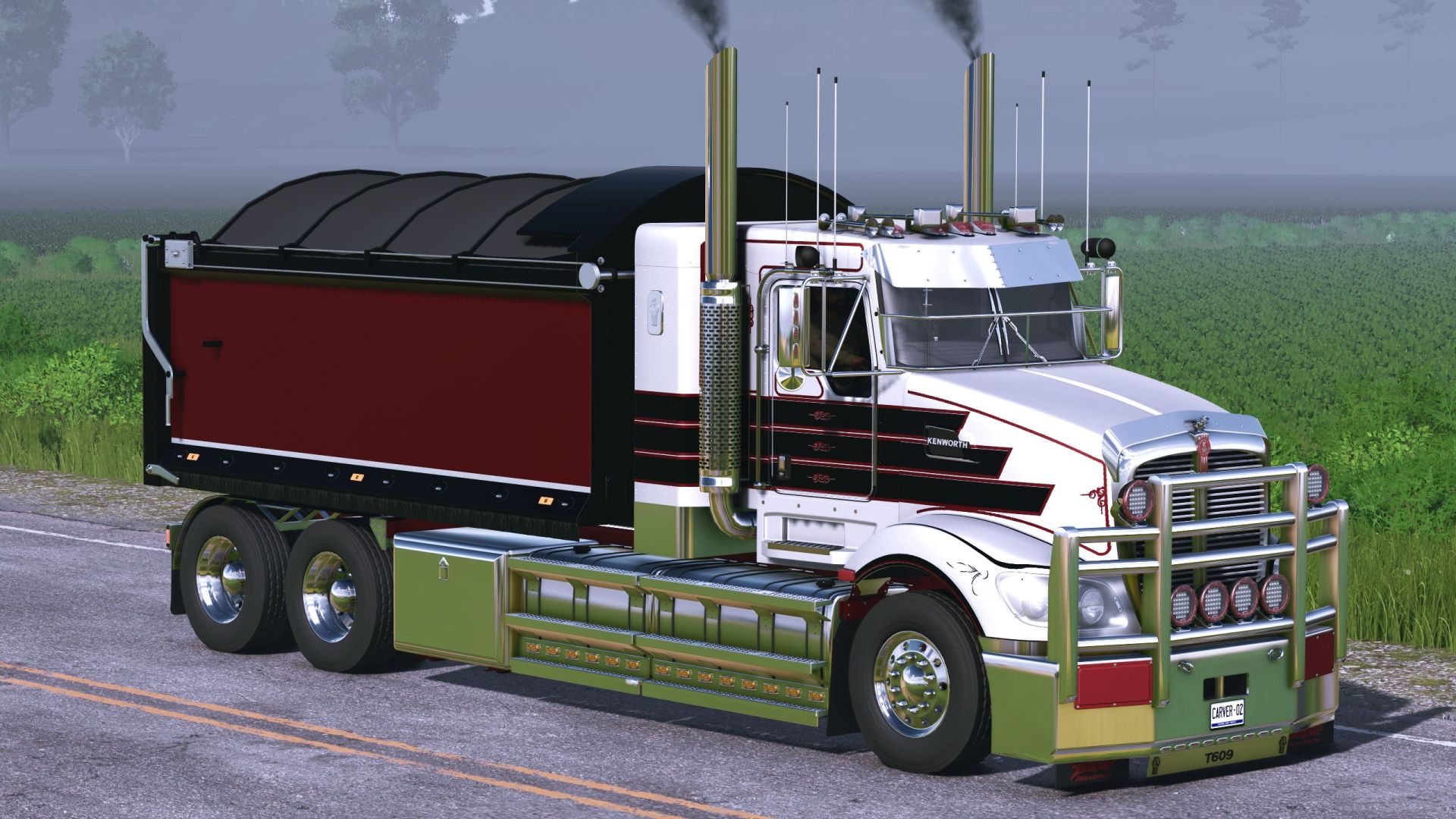
Kenworth T609 Prime Mover All new for FS25. This is not a convert or an edit of the T609 that was in fs19. I started completely fresh with RTA’s 609 model.
Requires Interactive Controls.
Cab Variations:
Day Cab, IT Bunk, Flat Modular, and Aerodyne
Windows are animated and on Key buttons to lower and raise. Drivers Side lowers with leter “N” and Raises with “J”, Passenger side lowers with “Shift-N” and raises with “Shift-J”.
Fifth Wheel moves forward withe letter “K” and backwar with letter “M”
Road signs are Inveractive Controls. there are 3 points on the front of the bumpers that will change the Cover, OVERSize and RoadTrain signs.
They do not show up in the shop when purchasing the vehicle but as soon as you have the vehicle purchased you can go around to the front of the truck and toggle what you want on.
The leather cover is color changeable with its own color wheel.
Frame variations.
There are 4 frame length variations and 2 variations of Tipper frames that work the my AR stuff and i also made compatible with JFL’s Howard Porter Bin and CIMC Tray.
The 2 tipper frames will not allow you change the cab variation. One is for the Day cab and the other is for the IT bunk. Frame is colorable on its own color wheel.
Engine Power options range from 525HP Auto and Manual 10sp, 565HP Auto and Manual 10sp, 660HP Auto and Manual 10sp, to 1000HP for Auto and 1050HP for manual 10 Speed.
Jake Brake Toggle with letter “X”
There are 4 skin variations.
Paint only, Skin1, skin2, and Skin3.
I made the skins able to change color on the main part and the pinstriping part. they have their own color wheel and the options are endless.
2 Mirror Options
Old School and New Modern Type. Modern is colorable same as body color.
5 Different Bumpers with many Spot Light variants on a few of them.
All are colorable on their own color wheel.
5 Wheel variations.
2 Rear Bumpers, Bumper 1 can be colored the same as the frame.
11 Exhaust Options
7 Options of rear fender and all colorable on their own color wheel.
Rockscreen off or on and is colorable on its own color wheel.
Engine and Jake brake sound options
4 Visor Options and have their own color wheel.
3 grille options and is colorable on its own color wheel.
5 Back accessories with different variants of toolbox and Icepacks.
6 fairing options on the hood with chrome and 2 different hood ornaments and colored clear glass with the same hood ornaments.
Beacon Lights yes/no option
Interior is color changeable. I recomend picking your color and changing to a matte color. That looks the best.
Leave any feedback in the comments if you see something wrong or isnt working correctly.
Enjoy and Keep on trucking and farming!
Required mods:
Interactive Control
Author: Carver02