Kirikouano Menu HUD V1.7
Kirikouano Menu HUD V1.7
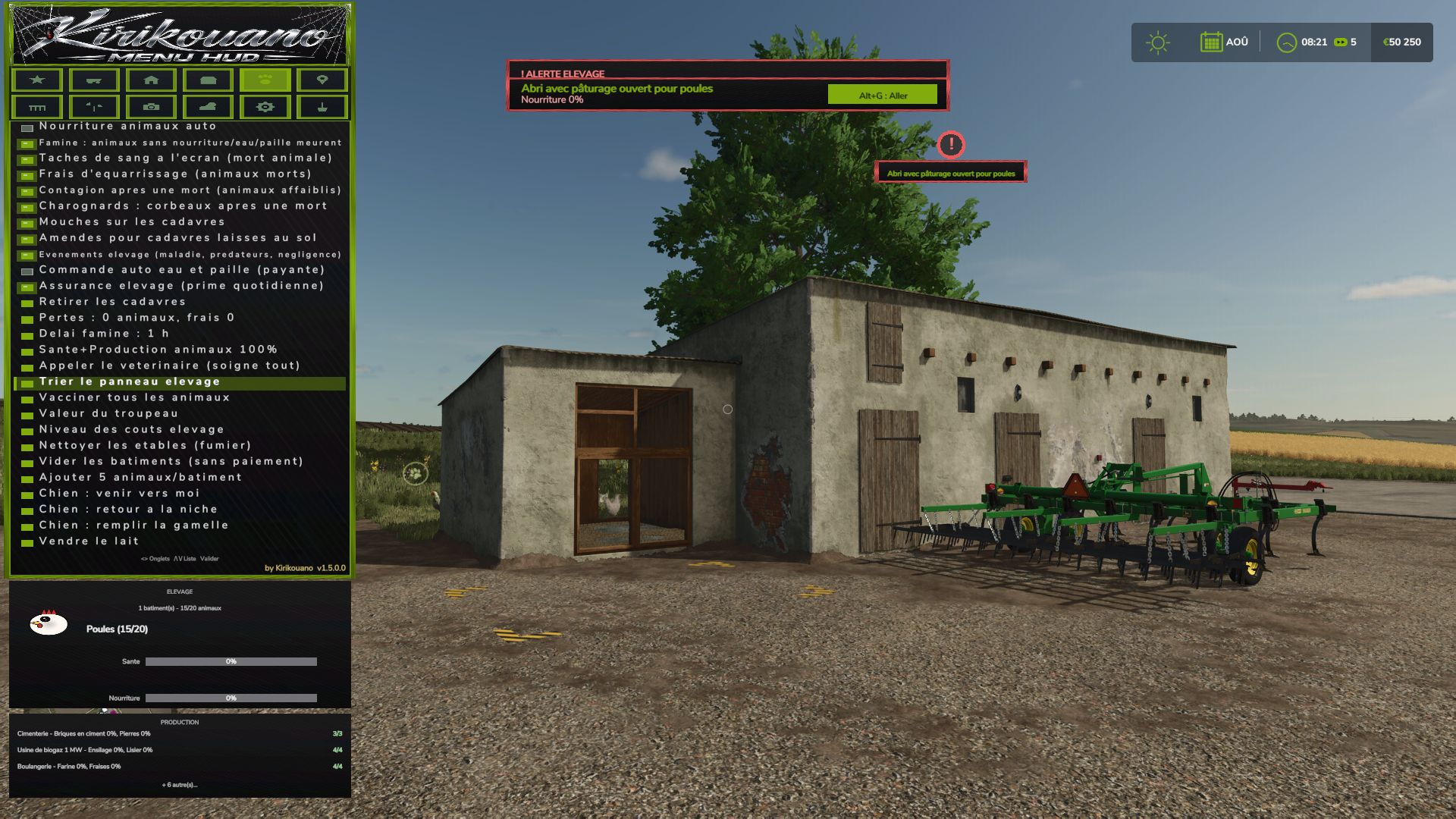
Kirikouano Menu HUD (FS25). Open using Left Alt + M. The menu language automatically matches the game language (FR, EN, DE, PL, IT).
The Menu: 12 Tabs
1. Cheats
Player: Flight mode, super speed, super strength, NoClip (walk through walls).
Resources: Unlimited money, infinite fill levels, disable wear and tear, free worker wages, add or remove specific amounts, access to finance screen.
2. Vehicle
Maintenance: Clean, repair, repaint, empty tanks, refuel (with fuel type selection), upright a vehicle, fill a harvester’s grain tank.
Entire Fleet: Repair, clean, refuel.
Driving: Adjust vehicle speed, grip, and braking; AI autopilot; crab steering; reverse driving direction; stop all AI workers.
Tools: Select nearby implements and hitch points; attach/detach, fold/unfold tools; activate all attached machinery; adjust working width; control auger pipes, trailer covers, tension belts, and winches.
Openings & Animations: Doors, hoods, hatches, lights, beacons, vehicle entry animations, automatic doors, interactive points.
Management: Access the vehicle shop, sell vehicles, clone a vehicle, save/restore vehicle state, configure vehicle options (select options, set values, apply).
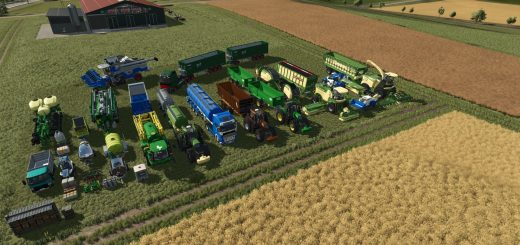
Spawn any vehicle available in the game.
3. Farm
Land: Buy or sell any plot of land; view field status (in French).
Factories: Manage active production chains, fill all production inputs, sell finished products. Management: automatic gates and barriers; fill all silos and beehives; list, complete, or regenerate contracts; farm dashboard (also available as a separate window).
Nature: automatic removal of trees and stumps; plant a tree (with a choice of species); remove nearby wildlife.
4. Buildings
Open the building shop; spawn a building.
Precise placement: move up, down, left, right, forward, backward; 45° rotation; adjustable step size; snap to ground; reset to flat.
Free placement of fences and buildings; mouse-based placement.
Fences: gates, automatic connection, snapping indicator, choice of style.
Management: “my buildings” (with images); fix ownership (to resolve blocked sales); delete the currently edited building; repair damaged buildings; delete all buildings except the shop.
5. Livestock
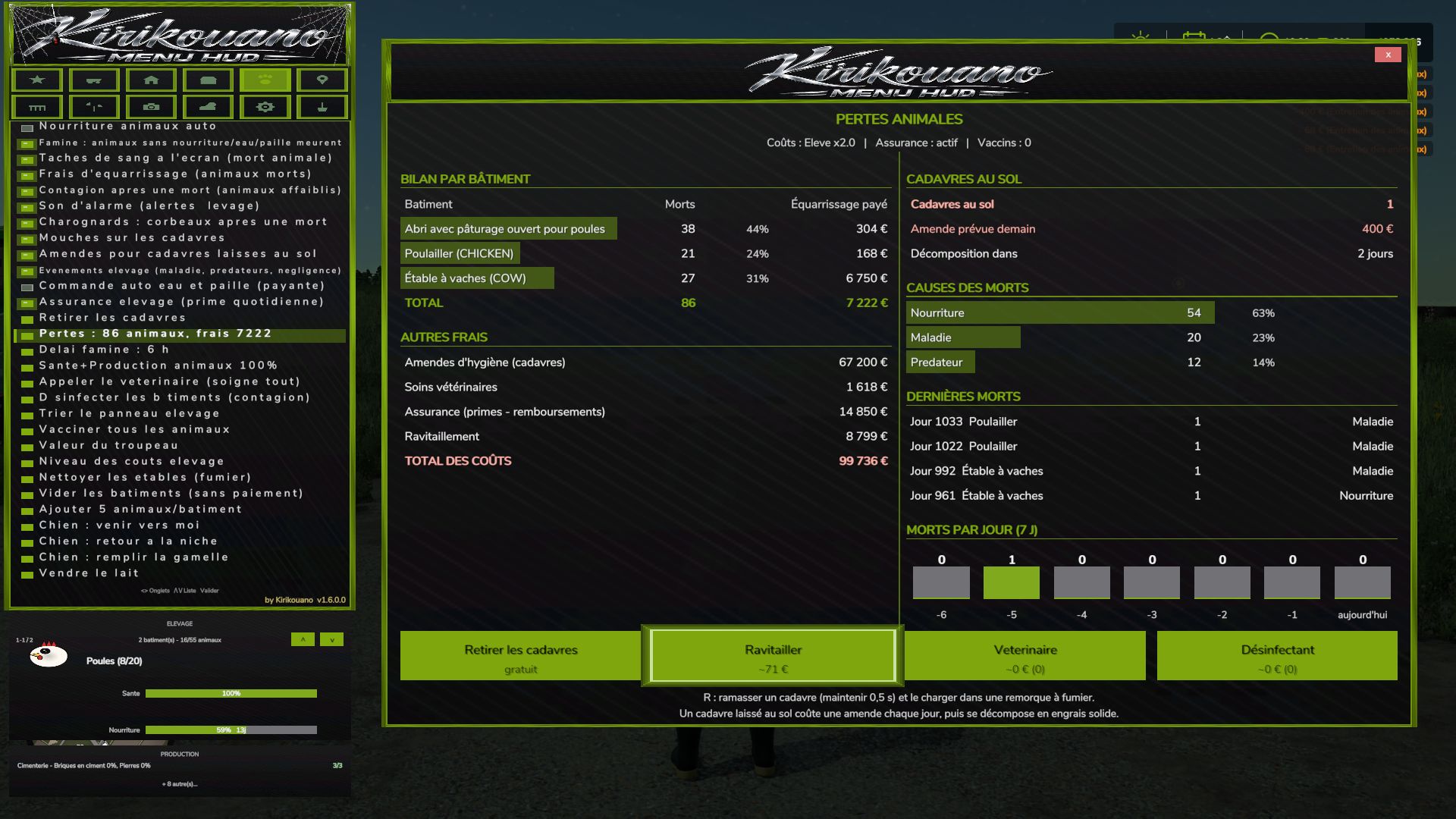
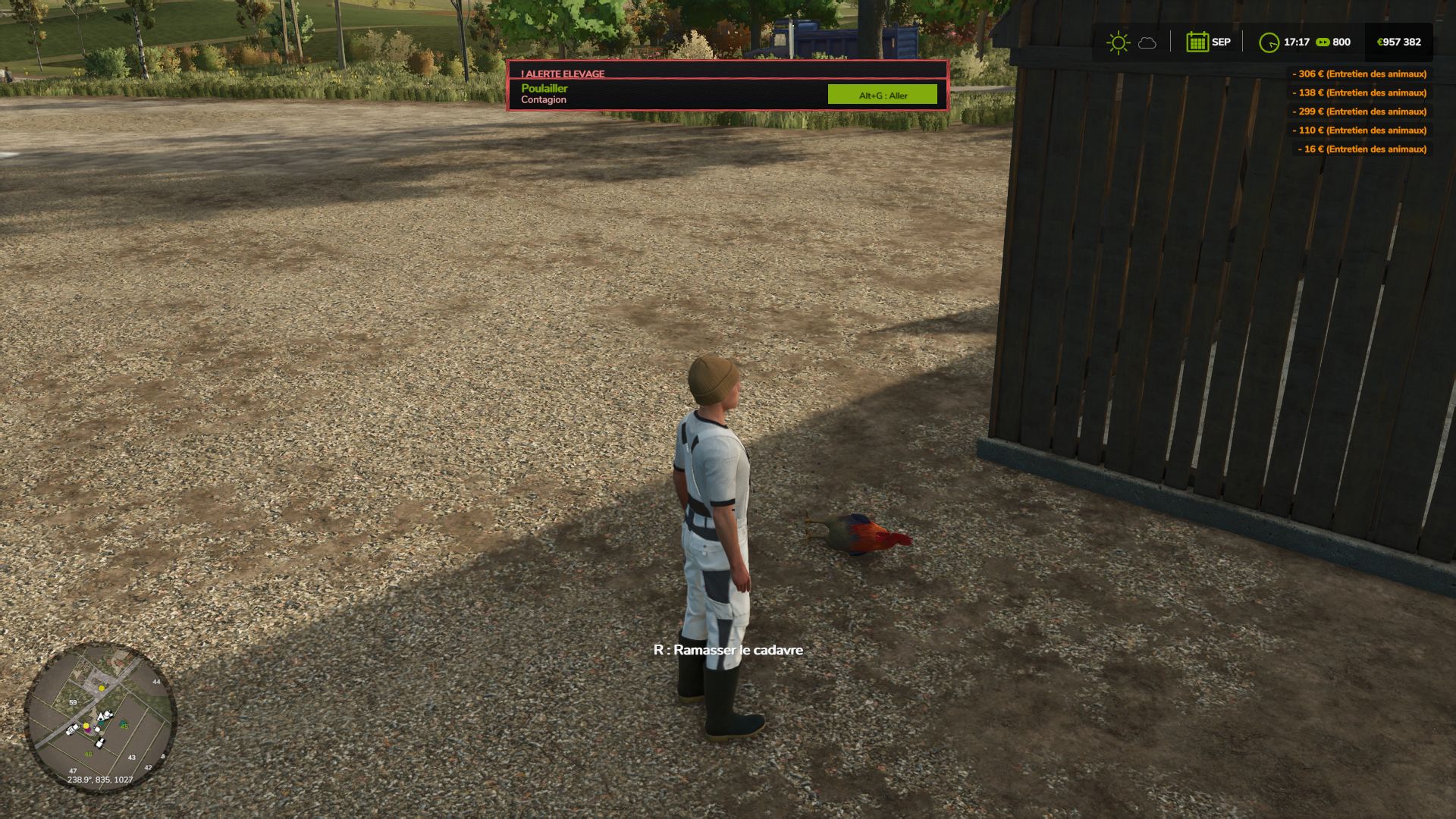
Care: set health and production to 100%; call the vet; vaccinate; disinfect; clean barns, horses, and manure on the ground; empty manure and slurry storage; remove animal carcasses.
Rules: animal death, starvation (with a grace period), flies, carcass disposal fees, contagion, alarm sounds, fines, livestock events, automatic water and straw ordering, livestock insurance, animal losses.
Herd: automatic feeding, herd value, cost levels, sort the livestock panel, add animals (customizable quantity), empty buildings (without payment).
Mounts and animals: animal shop (mount/ride animals); dog (commands: come here, return to kennel, fill food bowl).
6. Teleport
Teleport to any field or connected player.
Teleport a vehicle to your current location (with the option to select the vehicle’s owner). 7. Pallets
Pallet and bale shop; remove spawned pallets; emergency deletion (50m radius); delete all pallets from the map.
Loading: nearby pallets, full pallets, custom system for any trailer, unloading, and cargo repacking.
Cargo manipulation: move up, down, left, right, forward, and backward, with adjustable step increments.
Map markers for pallets and bales.
8. Fields
Field status: crop type, growth stage, weeds, stones, soil condition, soil angle, spraying, liming, plowing, rolling, cultivating—then “Apply to field.”
Define new fields: draw field boundaries using an aerial camera view.
9. Camera
Depth of field, camera shake, field of view (FOV), and mouse sensitivity.
10. Time and Weather
Time scale (up to 120x), time of day, weather, and time freezing.
Skip forward by one day, week, month, season, or year.
Snow depth.
Certain actions (time, weather, noclip/passing through walls) require the `-cheats` launch option.
11. System
Interface: menu sounds, UI scale, menu positioning, show/hide HUD, “Kirikouano” mini-HUD, block game controls while the menu is open, and action search.
Game: quick save, repeat last command, player list, farm dashboard, and cycle to the next outfit.
12. Terraforming
XXL terraforming brush with a multiplier.
Workshop: terraforming tools, trees, and plants (placeable individually, anywhere, with in-game audio); supports round or square shapes with adjustable sizing. Aerial camera: in-game navigation, using both mouse and controller.
In-game workshop: the game’s construction screen, fully functional with a controller.
Official website, help, and file verification: https://kirikouano.github.io/kirikouano-menu-hud/
V1.7.0.0
Aerial camera
Navigation identical to the game’s construction screen.
Mouse: move by pushing the cursor towards the edges of the screen, scroll wheel to zoom.
Controller: left stick to move forward, other controls as in the game.
Usable with terraforming, trees, plants, free fields and building placement.
The character no longer moves when the menu is open.
Escape or B exits the current tool.
Plants
Place one plant at a time, in the centre of a tile, without erasing the neighbouring one.
Placement possible everywhere, including on concrete, using the game’s brush.
Unlimited placement, round or square, with adjustable size as in the game.
Game sounds when placing and erasing.
Game workshop
New button to open the game’s construction screen, identical to the original, with the controller.
Fences
Gates.
Automatic connection of segments.
Snap indicator.
Model selection, with the real store name instead of “? ?â€.
Free fields
Field lines can be drawn with the aerial camera.
Terraforming and trees
Brush and adjustable sizes as in the game.
Author: KIRIKOUANO59